Grow A Garden 3D Grows Offline PC
GamesCraft Studio
Download Grow A Garden 3D Grows Offline on PC With GameLoop Emulator
Grow A Garden 3D Grows Offline on PC
Grow A Garden 3D Grows Offline, coming from the developer GamesCraft Studio, is running on Android systerm in the past.
Now, You can play Grow A Garden 3D Grows Offline on PC with GameLoop smoothly.
Download it in the GameLoop library or search results. No more eyeing the battery or frustrating calls at the wrong time any more.
Just enjoy Grow A Garden 3D Grows Offline PC on the large screen for free!
Grow A Garden 3D Grows Offline Introduction
👩🌾Grow A Garden: Grows Offline – Build, Plant & Relax in Your Dream Farm! 🌱
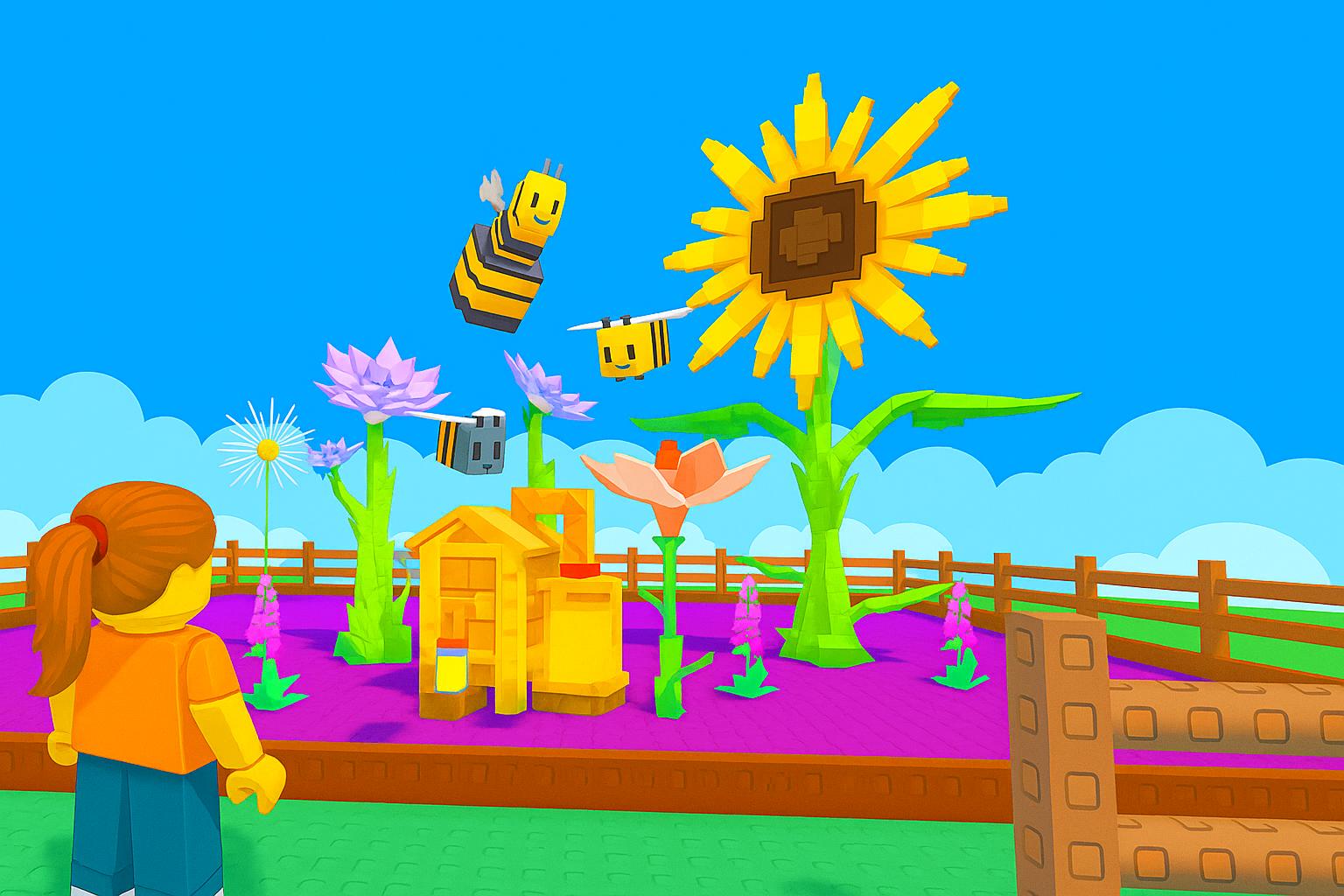
Welcome to Grow A Garden: Grows Offline, a calm and colorful farm sim inspired by the beloved Roblox Grow a Garden experience. Start with a small plot, plant seeds, and watch your beautiful garden grow—even when you're not playing! Perfect for fans of gardening, grow games, and offline idle farming fun.
👩🌾 Plant, Harvest, and Grow Your Garden!
Begin your journey by planting flowers, fruits, and vegetables. Water your crops, nurture your land, and grow everything from a simple carrot to a full tree garden. Raise friendly animals and build your own peaceful animal garden in this cozy Grow A Garden.
🐾 Care for Animals & Create Your Perfect Grows Garden
Add adorable animals to your farm and watch as your garden becomes more lively and rewarding. Combine planting, decorating, and animal care to create a truly unique grow garden.
✨ Key Features of Grow A Garden game :
• Easy, relaxing gameplay – grows offline, no stress or internet needed
• Dozens of plants to unlock – grow vegetables, grow fruits, and flowers
• Raise pets and animals in your expanding animal garden
• Grow trees and build a magical tree garden – grow your tree
• Customize your space and express your farming style in Grow A Garden
• Grow A Garden is Complete daily quests and earn fun rewards
• Smooth idle progression – your farm grows while you’re away
🌸 Escape, Relax, and Grow Something Beautiful 🌸
If you enjoy gardening, peaceful farm sims, and creative grow games, this is your perfect escape. Plant seeds, grow crops, decorate your land, and flex your harvest with pride!
Download Grow A Garden: Grows Offline now and build your dream garden—one relaxing moment at a time. 🌿
Preview

Tags
ArcadeInformation
Developer
GamesCraft Studio
Latest Version
10.0
Last Updated
2025-07-04
Category
Arcade
Available on
Google Play
Show More
How to play Grow A Garden 3D Grows Offline with GameLoop on PC
1. Download GameLoop from the official website, then run the exe file to install GameLoop
2. Open GameLoop and search for “Grow A Garden 3D Grows Offline” , find Grow A Garden 3D Grows Offline in the search results and click “Install”
3. Enjoy playing Grow A Garden 3D Grows Offline on GameLoop
Minimum requirements
OS
Windows 8.1 64-bit or Windows 10 64-bit
GPU
GTX 1050
CPU
i3-8300
Memory
8GB RAM
Storage
1GB available space
Recommended requirements
OS
Windows 8.1 64-bit or Windows 10 64-bit
GPU
GTX 1050
CPU
i3-9320
Memory
16GB RAM
Storage
1GB available space