Color Spin PC
Nenoff - fun time killing Mobile Games Deluxe
Download Color Spin on PC With GameLoop Emulator
Color Spin on PC
Color Spin, coming from the developer Nenoff - fun time killing Mobile Games Deluxe, is running on Android systerm in the past.
Now, You can play Color Spin on PC with GameLoop smoothly.
Download it in the GameLoop library or search results. No more eyeing the battery or frustrating calls at the wrong time any more.
Just enjoy Color Spin PC on the large screen for free!
Color Spin Introduction
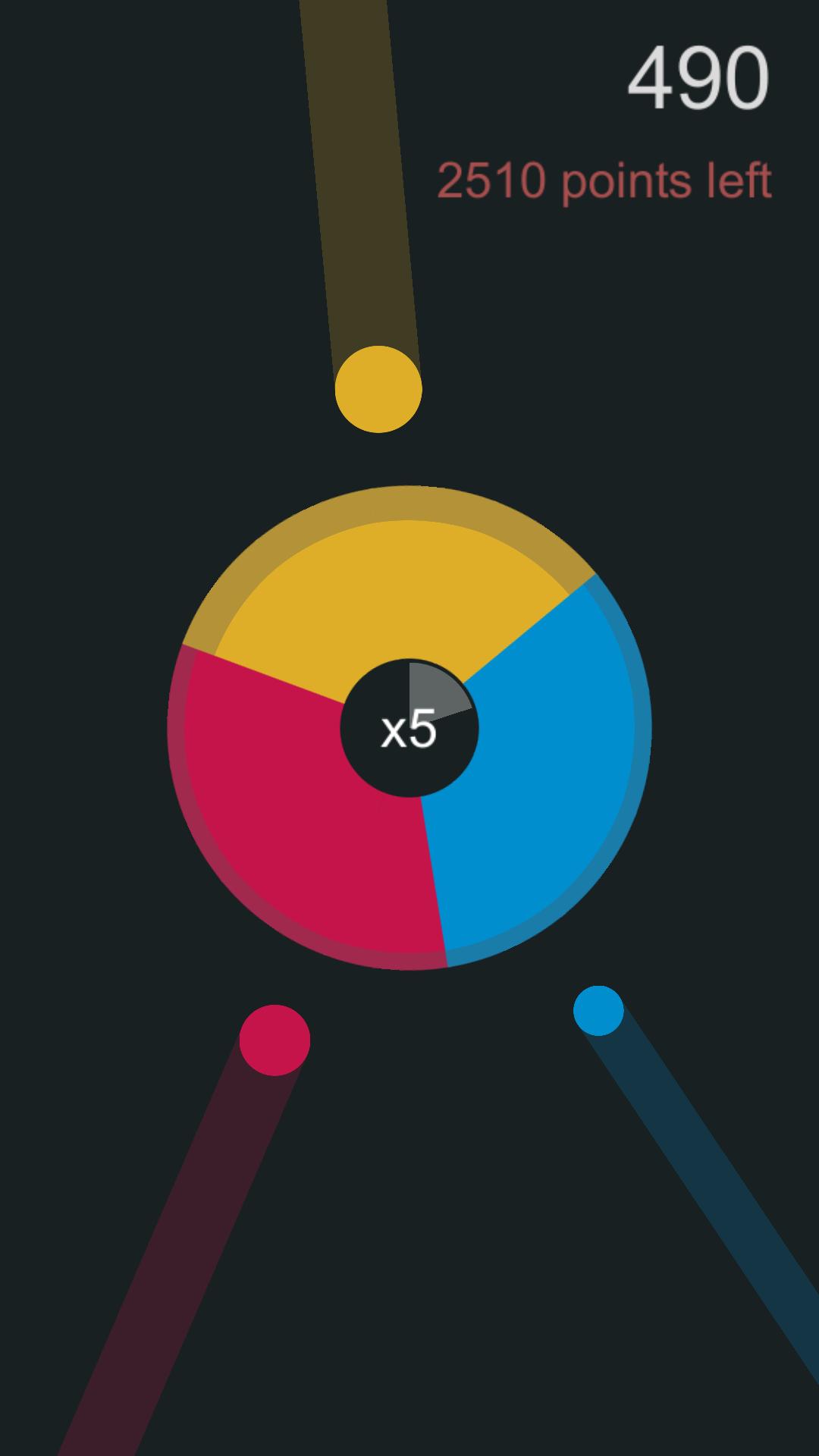
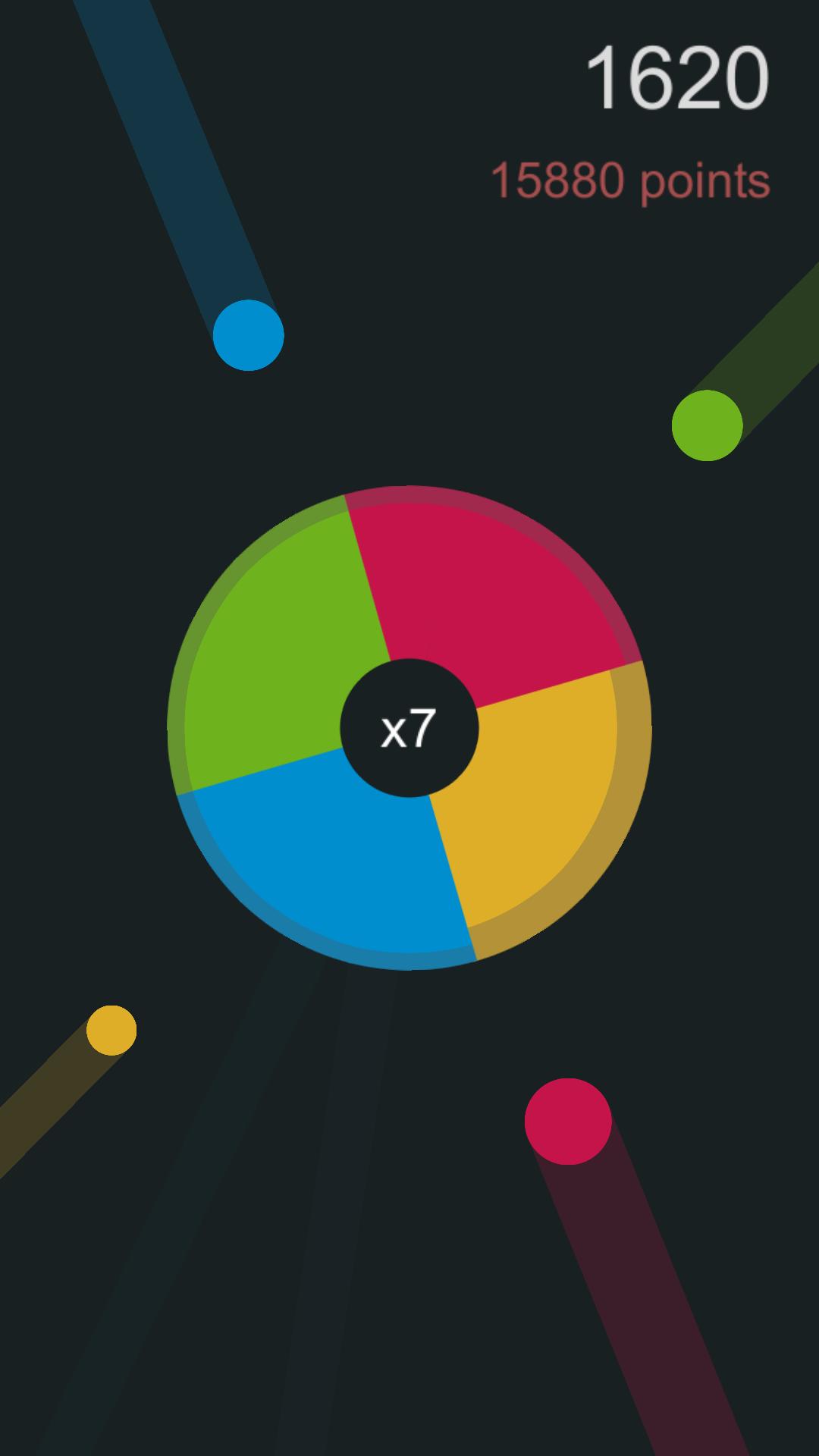
Color Spin is a wonderful and simple yet cool and addictive casual arcade game with lots of great twists. A game of pure old school arcade beauty that will make you wish to just play one more level.
Use one finger to rotate the multi- colored gyro wheel 360 degrees and switch the color to make sure to match the color of the flying balls. Sounds simple and easy? Try it and see what happens when the balls multiply and the speed increases! Color Spin is a game that is very easy to stat with but hard to master.
Key Features:
* Beautiful design
* Easy control with only one finger
* Lots of different levels
* Different play mods
* Different color sets
* Power ups to collect
Preview
Tags
ArcadeInformation
Developer
Nenoff - fun time killing Mobile Games Deluxe
Latest Version
2
Last Updated
2019-10-10
Category
Arcade
Available on
Google Play
Show More
How to play Color Spin with GameLoop on PC
1. Download GameLoop from the official website, then run the exe file to install GameLoop
2. Open GameLoop and search for “Color Spin” , find Color Spin in the search results and click “Install”
3. Enjoy playing Color Spin on GameLoop
Minimum requirements
OS
Windows 8.1 64-bit or Windows 10 64-bit
GPU
GTX 1050
CPU
i3-8300
Memory
8GB RAM
Storage
1GB available space
Recommended requirements
OS
Windows 8.1 64-bit or Windows 10 64-bit
GPU
GTX 1050
CPU
i3-9320
Memory
16GB RAM
Storage
1GB available space