
Color Connect PC
IT Networks DOO
Download Color Connect on PC With GameLoop Emulator
Color Connect on PC
Color Connect, coming from the developer IT Networks DOO, is running on Android systerm in the past.
Now, You can play Color Connect on PC with GameLoop smoothly.
Download it in the GameLoop library or search results. No more eyeing the battery or frustrating calls at the wrong time any more.
Just enjoy Color Connect PC on the large screen for free!
Color Connect Introduction
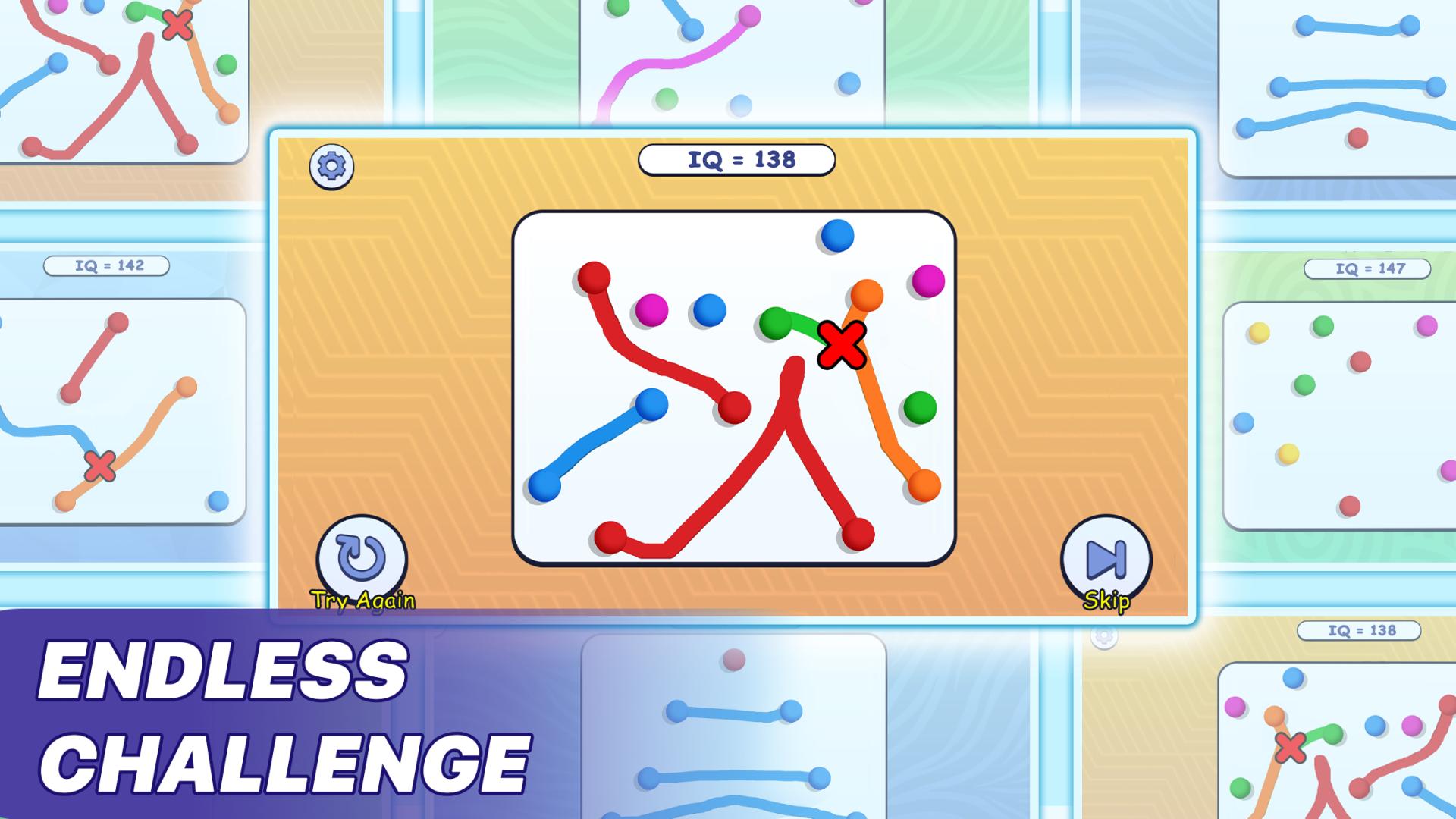
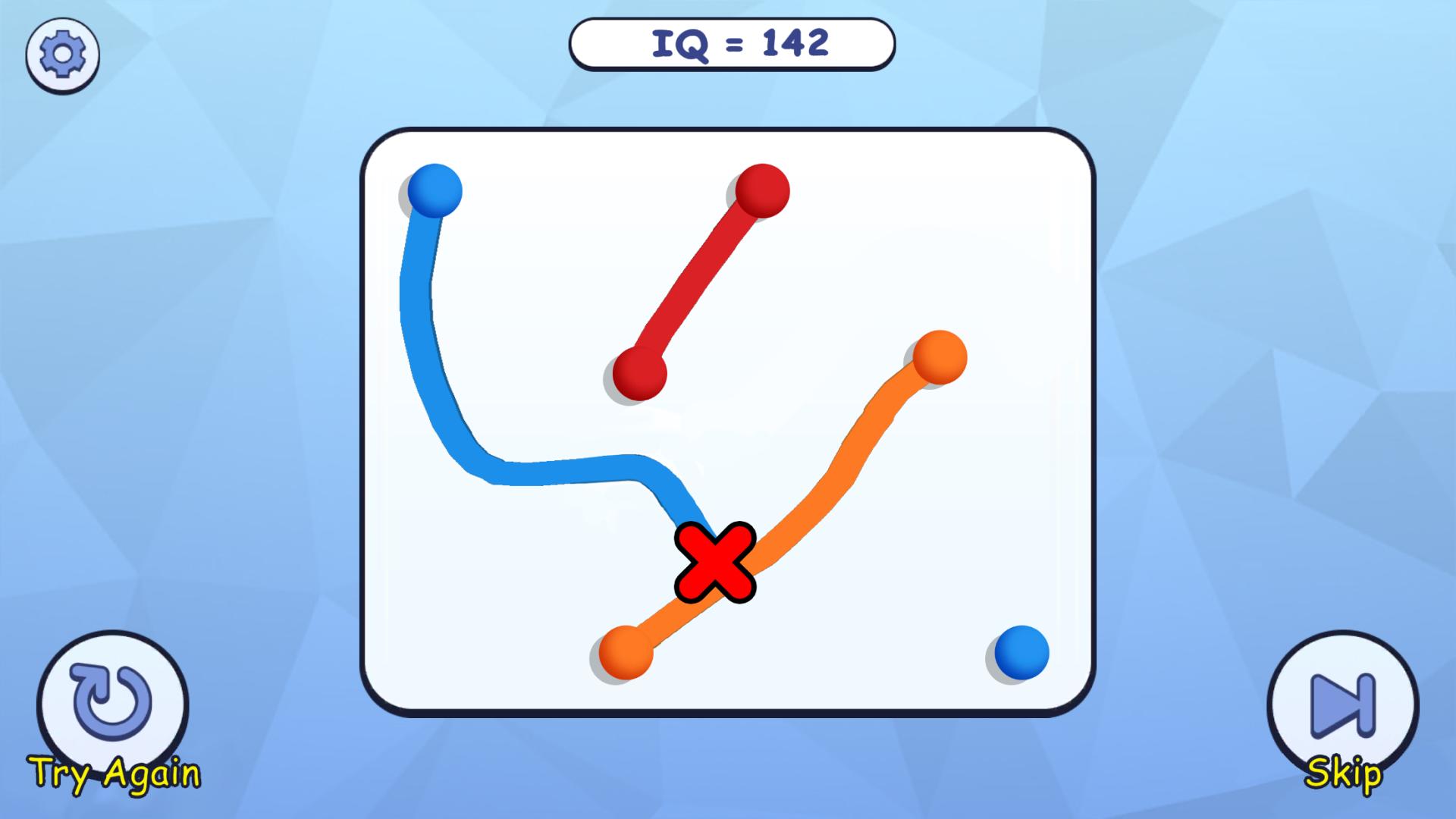
Introducing "Color Connect," a vibrant and captivating mobile game that challenges your puzzle-solving skills and creativity! Immerse yourself in a world of colorful dots, each forming unique pairs that are scattered across a limited grid. Your goal is to connect the dots of the same color while avoiding any existing lines.
As you progress through the game, you'll encounter increasingly complex levels that will put your logical thinking and spatial awareness to the test. Experience the satisfaction of clearing the board by drawing seamless connections between the colorful pairs. Can you master the art of color matching and overcome all the challenges that "Color Connect" has to offer?
Download "Color Connect" now, and embark on a delightful journey filled with colorful puzzles, ingenious level designs, and endless hours of brain-teasing fun!
Preview
Tags
ArcadeInformation
Developer
IT Networks DOO
Latest Version
1.0
Last Updated
2023-04-25
Category
Arcade
Available on
Google Play
Show More
How to play Color Connect with GameLoop on PC
1. Download GameLoop from the official website, then run the exe file to install GameLoop
2. Open GameLoop and search for “Color Connect” , find Color Connect in the search results and click “Install”
3. Enjoy playing Color Connect on GameLoop
Minimum requirements
OS
Windows 8.1 64-bit or Windows 10 64-bit
GPU
GTX 1050
CPU
i3-8300
Memory
8GB RAM
Storage
1GB available space
Recommended requirements
OS
Windows 8.1 64-bit or Windows 10 64-bit
GPU
GTX 1050
CPU
i3-9320
Memory
16GB RAM
Storage
1GB available space