
1001 Games PC
Cloud Games B.V.
Download 1001 Games on PC With GameLoop Emulator
1001 Games on PC
1001 Games, coming from the developer Cloud Games B.V., is running on Android systerm in the past.
Now, You can play 1001 Games on PC with GameLoop smoothly.
Download it in the GameLoop library or search results. No more eyeing the battery or frustrating calls at the wrong time any more.
Just enjoy 1001 Games PC on the large screen for free!
1001 Games Introduction
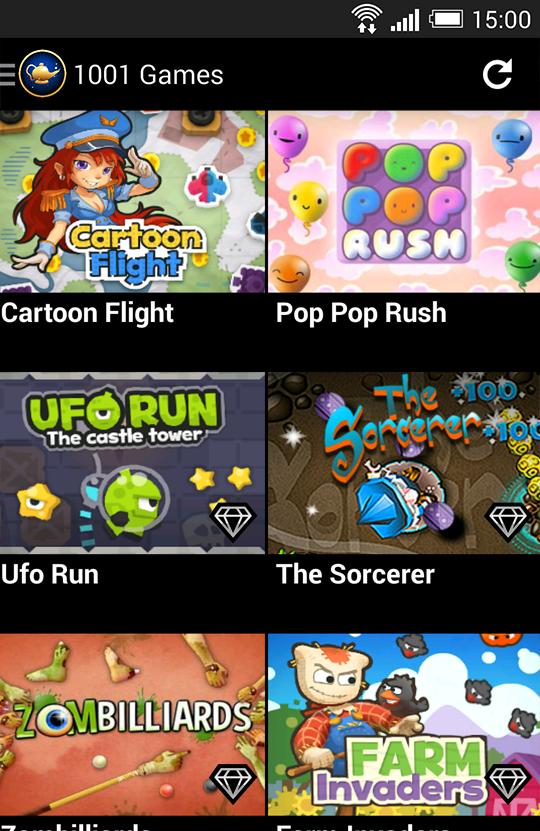
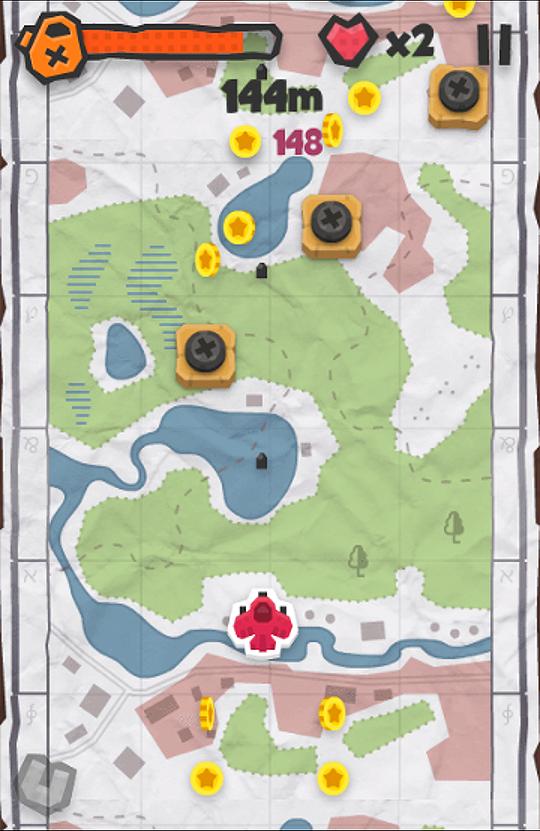
Play up to 100 great games in one app! One new game every week. Check out the video and screenshots. Enjoy!
Please note: Though this is a free application, 1001 Games contains a paid subscription service that you can purchase inside the application (safely via Google). The subscription unlocks all games and removes all ads. You can always play two games for free without subscribing. You could also share games on Facebook to try any one of them for free.
As a VIP subscriber you get all of these cool things:
- Play all games without limits
- We add one new game every week, which will be automatically unlocked for VIP members!
- Browse game categories, like cars/girls/action/puzzle/kids games
- Play without ads :)
- We will add more cool stuff in the future!
We hope you enjoy the app. Having so many games in 1 app requires really new technology. Some games require a bit newer hardware, but many games run fine on virtually al devices. Feedback is always welcome. You can contact us on Google Plus +CloudGames or on Facebook /CloudGames!
https://www.facebook.com/CloudGames
http://plus.google.com/+CloudGames
Preview
Information
Developer
Cloud Games B.V.
Latest Version
1.6.3
Last Updated
2014-09-25
Category
Arcade
Available on
Google Play
Show More
How to play 1001 Games with GameLoop on PC
1. Download GameLoop from the official website, then run the exe file to install GameLoop
2. Open GameLoop and search for “1001 Games” , find 1001 Games in the search results and click “Install”
3. Enjoy playing 1001 Games on GameLoop
Minimum requirements
OS
Windows 8.1 64-bit or Windows 10 64-bit
GPU
GTX 1050
CPU
i3-8300
Memory
8GB RAM
Storage
1GB available space
Recommended requirements
OS
Windows 8.1 64-bit or Windows 10 64-bit
GPU
GTX 1050
CPU
i3-9320
Memory
16GB RAM
Storage
1GB available space