
Chrono Crux (Hololive Fangame) PC
SoftDevWu
Download Chrono Crux (Hololive Fangame) on PC With GameLoop Emulator
Chrono Crux (Hololive Fangame) on PC
Chrono Crux (Hololive Fangame), coming from the developer SoftDevWu, is running on Android systerm in the past.
Now, You can play Chrono Crux (Hololive Fangame) on PC with GameLoop smoothly.
Download it in the GameLoop library or search results. No more eyeing the battery or frustrating calls at the wrong time any more.
Just enjoy Chrono Crux (Hololive Fangame) PC on the large screen for free!
Chrono Crux (Hololive Fangame) Introduction
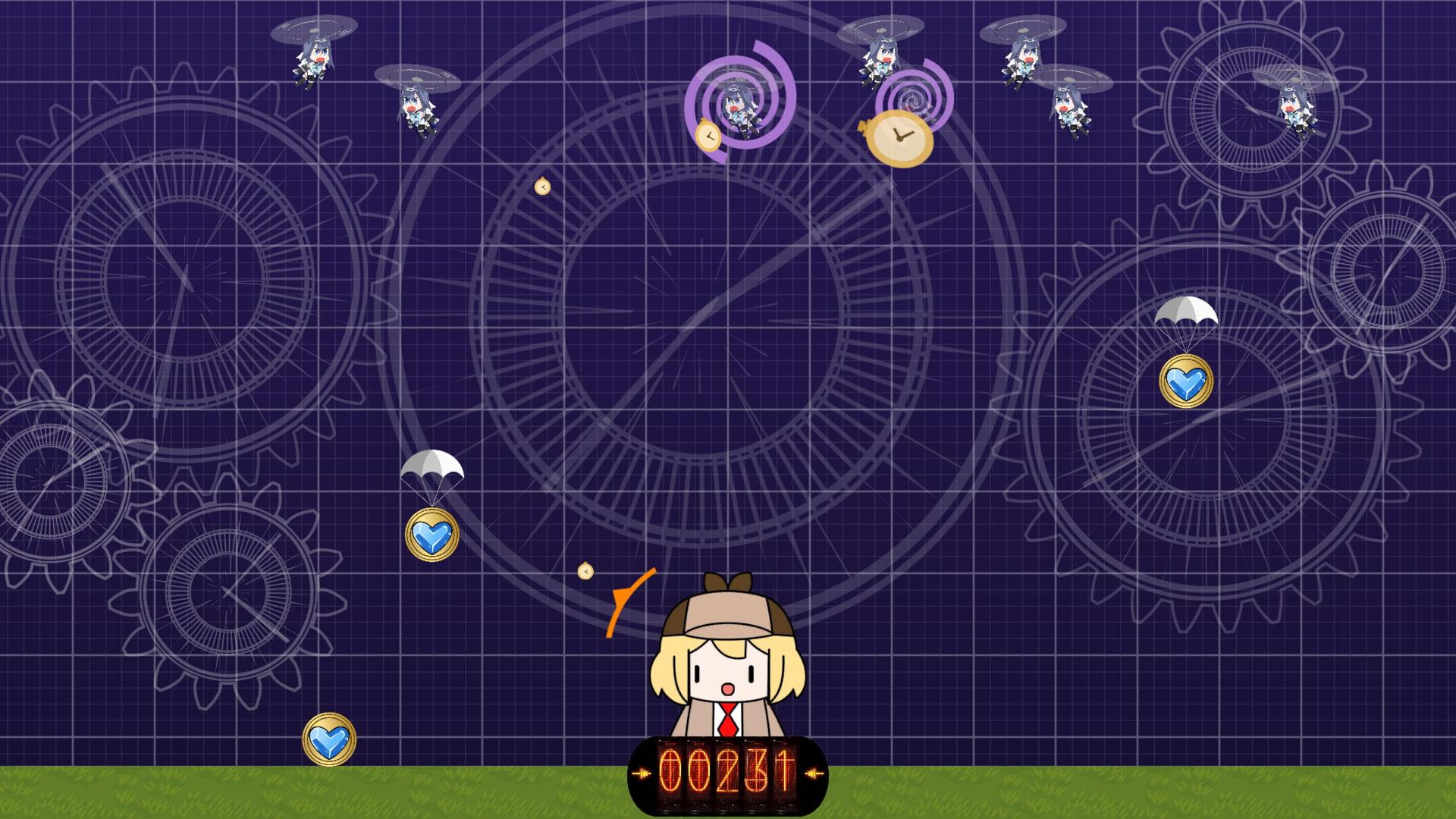
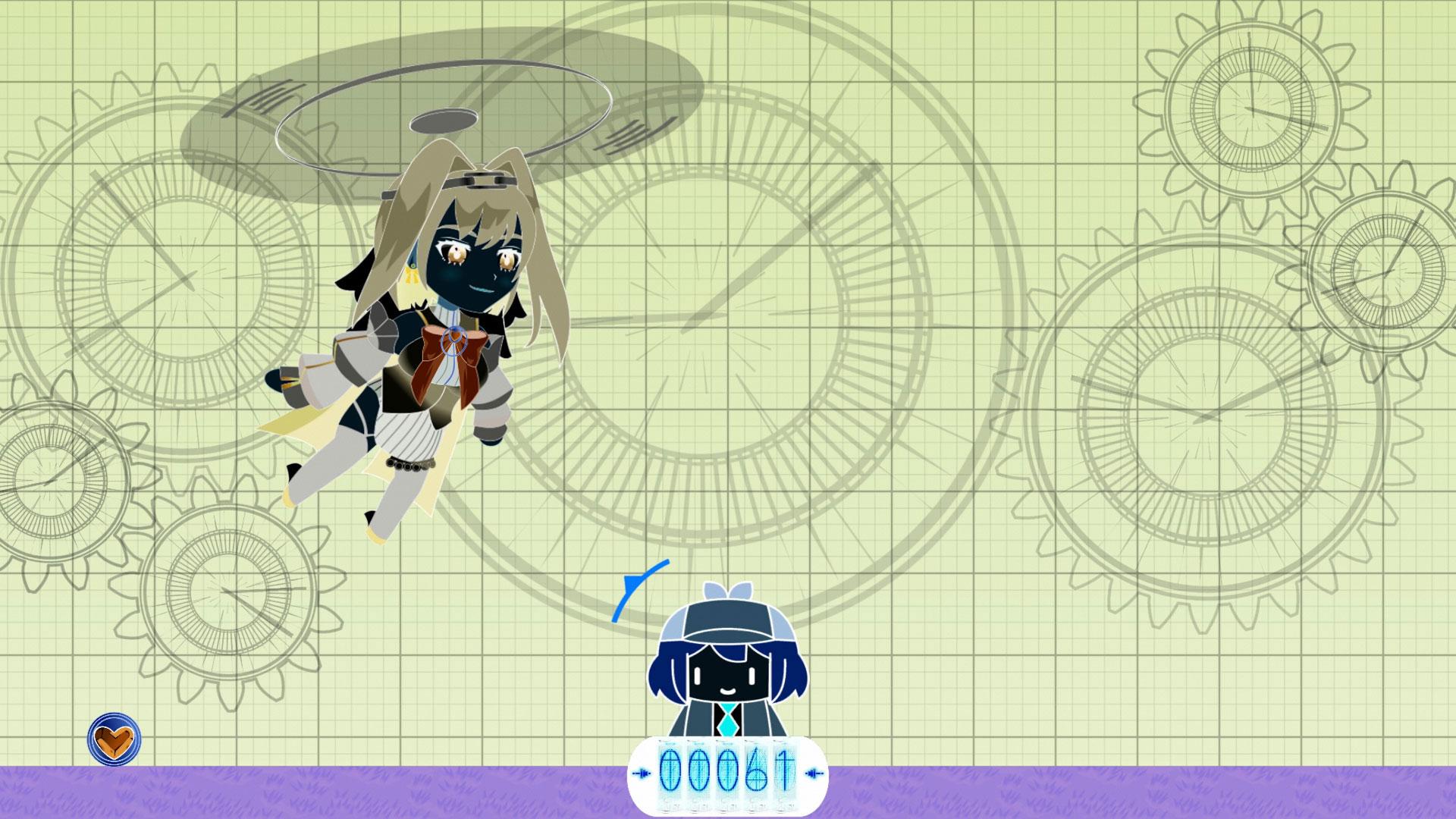
Play as Smol Ame in this shooter arcade game.
How long can you defend against the Kroniicopter raids and Kronii herself trying to capture you?
[Scoring info]
Each shot costs 1 point. Hitting a Kroniicopter or taking down a Brooch grants 4 points. Hitting a Clock Hand when Kronii attacks grants 15 points.
[Game over]
If 4 Brooches successfully land on either side of Ame's base, they will overpower Ame and capture her, don't let that happen!
If a Clock Hand touches Ame, she will be inmediately captured! Aim precisely and take them down before they get too close!
[Credits]
Programming / Design / Art: David Wu
Music: MAKOOTO (dova-s.jp)
Sounds: Free sounds and stream clips
Smol Ame design by @walfieee
Ouro Kronii and Amelia Watson are (c)2016 COVER Corp.
This is a free game made under COVER Corp.'s derivative works guidelines. I do not claim ownership of Hololive property.
Preview
Tags
ArcadeInformation
Developer
SoftDevWu
Latest Version
1.0.5
Last Updated
2025-10-09
Category
Arcade
Available on
Google Play
Show More
How to play Chrono Crux (Hololive Fangame) with GameLoop on PC
1. Download GameLoop from the official website, then run the exe file to install GameLoop
2. Open GameLoop and search for “Chrono Crux (Hololive Fangame)” , find Chrono Crux (Hololive Fangame) in the search results and click “Install”
3. Enjoy playing Chrono Crux (Hololive Fangame) on GameLoop
Minimum requirements
OS
Windows 8.1 64-bit or Windows 10 64-bit
GPU
GTX 1050
CPU
i3-8300
Memory
8GB RAM
Storage
1GB available space
Recommended requirements
OS
Windows 8.1 64-bit or Windows 10 64-bit
GPU
GTX 1050
CPU
i3-9320
Memory
16GB RAM
Storage
1GB available space