Brick Breaker: Burning Ball 3D PC
GAMES FOR YOU
Download Brick Breaker: Burning Ball 3D on PC With GameLoop Emulator
Brick Breaker: Burning Ball 3D on PC
Brick Breaker: Burning Ball 3D, coming from the developer GAMES FOR YOU, is running on Android systerm in the past.
Now, You can play Brick Breaker: Burning Ball 3D on PC with GameLoop smoothly.
Download it in the GameLoop library or search results. No more eyeing the battery or frustrating calls at the wrong time any more.
Just enjoy Brick Breaker: Burning Ball 3D PC on the large screen for free!
Brick Breaker: Burning Ball 3D Introduction
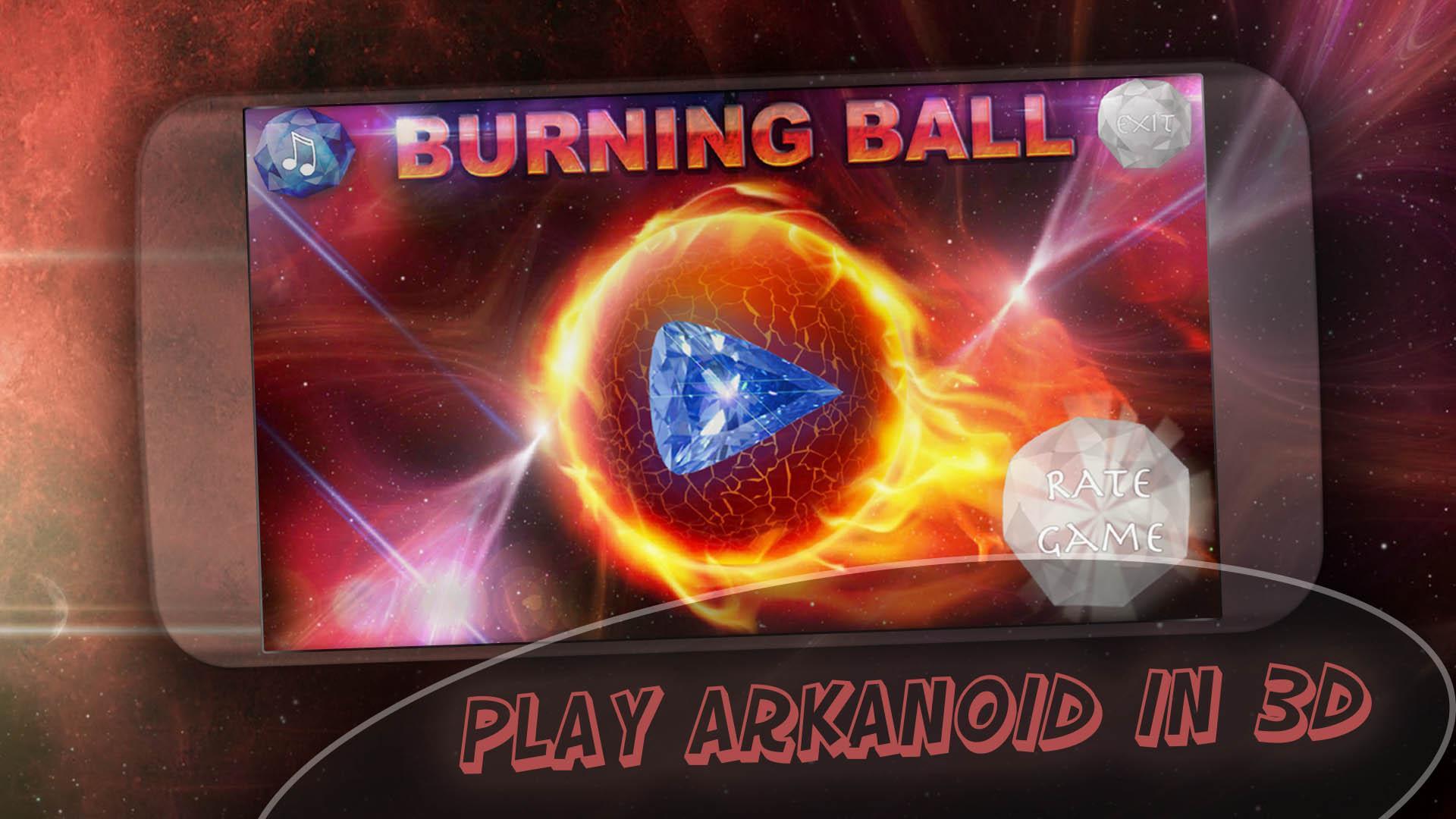
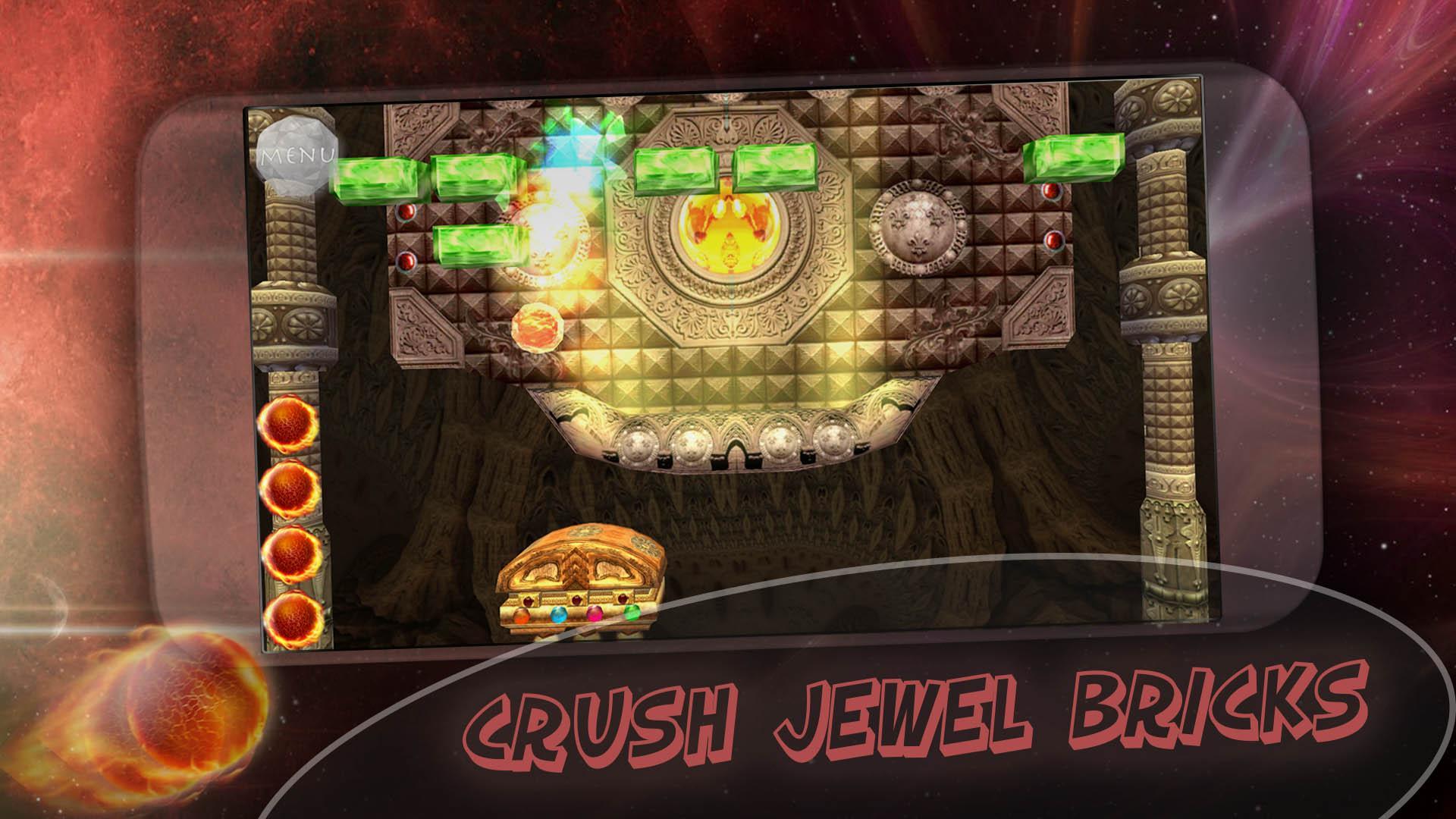
Play the classic brick breaker game in 3D style with various power-ups and bonuses, with great graphics and electronic music. Classic 90s bricks breaking games like beloved by millions of people around the world. Brick Breaker: Burning Ball 3D is the great modern reminder of good old time when we enjoyed bricks games. All you need is to download game now.
How to play: just hit start button and catch the burning ball, control your platform with bottom touches and prevent the ball from hitting the bottom.
Brick Breaker: Burning Ball 3D features:
★ Absolutely free to play game, no in-app purchases
★ Good 3D graphics
★ Great electronic music
★ Plenty of beautiful levels
★ Power ups and bonuses
★ Sound effects and good atmosphere
Enjoy your time with breaking bricks games. If you like our game Brick Breaker: Burning Ball 3D please share it and rate it for five stars, we would be appreciate for your support!
ARPAplus links (more games):
💎 OUR GAMES AT GOOGLE PLAY: https://play.google.com/store/apps/dev?id=7555289027459397443
💎 Facebook: https://www.facebook.com/ARPAplus.mobile
💎 VK: http://vk.com/arpaplus
💎 Twitter: http://ow.ly/NWQ0W
Preview
Tags
ArcadeInformation
Developer
GAMES FOR YOU
Latest Version
1.2
Last Updated
2019-05-24
Category
Arcade
Available on
Google Play
Show More
How to play Brick Breaker: Burning Ball 3D with GameLoop on PC
1. Download GameLoop from the official website, then run the exe file to install GameLoop
2. Open GameLoop and search for “Brick Breaker: Burning Ball 3D” , find Brick Breaker: Burning Ball 3D in the search results and click “Install”
3. Enjoy playing Brick Breaker: Burning Ball 3D on GameLoop
Minimum requirements
OS
Windows 8.1 64-bit or Windows 10 64-bit
GPU
GTX 1050
CPU
i3-8300
Memory
8GB RAM
Storage
1GB available space
Recommended requirements
OS
Windows 8.1 64-bit or Windows 10 64-bit
GPU
GTX 1050
CPU
i3-9320
Memory
16GB RAM
Storage
1GB available space