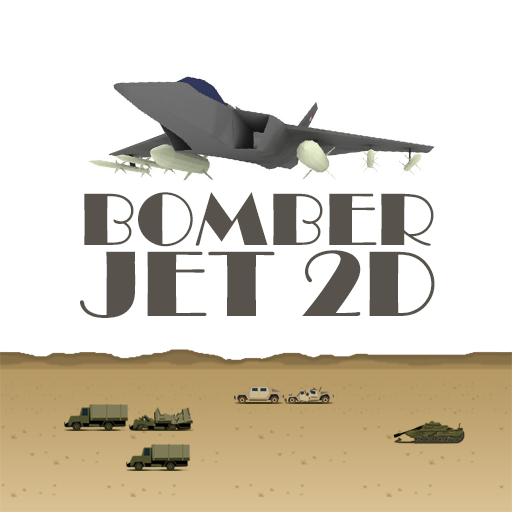
Bomber Jet 2D PC
CiihuyCom
Download Bomber Jet 2D on PC With GameLoop Emulator
Bomber Jet 2D on PC
Bomber Jet 2D, coming from the developer CiihuyCom, is running on Android systerm in the past.
Now, You can play Bomber Jet 2D on PC with GameLoop smoothly.
Download it in the GameLoop library or search results. No more eyeing the battery or frustrating calls at the wrong time any more.
Just enjoy Bomber Jet 2D PC on the large screen for free!
Bomber Jet 2D Introduction
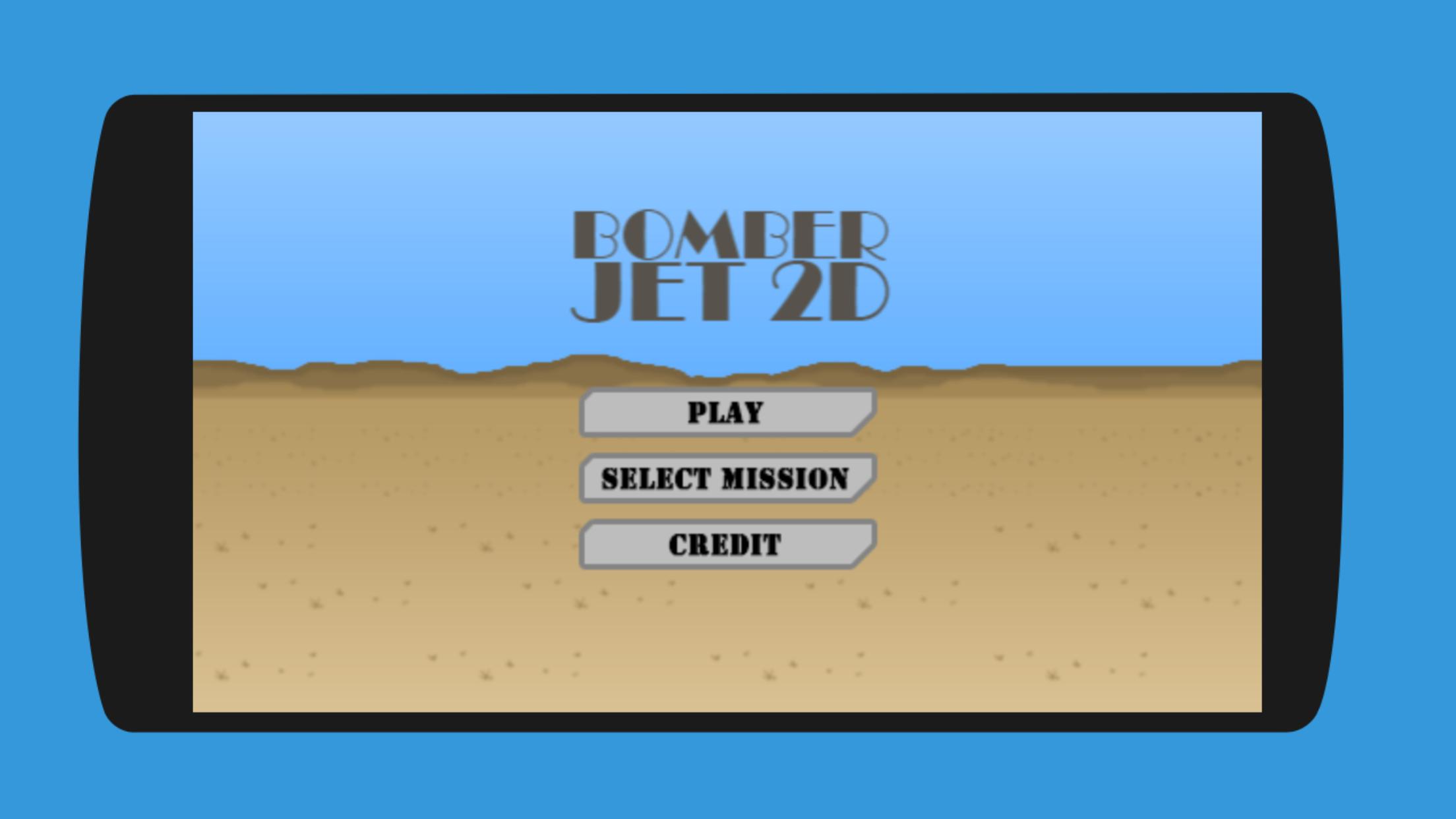
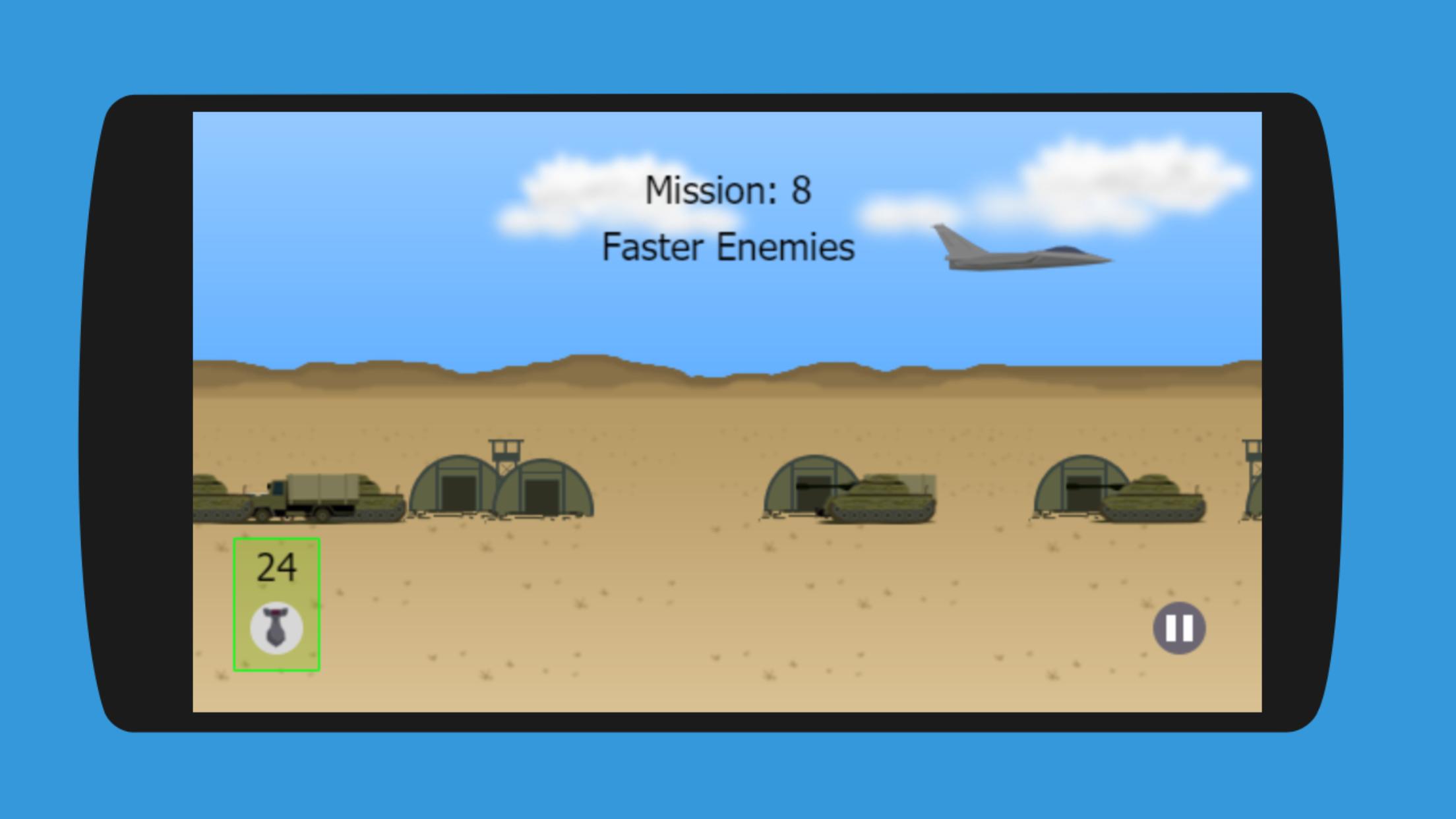
In this game you only need to push a bomb button to drop the bomb from a flying bomber jet.
You must drop the bomb on the right spot to destroy your enemy. But don’t think it’s easy, because the difficulties of this game is rising each levels.
This game has 10 fun levels. We will add more levels if you like this game. Just make sure you leave your comments and give us 5 stars to make us more motivated to make this game better.
Bomber Jet 2D is a unique game you may never played it before.
Preview
Tags
ArcadeInformation
Developer
CiihuyCom
Latest Version
1.3
Last Updated
2020-01-12
Category
Arcade
Available on
Google Play
Show More
How to play Bomber Jet 2D with GameLoop on PC
1. Download GameLoop from the official website, then run the exe file to install GameLoop
2. Open GameLoop and search for “Bomber Jet 2D” , find Bomber Jet 2D in the search results and click “Install”
3. Enjoy playing Bomber Jet 2D on GameLoop
Minimum requirements
OS
Windows 8.1 64-bit or Windows 10 64-bit
GPU
GTX 1050
CPU
i3-8300
Memory
8GB RAM
Storage
1GB available space
Recommended requirements
OS
Windows 8.1 64-bit or Windows 10 64-bit
GPU
GTX 1050
CPU
i3-9320
Memory
16GB RAM
Storage
1GB available space