Balloons Pop PRO PC
LittleBigPlay - Word, Educational & Puzzle Games
Download Balloons Pop PRO on PC With GameLoop Emulator
Balloons Pop PRO on PC
Balloons Pop PRO, coming from the developer LittleBigPlay - Word, Educational & Puzzle Games, is running on Android systerm in the past.
Now, You can play Balloons Pop PRO on PC with GameLoop smoothly.
Download it in the GameLoop library or search results. No more eyeing the battery or frustrating calls at the wrong time any more.
Just enjoy Balloons Pop PRO PC on the large screen for free!
Balloons Pop PRO Introduction
Balloons Pop PRO: The Ultimate Color-Matching Puzzle Challenge!
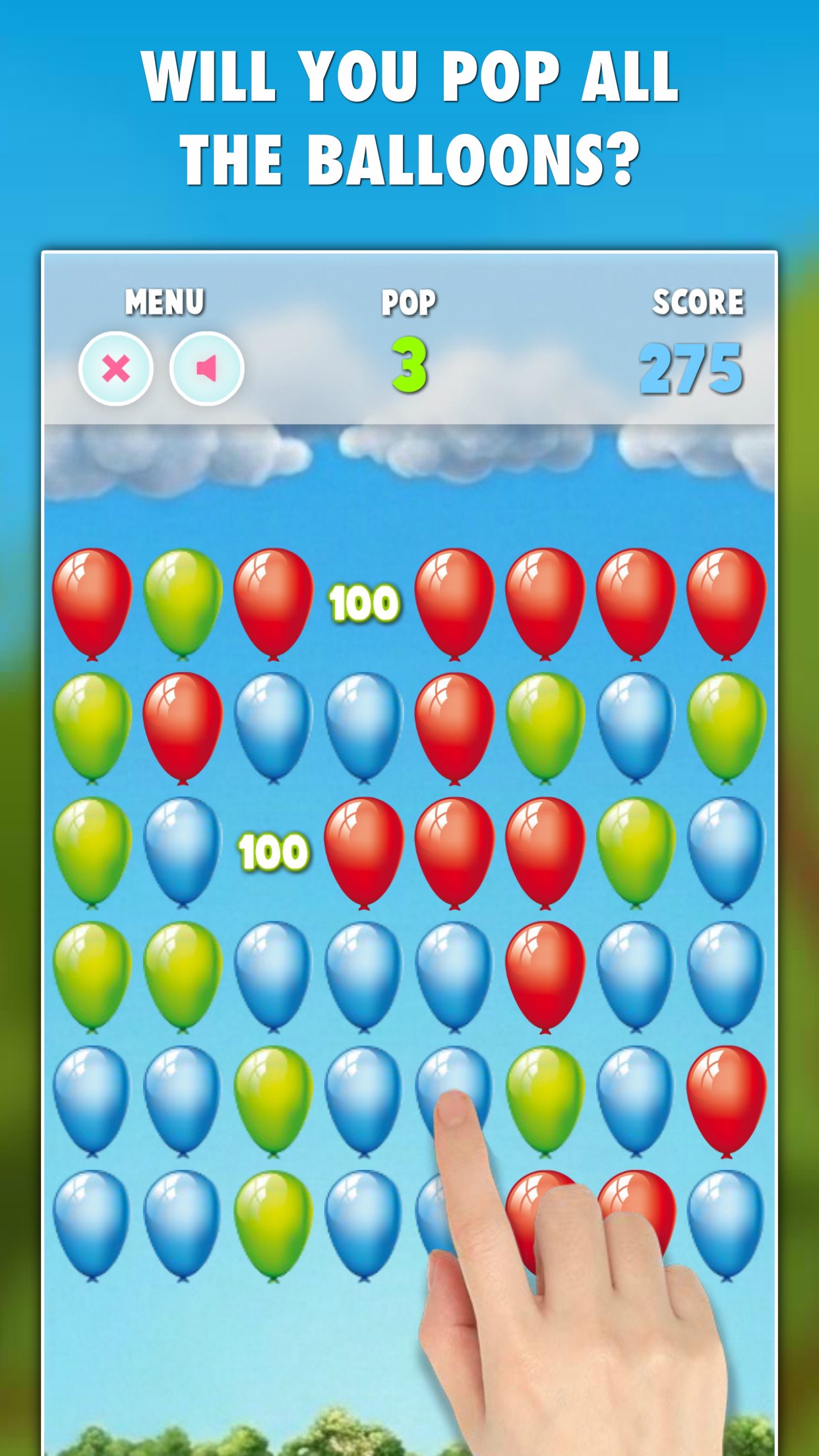
Think popping balloons is simple? Think again! Balloons Pop is a deceptively challenging puzzle game that requires careful strategy to master the vibrant color-matching mechanics and secure your place in the TOP20 leaderboards!
Challenge the World: Play solo to beat your personal high scores or compete against players globally by submitting your points! Will you prove you have what it takes to make it into the elite TOP20?
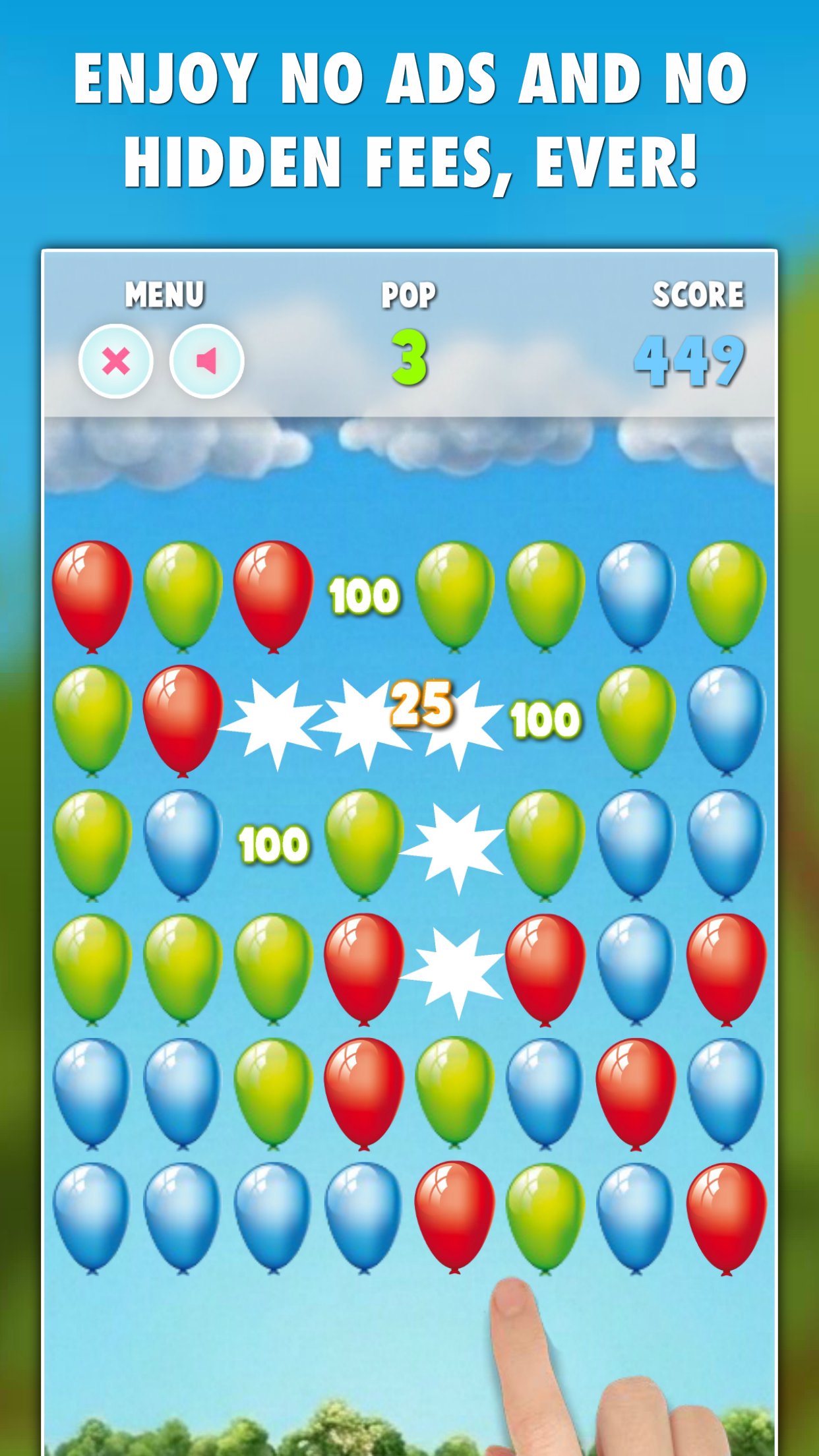
Get the full experience: This is the complete version, featuring no advertisements and no in-app purchases, ever!
Take your game on the go! Play anytime, anywhere without internet or wi-fi!
KEY FEATURES:
• ✨ Endless Fun: Engaging puzzles for players of all ages!
• 🎮 5 Game Modes: A variety of ways to have fun!
• ️️✈️ Offline Play: No Wi-Fi? No problem! Play anywhere without internet!
• 🌎 TOP20: See if you have what it takes to get to TOP20!
• 🚫 Zero ads, no in-app purchases: Enjoy smooth gameplay without interruptions and hidden costs!
DISCOVER UNIQUE GAME MODES:
Explore various ways to play, each offering a fresh experience and endless entertainment for all ages:
• 🎯 Challenge: Hit target POP numbers to keep the game going!
• 🔢 30 Pops: You have 30 moves - make every pop count!
• ⏱️ 45 Seconds: A frantic race against the clock!
• 🎈 5+/6+ Balloons: Pop 5+/6+ balloons and go for highscores!
Download Balloons Pop today and enjoy the challenge!
Preview
Tags
ArcadeInformation
Developer
LittleBigPlay - Word, Educational & Puzzle Games
Latest Version
15.1
Last Updated
2026-05-08
Category
Arcade
Available on
Google Play
Show More
How to play Balloons Pop PRO with GameLoop on PC
1. Download GameLoop from the official website, then run the exe file to install GameLoop
2. Open GameLoop and search for “Balloons Pop PRO” , find Balloons Pop PRO in the search results and click “Install”
3. Enjoy playing Balloons Pop PRO on GameLoop
Minimum requirements
OS
Windows 8.1 64-bit or Windows 10 64-bit
GPU
GTX 1050
CPU
i3-8300
Memory
8GB RAM
Storage
1GB available space
Recommended requirements
OS
Windows 8.1 64-bit or Windows 10 64-bit
GPU
GTX 1050
CPU
i3-9320
Memory
16GB RAM
Storage
1GB available space