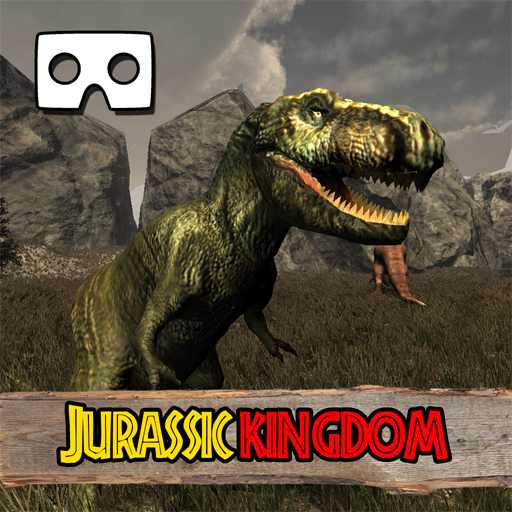
VR Jurassic Kingdom Tour: Worl PC
Romale game studio
Download VR Jurassic Kingdom Tour: Worl on PC With GameLoop Emulator
VR Jurassic Kingdom Tour: Worl on PC
VR Jurassic Kingdom Tour: Worl, coming from the developer Romale game studio, is running on Android systerm in the past.
Now, You can play VR Jurassic Kingdom Tour: Worl on PC with GameLoop smoothly.
Download it in the GameLoop library or search results. No more eyeing the battery or frustrating calls at the wrong time any more.
Just enjoy VR Jurassic Kingdom Tour: Worl PC on the large screen for free!
VR Jurassic Kingdom Tour: Worl Introduction
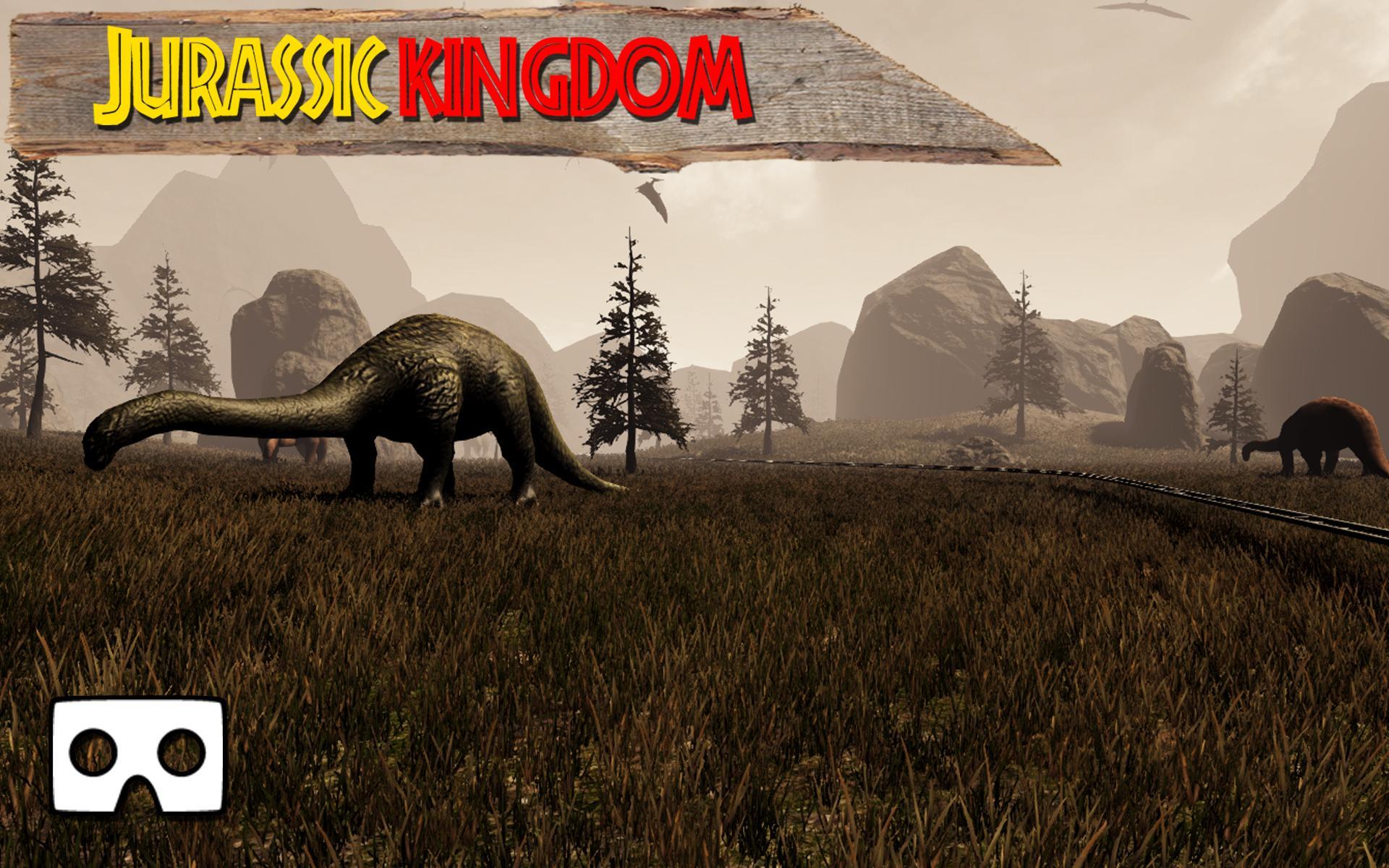
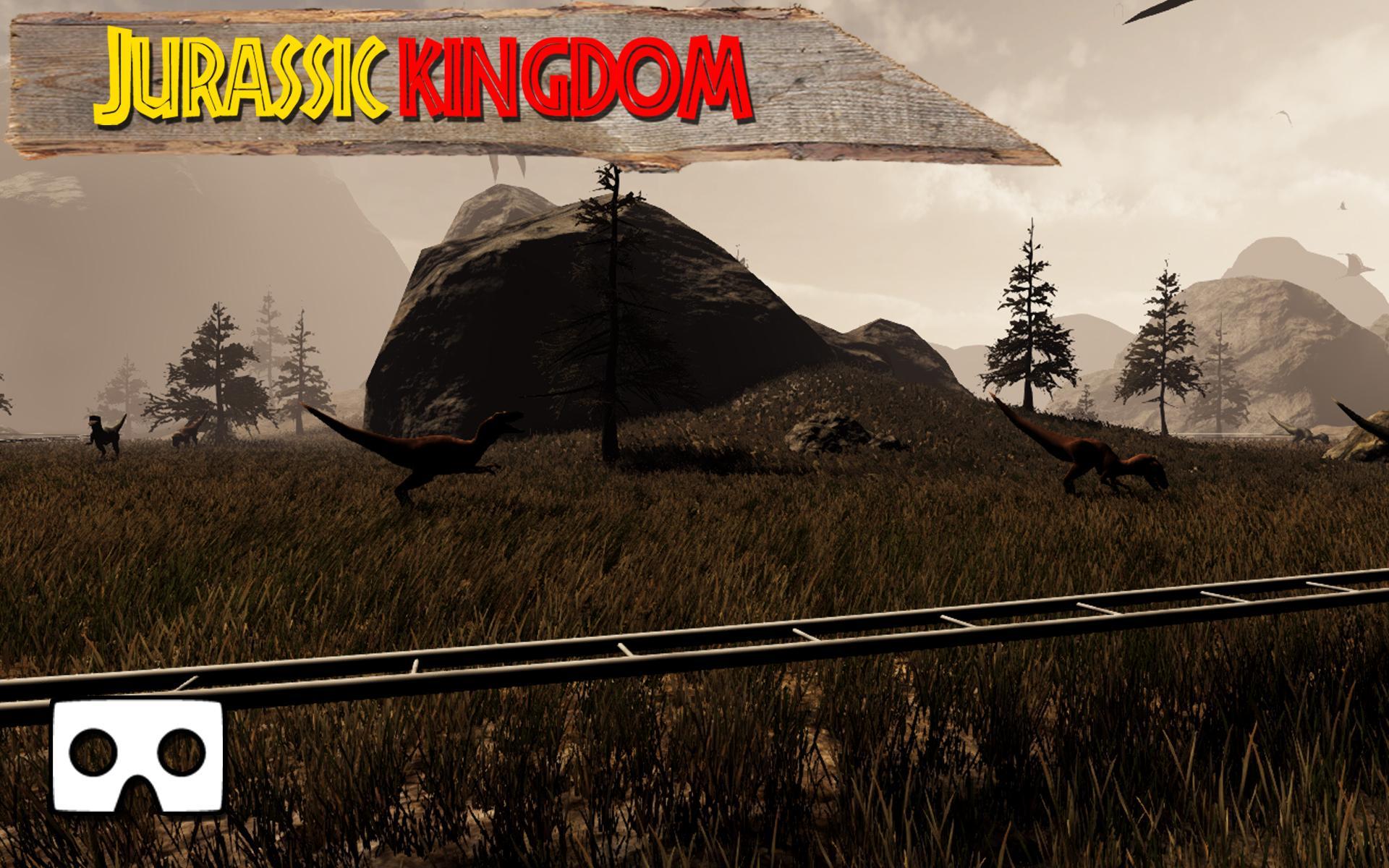
Enjoy a Jurassic RollerCoaster train ride filled with tons of animated dinos made for VR glasses. You can find dinosaurs like Triceratops, Stegosaurus, Brontosaurus, Raptors: Velociraptors, T-Rex: Tyrannosaurus Rex and others in dinos world. All dinosaur models have unique realistic sounds and animations. VR Jurassic Kingdom Tour is a 2 minutes and 30 seconds long relaxing Jurassic World train ride that will blow your mind.
No remote control or Bluetooth controller needed since you control everything by rotating your head.
Note #1: This VR RollerCoaster requires a VR headset for best results.
Note #2: This VR Dino game was made for high-end phones with a gyroscope. It may work on slower phones, but you will experience lower refresh rate.
If you like VR Jurassic Kingdom Tour, please give it a rate and a review.
Preview
Tags
AdventureInformation
Developer
Romale game studio
Latest Version
1.5
Last Updated
2020-12-08
Category
Adventure
Available on
Google Play
Show More
How to play VR Jurassic Kingdom Tour: Worl with GameLoop on PC
1. Download GameLoop from the official website, then run the exe file to install GameLoop
2. Open GameLoop and search for “VR Jurassic Kingdom Tour: Worl” , find VR Jurassic Kingdom Tour: Worl in the search results and click “Install”
3. Enjoy playing VR Jurassic Kingdom Tour: Worl on GameLoop
Minimum requirements
OS
Windows 8.1 64-bit or Windows 10 64-bit
GPU
GTX 1050
CPU
i3-8300
Memory
8GB RAM
Storage
1GB available space
Recommended requirements
OS
Windows 8.1 64-bit or Windows 10 64-bit
GPU
GTX 1050
CPU
i3-9320
Memory
16GB RAM
Storage
1GB available space