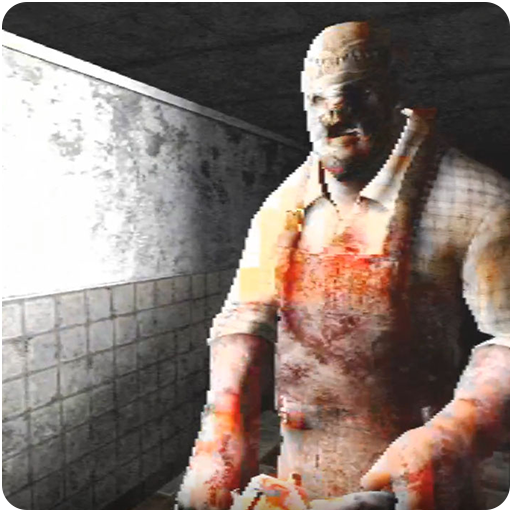
The Morgue: Hospital Escape PC
SoloDev Interactive
Download The Morgue: Hospital Escape on PC With GameLoop Emulator
The Morgue: Hospital Escape on PC
The Morgue: Hospital Escape, coming from the developer SoloDev Interactive, is running on Android systerm in the past.
Now, You can play The Morgue: Hospital Escape on PC with GameLoop smoothly.
Download it in the GameLoop library or search results. No more eyeing the battery or frustrating calls at the wrong time any more.
Just enjoy The Morgue: Hospital Escape PC on the large screen for free!
The Morgue: Hospital Escape Introduction
Play the character of Margarette who went on a trip with her friends in 1979. The pack of friends decided to fetch one of their company named Jennifer who happened to live in a remote area. With a map as their guide, they followed the long road that leads to the said residence. Never they knew what lies ahead of them. A fun and precious moment turned into a dark, bloody, and horrifying experience.
Features and Mechanics
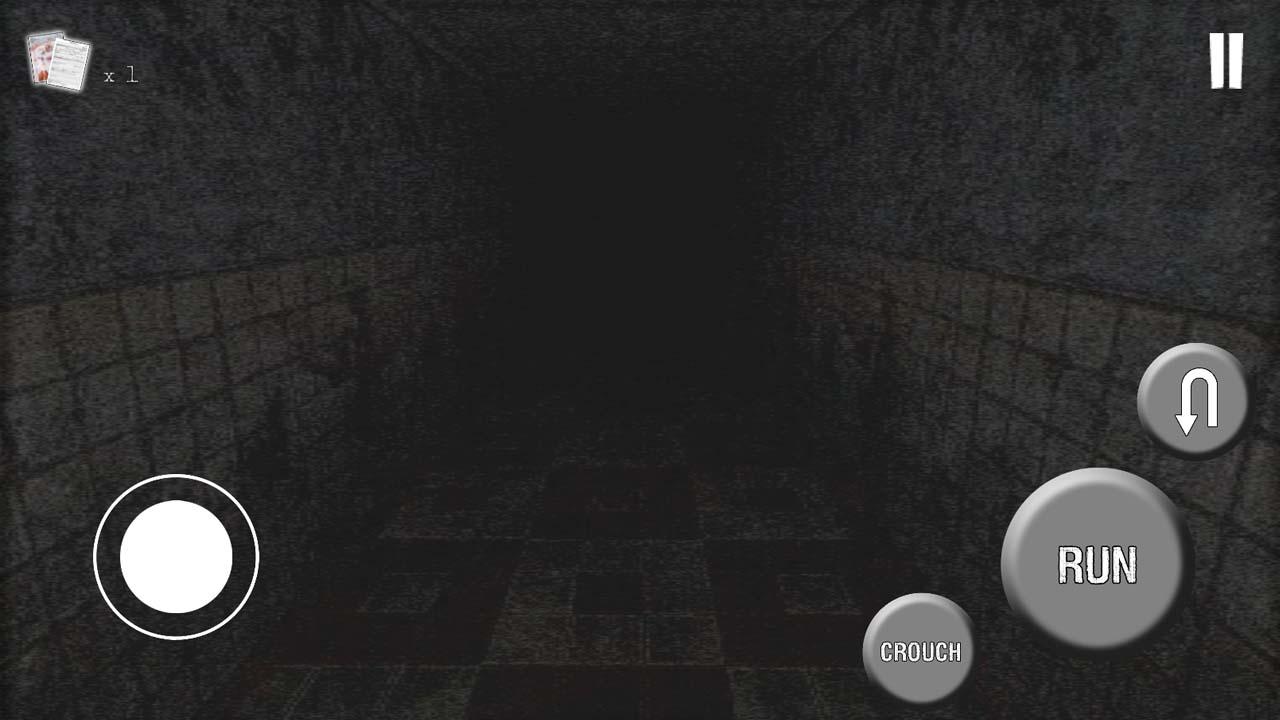
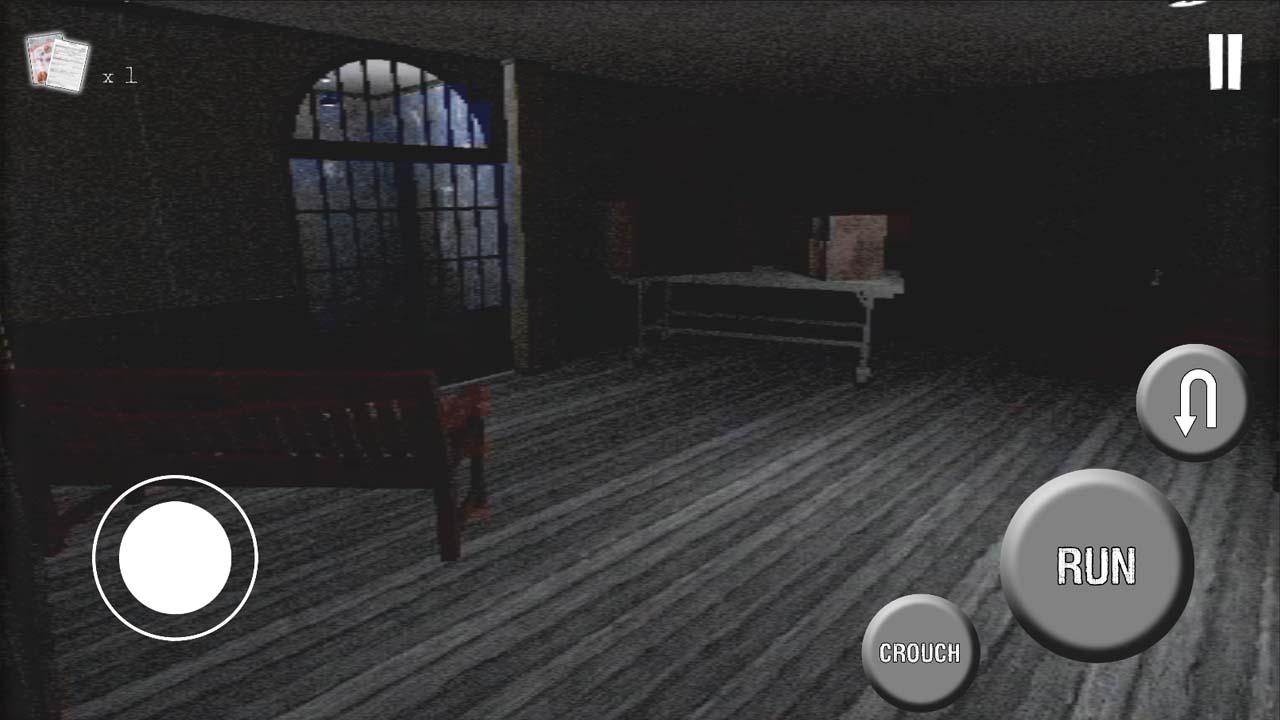
- The game uses VHS aesthetics to simulate the 70's and 80's vibe.
- Features detailed environment combined with retro visual effects.
- Focuses more on the "hearing" rather than "visual" aspect.
- Uses spatial sound effects to help determine objects.
- Realistic approach, no HP system. Once the butcher caught you, you're done for.
- Allows player to run and hide.
- Has multiple endings.
- The butcher can open doors! Beware! So watch out for open doors.
Preview
Tags
ActionAction-adventureSurvival horrorInformation
Developer
SoloDev Interactive
Latest Version
1
Last Updated
2020-11-02
Category
Adventure
Available on
Google Play
Show More
How to play The Morgue: Hospital Escape with GameLoop on PC
1. Download GameLoop from the official website, then run the exe file to install GameLoop
2. Open GameLoop and search for “The Morgue: Hospital Escape” , find The Morgue: Hospital Escape in the search results and click “Install”
3. Enjoy playing The Morgue: Hospital Escape on GameLoop
Minimum requirements
OS
Windows 8.1 64-bit or Windows 10 64-bit
GPU
GTX 1050
CPU
i3-8300
Memory
8GB RAM
Storage
1GB available space
Recommended requirements
OS
Windows 8.1 64-bit or Windows 10 64-bit
GPU
GTX 1050
CPU
i3-9320
Memory
16GB RAM
Storage
1GB available space