Sonic Boy - Adventure Gun PC
PlayXO Games
Download Sonic Boy - Adventure Gun on PC With GameLoop Emulator
Sonic Boy - Adventure Gun on PC
Sonic Boy - Adventure Gun, coming from the developer PlayXO Games, is running on Android systerm in the past.
Now, You can play Sonic Boy - Adventure Gun on PC with GameLoop smoothly.
Download it in the GameLoop library or search results. No more eyeing the battery or frustrating calls at the wrong time any more.
Just enjoy Sonic Boy - Adventure Gun PC on the large screen for free!
Sonic Boy - Adventure Gun Introduction
Sonic Boy Adventure Gun game is the best sonic boy games in the world you can Run, jump, bounce and swing on vines as you help animals to outrun a huge coin avalanche! Keep full control with highlyresponsive single-finger tap and swipe controls.
Sonic Boy Adventure Gun game : Run, hop, jump on impediments and sidestep from foes who in each conceivable way will anticipate on your way.
You should pass not a simple route, on your way you meet numerous distinctive obstacles, adversaries and different conditions.
Features:
- 36 new levels and challenge
- 4 super worlds with magnificent graphics
- 22 different monsters from the former versions
- Great graphics and music.
- Play, run, jump and attack enemies and super boss
- Super worlds unlock free when play to end of that super world.
How to play:
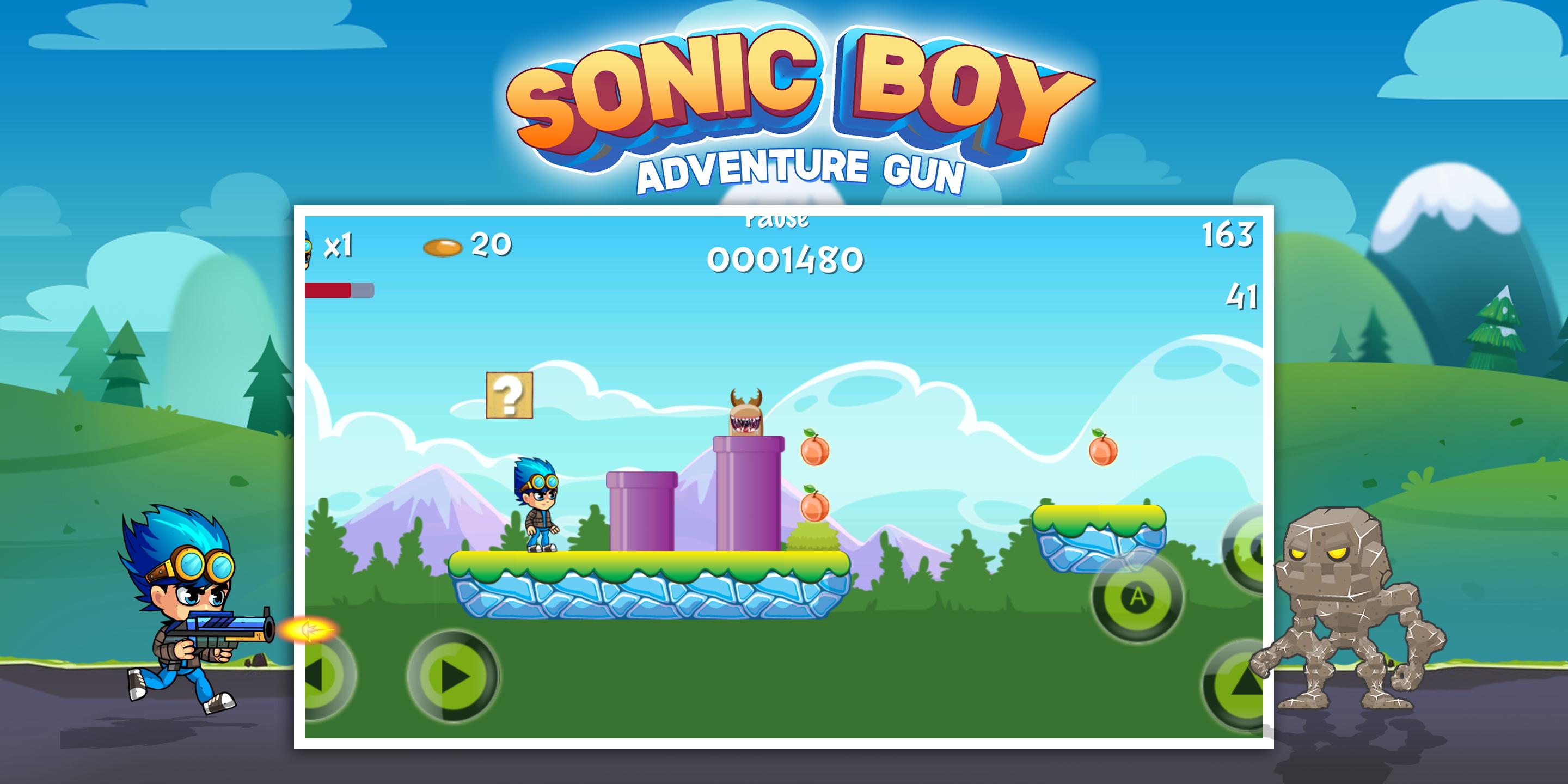
- Eat strawberry and flower to become stronger and defeat all monsters.
- Tap Left / Right to move/ Up to Jump and Climb
- Jump to crush the enemy.
- Tap Button A to Attack enemy with staff.
- Tap Button B to shoot enemy.
- Collect all coins and bonus items to get more points and buy additional items in store.
Download Sonic Boy Adventure Gun game now and fall in love with this super jungle adventure! It is a fun game for everyone, boys and girls of all ages!
Try it out and enjoy!
Preview
Tags
AdventureInformation
Developer
PlayXO Games
Latest Version
9.8.0
Last Updated
2019-05-17
Category
Adventure
Available on
Google Play
Show More
How to play Sonic Boy - Adventure Gun with GameLoop on PC
1. Download GameLoop from the official website, then run the exe file to install GameLoop
2. Open GameLoop and search for “Sonic Boy - Adventure Gun” , find Sonic Boy - Adventure Gun in the search results and click “Install”
3. Enjoy playing Sonic Boy - Adventure Gun on GameLoop
Minimum requirements
OS
Windows 8.1 64-bit or Windows 10 64-bit
GPU
GTX 1050
CPU
i3-8300
Memory
8GB RAM
Storage
1GB available space
Recommended requirements
OS
Windows 8.1 64-bit or Windows 10 64-bit
GPU
GTX 1050
CPU
i3-9320
Memory
16GB RAM
Storage
1GB available space