
Race Car Crash Simulator PC
Tekyon
Download Race Car Crash Simulator on PC With GameLoop Emulator
Race Car Crash Simulator on PC
Race Car Crash Simulator, coming from the developer Tekyon, is running on Android systerm in the past.
Now, You can play Race Car Crash Simulator on PC with GameLoop smoothly.
Download it in the GameLoop library or search results. No more eyeing the battery or frustrating calls at the wrong time any more.
Just enjoy Race Car Crash Simulator PC on the large screen for free!
Race Car Crash Simulator Introduction
Race Car Crash Simulator – Ultimate Driving & Destruction Experience!
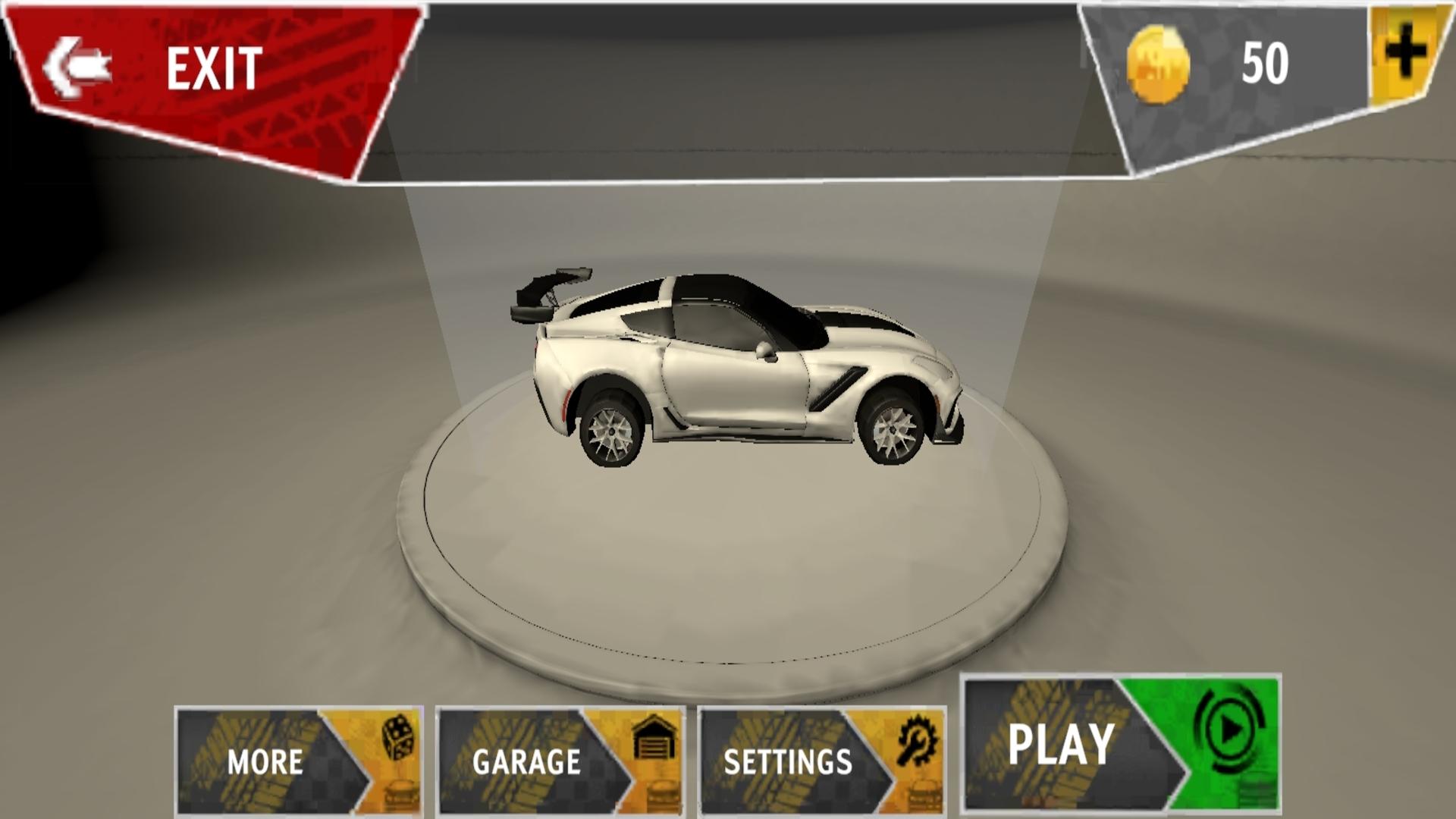
Ready for Non-Stop Action in Race Car Crash Simulator game experience, the Ultimate Car crash Racing and Destruction Game. Feel the Thrill of Speed, Crashes, Challenges, and Stunts as You Test Your Driving Skills on Challenging Race Tracks, Massive Stadiums, signal-free tracks with obstacles, and Realistic Crash Environments. Whether You Love High-Speed Racing or Extreme Car Crushing Fun, This Game Gives You Both in One Package!
Key Features:
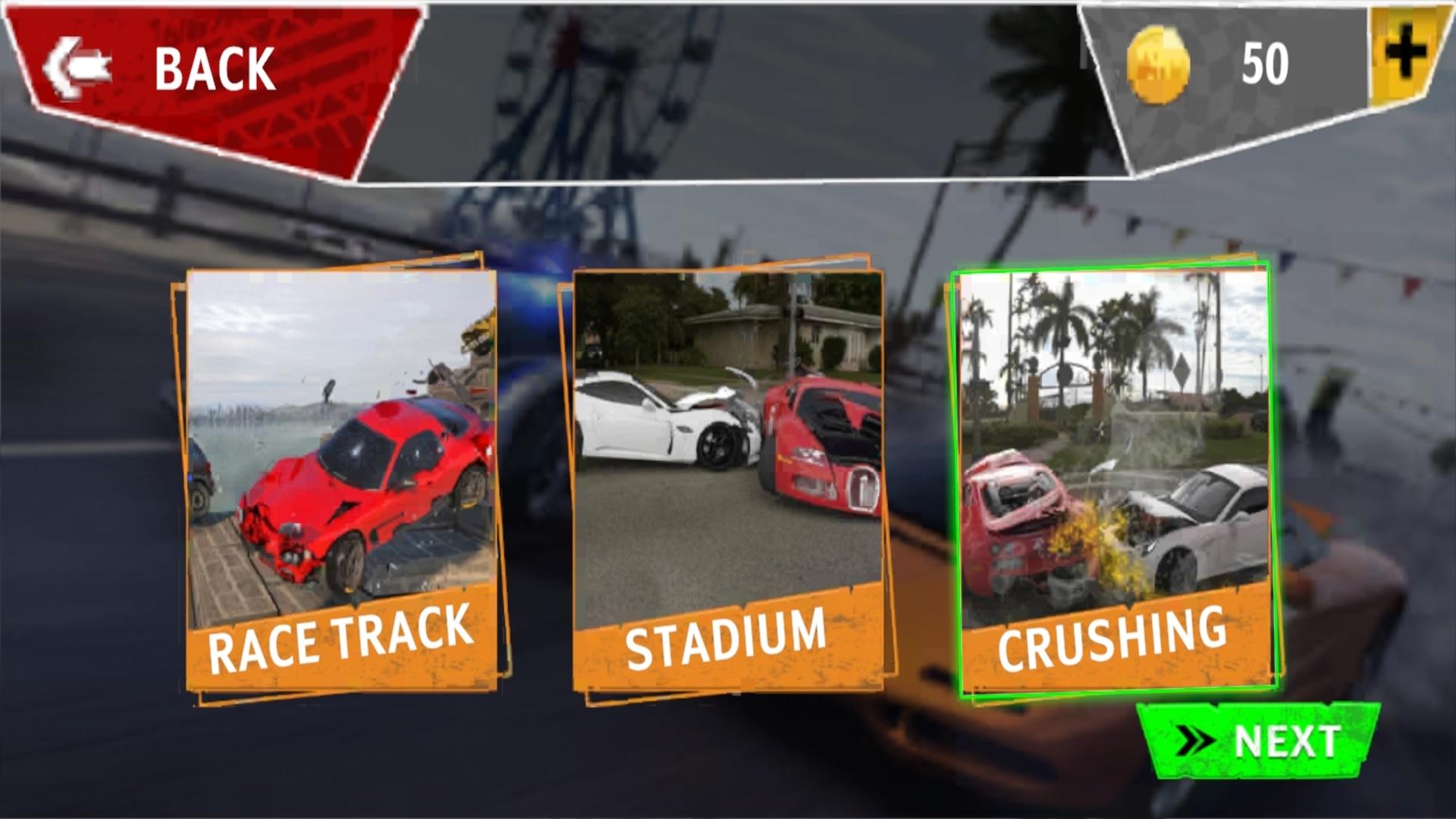
Race Tracks: Experience the extreme Tracks Built for Extreme Speed and Sharp Turns. Show Off Your Racing Skills and Set New Lap Records.
Stadium Mode: Take the Challenge Inside a Huge Stadium, and Have Smashing Fun. Perform Jaw-Dropping Stunts!
Car Crushing Action: Enjoy 3d Car Crushing and Crashing Physics game. Smash Your Car into Walls, Flip Over Ramps, and Watch Every Detail of Destruction in Slow Motion.
Realistic Driving Controls with Smooth Handling.
High-Quality 3d Graphics with Realistic Crash Effects.
Free Roam Mode to Explore and Create Your Own Epic Crashes.
in Race Car Crash Simulator, Every Race Is a Test of Speed, Precision, and Destruction. Whether You Want to Compete on the Race Track, Perform Freestyle Stunts in the Stadium, or Just Have Fun Crushing Cars, This Game Is Built for True Racing and Crash Lovers.Download Now and Prove You’re the Ultimate Crash Driver!
Preview
Tags
AdventureInformation
Developer
Tekyon
Latest Version
4
Last Updated
2025-08-18
Category
Adventure
Available on
Google Play
Show More
How to play Race Car Crash Simulator with GameLoop on PC
1. Download GameLoop from the official website, then run the exe file to install GameLoop
2. Open GameLoop and search for “Race Car Crash Simulator” , find Race Car Crash Simulator in the search results and click “Install”
3. Enjoy playing Race Car Crash Simulator on GameLoop
Minimum requirements
OS
Windows 8.1 64-bit or Windows 10 64-bit
GPU
GTX 1050
CPU
i3-8300
Memory
8GB RAM
Storage
1GB available space
Recommended requirements
OS
Windows 8.1 64-bit or Windows 10 64-bit
GPU
GTX 1050
CPU
i3-9320
Memory
16GB RAM
Storage
1GB available space