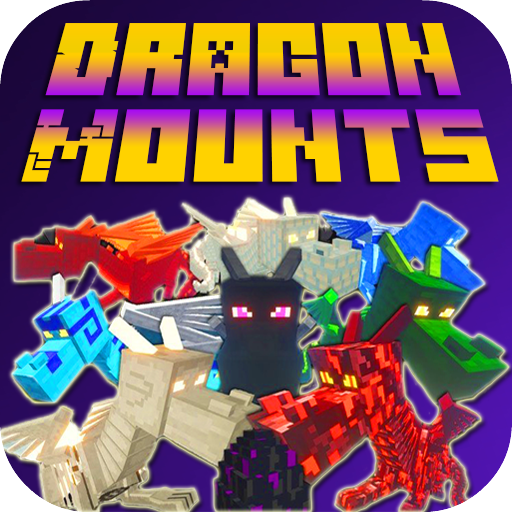
Mod Dragon-Mounts for MCPE PC
Epic Club MCPE
Download Mod Dragon-Mounts for MCPE on PC With GameLoop Emulator
Mod Dragon-Mounts for MCPE on PC
Mod Dragon-Mounts for MCPE, coming from the developer Epic Club MCPE, is running on Android systerm in the past.
Now, You can play Mod Dragon-Mounts for MCPE on PC with GameLoop smoothly.
Download it in the GameLoop library or search results. No more eyeing the battery or frustrating calls at the wrong time any more.
Just enjoy Mod Dragon-Mounts for MCPE PC on the large screen for free!
Mod Dragon-Mounts for MCPE Introduction
Welcome to the Epic Club!
Here only the Best Mods, Maps and Addons for Minecraft Pocket Edition!
The First Rule of the Club - Read the Description!
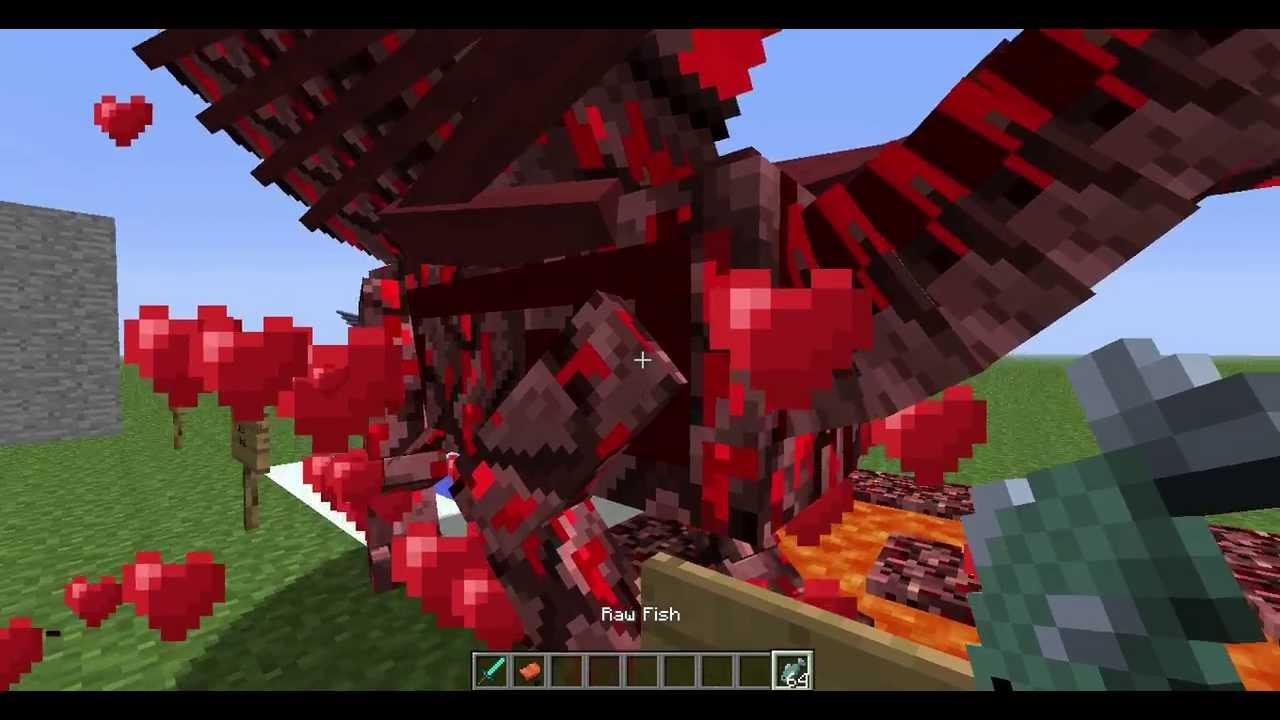
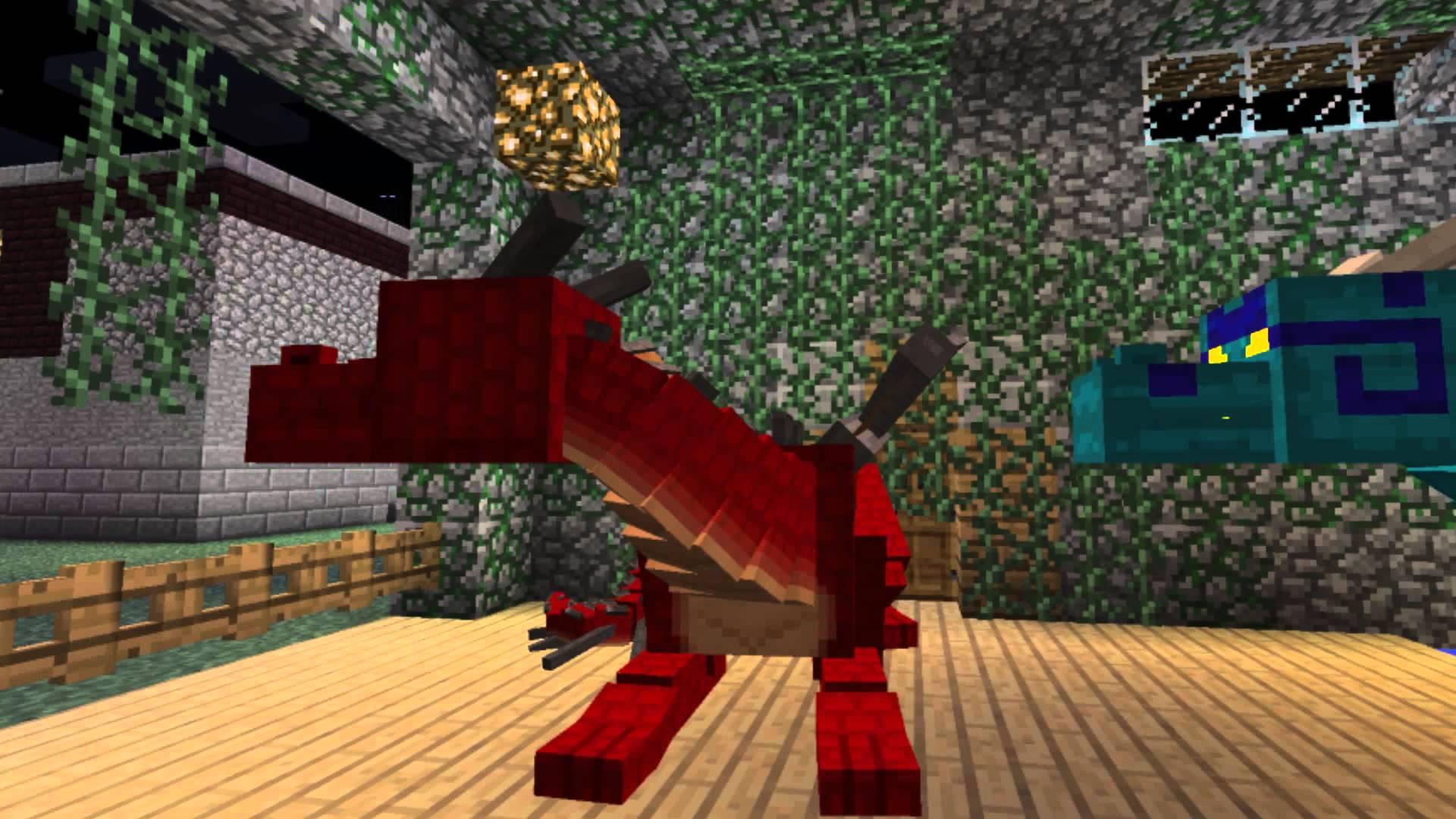
The Dragon-Mounts Mod adds 7 dragons to Minecraft PE. Each dragon must first be hatched using dragon eggs and once they have grown to their full sizes all of them can be ridden and used as flying mounts. Not only do they look very epic but they are also proven to be a very neat addition for quicker traveling in Minecraft.
Hatching a Dragon Egg
The first thing which we recommend you to do is to build a fenced area which can be used for hatching a dragon egg.
Place down an empty dragon egg inside the fenced area.
Dragon Egg Empty (512) – 4 obsidians + 4 golden apples + 1 egg
Tap on the empty egg with either of the following items to turn the egg into the type of dragon you want to hatch.
In this example we chose to use a Blaze Rod and the egg turned yellow. After a minute or two the egg should hatch.
Blaze Rod (369) or Blaze Powder (377) = Blaze Dragon
Bucket (325) = Ocean Dragon
Feather (288) = Cloud Dragon
Obsidian (49) = End Dragon
Oak Sapling (6), Oak Leaves (18), Vines (106) or Dead Shrub (31) = Jungle Dragon
Moss Stone (48) = Anfisbaena Dragon
Diamond (264) = Diamond Dragon
Taming the Dragon
Use the same type of item (in our case Blaze Rods) to tame the dragon. Then tap on the dragon using the same items again to make it grow to its full size. This might take a few tries.
Riding the Dragon
Step up to the dragon and then tap on its back using an empty slot to ride it. Aim in the direction which you want to fly.
The Second Rule of the Club - Learn About the Features!
Features :
* Completely Free!
* Collector's Edition MCPE!
* All Id's and Manual Inside!
* Fast download from anywhere in the world!
* Quick help and support
* New Collection 2018
* Only the best Mods, Maps and Addons
* Best Optimization for All Devices
The Third Rule of the Club - Download, Install, Enjoy!
Now You Are One of Us! Now Your Minecraft is Super Epic!
DISCLAIMER: This is an unofficial application for Minecraft Pocket Ed. This application is not affiliated in any way with Mojang AB. The Minecraft Name, the Minecraft Brand and the Minecraft Assets are all property of Mojang AB or their respectful owner. All rights reserved. In accordance with http://account.mojang.com/documents/brand_guidelines
Preview
Information
Developer
Epic Club MCPE
Latest Version
1.0
Last Updated
2017-12-29
Category
Adventure
Available on
Google Play
Show More
How to play Mod Dragon-Mounts for MCPE with GameLoop on PC
1. Download GameLoop from the official website, then run the exe file to install GameLoop
2. Open GameLoop and search for “Mod Dragon-Mounts for MCPE” , find Mod Dragon-Mounts for MCPE in the search results and click “Install”
3. Enjoy playing Mod Dragon-Mounts for MCPE on GameLoop
Minimum requirements
OS
Windows 8.1 64-bit or Windows 10 64-bit
GPU
GTX 1050
CPU
i3-8300
Memory
8GB RAM
Storage
1GB available space
Recommended requirements
OS
Windows 8.1 64-bit or Windows 10 64-bit
GPU
GTX 1050
CPU
i3-9320
Memory
16GB RAM
Storage
1GB available space