Lucky Doors challenge PC
StephenBar
Download Lucky Doors challenge on PC With GameLoop Emulator
Lucky Doors challenge on PC
Lucky Doors challenge, coming from the developer StephenBar, is running on Android systerm in the past.
Now, You can play Lucky Doors challenge on PC with GameLoop smoothly.
Download it in the GameLoop library or search results. No more eyeing the battery or frustrating calls at the wrong time any more.
Just enjoy Lucky Doors challenge PC on the large screen for free!
Lucky Doors challenge Introduction
This game allow you to play in kind of arcade mini-game where you can check your luck.
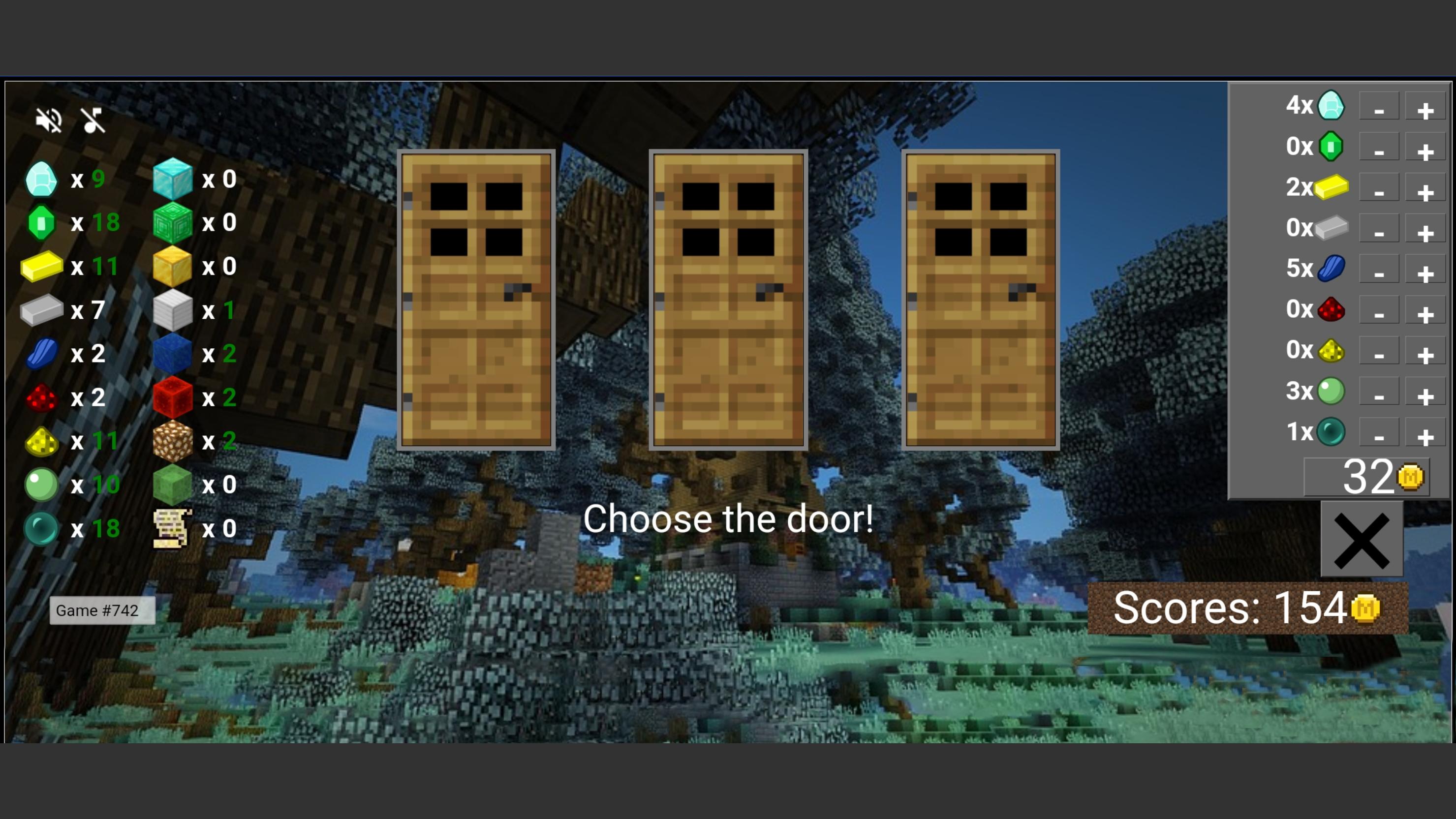
Lucky Doors is a mini arcade game which offers you to open one of 3 doors. Only behind one door there is a present - some of the items from original game. Behind the other two doors are mortal dangers. Mine your luck and craft your reward.
Collect your best scores, or die! Only hardcore mode!
Background music file is under c418.org copyright
DISCLAIMER: This is an unofficial application.
This application is not affiliated in any way with Mojang AB. Name, Brand and Assets are all property of Mojang AB or their respectful owner.
All rights reserved. In accordance with http://account.mojang.com/documents/brand_guidelines
By installing this app you agree to the following privacy policies:
'http://www.appsgeyser.com/privacy/app/?package_name=com.doorsSimulatorForMinecraft'
Preview
Tags
AdventureCasinoInformation
Developer
StephenBar
Latest Version
1.0.41
Last Updated
2022-03-16
Category
Adventure
Available on
Google Play
Show More
How to play Lucky Doors challenge with GameLoop on PC
1. Download GameLoop from the official website, then run the exe file to install GameLoop
2. Open GameLoop and search for “Lucky Doors challenge” , find Lucky Doors challenge in the search results and click “Install”
3. Enjoy playing Lucky Doors challenge on GameLoop
Minimum requirements
OS
Windows 8.1 64-bit or Windows 10 64-bit
GPU
GTX 1050
CPU
i3-8300
Memory
8GB RAM
Storage
1GB available space
Recommended requirements
OS
Windows 8.1 64-bit or Windows 10 64-bit
GPU
GTX 1050
CPU
i3-9320
Memory
16GB RAM
Storage
1GB available space