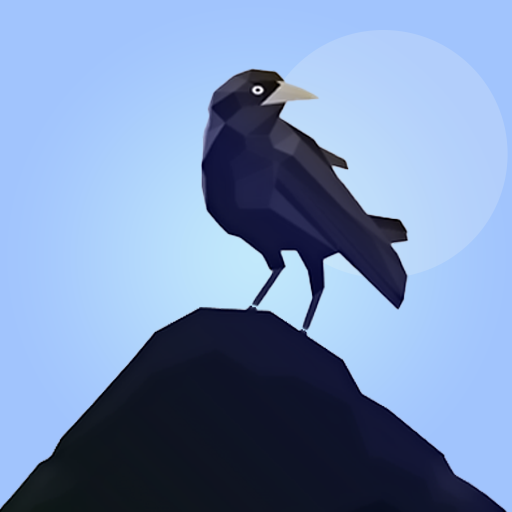
Fantasy Crow flying game PC
Limitless Games Studio
Download Fantasy Crow flying game on PC With GameLoop Emulator
Fantasy Crow flying game on PC
Fantasy Crow flying game, coming from the developer Limitless Games Studio, is running on Android systerm in the past.
Now, You can play Fantasy Crow flying game on PC with GameLoop smoothly.
Download it in the GameLoop library or search results. No more eyeing the battery or frustrating calls at the wrong time any more.
Just enjoy Fantasy Crow flying game PC on the large screen for free!
Fantasy Crow flying game Introduction
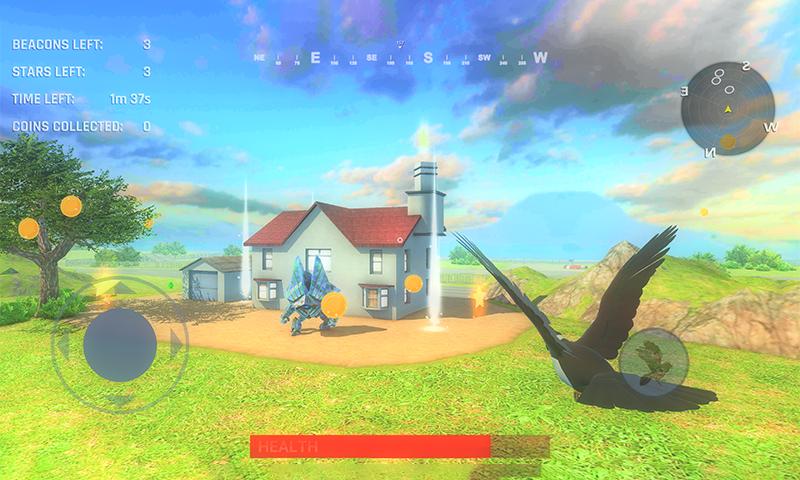
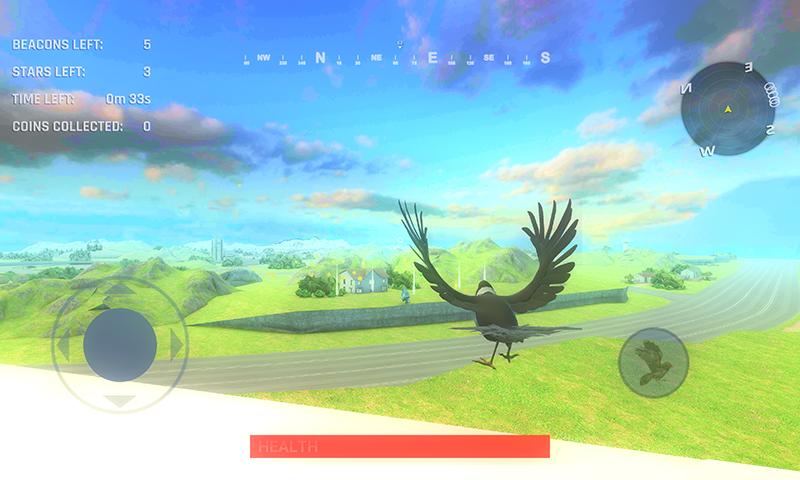
Jump into the great adventure of crow. Unravel the story in each level. There are 10 unique levels in this game. In each level, there is an enemy which will try to kill you. Try to avoid their fireballs using your raven flying skills. You can also unlock different crows and ravens in the shop. You can also upgrade them by using coins.
Quality and graphics settings can also be changed in the settings menu. You can also set the sensitivity in the settings menu.
There are two modes in this game. One is level mode and the other is Open World Mode. In level mode, there are 10 different levels and each covers the aspects of this game story. In open world, you can roam freely and also master the raven flight. This mode is mainly for practicing the raven flight and exploring the whole town.
In level mode, You have to collect the light beacons and at least two stars to unlock next level. By completing the level, you will be awarded some coins. You can also collect coins in each level.
MAIN FEATURES
DIFFERENT TYPES OF RAVENS AND CROWS
UPTO 10 UNIQUE LEVELS
REALISTIC FLYING MECHANICS
CHALLENGING AI IN EVERY LEVEL
SIMPLE AND EASY USER INTERFACE
Preview
Tags
AdventureInformation
Developer
Limitless Games Studio
Latest Version
1.01
Last Updated
2022-09-16
Category
Adventure
Available on
Google Play
Show More
How to play Fantasy Crow flying game with GameLoop on PC
1. Download GameLoop from the official website, then run the exe file to install GameLoop
2. Open GameLoop and search for “Fantasy Crow flying game” , find Fantasy Crow flying game in the search results and click “Install”
3. Enjoy playing Fantasy Crow flying game on GameLoop
Minimum requirements
OS
Windows 8.1 64-bit or Windows 10 64-bit
GPU
GTX 1050
CPU
i3-8300
Memory
8GB RAM
Storage
1GB available space
Recommended requirements
OS
Windows 8.1 64-bit or Windows 10 64-bit
GPU
GTX 1050
CPU
i3-9320
Memory
16GB RAM
Storage
1GB available space