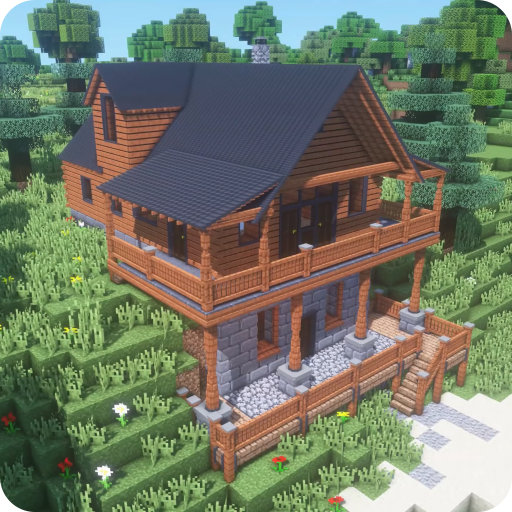
Craftsman - World Survival 3D PC
kopimalamdev
Download Craftsman - World Survival 3D on PC With GameLoop Emulator
Craftsman - World Survival 3D on PC
Craftsman - World Survival 3D, coming from the developer kopimalamdev, is running on Android systerm in the past.
Now, You can play Craftsman - World Survival 3D on PC with GameLoop smoothly.
Download it in the GameLoop library or search results. No more eyeing the battery or frustrating calls at the wrong time any more.
Just enjoy Craftsman - World Survival 3D PC on the large screen for free!
Craftsman - World Survival 3D Introduction
is a three-dim game that allows users to break blocks, craft cool items, and build amazing structures.
At night you will need to prepare for some fighting because monsters will invade you.
You can play MasterCraft with friends and build a strong clan of friends
Explore the City and Forest
A craftsman has the ability to explore cities and forests. Survive from zombie attacks and dark nights. Gather resources to build a city.
Creative and Survival mode
Choose the game mode that you like. Survival mode which provides survival challenges as a craftsman. Or the creative mode that makes you a mastercraft who can build a Lokicraft forest or a Minicraft city.
In the game Craftsman Crafty Worlds : Vegas Mini Crafting & Building Atharcraft, you will find the following features:
- Build a mini craft city with beautiful blocks
- Build farms
- Large selection of blocks
- Survival and Creative Modes
- Choose your favorite character from your gallery
- You can combine new recipes
- Explore the underwater world
- Multiplayer - you can do crafting and building with your friends in one network
Play this fun Game. Use play time wisely.
DISCLAIMER:
All files provided for download in this application are provided under a CREATIVE COMMON LISENSE.
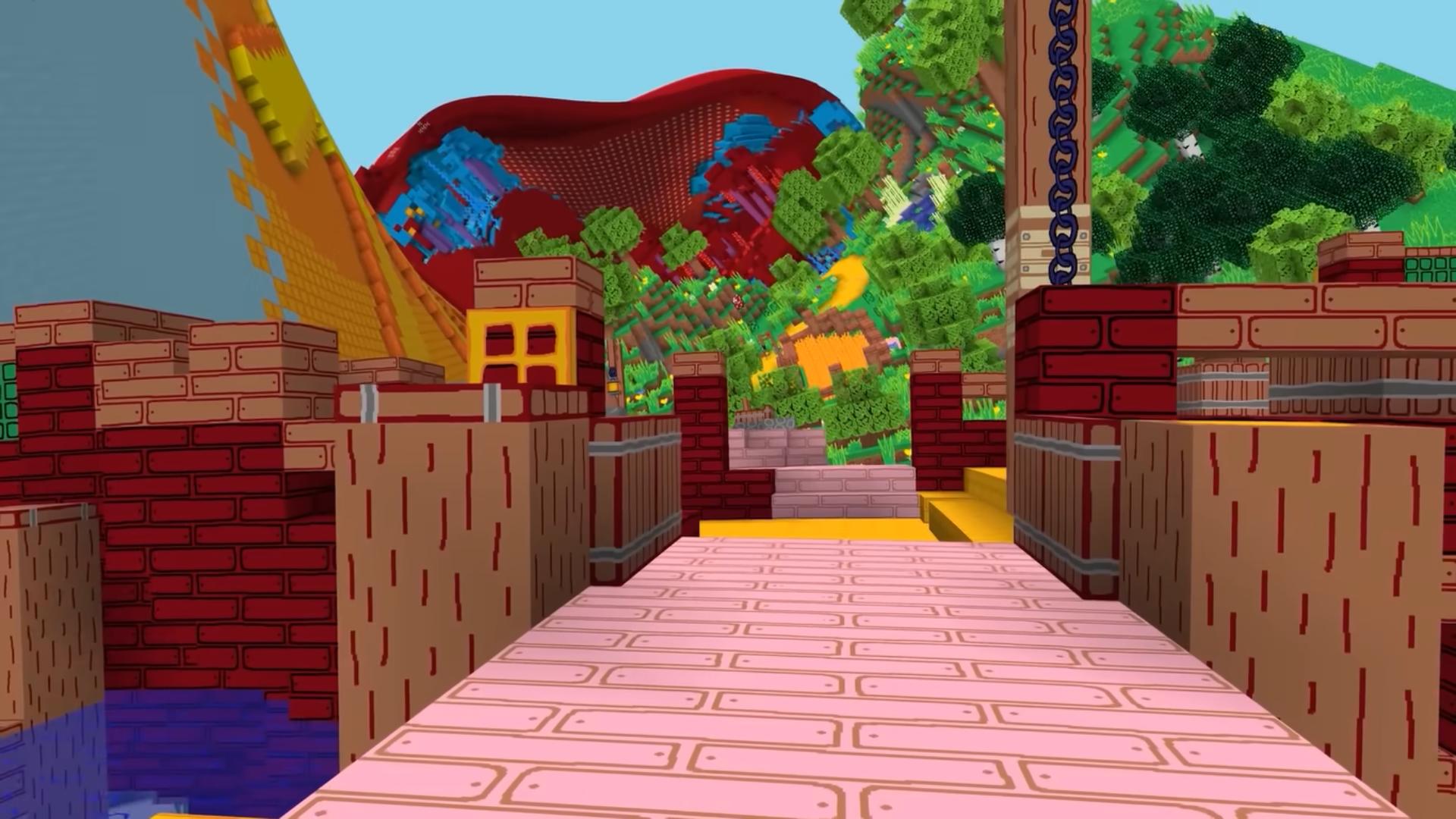
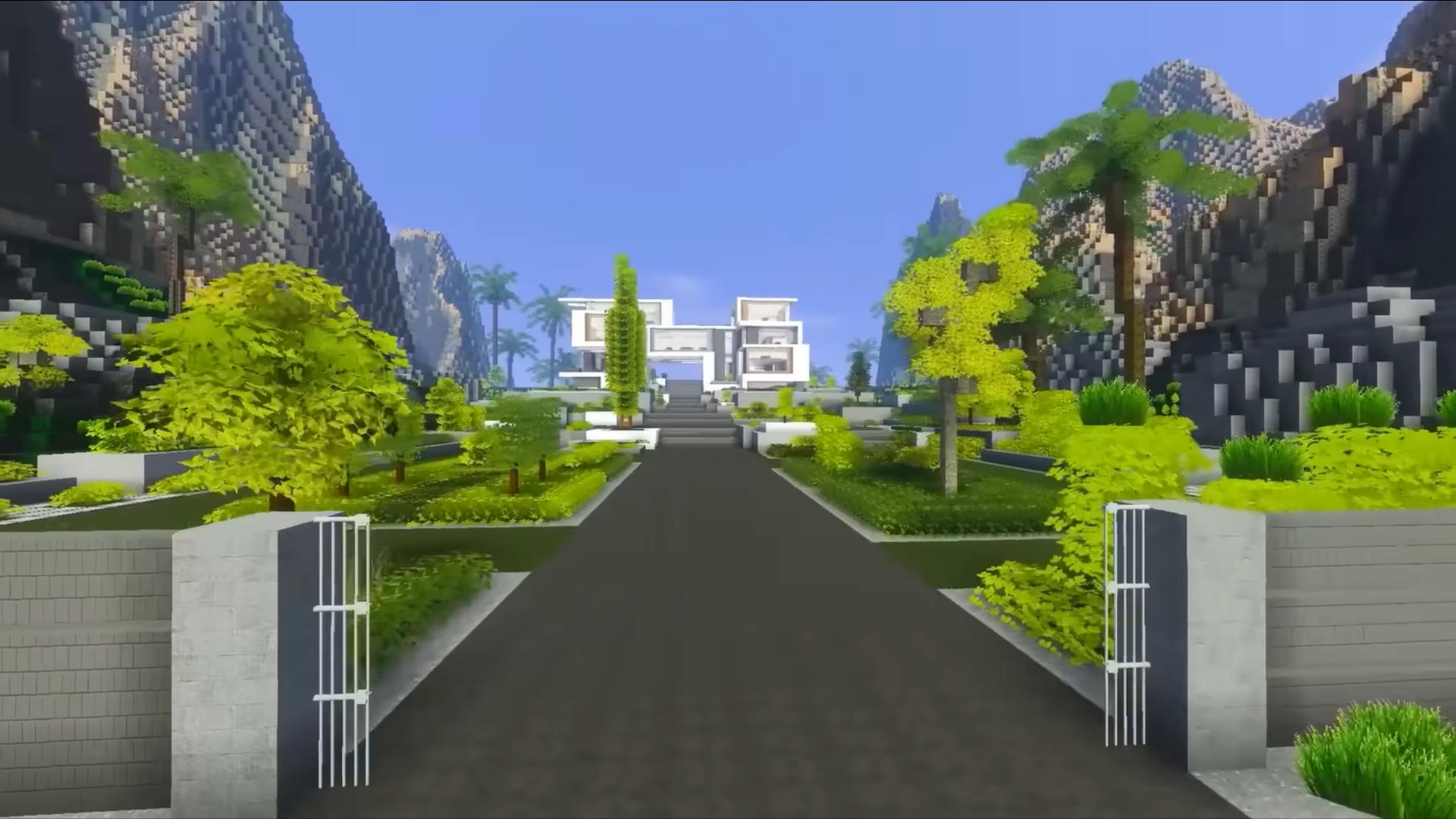
Preview
Tags
AdventureInformation
Developer
kopimalamdev
Latest Version
1.0.53
Last Updated
2023-03-17
Category
Adventure
Available on
Google Play
Show More
How to play Craftsman - World Survival 3D with GameLoop on PC
1. Download GameLoop from the official website, then run the exe file to install GameLoop
2. Open GameLoop and search for “Craftsman - World Survival 3D” , find Craftsman - World Survival 3D in the search results and click “Install”
3. Enjoy playing Craftsman - World Survival 3D on GameLoop
Minimum requirements
OS
Windows 8.1 64-bit or Windows 10 64-bit
GPU
GTX 1050
CPU
i3-8300
Memory
8GB RAM
Storage
1GB available space
Recommended requirements
OS
Windows 8.1 64-bit or Windows 10 64-bit
GPU
GTX 1050
CPU
i3-9320
Memory
16GB RAM
Storage
1GB available space