
Endless Run Lost Oz PC
Dra Game Studio
Download Endless Run Lost Oz on PC With GameLoop Emulator
Endless Run Lost Oz on PC
Endless Run Lost Oz, coming from the developer Dra Game Studio, is running on Android systerm in the past.
Now, You can play Endless Run Lost Oz on PC with GameLoop smoothly.
Download it in the GameLoop library or search results. No more eyeing the battery or frustrating calls at the wrong time any more.
Just enjoy Endless Run Lost Oz PC on the large screen for free!
Endless Run Lost Oz Introduction
Endless Run Lost Oz is ready for Android now! Your friends are all playing Endless Run Lost Oz
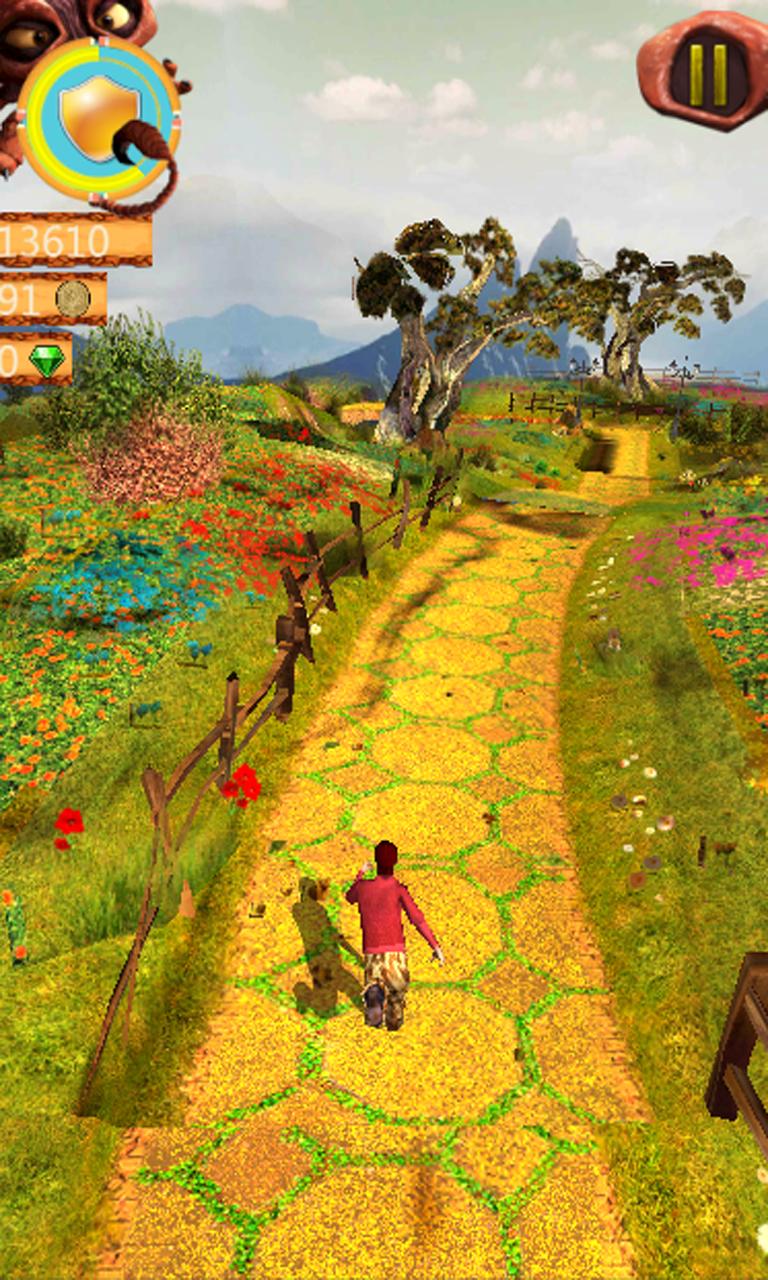
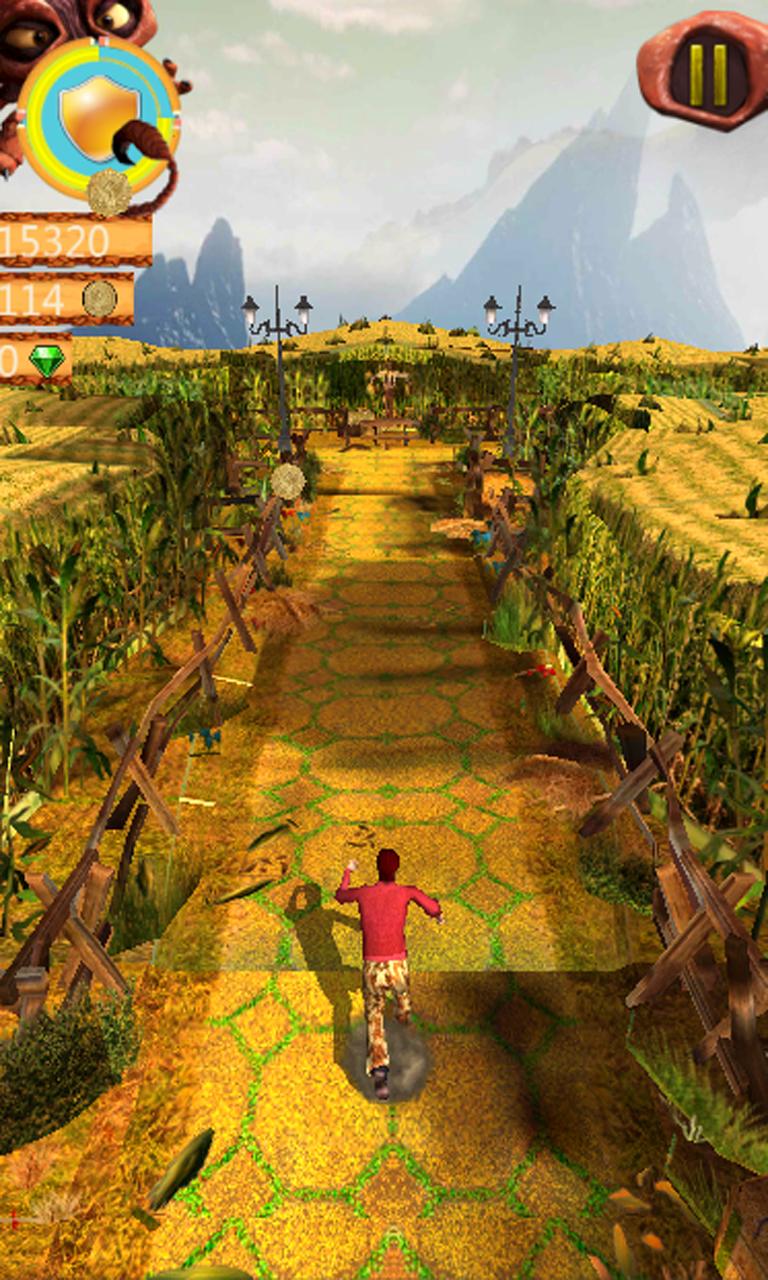
Endless Run Lost is the sequel to the smash hit endless run lost temple. You will explore different Oz worlds, including running world of bunny and zombie in dragon castle, a goblin inhabited jungle,
Can you find the exit and rush out of the dangerous dungeon? Endless Run Lost Oz is the Best games for your mobile phone. Enjoy the platform temple castle run 2 Awesome levels that we made for you.
Run through mysterious & magic dark tomb. Slide, swipe and orcs.
Run in dungeon temple, keep the direction in mind where you run;or you will get lost in this maze?
Endless Run Lost Oz is a brand-new 3D endless run game. Get more exhilarating jumping, turning, running, and sliding with captivating gameplay and numerous rewards.
Temple 3D Running lost castle is surfers game you can show off your jumping, shooting,
Features:
-free to play temple endless run
-magic and stunning temple map to explore
-more powerful roles to be unlocked
-climb into hot air balloon to collect more coins and gems
-endless running game play
-Gorgeous and brand new organic environments
-Evil
Are you a fans of Endless Run Lost Oz ? You must like Endless Run Lost Oz! Play with your friends and see how far you can run from this dangerous Endless Run Lost Oz dungeon!
Preview
Information
Developer
Dra Game Studio
Latest Version
1.1.2
Last Updated
2017-10-12
Category
Adventure
Available on
Google Play
Show More
How to play Endless Run Lost Oz with GameLoop on PC
1. Download GameLoop from the official website, then run the exe file to install GameLoop
2. Open GameLoop and search for “Endless Run Lost Oz” , find Endless Run Lost Oz in the search results and click “Install”
3. Enjoy playing Endless Run Lost Oz on GameLoop
Minimum requirements
OS
Windows 8.1 64-bit or Windows 10 64-bit
GPU
GTX 1050
CPU
i3-8300
Memory
8GB RAM
Storage
1GB available space
Recommended requirements
OS
Windows 8.1 64-bit or Windows 10 64-bit
GPU
GTX 1050
CPU
i3-9320
Memory
16GB RAM
Storage
1GB available space