
Chi's Sweet Home PC
usaf satoshi
Download Chi's Sweet Home on PC With GameLoop Emulator
Chi's Sweet Home on PC
Chi's Sweet Home, coming from the developer usaf satoshi, is running on Android systerm in the past.
Now, You can play Chi's Sweet Home on PC with GameLoop smoothly.
Download it in the GameLoop library or search results. No more eyeing the battery or frustrating calls at the wrong time any more.
Just enjoy Chi's Sweet Home PC on the large screen for free!
Chi's Sweet Home Introduction
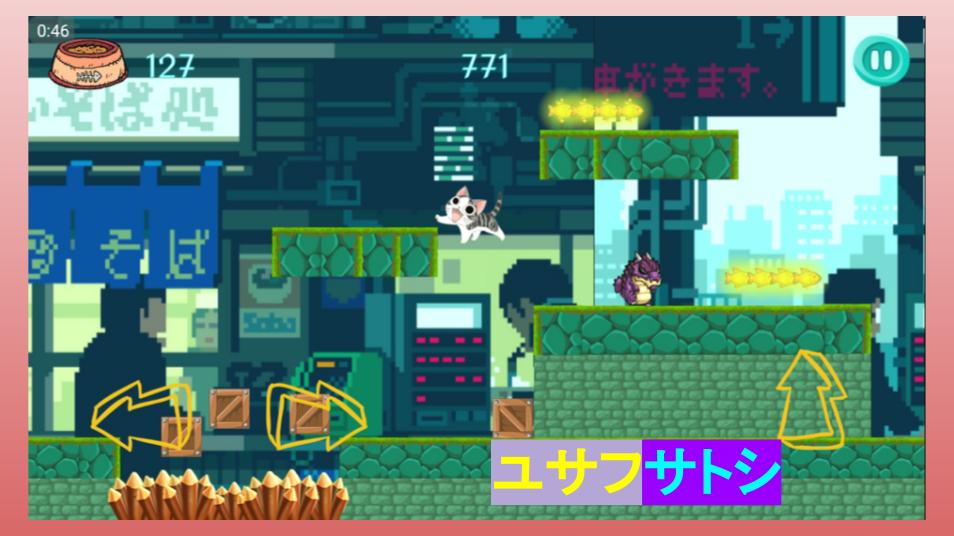
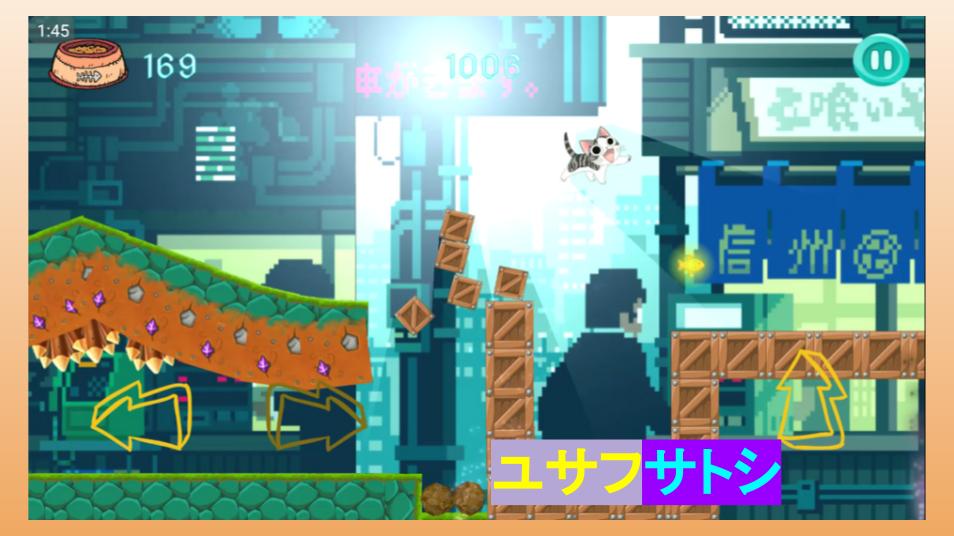
A joint venture between USAF SATOSHI INC © 2018 and Japanese company ANIKORE JP. In this game, Chi has to avoid many obstacles so that he can see SAKURA WORLD (WORLD 4), before the end of APRIL 2018 and back to his home in Japan!
One day, a small kitten named Chi is found by a young boy named Youhei and his mother. They decide to bring her back to their home to live with them despite their apartment's rules against keeping any pets. Chi, Youhei, and Youhei's parents cherish their time together as they make new friends, good memories, and have fun times together.
These short adventures revolve around the daily life of Chi and her family, in addition to the many friends that they make along the way. No matter what trouble Chi ends up getting into, she knows that her family will always love her!
In this game, there are 4 Worlds :
World 1 : A subway station in Chiba
World 2 : Nakamura Sakana Shop (Nakamura Fish Shop) at Kasukabe
World 3 : A food street in Yokohama
World 4 : Beautiful SAKURA scene at Tokorozawa, between Iruma and Kiyose-shi
Fortunately, along Chi's journey she can eat as many FISH as she wants to gains enough coins to unlock the SAKURA [2222 COINS] world that she desires!
**NOTE for Control : Touchscreen based, RIGHT and LEFT control and JUMP (up arrow)
USAF SATOSHI INC © 2018 really hope that you liked our product and continue to deliver astonishing quality game service and this is the first ever app to remind back (if you ever) been to Japan!
Preview
Information
Developer
usaf satoshi
Latest Version
1.1.1
Last Updated
2018-04-21
Category
Adventure
Available on
Google Play
Show More
How to play Chi's Sweet Home with GameLoop on PC
1. Download GameLoop from the official website, then run the exe file to install GameLoop
2. Open GameLoop and search for “Chi's Sweet Home” , find Chi's Sweet Home in the search results and click “Install”
3. Enjoy playing Chi's Sweet Home on GameLoop
Minimum requirements
OS
Windows 8.1 64-bit or Windows 10 64-bit
GPU
GTX 1050
CPU
i3-8300
Memory
8GB RAM
Storage
1GB available space
Recommended requirements
OS
Windows 8.1 64-bit or Windows 10 64-bit
GPU
GTX 1050
CPU
i3-9320
Memory
16GB RAM
Storage
1GB available space