
Pennywise Call: Fake Calls ! PC
KHARDAL
Download Pennywise Call: Fake Calls ! on PC With GameLoop Emulator
Pennywise Call: Fake Calls ! on PC
Pennywise Call: Fake Calls !, coming from the developer KHARDAL, is running on Android systerm in the past.
Now, You can play Pennywise Call: Fake Calls ! on PC with GameLoop smoothly.
Download it in the GameLoop library or search results. No more eyeing the battery or frustrating calls at the wrong time any more.
Just enjoy Pennywise Call: Fake Calls ! PC on the large screen for free!
Pennywise Call: Fake Calls ! Introduction
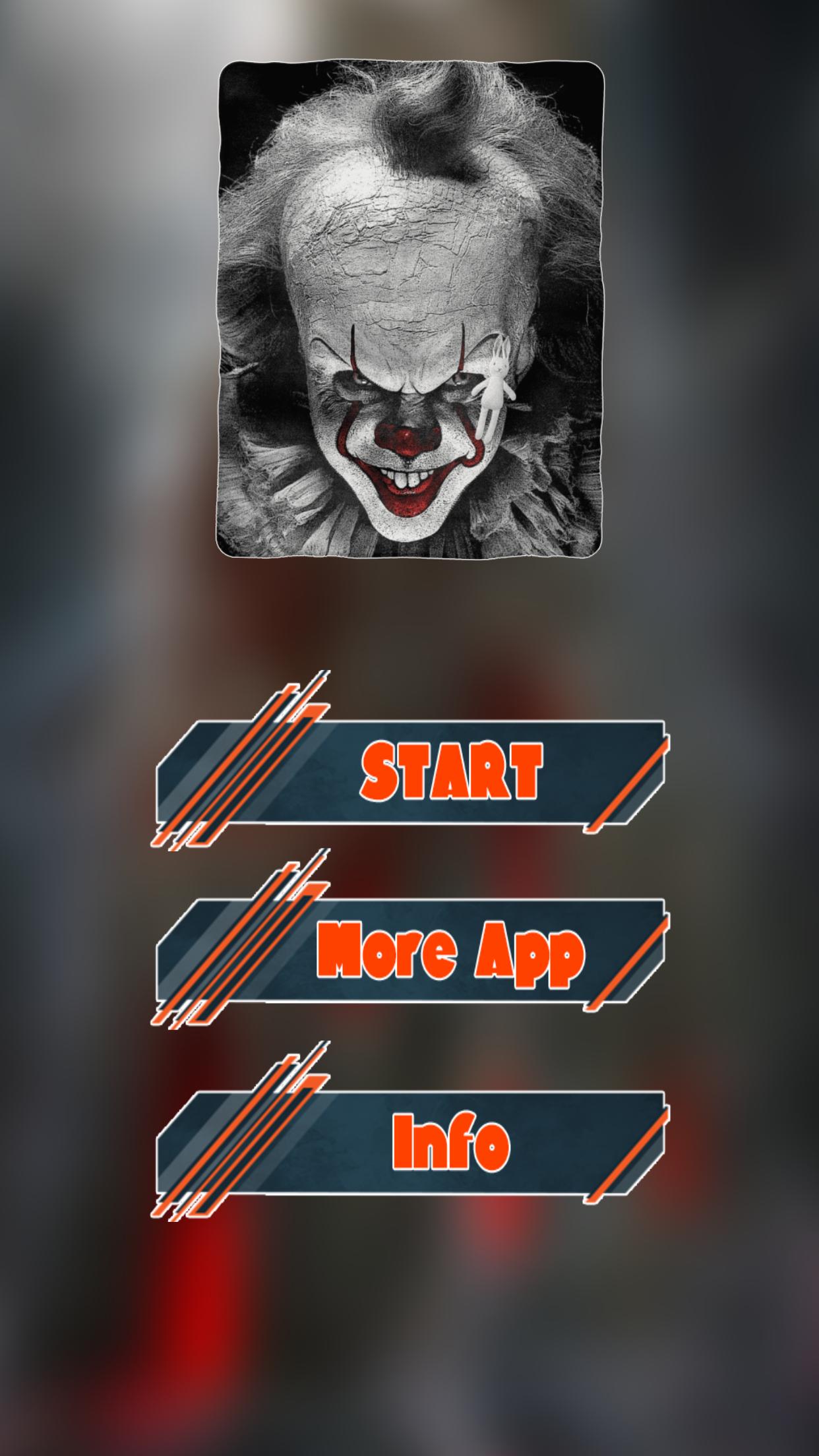
Are you a lover of terrifying surprises? Prepare yourself for an adrenaline rush with Pennywise Call: Fake Calls! Prepare to astound and frighten your friends as you receive spine-chilling video calls from Pennywise!
🤡 Scare Your Friends Silly:
Simulate spine-chilling video calls from the famous Pennywise and instill fear in your friends' hearts. The calls look so real thanks to our cutting-edge technology that they'll doubt their own sanity! As Pennywise comes to life on their screens, watch them squirm with delight.
📞 Pennywise's Call - Interactive Entertainment
Do you want to be surprised during the call? We've got your back! During the Pennywise call, enjoy interactive elements and watch your friends' emotions as they interact with this terrifying figure. It's like walking into a dream.
Note: this software of fake call from Pennywise is intended for entertainment purposes only and does not provide true pennywise creepy Call.
Preview

Tags
SimulationCasualSingle playerRealisticOfflineInformation
Developer
KHARDAL
Latest Version
1.13
Last Updated
2023-05-27
Category
Adventure
Available on
Google Play
Show More
How to play Pennywise Call: Fake Calls ! with GameLoop on PC
1. Download GameLoop from the official website, then run the exe file to install GameLoop
2. Open GameLoop and search for “Pennywise Call: Fake Calls !” , find Pennywise Call: Fake Calls ! in the search results and click “Install”
3. Enjoy playing Pennywise Call: Fake Calls ! on GameLoop
Minimum requirements
OS
Windows 8.1 64-bit or Windows 10 64-bit
GPU
GTX 1050
CPU
i3-8300
Memory
8GB RAM
Storage
1GB available space
Recommended requirements
OS
Windows 8.1 64-bit or Windows 10 64-bit
GPU
GTX 1050
CPU
i3-9320
Memory
16GB RAM
Storage
1GB available space