
Ball Bounce - Freaking Island PC
Fanmob Studio
Download Ball Bounce - Freaking Island on PC With GameLoop Emulator
Ball Bounce - Freaking Island on PC
Ball Bounce - Freaking Island, coming from the developer Fanmob Studio, is running on Android systerm in the past.
Now, You can play Ball Bounce - Freaking Island on PC with GameLoop smoothly.
Download it in the GameLoop library or search results. No more eyeing the battery or frustrating calls at the wrong time any more.
Just enjoy Ball Bounce - Freaking Island PC on the large screen for free!
Ball Bounce - Freaking Island Introduction
Do you still remember this bounce game on the old cellphones?
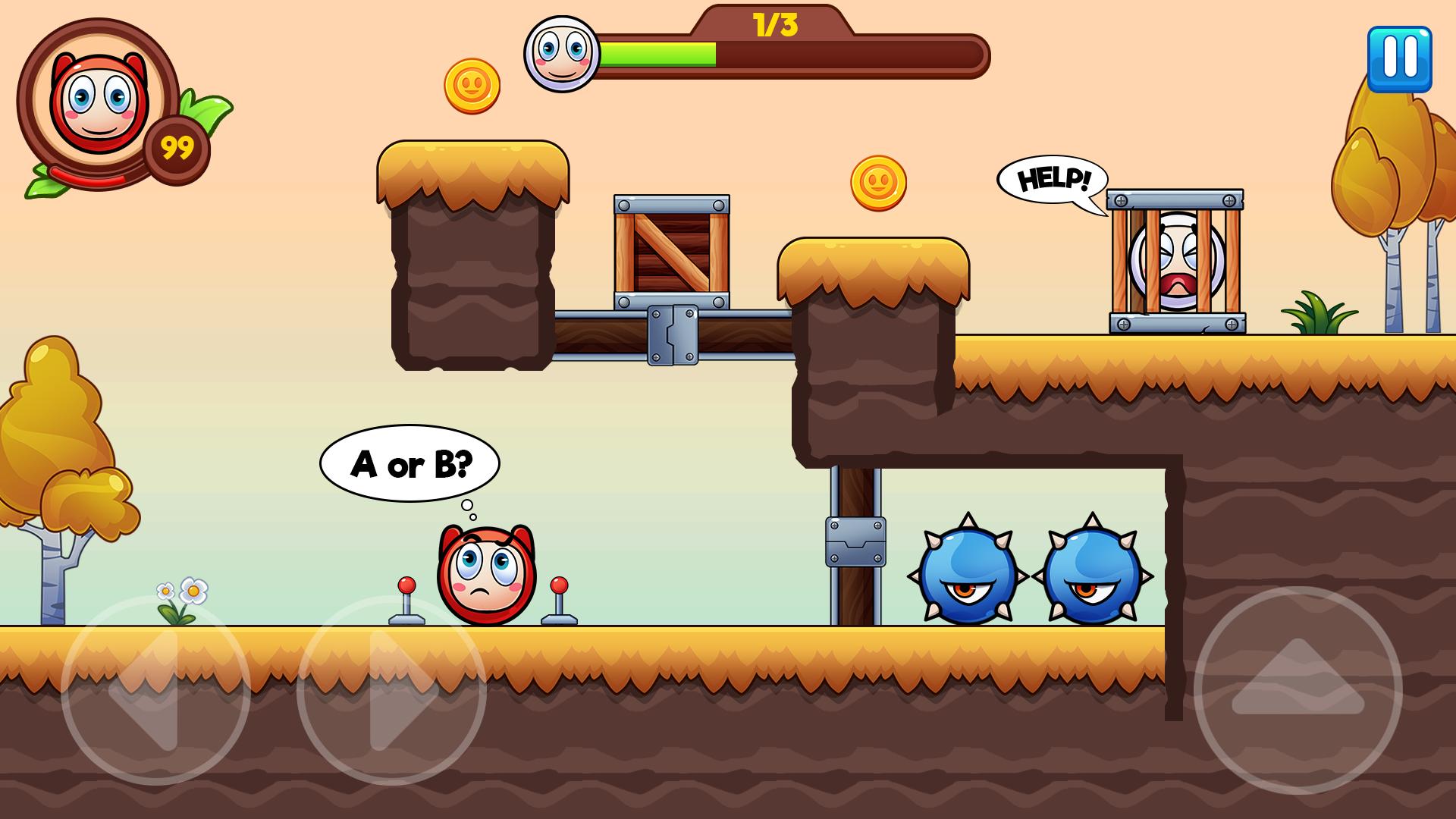
Now, let's enjoy the Bounce game. Collect all rings and beware the dangerous thorns. Stay in touch with your friends and beat their scores.
Ball bounce roll jump slide games, ball games, those who love and like Arcade style games we recommend trying definitely.
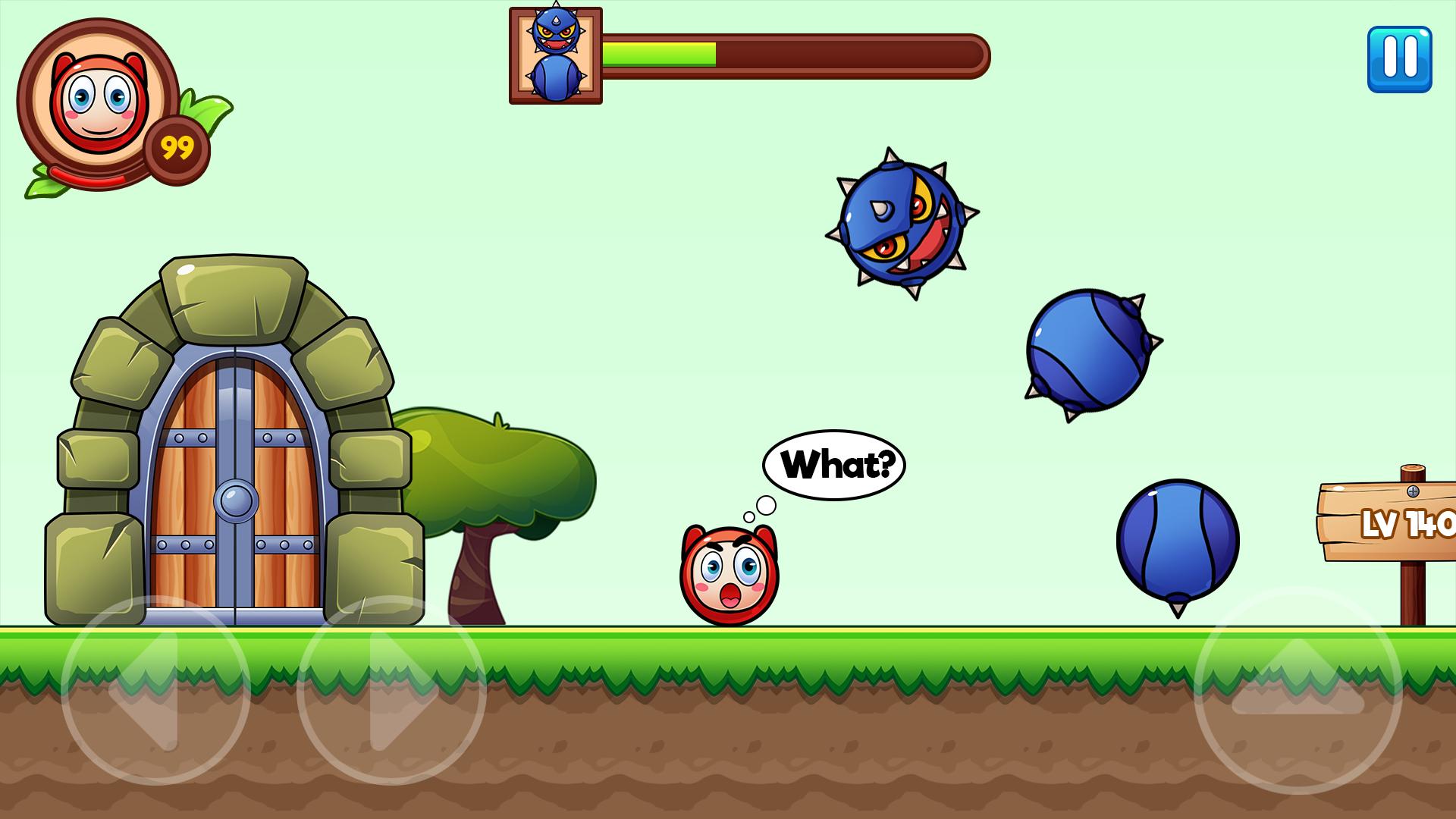
All you need to do is help Ball avoid the obstacles, deathly traps and fierce enemies who appear everywhere to stop your adventure.
Features:
- Realistic HD graphics with optimize size and best quality.
- Stay tuned for more challenging levels.
- Best game mechanism as the old bounce game.
- Avoid obstacles and defeat challenging enemies.
- Intuitive controls
- Fantastic HD graphics
- 100+ levels to roll the ball
Now It's time for the fun journey with Ball Bounce ! Let's join the mission and beat all the monsters of the dark power and rescue your friends!
Preview
Tags
AdventureInformation
Developer
Fanmob Studio
Latest Version
1.4.5
Last Updated
2023-08-25
Category
Adventure
Available on
Google Play
Show More
How to play Ball Bounce - Freaking Island with GameLoop on PC
1. Download GameLoop from the official website, then run the exe file to install GameLoop
2. Open GameLoop and search for “Ball Bounce - Freaking Island” , find Ball Bounce - Freaking Island in the search results and click “Install”
3. Enjoy playing Ball Bounce - Freaking Island on GameLoop
Minimum requirements
OS
Windows 8.1 64-bit or Windows 10 64-bit
GPU
GTX 1050
CPU
i3-8300
Memory
8GB RAM
Storage
1GB available space
Recommended requirements
OS
Windows 8.1 64-bit or Windows 10 64-bit
GPU
GTX 1050
CPU
i3-9320
Memory
16GB RAM
Storage
1GB available space