PSP Emulator And Database Game PC
Tanpa Batas.inc
Download PSP Emulator And Database Game on PC With GameLoop Emulator
PSP Emulator And Database Game on PC
PSP Emulator And Database Game, coming from the developer Tanpa Batas.inc, is running on Android systerm in the past.
Now, You can play PSP Emulator And Database Game on PC with GameLoop smoothly.
Download it in the GameLoop library or search results. No more eyeing the battery or frustrating calls at the wrong time any more.
Just enjoy PSP Emulator And Database Game PC on the large screen for free!
PSP Emulator And Database Game Introduction
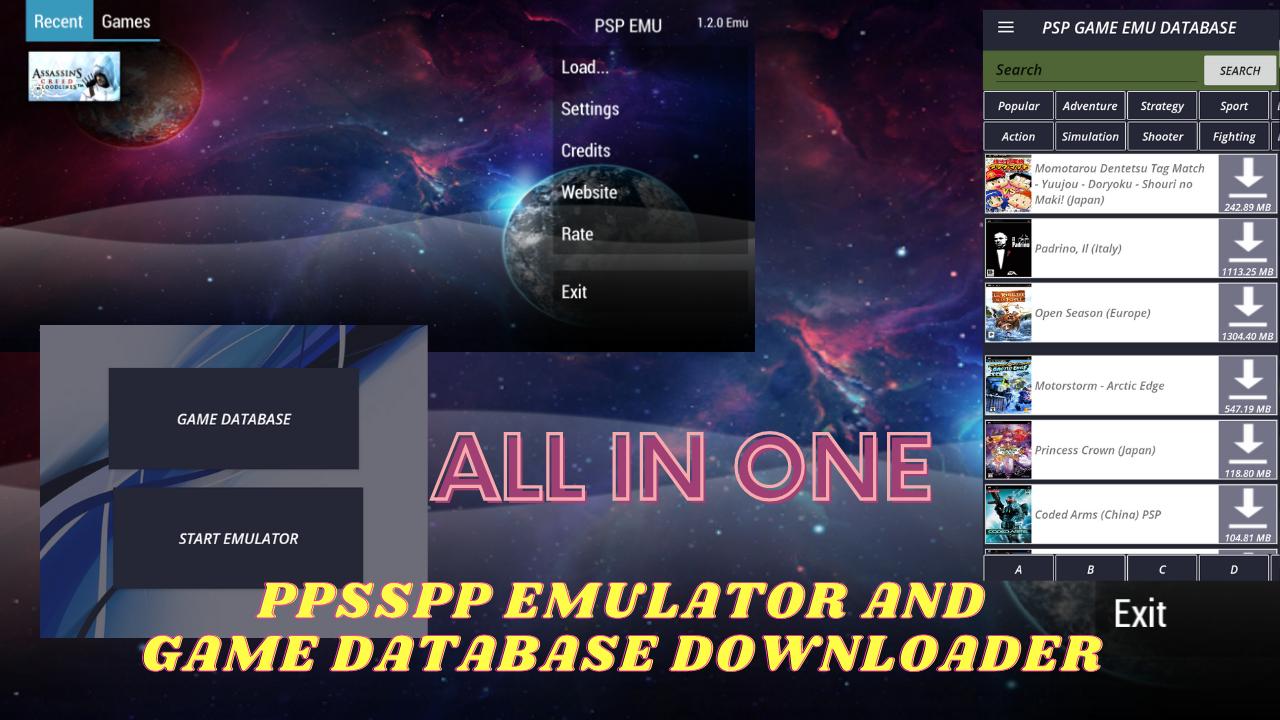
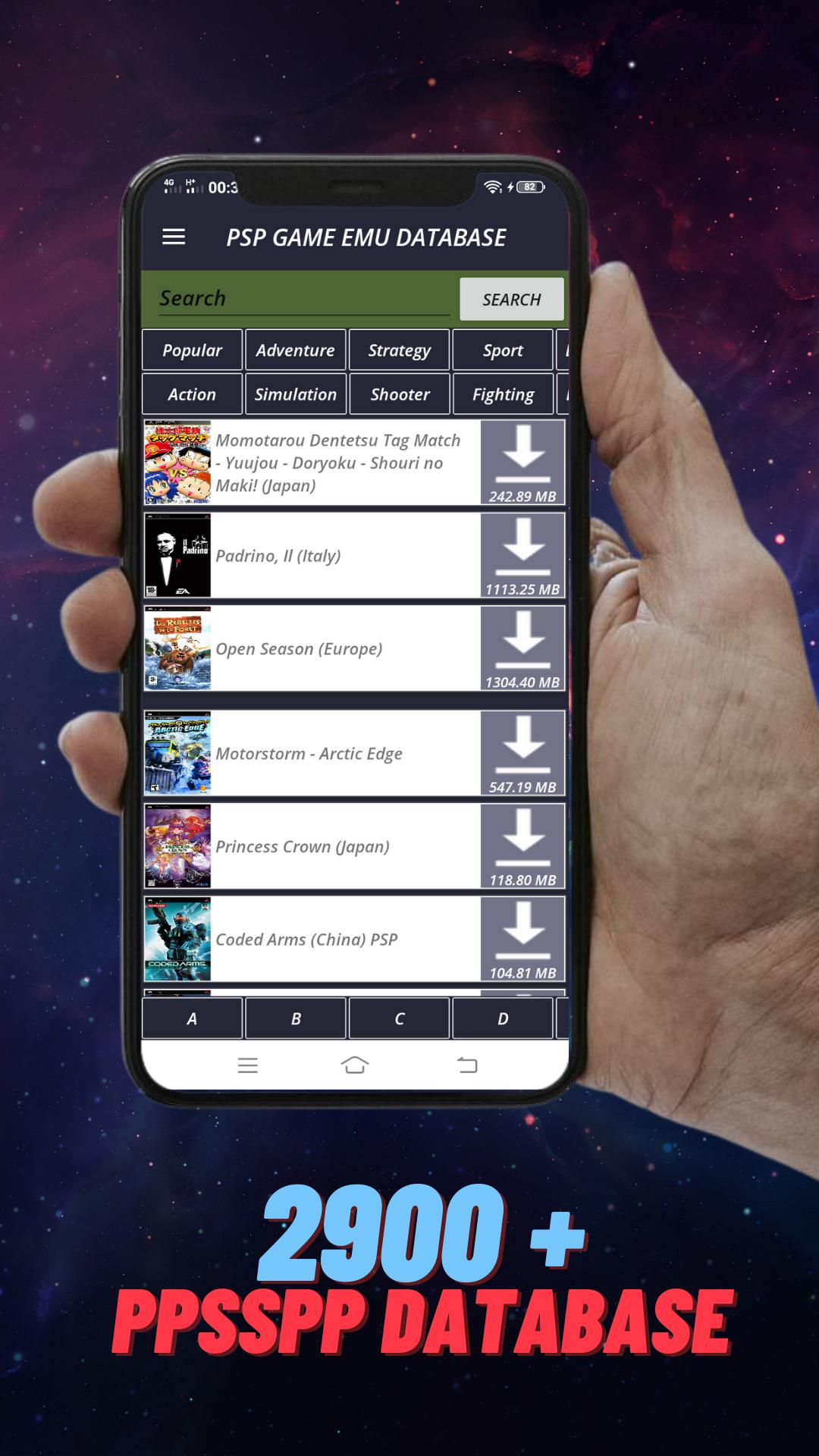
H7 PSP EMU and Database iso is a psp emulator application that is already equipped with a psp game database so you only need to download this application, you will immediately get two main features, namely a psp emulator and a collection of games that are ready to be played.
The main purpose of this app is to provide PSP EMULATOR AND games for all PSP emulator users. We have collected more than 2800+ top psp games in this app and adding more day by day.
Our emulator is a good original PSP emulator for Android Phones, it runs a lot of PS PORTABLE games, as well as latest PSP games.
Play games like Naruto Shippuden or Tekken with the highest resolution. You can use a gamepad too as it is built in. this is the fastest emulator and game you can play with your device. and don't forget beautiful UI and smart User Experience.
How to download and play the game?
1. Open the H7 PSP Emu App
2. Choose to download PSP games
3. Find the PSP Game that you want to download
4. Download PSP Game and Save In PSP Emu/Game Folder
5. Reopen H7 PSP Emu
6. Select Start Emulator
7. Select the game that has been downloaded
8. Play PSP Games with PSP Pro Emulator
Preview
Tags
ActionInformation
Developer
Tanpa Batas.inc
Latest Version
1.0 PSP Emu Database
Last Updated
2022-02-22
Category
Action
Available on
Google Play
Show More
How to play PSP Emulator And Database Game with GameLoop on PC
1. Download GameLoop from the official website, then run the exe file to install GameLoop
2. Open GameLoop and search for “PSP Emulator And Database Game” , find PSP Emulator And Database Game in the search results and click “Install”
3. Enjoy playing PSP Emulator And Database Game on GameLoop
Minimum requirements
OS
Windows 8.1 64-bit or Windows 10 64-bit
GPU
GTX 1050
CPU
i3-8300
Memory
8GB RAM
Storage
1GB available space
Recommended requirements
OS
Windows 8.1 64-bit or Windows 10 64-bit
GPU
GTX 1050
CPU
i3-9320
Memory
16GB RAM
Storage
1GB available space