Goku Fighting: Supersonic Dragon Z PC
TP Shop Store
Download Goku Fighting: Supersonic Dragon Z on PC With GameLoop Emulator
Goku Fighting: Supersonic Dragon Z on PC
Goku Fighting: Supersonic Dragon Z, coming from the developer TP Shop Store, is running on Android systerm in the past.
Now, You can play Goku Fighting: Supersonic Dragon Z on PC with GameLoop smoothly.
Download it in the GameLoop library or search results. No more eyeing the battery or frustrating calls at the wrong time any more.
Just enjoy Goku Fighting: Supersonic Dragon Z PC on the large screen for free!
Goku Fighting: Supersonic Dragon Z Introduction
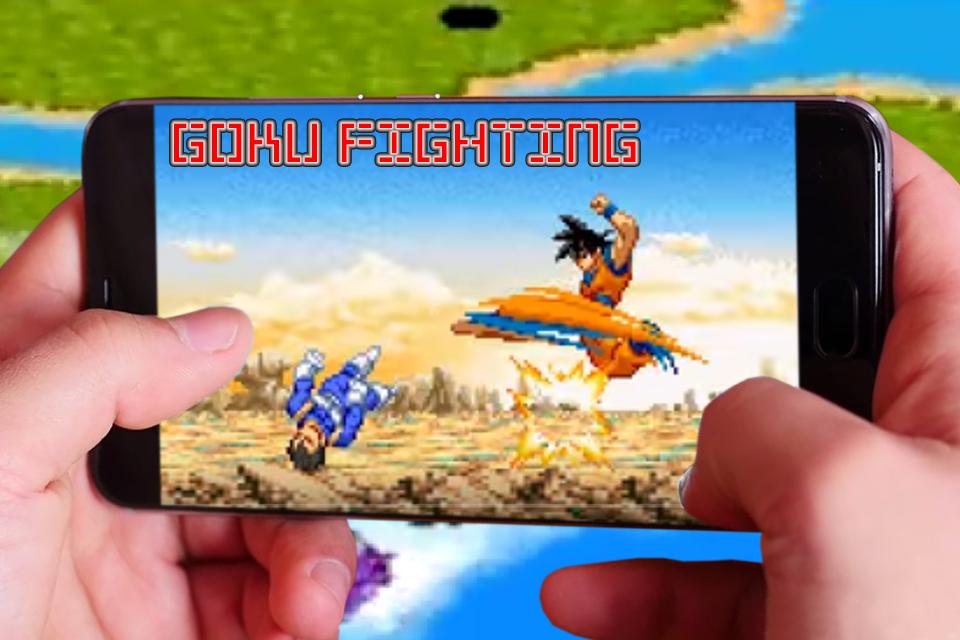
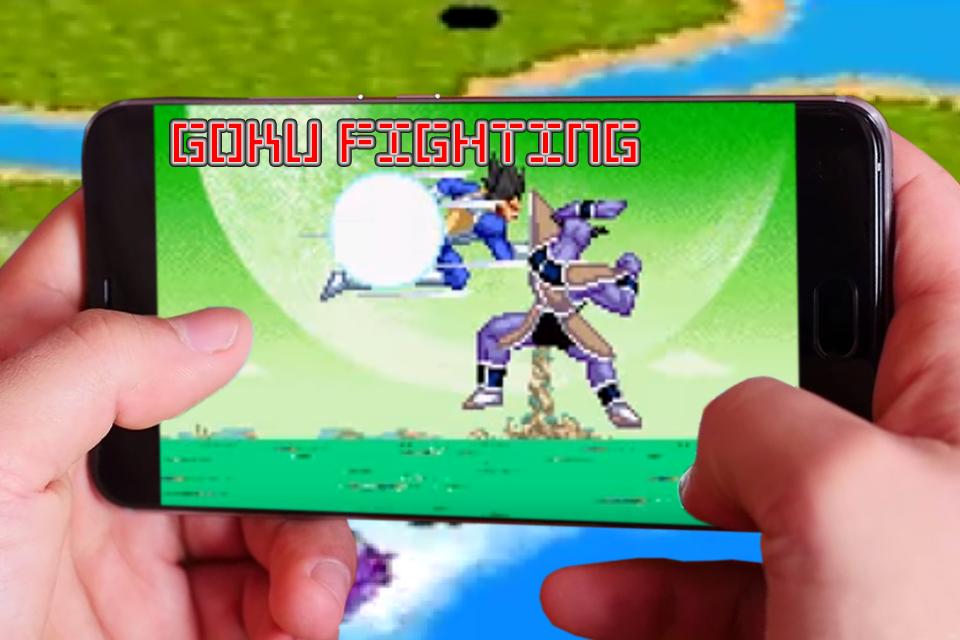
The character lineup includes 13 playable fighters. Most are obvious choices, like Goku, Gohan, Frieza, and Trunks, but there are a few surprises too, such as Dr. Gero, Majin Buu, and Gotenks.
Roughly half of the characters are available in their super and Saiyan forms as well. There are six modes in all.
[Features]
- Unique Graphic Style and UI
- Cool Effect with super skills
- Many Saiyan characters
- Save & Load
- More than 60 designer battles and power levels
- KI Blast
[Game Mode]
Every time you win a match in the story, z-battle, or challenge modes, you earn some points. These points can be spent later on in the options menu to unlock bonus features, such as those extra character forms and additional story mode scenarios.
The combat system involves some button mashing, but it's handled in a controlled way.
The A and B buttons are used to perform strong and weak attacks. They're also used for blocking. There's a short window of opportunity to block right after an attack is made. Otherwise, pushing one of the buttons will make your character perform an attack.
- Z Battle Gate: progresses similar to the story modes in previous games.
- Ultimate Battle: This new mode pits whichever fighter the player chooses against 100 characters.
- World Tournament: the player can enter a world tournament and try to win their way to the top.
Goku Fighting: Supersonic Dragon Z is the portable fighting game that dragon fans have been wanting for a long time.
The developers managed to strike a balance between the kinds of things that ought to be in any decent fighting game and the kinds of things that fans of the show want to be able to do.
Preview
Information
Developer
TP Shop Store
Latest Version
1.1
Last Updated
2017-10-25
Category
Action
Available on
Google Play
Show More
How to play Goku Fighting: Supersonic Dragon Z with GameLoop on PC
1. Download GameLoop from the official website, then run the exe file to install GameLoop
2. Open GameLoop and search for “Goku Fighting: Supersonic Dragon Z” , find Goku Fighting: Supersonic Dragon Z in the search results and click “Install”
3. Enjoy playing Goku Fighting: Supersonic Dragon Z on GameLoop
Minimum requirements
OS
Windows 8.1 64-bit or Windows 10 64-bit
GPU
GTX 1050
CPU
i3-8300
Memory
8GB RAM
Storage
1GB available space
Recommended requirements
OS
Windows 8.1 64-bit or Windows 10 64-bit
GPU
GTX 1050
CPU
i3-9320
Memory
16GB RAM
Storage
1GB available space