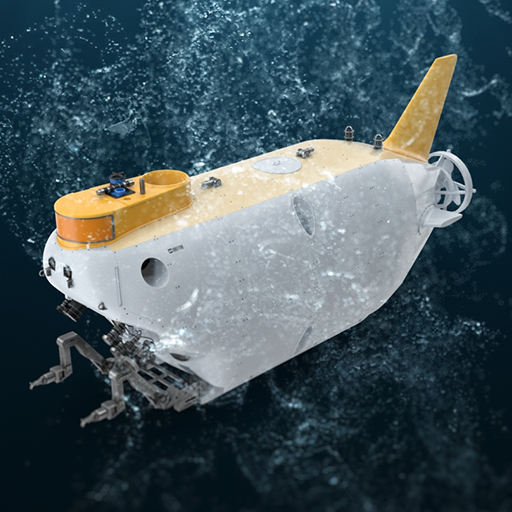
Treasure Hunter PC
Nexelon inc.
Download Treasure Hunter on PC With GameLoop Emulator
Treasure Hunter on PC
Treasure Hunter, coming from the developer Nexelon inc., is running on Android systerm in the past.
Now, You can play Treasure Hunter on PC with GameLoop smoothly.
Download it in the GameLoop library or search results. No more eyeing the battery or frustrating calls at the wrong time any more.
Just enjoy Treasure Hunter PC on the large screen for free!
Treasure Hunter Introduction
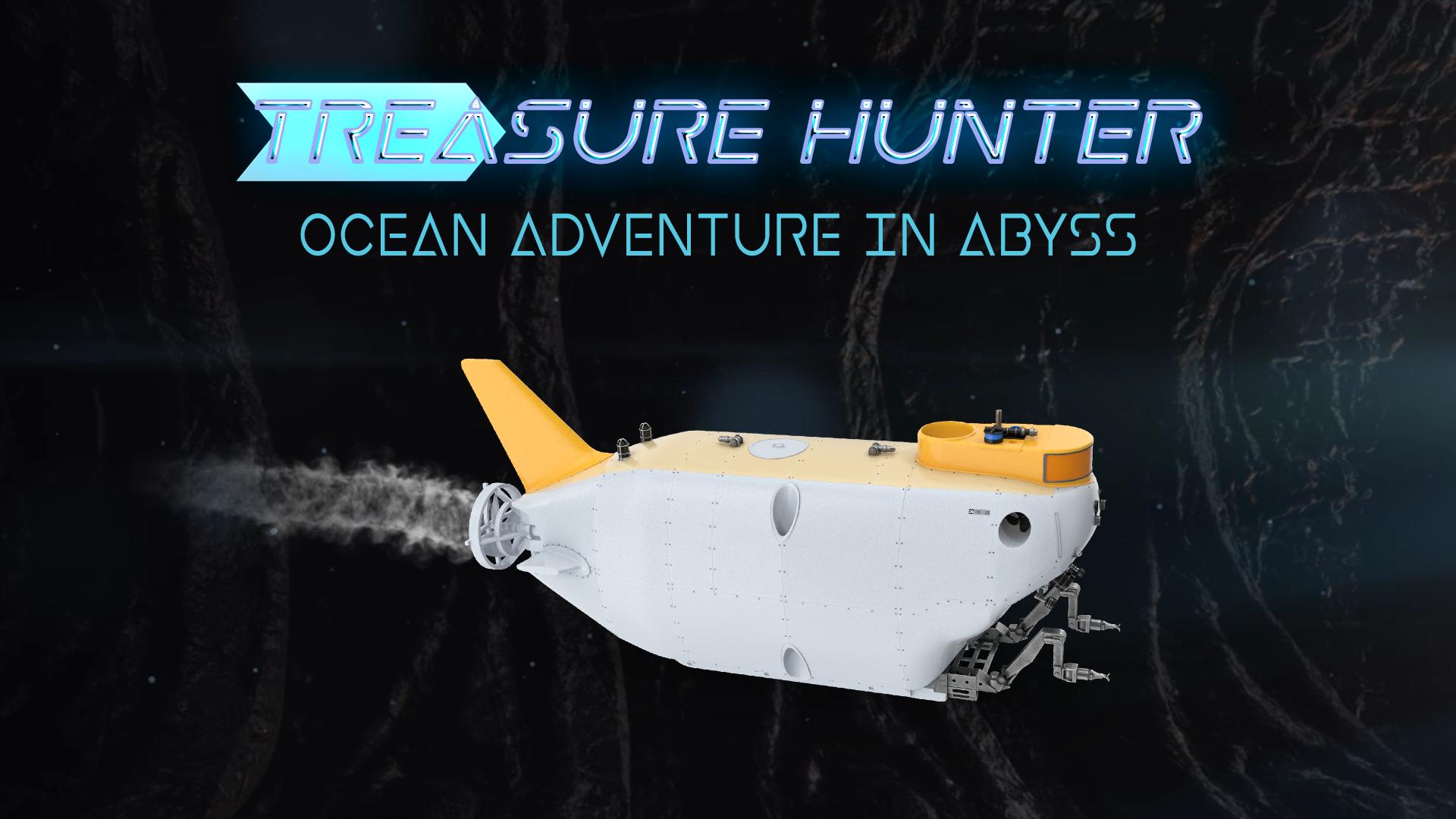
Got on a submarine to try and gather the treasures that sleep at the bottom of the sea.
Using a mixture of realism and fun, you control submarine as you explore a living world of beautiful and deadly sea life, wreckages.
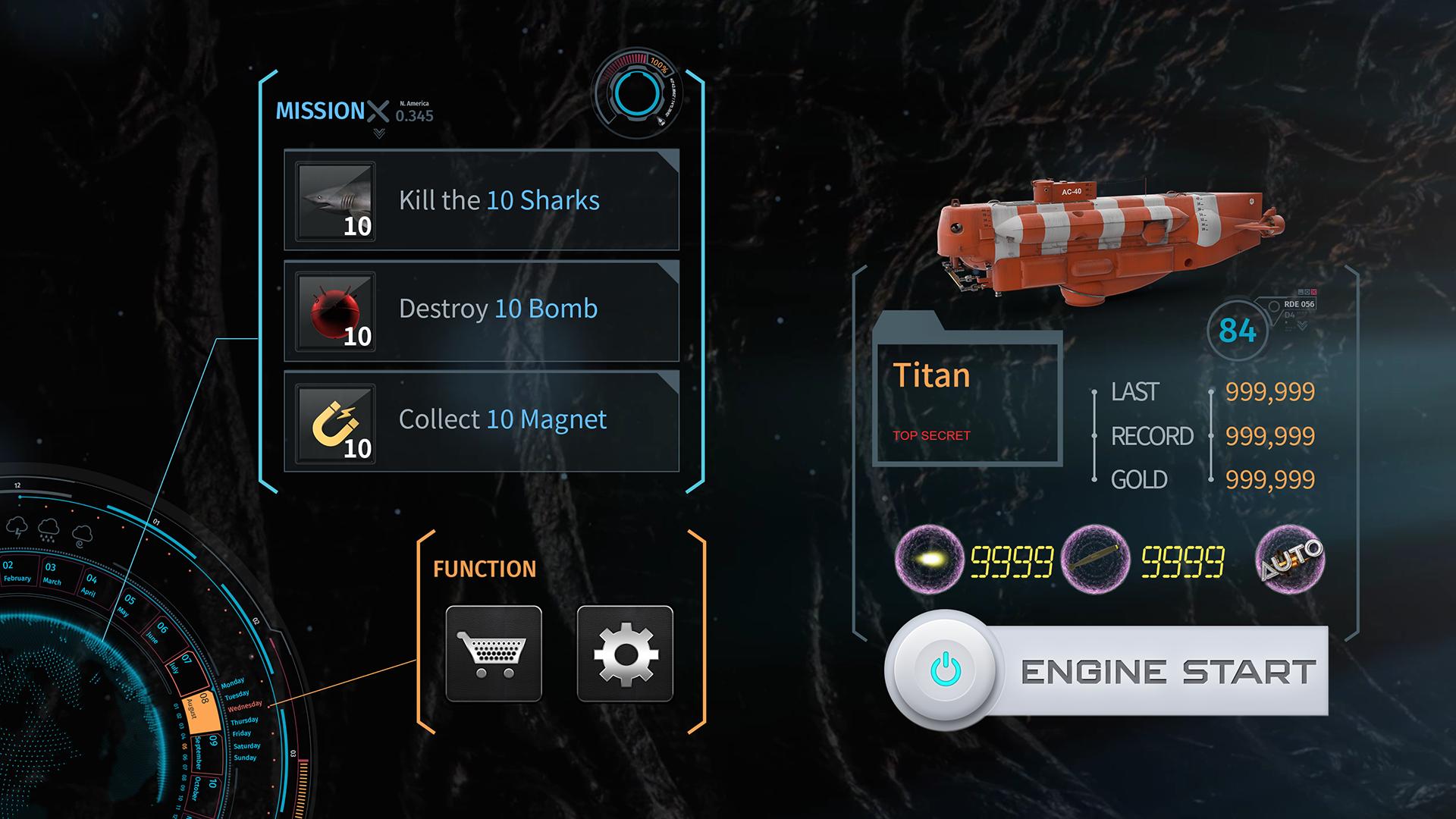
Loot money for upgrades, complete tasks, unlock other submarines, and uncover more of the mystery deep below.
◎ Features
▶Realistic 3D Submarine water deep driving environment!
Explore ocean underwater spaces, islands. Enjoy high quality underwater environment simulation!
▶Thrilling Sounds Of submarine drive with splashing water around!
Destroy monsters and rocks, enjoy your submarine’s life with viewing realistic sound and explosion effects around you.
▶Intuitive Touch Screen Controls And Steer Of Underwater Submarine In Advance Submarine Simulator.
As the levels go high the submarine ride and drive gets intense and the number of hurdles and obstacles in the way that the ship’s speed keeps on increasing.
▶No wifi or internet connections needed to play ultimate adventure game.
◎ Official Facebook
https://www.facebook.com/nexelonFreeGames
◎ App Permissions Notice:
▶ We require below permissions for gameplay
- WRITE_EXTERNAL_STORAGE permission for the game data storage
- READ_EXTERNAL_STORAGE permission to import your saved game data
These permissions are soley for analyzing installs and gameplays.
※ If you selectively allow permissions, you will still be able to access features that don't require the permissions.
※ If you are using Android version lower than version 6.0, you can not set a selective access separately, we recommend that you upgrade to 6.0 or later.
▶How to withdraw access?
After the agreeing the access rights, you can reset or revoke access rights as follows:
[OS 6.0 or later]
Settings> Apps & notifications > Select your app> Permissions > Withdraw the acess
[before OS 6.0]
Upgrade your operating system and follow above steps or delete the app
Preview
Tags
ActionInformation
Developer
Nexelon inc.
Latest Version
1.8
Last Updated
2022-06-17
Category
Action
Available on
Google Play
Show More
How to play Treasure Hunter with GameLoop on PC
1. Download GameLoop from the official website, then run the exe file to install GameLoop
2. Open GameLoop and search for “Treasure Hunter” , find Treasure Hunter in the search results and click “Install”
3. Enjoy playing Treasure Hunter on GameLoop
Minimum requirements
OS
Windows 8.1 64-bit or Windows 10 64-bit
GPU
GTX 1050
CPU
i3-8300
Memory
8GB RAM
Storage
1GB available space
Recommended requirements
OS
Windows 8.1 64-bit or Windows 10 64-bit
GPU
GTX 1050
CPU
i3-9320
Memory
16GB RAM
Storage
1GB available space