Chicken GO! PC
Codex7 Games
Download Chicken GO! on PC With GameLoop Emulator
Chicken GO! on PC
Chicken GO!, coming from the developer Codex7 Games, is running on Android systerm in the past.
Now, You can play Chicken GO! on PC with GameLoop smoothly.
Download it in the GameLoop library or search results. No more eyeing the battery or frustrating calls at the wrong time any more.
Just enjoy Chicken GO! PC on the large screen for free!
Chicken GO! Introduction
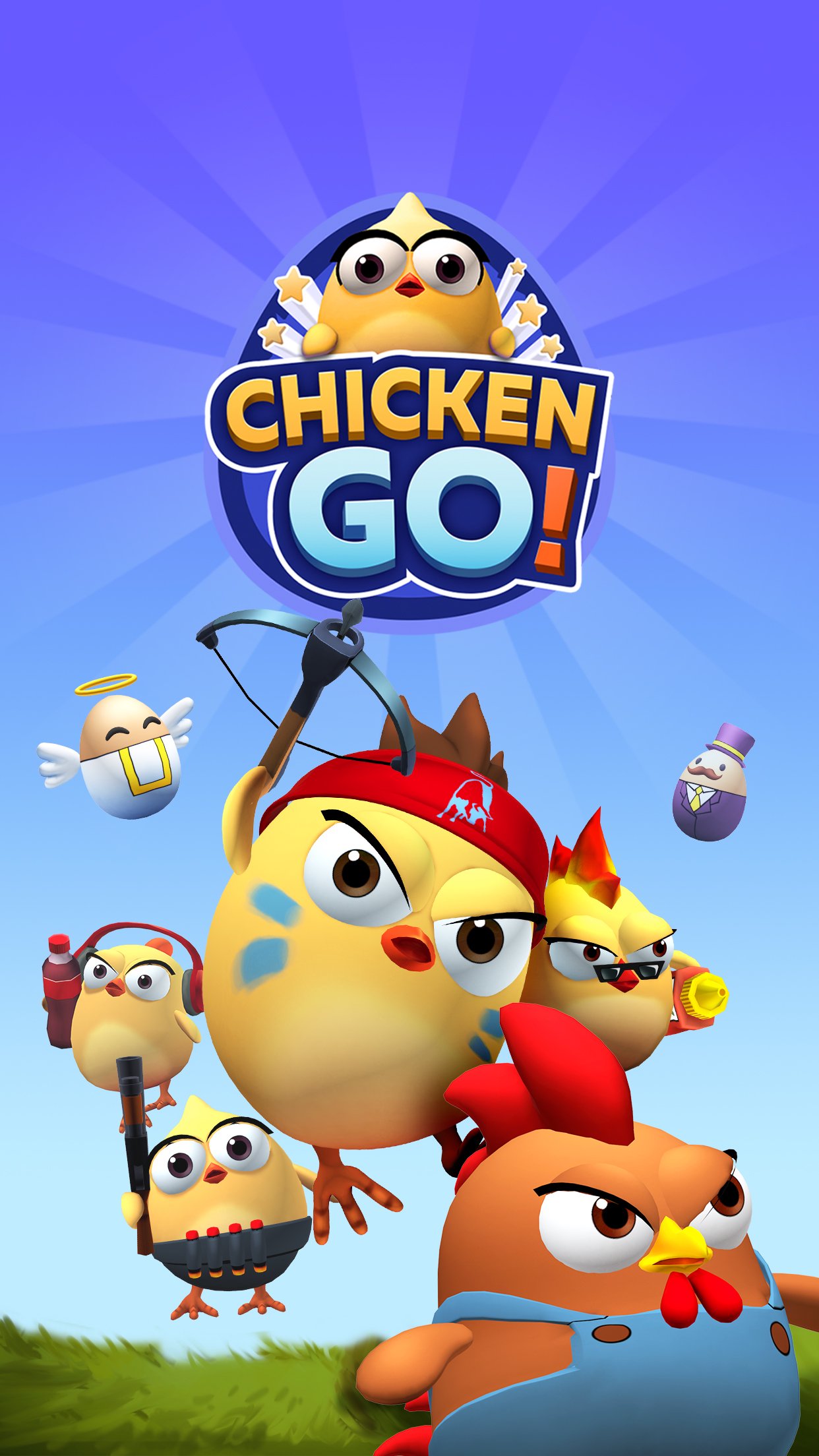
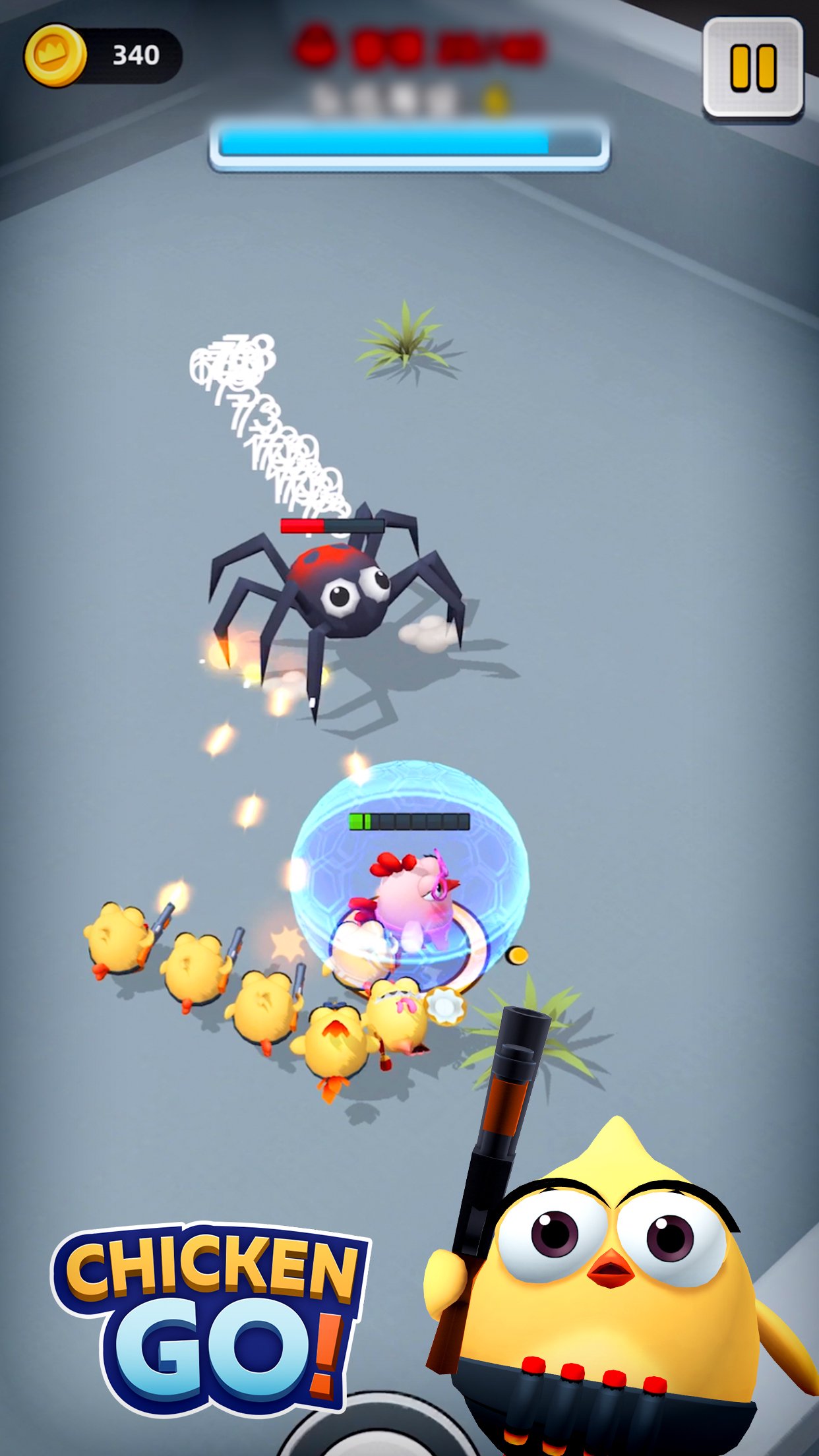
Chicken GO is a unique cartoon-styled shooting game. In this game, you will be leading a squad of chickens with funny looks and various skills to defeat the enemies blocking your way. But beware, before you can have this cute little team, you need to save them from the cage first!
Join now and work out different team and skill combinations so survive from those monsters and obstacles!
Key features:
- Easy and casual gameplay, but not so easy to pass the challenging chapters;
- Fast paced battles and intense combat experience, hundreds of maps and waves of monsters;
- Various outfits for the chickens, funny and cute-looking;
- Level up and equip your team with epic equipment, make it invincible!
For any questions, feel free to contact us at: support@codex7.cn
Facebook page: https://www.facebook.com/Chicken-Go-105336751872961
Preview
Tags
ShooterCasualSingle playerStylizedInformation
Developer
Codex7 Games
Latest Version
0.8.4
Last Updated
2022-11-28
Category
Action
Available on
Google Play
Show More
How to play Chicken GO! with GameLoop on PC
1. Download GameLoop from the official website, then run the exe file to install GameLoop
2. Open GameLoop and search for “Chicken GO!” , find Chicken GO! in the search results and click “Install”
3. Enjoy playing Chicken GO! on GameLoop
Minimum requirements
OS
Windows 8.1 64-bit or Windows 10 64-bit
GPU
GTX 1050
CPU
i3-8300
Memory
8GB RAM
Storage
1GB available space
Recommended requirements
OS
Windows 8.1 64-bit or Windows 10 64-bit
GPU
GTX 1050
CPU
i3-9320
Memory
16GB RAM
Storage
1GB available space