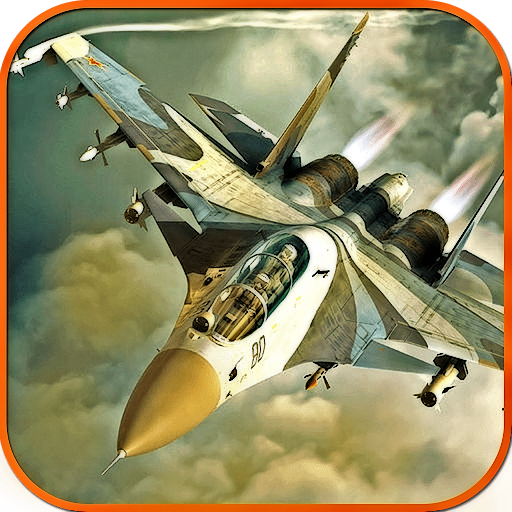
Air Force: A Sky Warriors Game PC
Game Plus Studio
Download Air Force: A Sky Warriors Game on PC With GameLoop Emulator
Air Force: A Sky Warriors Game on PC
Air Force: A Sky Warriors Game, coming from the developer Game Plus Studio, is running on Android systerm in the past.
Now, You can play Air Force: A Sky Warriors Game on PC with GameLoop smoothly.
Download it in the GameLoop library or search results. No more eyeing the battery or frustrating calls at the wrong time any more.
Just enjoy Air Force: A Sky Warriors Game PC on the large screen for free!
Air Force: A Sky Warriors Game Introduction
Welcome, Pilot Officer!
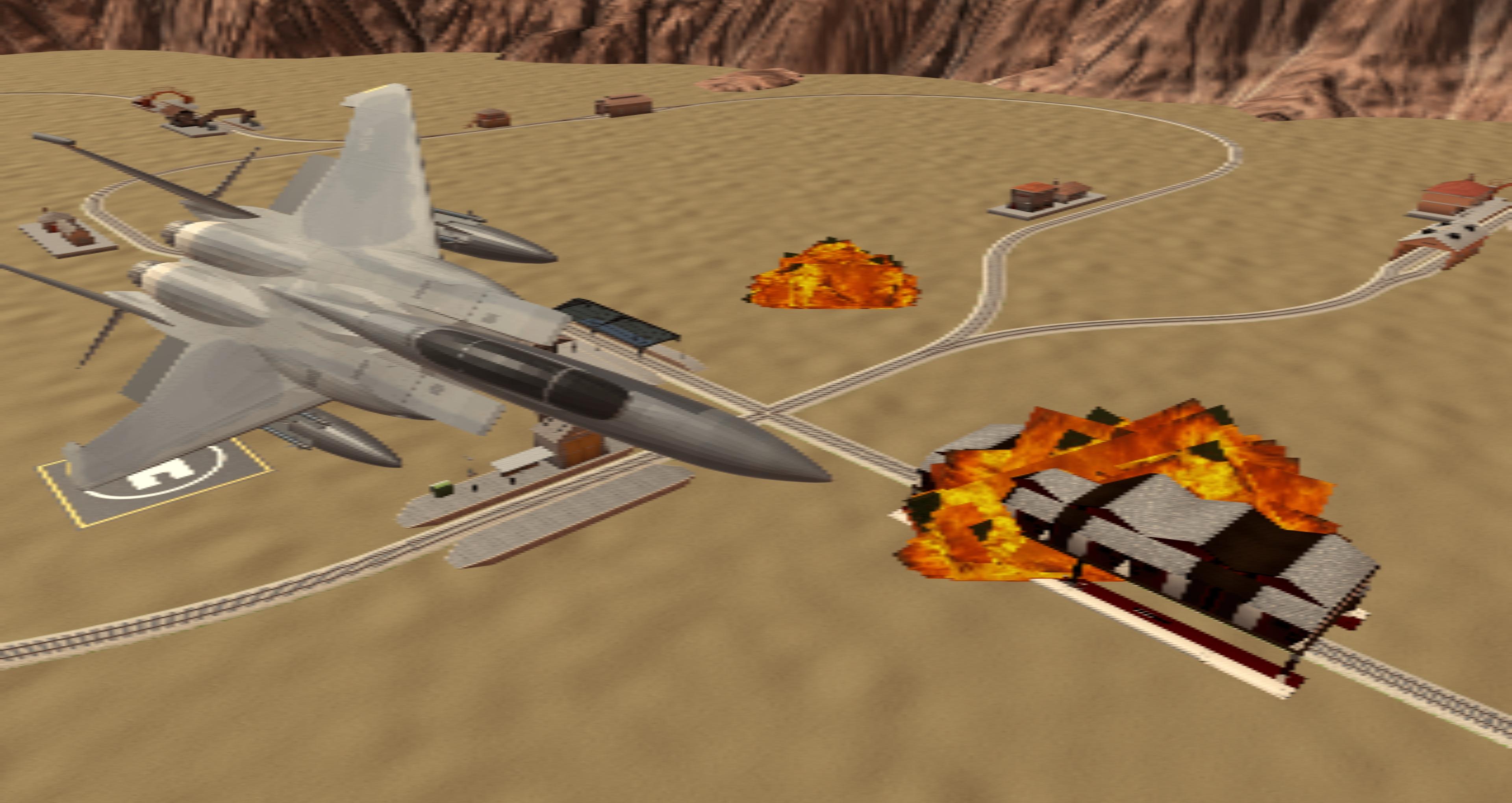
Air Force: A Sky Warriors Game is a truly fast furious game with aerial combat gameplay.
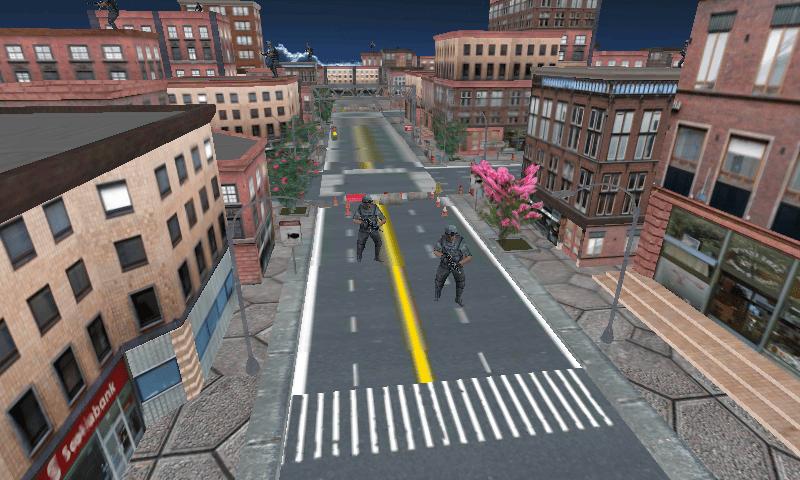
Load all the weapons you have like missiles and guns to give a historic defeat to your enemies in warfare which is thrilled and action packed in real time f16 airplane battles in the sky over the land, ocean, and city.
This Air Warrior game is one of the adrenaline filled air combat that actually rush the blood drop by drop to the veins one after another as you fly higher through the skies firing missiles, shooting the guns, and deflecting enemy fire, to become an ace!
Set up and control your airplane because you want to fly and fight: ready for some big explosions? Thumbs Up, Pilot Officer! Cluster missiles are too dangerous for health so avoid them. Fly and flight in the way you want to.
In Air Force: Sky Warriors you can:
Fly your favorite combat jet F22 as a flight simulator.
The aircraft flies over the beautiful maps.
Use the Radar to know the enemy location and numbers.
Join the Squadron to be a superhero for the nation.
What are you waiting for, pilot officer? Join the Airforce ranks and fight the war for the nation with valor and dignity. Click to download this modern airplane flight combat mobile game, for free, now!
Preview
Information
Developer
Game Plus Studio
Latest Version
1.3
Last Updated
2022-08-31
Category
Action
Available on
Google Play
Show More
How to play Air Force: A Sky Warriors Game with GameLoop on PC
1. Download GameLoop from the official website, then run the exe file to install GameLoop
2. Open GameLoop and search for “Air Force: A Sky Warriors Game” , find Air Force: A Sky Warriors Game in the search results and click “Install”
3. Enjoy playing Air Force: A Sky Warriors Game on GameLoop
Minimum requirements
OS
Windows 8.1 64-bit or Windows 10 64-bit
GPU
GTX 1050
CPU
i3-8300
Memory
8GB RAM
Storage
1GB available space
Recommended requirements
OS
Windows 8.1 64-bit or Windows 10 64-bit
GPU
GTX 1050
CPU
i3-9320
Memory
16GB RAM
Storage
1GB available space