SNMP MIB Browser PC
Zoho Corporation
قم بتنزيل SNMP MIB Browser على جهاز الكمبيوتر باستخدام GameLoop Emulator
SNMP MIB Browser على الكمبيوتر الشخصي
SNMP MIB Browser ، القادم من المطور Zoho Corporation ، يعمل على نظام Android في الماضي.
الآن ، يمكنك لعب SNMP MIB Browser على جهاز الكمبيوتر باستخدام GameLoop بسلاسة.
قم بتنزيله في مكتبة GameLoop أو في نتائج البحث. لا مزيد من الانتباه إلى البطارية أو المكالمات المحبطة في الوقت الخطأ بعد الآن.
ما عليك سوى الاستمتاع بجهاز SNMP MIB Browser على الشاشة الكبيرة مجانًا!
SNMP MIB Browser مقدمة
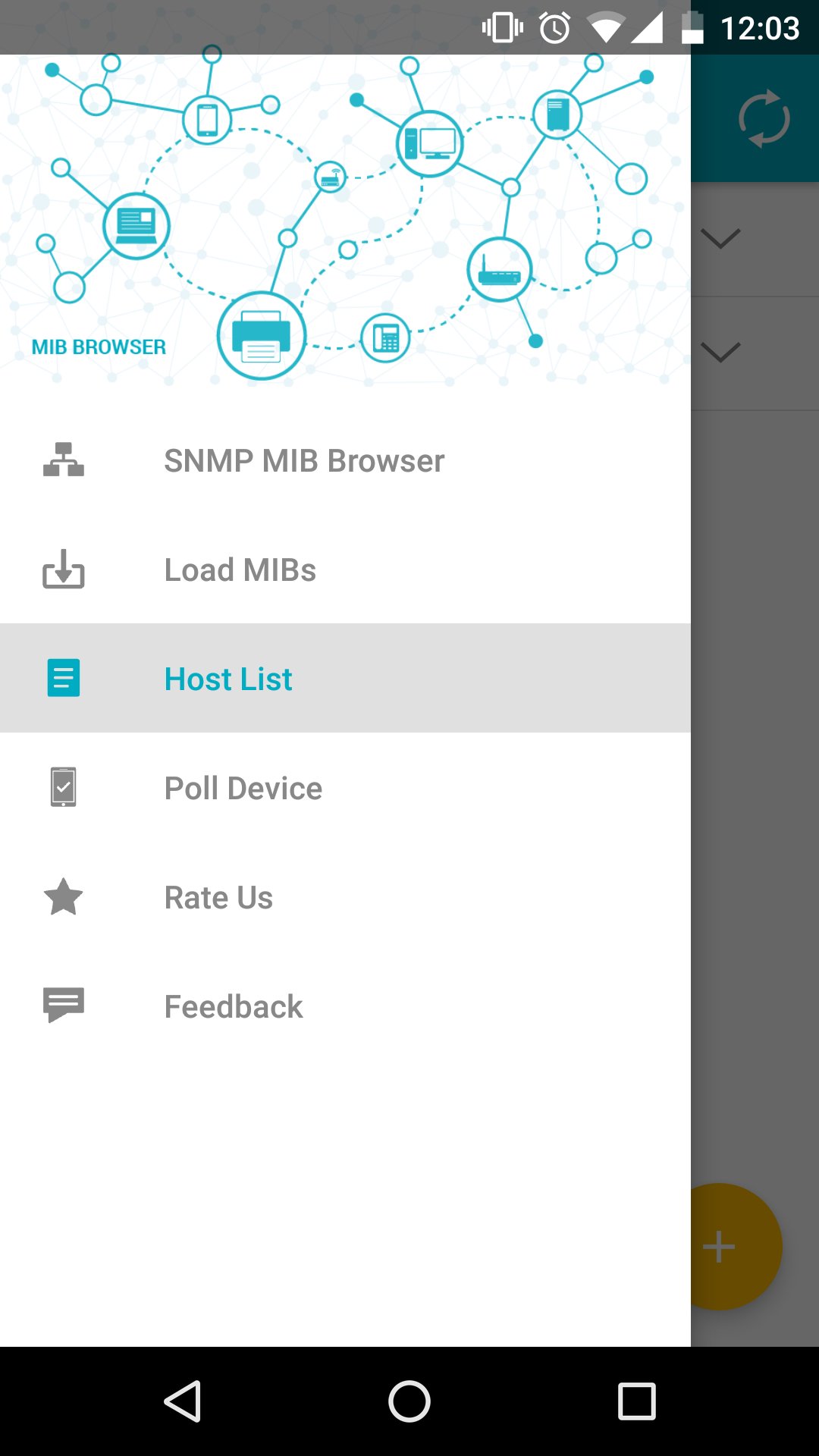
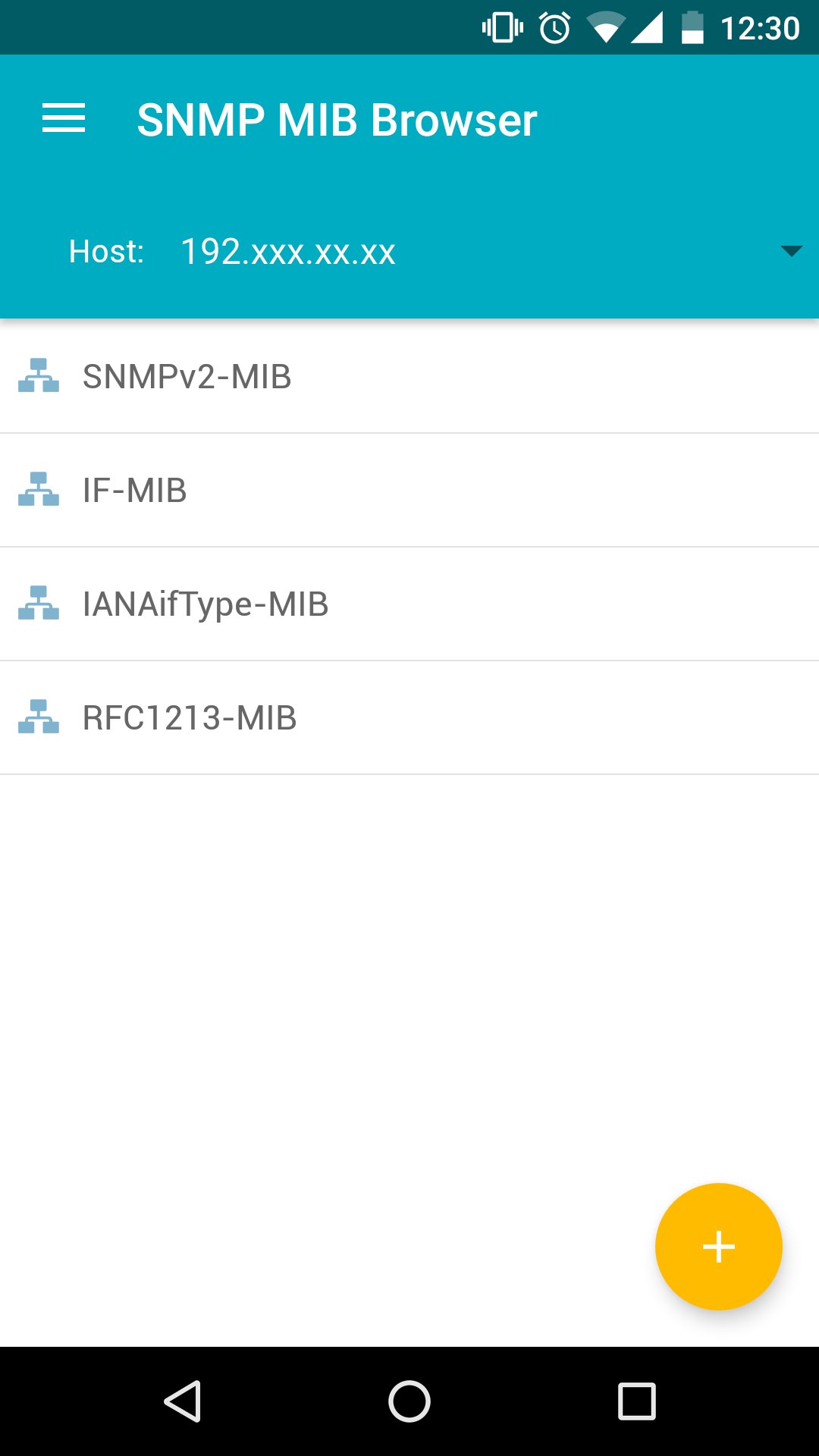
ManageEngine SNMP MIB Browser for Android enables the user to monitor and manage the MIB data for any SNMP enabled network devices like desktops, routers, switches, etc., on the move.
This app enables the user to load any standard MIB and fetch values from the devices. It fetches data for scalar/tabular groups and displays it in an intuitive user interface. It also supports SNMP SET operation, using which the user can modify the data on a device. MibBrowser supports SNMPv1, SNMPv2c and SNMPv3 versions. If User opts SNMPv3 version for communication, he has the option to select HMAC algorithms like MD5, SHA for authentication and DES, 3DES, AES-128, AES-192 and AES-256 for encryption.
Tool has an option to poll the SNMP enabled devices at a periodic interval, which is configurable.
Key Features :
* Load any MIB from any location on the device and fetch MIB data.
* Fetch MIB data in ALL versions of SNMP(v1, v2c, v3) from agents implemented by any vendors.
* Support for SNMP SET Operation.
* User can configure agent parameters
* Perform SNMP Polling for particular ObjectID on the device.
* Fetch MIB data of any scalar or tabular group, just by a click
* Support for MD5 and SHA authentication algorithms and DES, 3DES, AES-128, AES-192, AES-256 encryption for SNMPv3 packets.
* Tool remembers all device details like host, port, community string so that user need not enter these details every now and then.
Prerequisite :
To run this application, WiFi connectivity is required to communicate with the local Network/Internet.
Copy the required MIBs in the mibs directory, which would have been created during installation in the root path of the Memory card.
The MIB files should have .mib, .my, or .txt extensions, if any, and are not case sensitive.
While loading MIB files from a location other than the mibs directory created, load the dependent MIBs (if any) before loading the required MIB.
معاينة
العلامات
أدواتمعلومة
مطور
Zoho Corporation
احدث اصدار
2.3
آخر تحديث
2026-04-06
فئة
أدوات
متاح على
Google Play
أظهر المزيد
كيف تلعب SNMP MIB Browser مع GameLoop على جهاز الكمبيوتر
1. قم بتنزيل GameLoop من الموقع الرسمي ، ثم قم بتشغيل ملف exe لتثبيت GameLoop.
2. افتح GameLoop وابحث عن "SNMP MIB Browser" ، وابحث عن SNMP MIB Browser في نتائج البحث وانقر على "تثبيت".
3. استمتع بلعب SNMP MIB Browser على GameLoop.
Minimum requirements
OS
Windows 8.1 64-bit or Windows 10 64-bit
GPU
GTX 1050
CPU
i3-8300
Memory
8GB RAM
Storage
1GB available space
Recommended requirements
OS
Windows 8.1 64-bit or Windows 10 64-bit
GPU
GTX 1050
CPU
i3-9320
Memory
16GB RAM
Storage
1GB available space