
Super Screen video recorder PC
Appsware Studio
Tải xuống Super Screen video recorder trên PC với Trình giả lập GameLoop
Super Screen video recorder trên PC
Super Screen video recorder, đến từ nhà phát triển Appsware Studio, đang chạy trên hệ điều hành Android trong quá khứ.
Giờ đây, bạn có thể chơi Super Screen video recorder trên PC với GameLoop một cách mượt mà.
Tải xuống nó trong thư viện GameLoop hoặc kết quả tìm kiếm. Không còn để ý đến pin hoặc các cuộc gọi bực bội vào sai thời điểm nữa.
Chỉ cần thưởng thức Super Screen video recorder PC trên màn hình lớn miễn phí!
Super Screen video recorder Giới thiệu
Easy to use, Screen Recorder lets you record flawless screen videos and clear screenshots.
Simply by swiping on the floating window, the content such as video calls, video tutorials, games etc. can be saved on your device. No more missing important moments, and no more missing game shows.
Screen Video Recording App
Video Screen Recorder with Audio allows you to record any part of your screen - there is neither a time limit on the recordings nor do you need root access. The screen history you record will not be watermarked, lagging, or restricted!
Using the live screen recorder, gamers can record gameplay videos at 60 frames per second, along with the sound from their games, as well as be able to record with the front camera at several different resolutions and bitrates.
Record screen activity quickly with this app
It does not require root access
With no watermark
Screen recordings are unlimited in time
A 60 fps, 1080p, 12 Mbps Ultra HD video will be delivered
Videos that are crystal clear
Recorder Screen can record everything!
Streamline your screen recording with this handy tool
With screen voice recorder, you can record in landscape or portrait mode. You can capture a whole gaming session or a short replay - a screen voice recorder makes it easy to do that.
We offer unlimited online storage for free for our users' recordings. You can delete screen recordings from the screen recorder with audio if you wish to free up space on your device. Unless otherwise noted, do not download clips that have watermarks. You can share them without downloading them.
A list of Super Screen Recorder App's features
A watermark is not included
Screen video and audio recorder
Recording videos is not time-limited
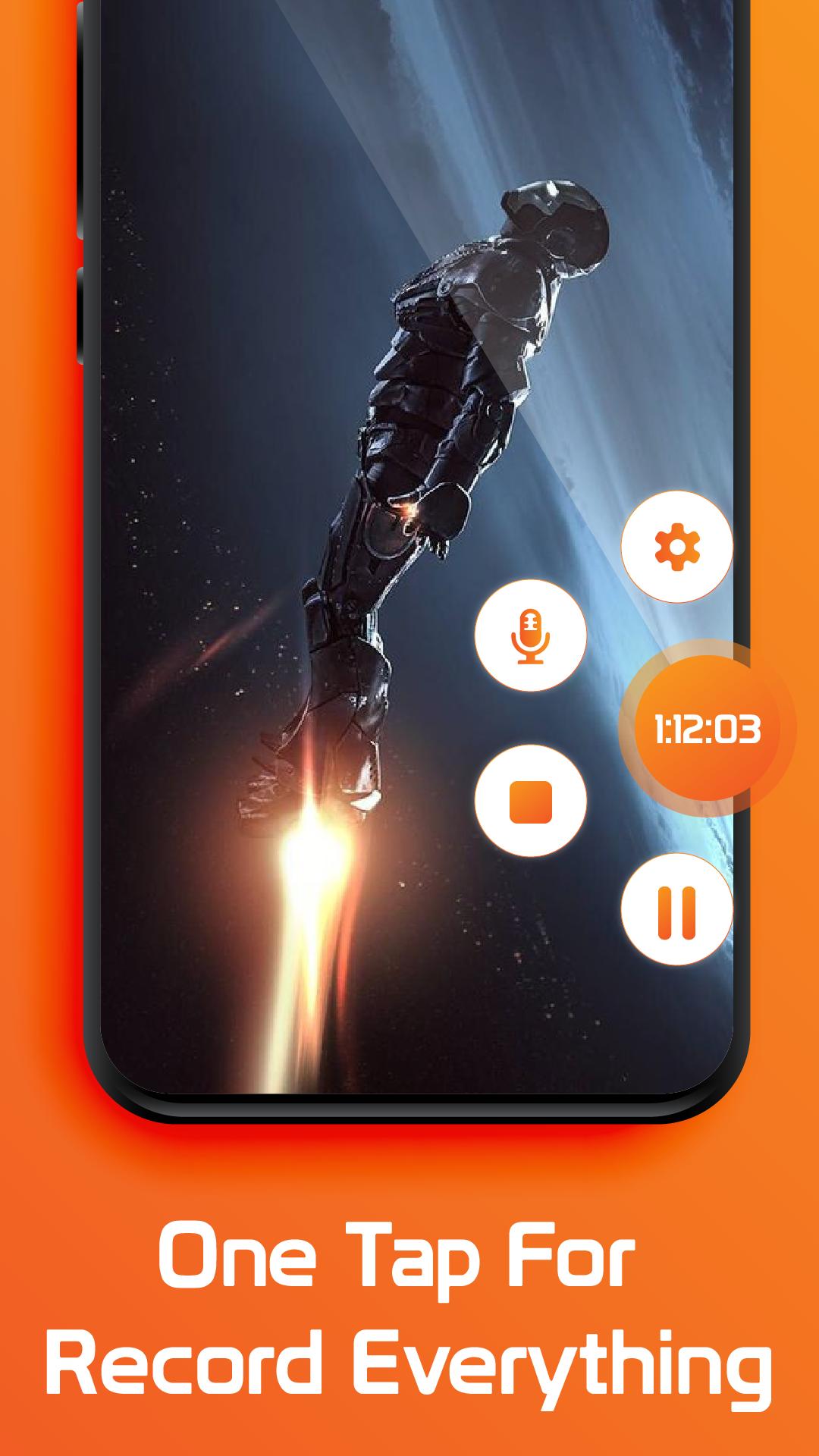
Getting an exact moment can be as simple as touching it, and hiding it when not needed
HD video recording for video games, lectures, and meetings
A noiseless recording of internal audio is made
It is possible to stop and resume a recording, just as well as rotate it, without any difficulty
Even screenshots can be taken
When exporting videos in Full HD, you have the following options: 60FPS, 240p to 1080p, 12Mbps
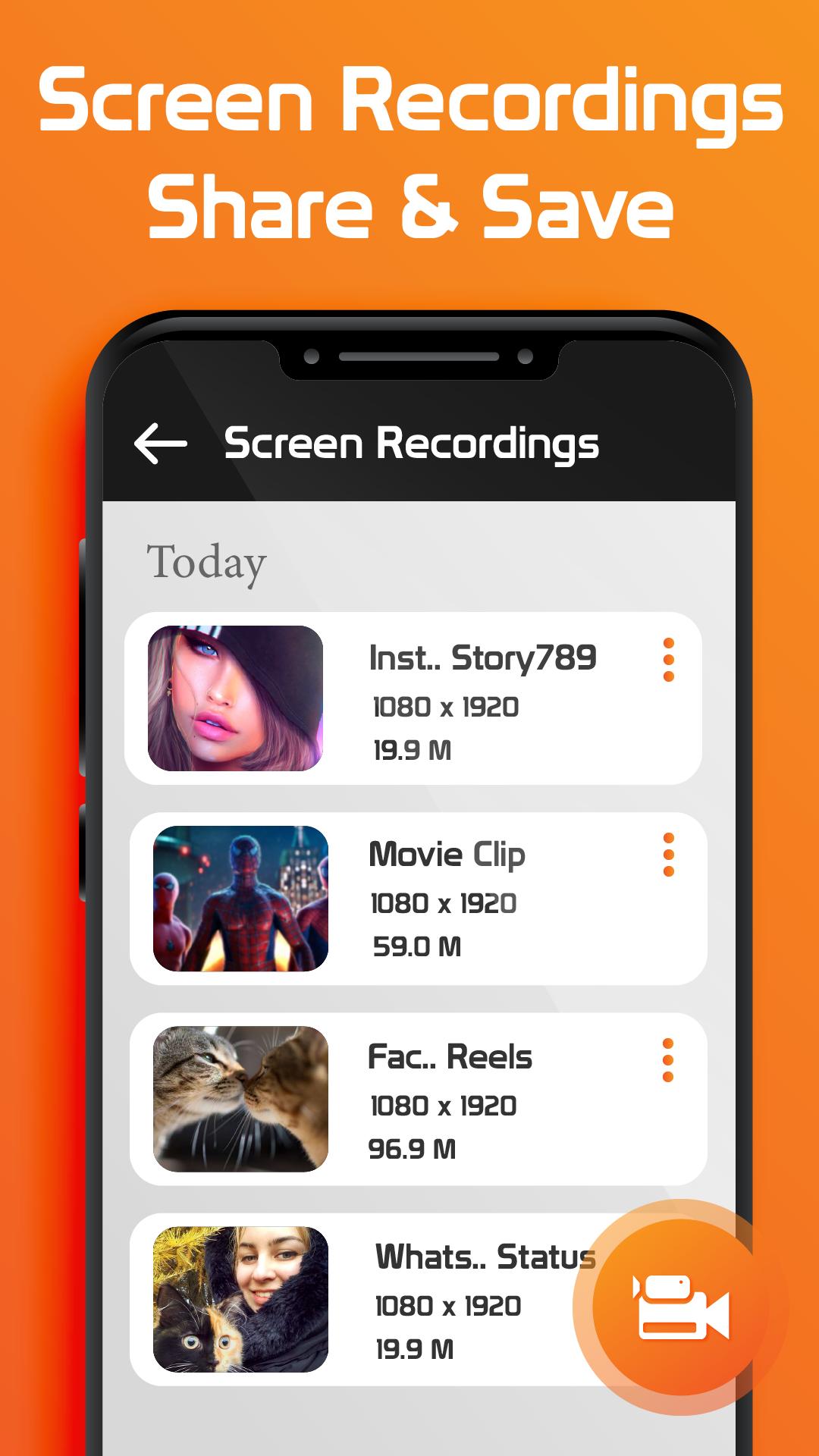
Your internal hard drive will store recorded videos
Edit videos to your heart's content
Among its other features is screen recording with sound, alongside editing, blending, trimming, and removing of part of the videos, which make the videos look as high-definition as possible. In addition to adding music and speeding up your video, there are other ways to make it more engaging.
Super Screen Recorder
You can make screen recordings more secure and manipulate them using Screen Recorder with Audio. By using the record your screen function, you can capture videos from social media, lectures, and video games.
Super Screen Video Recorder App has full-featured screen recording capabilities. You never have to worry about missing lectures again. Get the Screen Recorder with Audio App and ask your friend to record lectures for you.
Take advantage of the video recorder to film whatever you want. We would like to hear any ideas you may have!
Like this app? Rate us ★★★★★ stars!
Xem trước
Thẻ
Video-PlayersThông tin
Nhà phát triển
Appsware Studio
Phiên bản mới nhất
1.0
Cập nhật mới nhất
2022-06-10
Loại
Video-players-editors
Có trên
Google Play
Cho xem nhiều hơn
Cách chơi Super Screen video recorder với GameLoop trên PC
1. Tải xuống GameLoop từ trang web chính thức, sau đó chạy tệp exe để cài đặt GameLoop.
2. Mở GameLoop và tìm kiếm “Super Screen video recorder”, tìm Super Screen video recorder trong kết quả tìm kiếm và nhấp vào “Cài đặt”.
3. Thích chơi Super Screen video recorder trên GameLoop.
Minimum requirements
OS
Windows 8.1 64-bit or Windows 10 64-bit
GPU
GTX 1050
CPU
i3-8300
Memory
8GB RAM
Storage
1GB available space
Recommended requirements
OS
Windows 8.1 64-bit or Windows 10 64-bit
GPU
GTX 1050
CPU
i3-9320
Memory
16GB RAM
Storage
1GB available space