DU Rec - Screen Recorder PC
Sc Studio.
Tải xuống DU Rec - Screen Recorder trên PC với Trình giả lập GameLoop
DU Rec - Screen Recorder trên PC
DU Rec - Screen Recorder, đến từ nhà phát triển Sc Studio., đang chạy trên hệ điều hành Android trong quá khứ.
Giờ đây, bạn có thể chơi DU Rec - Screen Recorder trên PC với GameLoop một cách mượt mà.
Tải xuống nó trong thư viện GameLoop hoặc kết quả tìm kiếm. Không còn để ý đến pin hoặc các cuộc gọi bực bội vào sai thời điểm nữa.
Chỉ cần thưởng thức DU Rec - Screen Recorder PC trên màn hình lớn miễn phí!
DU Rec - Screen Recorder Giới thiệu
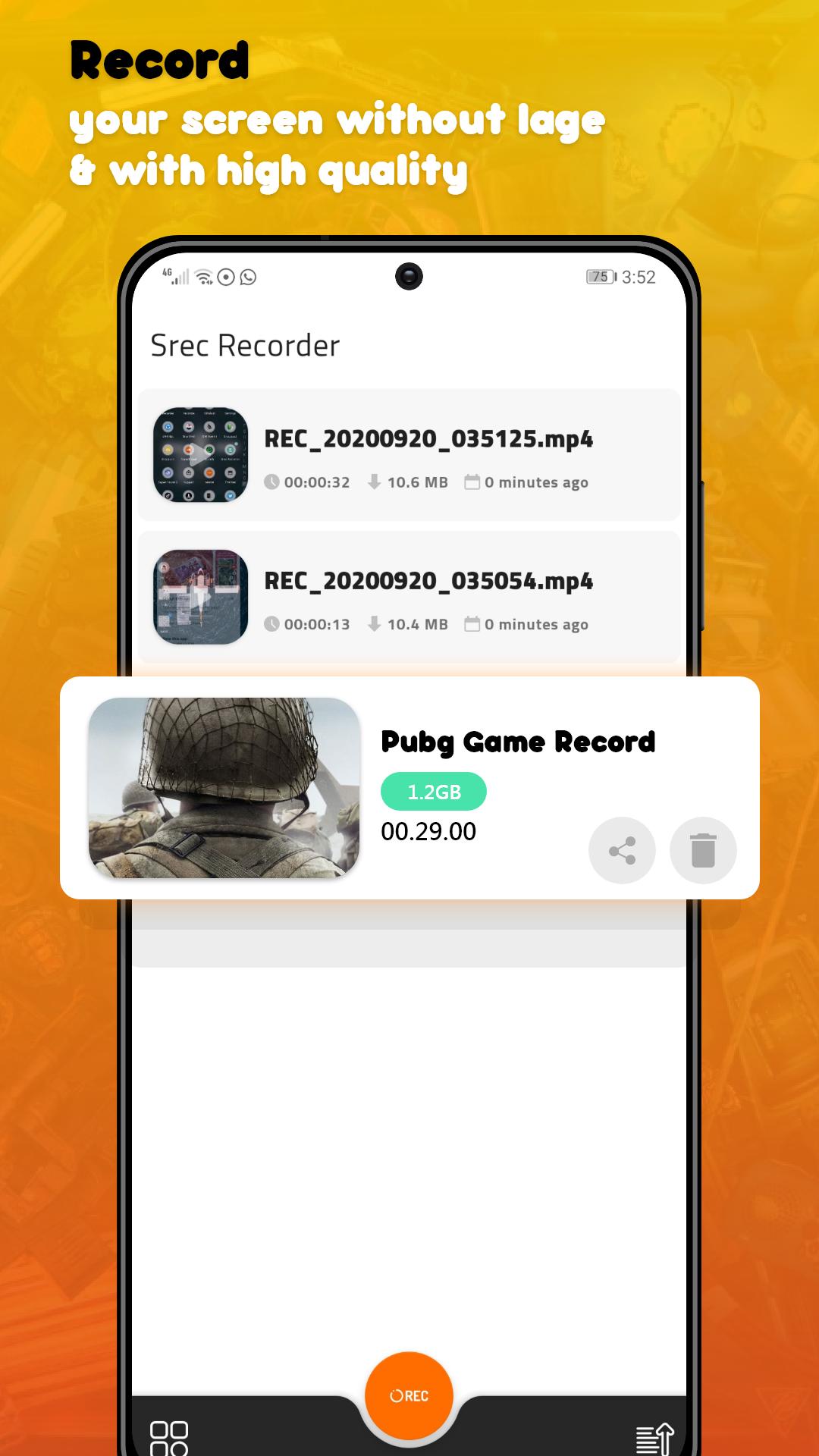
DU Rec - Screen Recorder Max Quality is an app that lets you record a video of whatever is happening in your Android’s screen
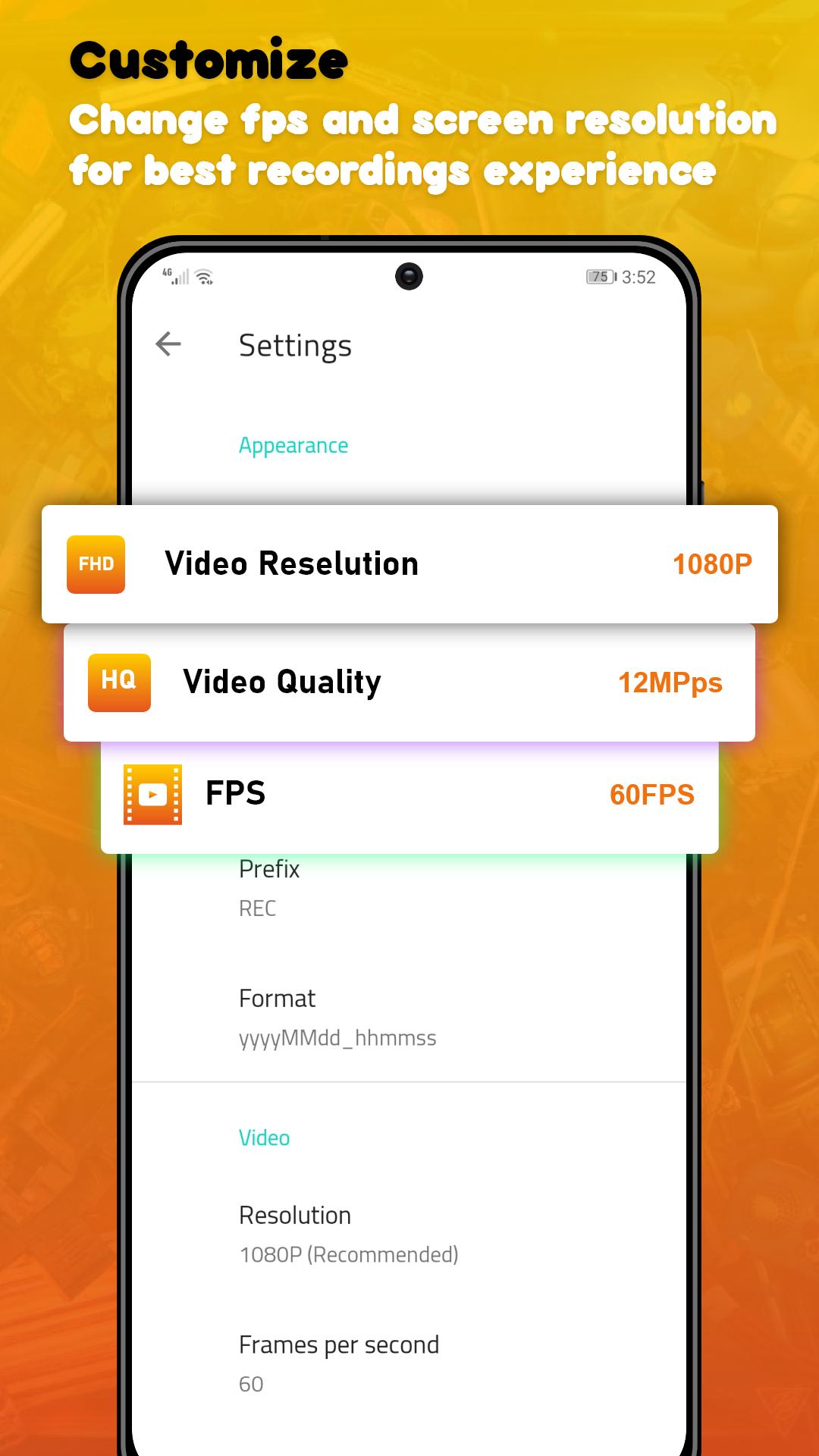
In the app’s settings you can adjust the video’s quality options such as the number of frames per second (up to 60 FPS) the video output (up to 1080p), and the quality of the video (up to 24Mbps). Also, you don’t need to root in order to record.
Once you’ve adjusted all the options and recorded your video. When you’re done, all that’s left to do is to save the video in your smartphone’s memory or share it directly over any social network.
DU Rec - Screen Recorder Max Quality is a powerful video recording tool that lets you register everything and anything that you can do in your smartphones’ screen. All those features in only less 3MB
★ Screen Recording
DU Rec - Screen Recorder Max Quality provides stable and fluid screen recording. With this screen recorder, you can easily record popular mobile game videos; you can record video calls with family and friends; you can also record popular programs on live apps like Periscope and Bigo Live! DU Rec - Screen Recorder Max Quality is designed with the following free features:
* Many resolutions, frame rates, and bit rates available; support for HD video
* Pause/resume screen recording
* Enable front camera (facecam)
* Alternative storage location: Internal storage / SD card
If you have any comments or suggestions on DU Rec - Screen Recorder Max Quality, please contact us at devcenter2019@gmail.com. We appreciate your feedback!!
Xem trước
Thẻ
Video-PlayersThông tin
Nhà phát triển
Sc Studio.
Phiên bản mới nhất
1.50.10
Cập nhật mới nhất
2021-12-06
Loại
Video-players-editors
Có trên
Google Play
Cho xem nhiều hơn
Cách chơi DU Rec - Screen Recorder với GameLoop trên PC
1. Tải xuống GameLoop từ trang web chính thức, sau đó chạy tệp exe để cài đặt GameLoop.
2. Mở GameLoop và tìm kiếm “DU Rec - Screen Recorder”, tìm DU Rec - Screen Recorder trong kết quả tìm kiếm và nhấp vào “Cài đặt”.
3. Thích chơi DU Rec - Screen Recorder trên GameLoop.
Minimum requirements
OS
Windows 8.1 64-bit or Windows 10 64-bit
GPU
GTX 1050
CPU
i3-8300
Memory
8GB RAM
Storage
1GB available space
Recommended requirements
OS
Windows 8.1 64-bit or Windows 10 64-bit
GPU
GTX 1050
CPU
i3-9320
Memory
16GB RAM
Storage
1GB available space