
Cyber Player PC
MS SOft
Tải xuống Cyber Player trên PC với Trình giả lập GameLoop
Cyber Player trên PC
Cyber Player, đến từ nhà phát triển MS SOft, đang chạy trên hệ điều hành Android trong quá khứ.
Giờ đây, bạn có thể chơi Cyber Player trên PC với GameLoop một cách mượt mà.
Tải xuống nó trong thư viện GameLoop hoặc kết quả tìm kiếm. Không còn để ý đến pin hoặc các cuộc gọi bực bội vào sai thời điểm nữa.
Chỉ cần thưởng thức Cyber Player PC trên màn hình lớn miễn phí!
Cyber Player Giới thiệu
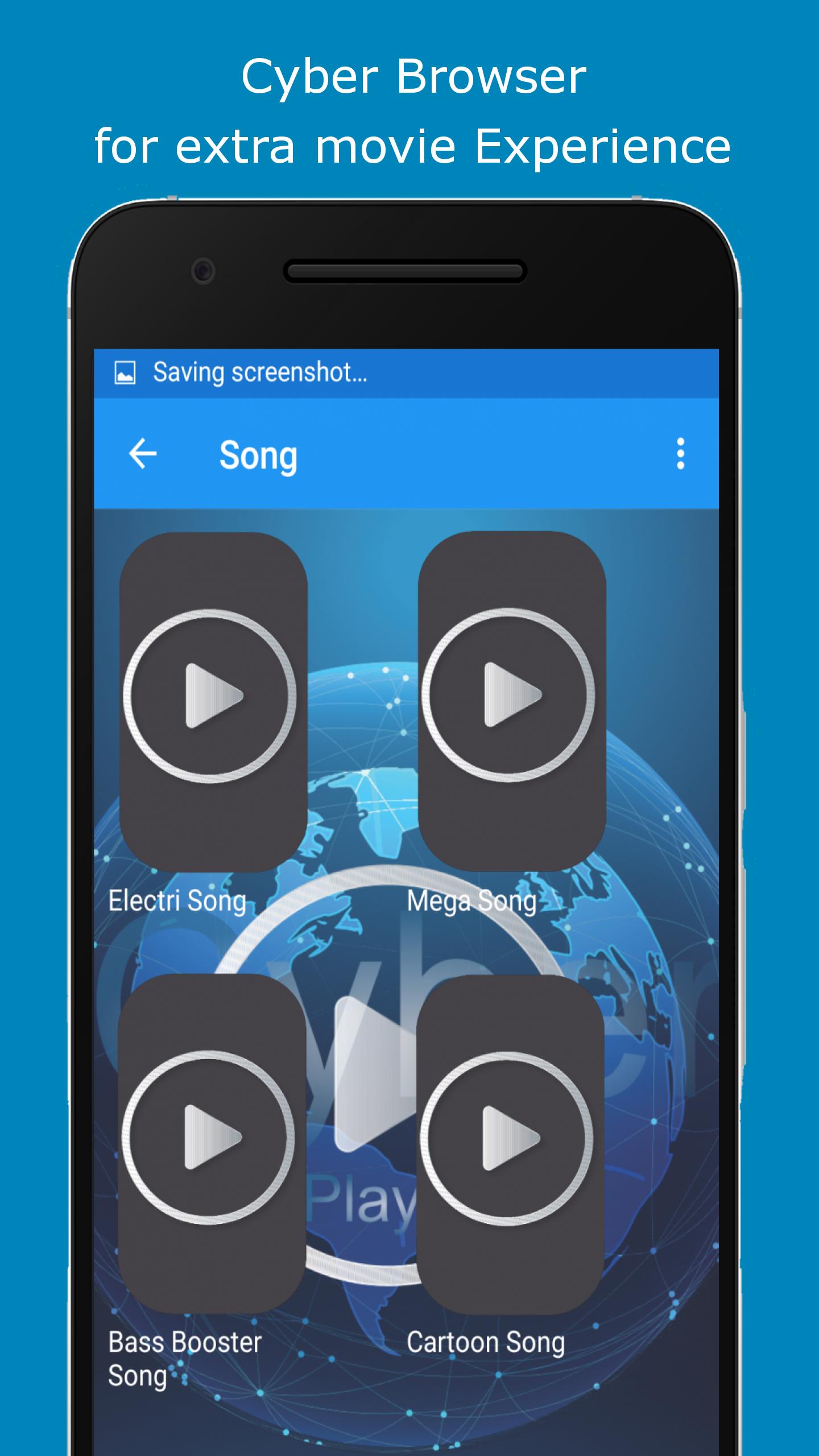
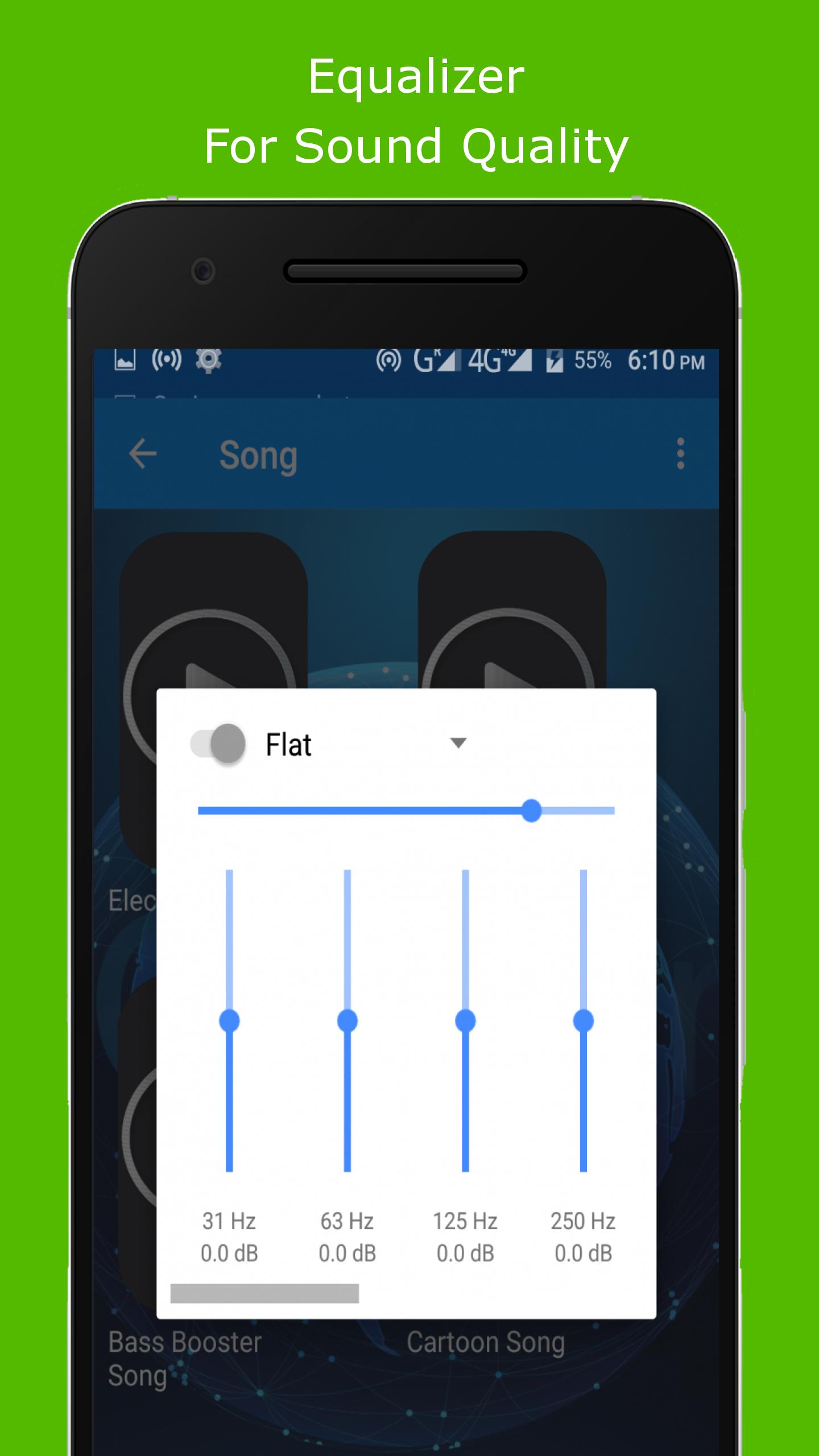
Cyber Player is Powerful video player with advanced and subtitle support.
a) HARDWARE ACCELERATION - Hardware acceleration can be applied to more videos with the help of new HW+ decoder.
a) PINCH TO ZOOM, ZOOM AND PAN - Easily zoom in and out by pinching and swiping across the screen. Zoom and Pan is also available by option.
b) SUBTITLE GESTURES - Scroll forward/backward to move to next/previous text, Up/down to move text up and down, Zoom in/out to change text size.
c) KIDS LOCK - Keep your kids entertained without having to worry that they can make calls or touch other apps. (plugin required)
Subtitle formats:
- DVD, DVB, SSA/ASS subtitle tracks.
- SubStation Alpha(.ssa/.ass) with full styling.
- SAMI(.smi) with Ruby tag support.
- SubRip(.srt)
- MicroDVD(.sub)
- VobSub(.sub/.idx)
- SubViewer2.0(.sub)
- MPL2(.mpl)
- TMPlayer(.txt)
- Teletext
- PJS(.pjs)
- WebVTT(.vtt)
******
Permissions:
––––––––––––
Cyber Player needs permissions on the following categories:
* "Access Photos/Media/Files" permission to read your all media files on your storage
* "Other app capabilities" for various activities like checking network status, Streaming, controlling bluetooth device, controlling the touch feedbacks, blocking keys with kid lock feature.
Permission Details:
–––––––––––––––––––
* "READ_EXTERNAL_STORAGE" permission is required in order to read your media files in your primary & secondary storages.
* "WRITE_EXTERNAL_STORAGE" permission is required in order to rename or deletion of files and to store the downloaded subtitles.
* "ACCESS_NETWORK_STATE" and "ACCESS_WIFI_STATE" permissions are required in order to get the network status which is required for various activities like license checking, update checking, etc.
* "INTERNET" permission is required in order to play internet streams.
* "BLUETOOTH" permission is required in order to improve AV sync when Bluetooth headset is connected.
* "WAKE_LOCK" permission is required in order to prevent your phone from sleeping while watching any video.
* "KILL_BACKGROUND_PROCESSES" permission is required in order to stop the Cyber Player services used in background play.
* "DISABLE_KEYGUARD" permission is required in order to temporarily prevent secure screen lock when Kids Lock is used.
* "DRAW OVER OTHER APPS" permission is required in order to block system buttons when input blocking is activated on the playback screen.
******
Xem trước
Thông tin
Nhà phát triển
MS SOft
Phiên bản mới nhất
1.0
Cập nhật mới nhất
2018-11-29
Loại
Video-players-editors
Có trên
Google Play
Cho xem nhiều hơn
Cách chơi Cyber Player với GameLoop trên PC
1. Tải xuống GameLoop từ trang web chính thức, sau đó chạy tệp exe để cài đặt GameLoop.
2. Mở GameLoop và tìm kiếm “Cyber Player”, tìm Cyber Player trong kết quả tìm kiếm và nhấp vào “Cài đặt”.
3. Thích chơi Cyber Player trên GameLoop.
Minimum requirements
OS
Windows 8.1 64-bit or Windows 10 64-bit
GPU
GTX 1050
CPU
i3-8300
Memory
8GB RAM
Storage
1GB available space
Recommended requirements
OS
Windows 8.1 64-bit or Windows 10 64-bit
GPU
GTX 1050
CPU
i3-9320
Memory
16GB RAM
Storage
1GB available space