Wyreless: PC Remote Controller PC
Daniel Reyhanian
Tải xuống Wyreless: PC Remote Controller trên PC với Trình giả lập GameLoop
Wyreless: PC Remote Controller trên PC
Wyreless: PC Remote Controller, đến từ nhà phát triển Daniel Reyhanian, đang chạy trên hệ điều hành Android trong quá khứ.
Giờ đây, bạn có thể chơi Wyreless: PC Remote Controller trên PC với GameLoop một cách mượt mà.
Tải xuống nó trong thư viện GameLoop hoặc kết quả tìm kiếm. Không còn để ý đến pin hoặc các cuộc gọi bực bội vào sai thời điểm nữa.
Chỉ cần thưởng thức Wyreless: PC Remote Controller PC trên màn hình lớn miễn phí!
Wyreless: PC Remote Controller Giới thiệu
Wyreless is a user-friendly PC remote control tool to control your PC via your Android device in your local network (LAN) securely and easily.
Whether you're lounging on the couch, giving a lecture, or taking a casual desktop break, controlling your PC has never been easier.
📢 Make sure to download the Wyreless host software via Microsoft Store before proceeding to control your PC:
https://apps.microsoft.com/store/detail/wyreless-pc-remote-controller/9NRBDGRF3J8C
Wyreless offers a wide range of useful features, such as:
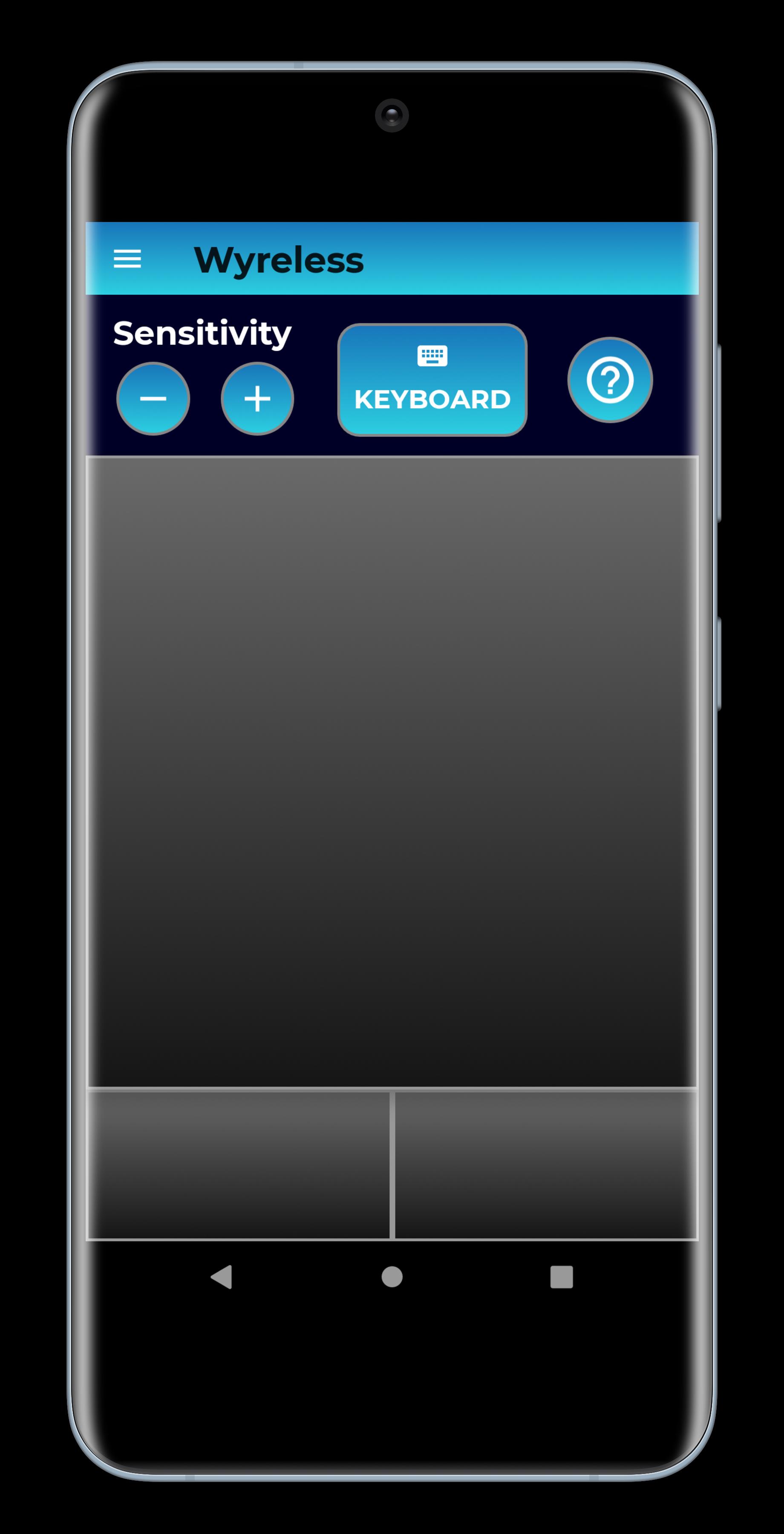
🖱️ Control Mouse & Keyboard
🖥️ High-Resolution Screenshots
🔊 Audio Control
🔒 State Control
🌐 Speedtest Data
🌎 Geolocation Information
Why use Wyreless?
1. Max Security, Max Performance - Wyreless uses advanced encryption methods to keep your data private and confidential.
2. No Registration Needed.
3. Easy and intuitive.
4. Simplify complex tasks via your smartphone.
5. Wyreless is ad-free and free for personal use.
Quick Start Guide
1. Download and run Wyreless host software for Windows (https://apps.microsoft.com/store/detail/wyreless-pc-remote-controller/9NRBDGRF3J8C).
2. Download Wyreless application to your Android device.
3. Make sure your smartphone is connected to the same network as your PC (Wi-Fi).
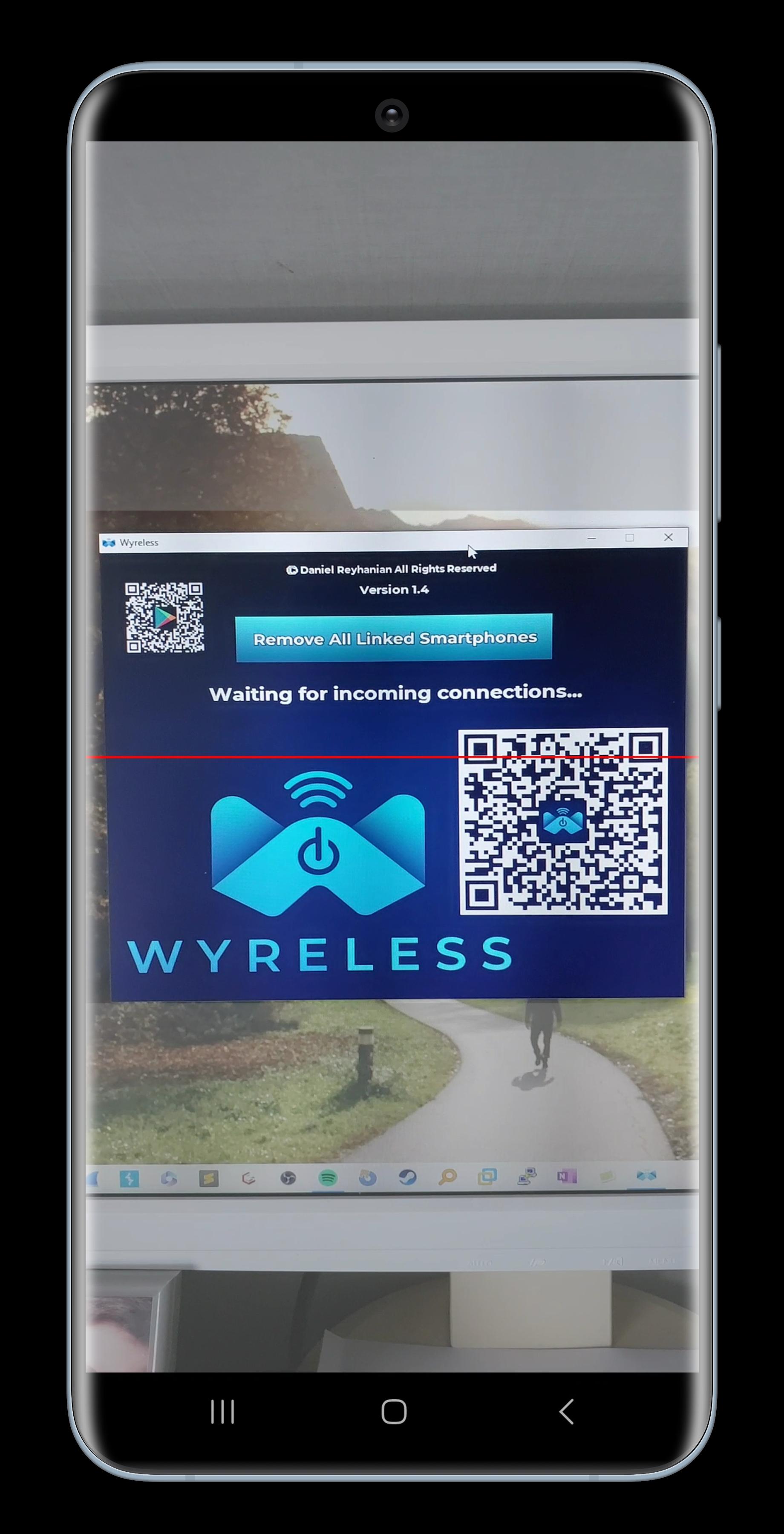
4. Scan the QR code on your PC's screen and you are good to go!
Make sure to check the EULA before using Wyreless: https://bit.ly/wyreless-eula. For any questions, contact us at daniel@wyreless-app.com.
Happy controlling! 🎮
Xem trước
Thẻ
Công cụThông tin
Nhà phát triển
Daniel Reyhanian
Phiên bản mới nhất
1.6
Cập nhật mới nhất
2023-04-22
Loại
Công cụ
Có trên
Google Play
Cho xem nhiều hơn
Cách chơi Wyreless: PC Remote Controller với GameLoop trên PC
1. Tải xuống GameLoop từ trang web chính thức, sau đó chạy tệp exe để cài đặt GameLoop.
2. Mở GameLoop và tìm kiếm “Wyreless: PC Remote Controller”, tìm Wyreless: PC Remote Controller trong kết quả tìm kiếm và nhấp vào “Cài đặt”.
3. Thích chơi Wyreless: PC Remote Controller trên GameLoop.
Minimum requirements
OS
Windows 8.1 64-bit or Windows 10 64-bit
GPU
GTX 1050
CPU
i3-8300
Memory
8GB RAM
Storage
1GB available space
Recommended requirements
OS
Windows 8.1 64-bit or Windows 10 64-bit
GPU
GTX 1050
CPU
i3-9320
Memory
16GB RAM
Storage
1GB available space