WiFi Connect - Share WiFi & Hotspot PC
Scorpion Infosoft
Tải xuống WiFi Connect - Share WiFi & Hotspot trên PC với Trình giả lập GameLoop
WiFi Connect - Share WiFi & Hotspot trên PC
WiFi Connect - Share WiFi & Hotspot, đến từ nhà phát triển Scorpion Infosoft, đang chạy trên hệ điều hành Android trong quá khứ.
Giờ đây, bạn có thể chơi WiFi Connect - Share WiFi & Hotspot trên PC với GameLoop một cách mượt mà.
Tải xuống nó trong thư viện GameLoop hoặc kết quả tìm kiếm. Không còn để ý đến pin hoặc các cuộc gọi bực bội vào sai thời điểm nữa.
Chỉ cần thưởng thức WiFi Connect - Share WiFi & Hotspot PC trên màn hình lớn miễn phí!
WiFi Connect - Share WiFi & Hotspot Giới thiệu
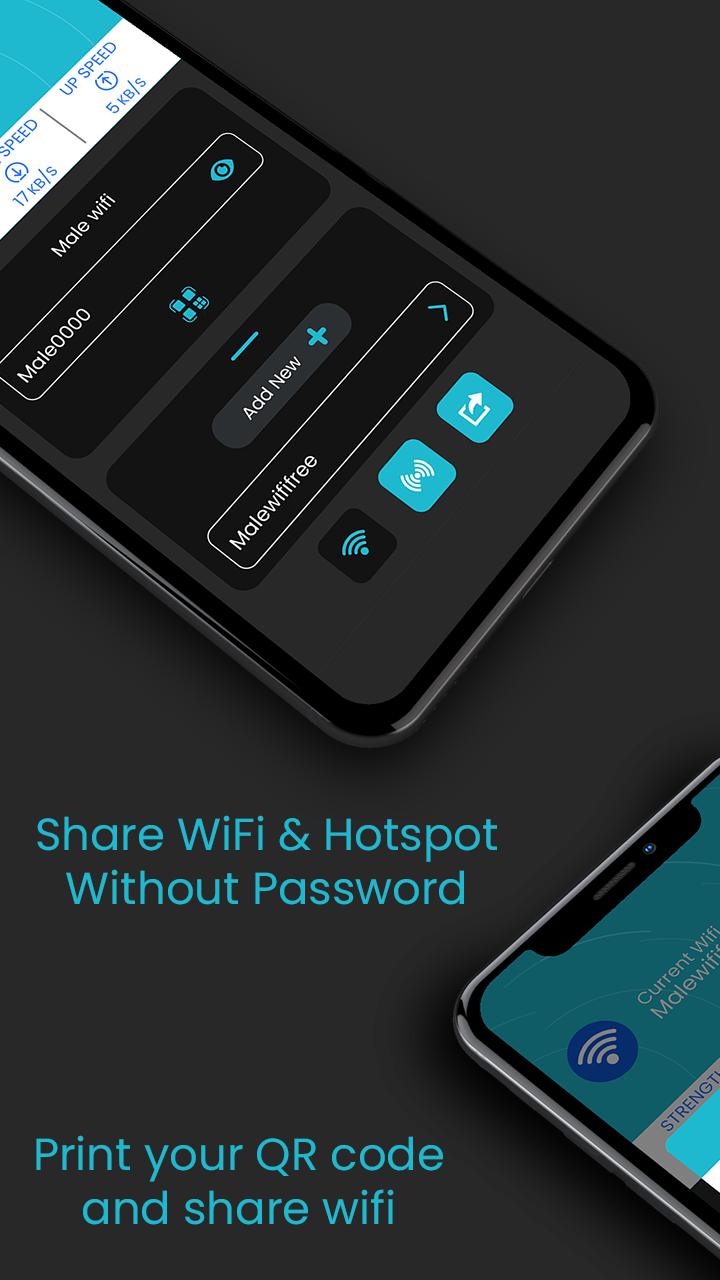
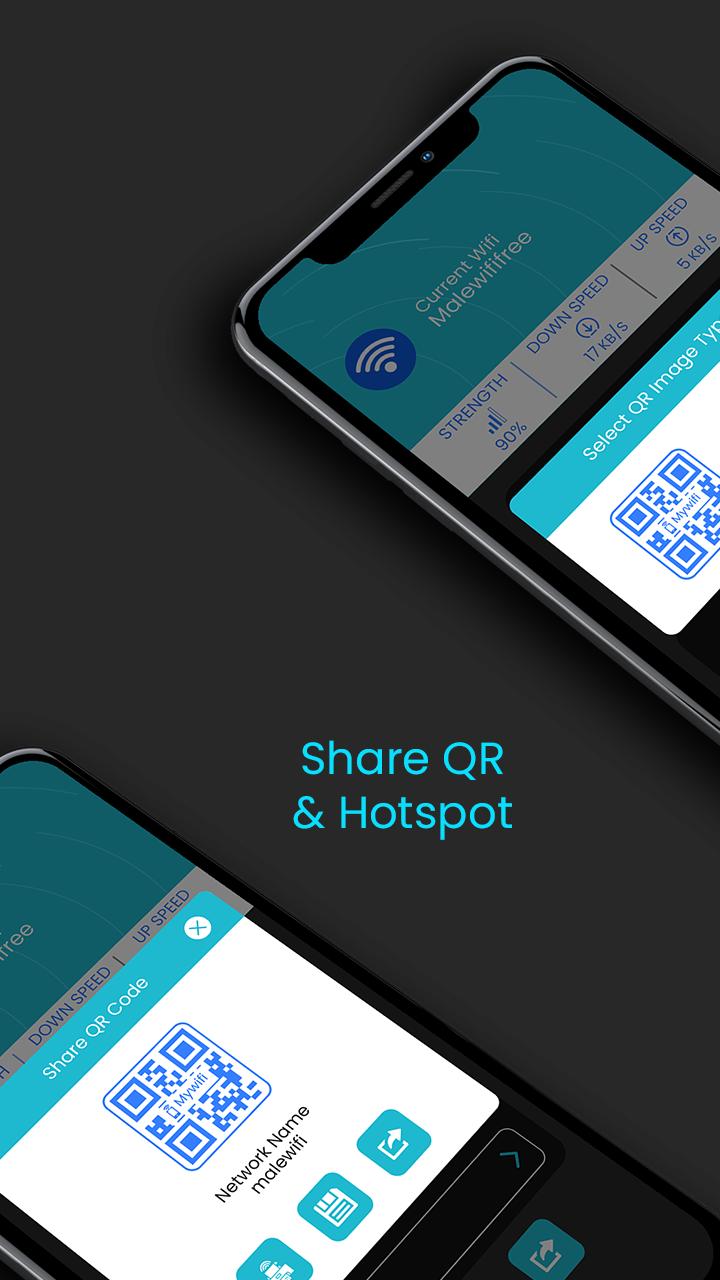
WiFi Connect: Share Wi-Fi and Hotspot let user to share their WiFi or Hotspot with others through one simple QR code. No worries about giving sensitive information to others.
Just share the code and let your friend connect to WiFi or hotspot immediately.
User also can generate and get print out of QR code for same. This will be an great for restaurants , café, coffee shops and other venue that offers WiFi. Users can simply scan a QR code and get connect to it.
It's usual that many user may have same password with their different account and may not like to share their password so WiFi Connect may be the best solution.
How this works?
Just add credentials for the first time to a connected WiFi and that's all.
1. Add your WiFi password just once.
2. Click on QR code to generate QR code and share it.
Easily Manage WIFI Networks
Add and connect your WiFi network. User also can modify or remove existing Wi-Fi network within the app itself.
Share WIFI or Hotspot QR Code
Allow your friends to connect with your WiFi or hotspot just by scanning QR code and without knowing real password.
Save or Print QR Code
Save and get print out of saved connections for venues or event. Just display it at your your café, hotel or any other venues.
Download the app and create your QR code today.
Xem trước
Thông tin
Nhà phát triển
Scorpion Infosoft
Phiên bản mới nhất
1.8
Cập nhật mới nhất
2021-06-20
Loại
Công cụ
Có trên
Google Play
Cho xem nhiều hơn
Cách chơi WiFi Connect - Share WiFi & Hotspot với GameLoop trên PC
1. Tải xuống GameLoop từ trang web chính thức, sau đó chạy tệp exe để cài đặt GameLoop.
2. Mở GameLoop và tìm kiếm “WiFi Connect - Share WiFi & Hotspot”, tìm WiFi Connect - Share WiFi & Hotspot trong kết quả tìm kiếm và nhấp vào “Cài đặt”.
3. Thích chơi WiFi Connect - Share WiFi & Hotspot trên GameLoop.
Minimum requirements
OS
Windows 8.1 64-bit or Windows 10 64-bit
GPU
GTX 1050
CPU
i3-8300
Memory
8GB RAM
Storage
1GB available space
Recommended requirements
OS
Windows 8.1 64-bit or Windows 10 64-bit
GPU
GTX 1050
CPU
i3-9320
Memory
16GB RAM
Storage
1GB available space