
Wi Fi Automatic - Network Tool PC
DanielParkApp
Tải xuống Wi Fi Automatic - Network Tool trên PC với Trình giả lập GameLoop
Wi Fi Automatic - Network Tool trên PC
Wi Fi Automatic - Network Tool, đến từ nhà phát triển DanielParkApp, đang chạy trên hệ điều hành Android trong quá khứ.
Giờ đây, bạn có thể chơi Wi Fi Automatic - Network Tool trên PC với GameLoop một cách mượt mà.
Tải xuống nó trong thư viện GameLoop hoặc kết quả tìm kiếm. Không còn để ý đến pin hoặc các cuộc gọi bực bội vào sai thời điểm nữa.
Chỉ cần thưởng thức Wi Fi Automatic - Network Tool PC trên màn hình lớn miễn phí!
Wi Fi Automatic - Network Tool Giới thiệu
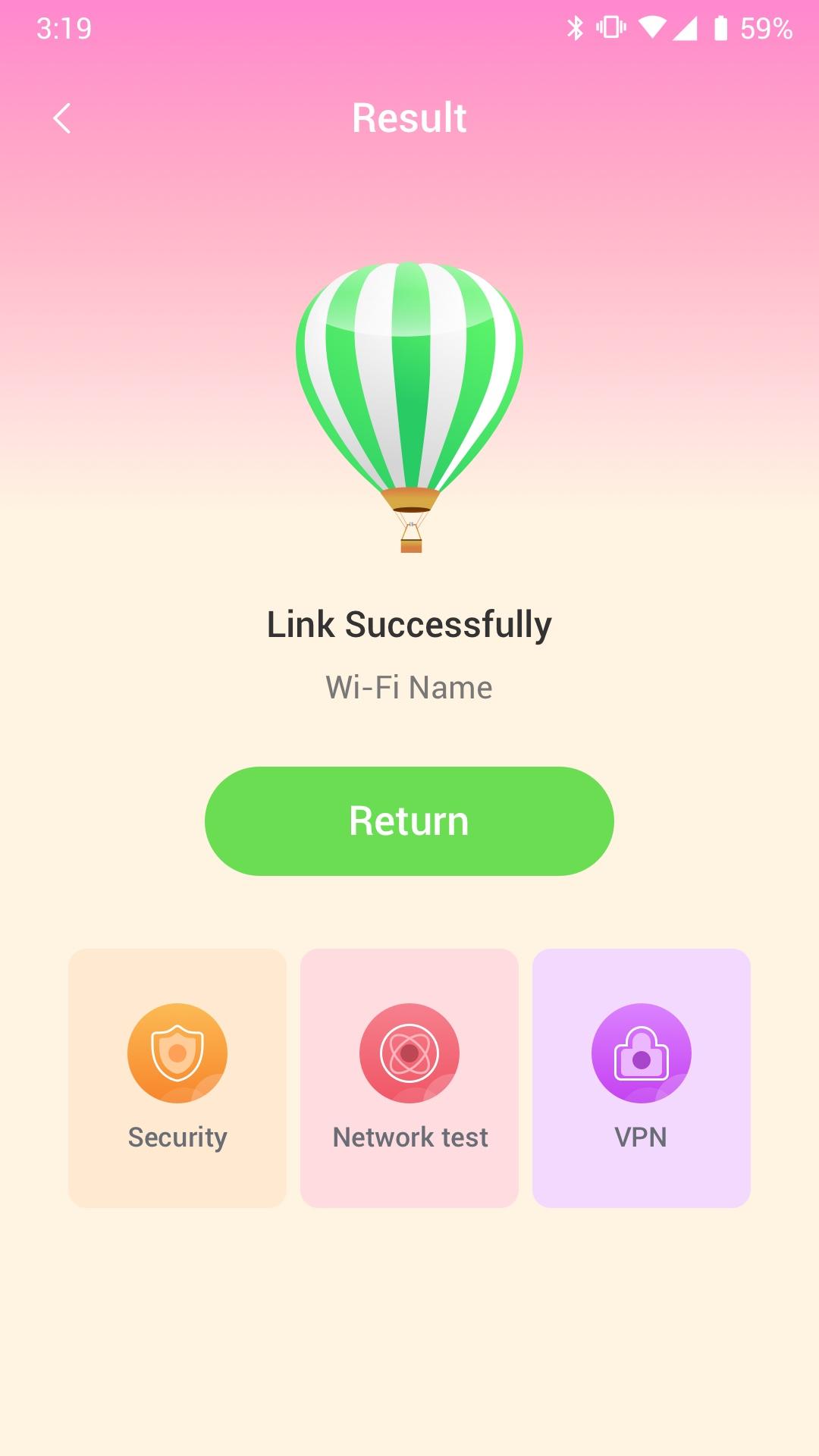
Wi Fi Automatic can efficiently query surrounding Wi-Fi hotspots and monitor the signal strength of all available WiFi networks
· Use WiFi Monitor to detect slow WiFi networks and identify poor signal strength.
· Use the Wi Fi Automatic app to scan all WiFi networks in your environment.
· Use the Wi Fi Automatic app to measure the signal strength of your WiFi network.
Wi Fi Automatic can help you diagnose various issues in your wifi network settings, internet connection, and also detect various issues on remote servers with the extensive tools it provides.
With Wi Fi Automatic's free tools and utilities, you can:
• Run WiFi and cellular speed tests, download and upload speed analysis and latency
• Use Wi Fi Automatic to scan the network and discover all devices connected to any network
Wifi signal display:
- Display text representation of signal strength
- Wifi network type (WEP, WPA, WPA2)
Wi-Fi Scanner:
- Fast and reliable detection of all network devices
- Vendor names, IP and MAC addresses of all discovered devices
Xem trước
Thẻ
Công cụThông tin
Nhà phát triển
DanielParkApp
Phiên bản mới nhất
1.0.3
Cập nhật mới nhất
2022-09-06
Loại
Công cụ
Có trên
Google Play
Cho xem nhiều hơn
Cách chơi Wi Fi Automatic - Network Tool với GameLoop trên PC
1. Tải xuống GameLoop từ trang web chính thức, sau đó chạy tệp exe để cài đặt GameLoop.
2. Mở GameLoop và tìm kiếm “Wi Fi Automatic - Network Tool”, tìm Wi Fi Automatic - Network Tool trong kết quả tìm kiếm và nhấp vào “Cài đặt”.
3. Thích chơi Wi Fi Automatic - Network Tool trên GameLoop.
Minimum requirements
OS
Windows 8.1 64-bit or Windows 10 64-bit
GPU
GTX 1050
CPU
i3-8300
Memory
8GB RAM
Storage
1GB available space
Recommended requirements
OS
Windows 8.1 64-bit or Windows 10 64-bit
GPU
GTX 1050
CPU
i3-9320
Memory
16GB RAM
Storage
1GB available space