
Storage space & Disk analyzer PC
Clean Up & Speed Test My Phone
Tải xuống Storage space & Disk analyzer trên PC với Trình giả lập GameLoop
Storage space & Disk analyzer trên PC
Storage space & Disk analyzer, đến từ nhà phát triển Clean Up & Speed Test My Phone, đang chạy trên hệ điều hành Android trong quá khứ.
Giờ đây, bạn có thể chơi Storage space & Disk analyzer trên PC với GameLoop một cách mượt mà.
Tải xuống nó trong thư viện GameLoop hoặc kết quả tìm kiếm. Không còn để ý đến pin hoặc các cuộc gọi bực bội vào sai thời điểm nữa.
Chỉ cần thưởng thức Storage space & Disk analyzer PC trên màn hình lớn miễn phí!
Storage space & Disk analyzer Giới thiệu
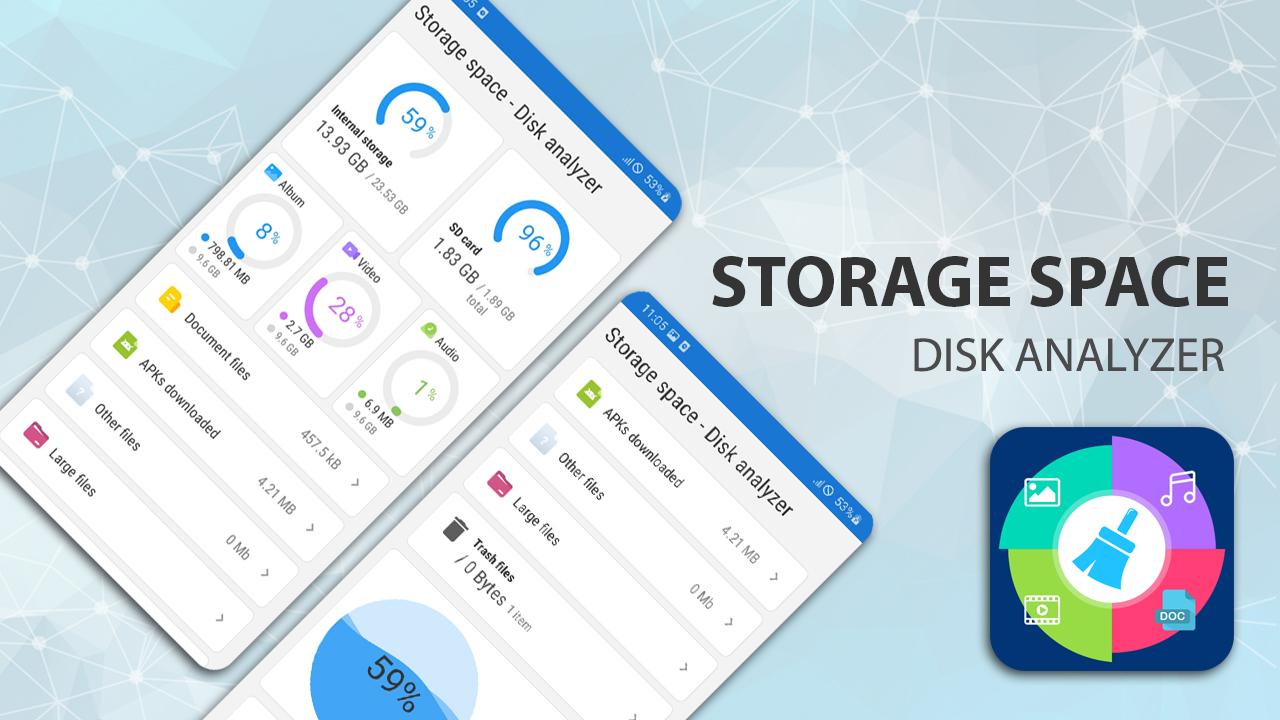
"Storage Space & Disk Analyzer" is a small, but fully integrated application of internal storage management, SD card external storage and file and folder management; is a fast phone cleaner, speed booster, junk cleaner, Ram booster and cache cleaner to boost processing speed for Android phones.
(*) Storage analyzer
- Manage storage: display information and capacity of files in memory is represented as a pie chart, each piece of data will be represented by areas of the circle.
(*) Storage manager: manage file on storage and SD Card.
- Copy, move and paste files
- Search, open and share files
- Delete and recover deleted files on Trash folder.
(*) Manage folder and manage directory tree: create, delete and rename folders.
- List and display files in internal and external storage are presented in a structured way.
- File catalog management by category: photo, video, audio, document, video, apk or other file .etc. by file size (large, medium, etc.).
(*) Delete large files: list all large files on your phone in 3 levels larger than 100MB, 50MB, 30MB (Support: photos, mp3, mp4 videos and audio files)
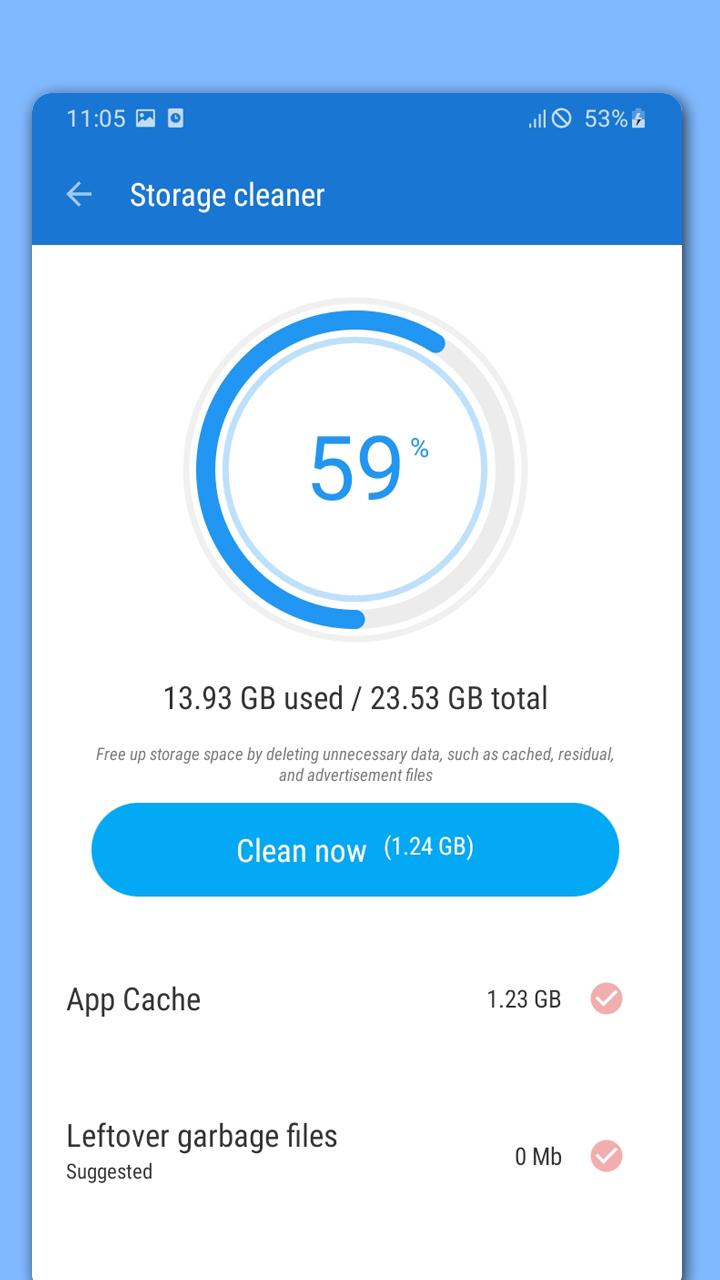
(*) Clean up storage space to make more space to save file.
- Clean up more space by delete files (photos, music mp3, mp4, audio, video, documents and other files: *.zip, *.apk, *.rar).
(*) Boost speed mobile.
- Freeup RAM memory and cache data
(*) Clear Cookie in Cache
- Clean junk file, thumbnail, unwanted image, video, audio, apks in download and clipboard
- Clear cache of running apps that take up a lot of Ram
(*) Trash folder: This is an extremely important folder because it contains information about files that you have deleted before. There are 2 options for handling files.
- Recover deleted files: select files to restore the files that you deleted before.
- Permanently delete files here and cannot be recovered.
(*) Cool down phone temperature: Turn off background processes of resource-intensive applications by cleaning RAM and cooling the phone's CPU.
(*) Applications manager: Help users find apps that take up a lot of memory resources and quickly select apps and perform one-touch uninstallation.
"Storage space & Disk analyzer" has a small capacity, so it is fast to download and un-install, and easy to use because of its intuitive and easy-to-understand interface.
"Storage Space & Disk Analyzer" app always expect to get FEEDBACK from user fees. We appreciate it. Thank you!
Xem trước
Thẻ
Công cụThông tin
Nhà phát triển
Clean Up & Speed Test My Phone
Phiên bản mới nhất
1.0
Cập nhật mới nhất
2023-01-29
Loại
Công cụ
Có trên
Google Play
Cho xem nhiều hơn
Cách chơi Storage space & Disk analyzer với GameLoop trên PC
1. Tải xuống GameLoop từ trang web chính thức, sau đó chạy tệp exe để cài đặt GameLoop.
2. Mở GameLoop và tìm kiếm “Storage space & Disk analyzer”, tìm Storage space & Disk analyzer trong kết quả tìm kiếm và nhấp vào “Cài đặt”.
3. Thích chơi Storage space & Disk analyzer trên GameLoop.
Minimum requirements
OS
Windows 8.1 64-bit or Windows 10 64-bit
GPU
GTX 1050
CPU
i3-8300
Memory
8GB RAM
Storage
1GB available space
Recommended requirements
OS
Windows 8.1 64-bit or Windows 10 64-bit
GPU
GTX 1050
CPU
i3-9320
Memory
16GB RAM
Storage
1GB available space