
Share Us - File Transfer & Share PC
Globe Pixesiz
Tải xuống Share Us - File Transfer & Share trên PC với Trình giả lập GameLoop
Share Us - File Transfer & Share trên PC
Share Us - File Transfer & Share, đến từ nhà phát triển Globe Pixesiz, đang chạy trên hệ điều hành Android trong quá khứ.
Giờ đây, bạn có thể chơi Share Us - File Transfer & Share trên PC với GameLoop một cách mượt mà.
Tải xuống nó trong thư viện GameLoop hoặc kết quả tìm kiếm. Không còn để ý đến pin hoặc các cuộc gọi bực bội vào sai thời điểm nữa.
Chỉ cần thưởng thức Share Us - File Transfer & Share PC trên màn hình lớn miễn phí!
Share Us - File Transfer & Share Giới thiệu
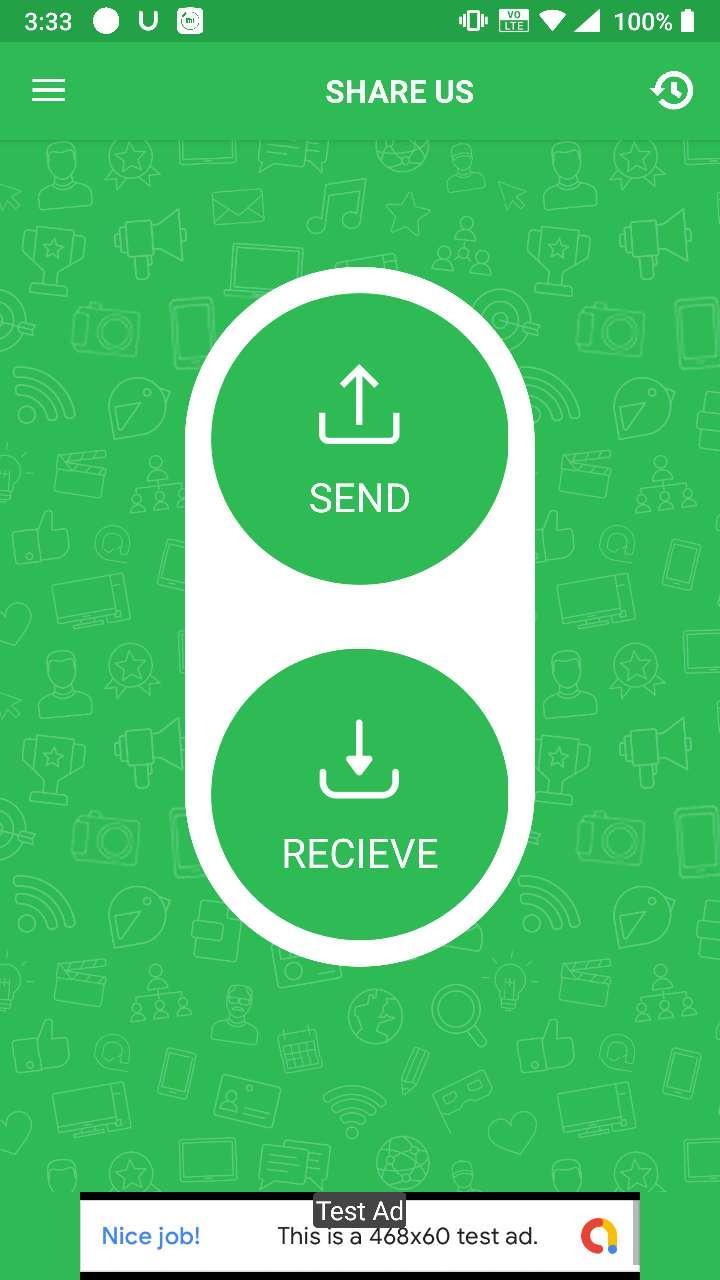
Share Us is a great sharing application, free file transfer tool, fast and works without connecting to the Internet!
Share files from device to device without cables.No Internet ? No problem , you can share video,audio,photo,file with nearby friends.The Best feature of Turbo Share is that you can share files separately or in a form of a bucket as well which includes Apps , videos , photos , music , office (PDF,docs) etc.
😍 Features
- Totally Free.
- Send and receive all types of files.
- Copy my data from another phone quickly
- Share Big files without internet or mobile data usage
- No USB! No internet needed!
– No cable required
- Fast, Optimized and Powerful tool.
👉 No Account Required
Just download Share Us and start sharing application, free file transfer tool, fast and works without connecting to the Internet
Thank You for Downloading...
Give ***** Valuable Feedback
Xem trước
Thông tin
Nhà phát triển
Globe Pixesiz
Phiên bản mới nhất
1.2
Cập nhật mới nhất
2020-10-12
Loại
Công cụ
Có trên
Google Play
Cho xem nhiều hơn
Cách chơi Share Us - File Transfer & Share với GameLoop trên PC
1. Tải xuống GameLoop từ trang web chính thức, sau đó chạy tệp exe để cài đặt GameLoop.
2. Mở GameLoop và tìm kiếm “Share Us - File Transfer & Share”, tìm Share Us - File Transfer & Share trong kết quả tìm kiếm và nhấp vào “Cài đặt”.
3. Thích chơi Share Us - File Transfer & Share trên GameLoop.
Minimum requirements
OS
Windows 8.1 64-bit or Windows 10 64-bit
GPU
GTX 1050
CPU
i3-8300
Memory
8GB RAM
Storage
1GB available space
Recommended requirements
OS
Windows 8.1 64-bit or Windows 10 64-bit
GPU
GTX 1050
CPU
i3-9320
Memory
16GB RAM
Storage
1GB available space