Provision PnP PC
Provision-ISR Limited
Tải xuống Provision PnP trên PC với Trình giả lập GameLoop
Provision PnP trên PC
Provision PnP, đến từ nhà phát triển Provision-ISR Limited, đang chạy trên hệ điều hành Android trong quá khứ.
Giờ đây, bạn có thể chơi Provision PnP trên PC với GameLoop một cách mượt mà.
Tải xuống nó trong thư viện GameLoop hoặc kết quả tìm kiếm. Không còn để ý đến pin hoặc các cuộc gọi bực bội vào sai thời điểm nữa.
Chỉ cần thưởng thức Provision PnP PC trên màn hình lớn miễn phí!
Provision PnP Giới thiệu
Provision PnP application by Provision-ISR allows you to quickly setup and connect to any of Provision-ISR's Plug and Play cameras and effectively gain full control over it.
From basic 360 degree/Digital Zoom controls to Bi-Directional audio, playing back recorded videos and setting up the camera, with Provision PnP in hand you will have everything you need to operate your PnP cameras.
Main Features:
o Quick WiFi setup
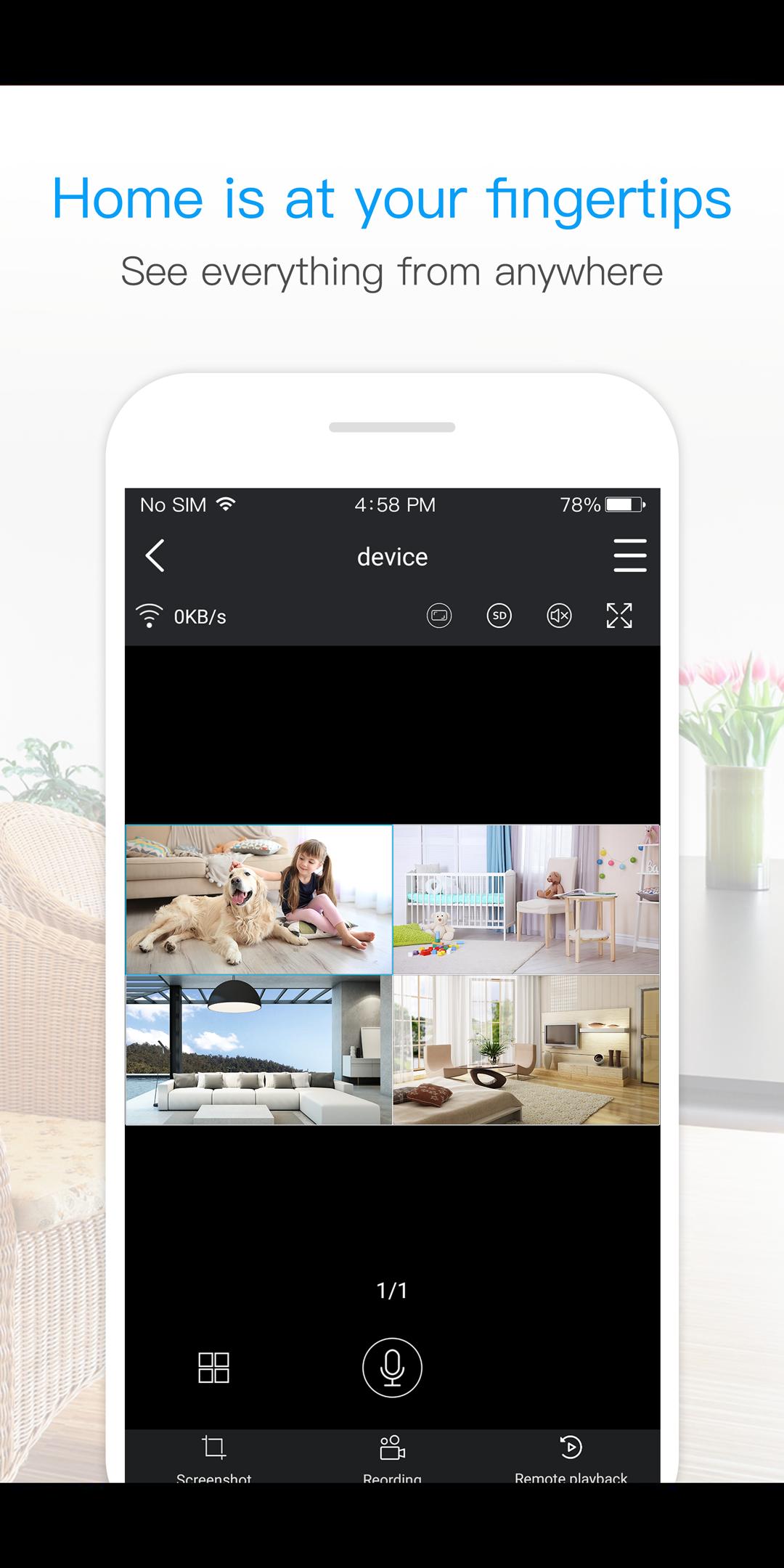
o Live View of single or multi camera display mode (Up to 4 cameras)
o Single login for all devices
o Camera access from anywhere in the world based on your user name
o Motion alarm with alarm schedule*
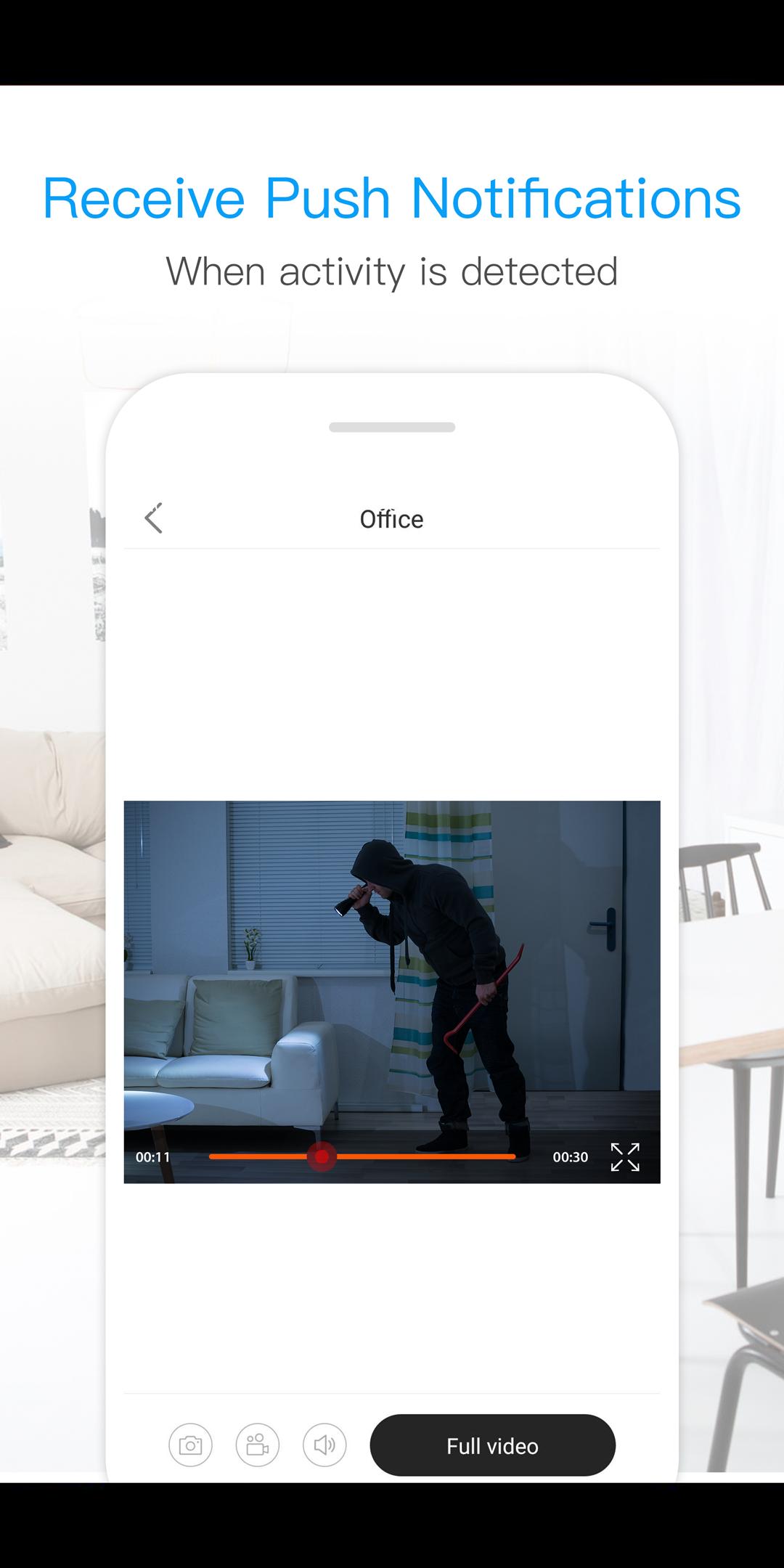
o Push Notifications
o 2 Way Audio Support - listen and talk
o Local video recording and playback on your mobile
o Landscape view with full features
o Image snapshot.
o Remote playback
o Camera configuration
o Color adjustment
o 360 degree different mode control *
o Digital Zoom
o Remote Firmware update
*(Supported Cameras Only)
Xem trước
Thông tin
Nhà phát triển
Provision-ISR Limited
Phiên bản mới nhất
3.3.30
Cập nhật mới nhất
2021-08-13
Loại
Công cụ
Có trên
Google Play
Cho xem nhiều hơn
Cách chơi Provision PnP với GameLoop trên PC
1. Tải xuống GameLoop từ trang web chính thức, sau đó chạy tệp exe để cài đặt GameLoop.
2. Mở GameLoop và tìm kiếm “Provision PnP”, tìm Provision PnP trong kết quả tìm kiếm và nhấp vào “Cài đặt”.
3. Thích chơi Provision PnP trên GameLoop.
Minimum requirements
OS
Windows 8.1 64-bit or Windows 10 64-bit
GPU
GTX 1050
CPU
i3-8300
Memory
8GB RAM
Storage
1GB available space
Recommended requirements
OS
Windows 8.1 64-bit or Windows 10 64-bit
GPU
GTX 1050
CPU
i3-9320
Memory
16GB RAM
Storage
1GB available space