
Pingify PC
Connectify Inc.
Tải xuống Pingify trên PC với Trình giả lập GameLoop
Pingify trên PC
Pingify, đến từ nhà phát triển Connectify Inc., đang chạy trên hệ điều hành Android trong quá khứ.
Giờ đây, bạn có thể chơi Pingify trên PC với GameLoop một cách mượt mà.
Tải xuống nó trong thư viện GameLoop hoặc kết quả tìm kiếm. Không còn để ý đến pin hoặc các cuộc gọi bực bội vào sai thời điểm nữa.
Chỉ cần thưởng thức Pingify PC trên màn hình lớn miễn phí!
Pingify Giới thiệu
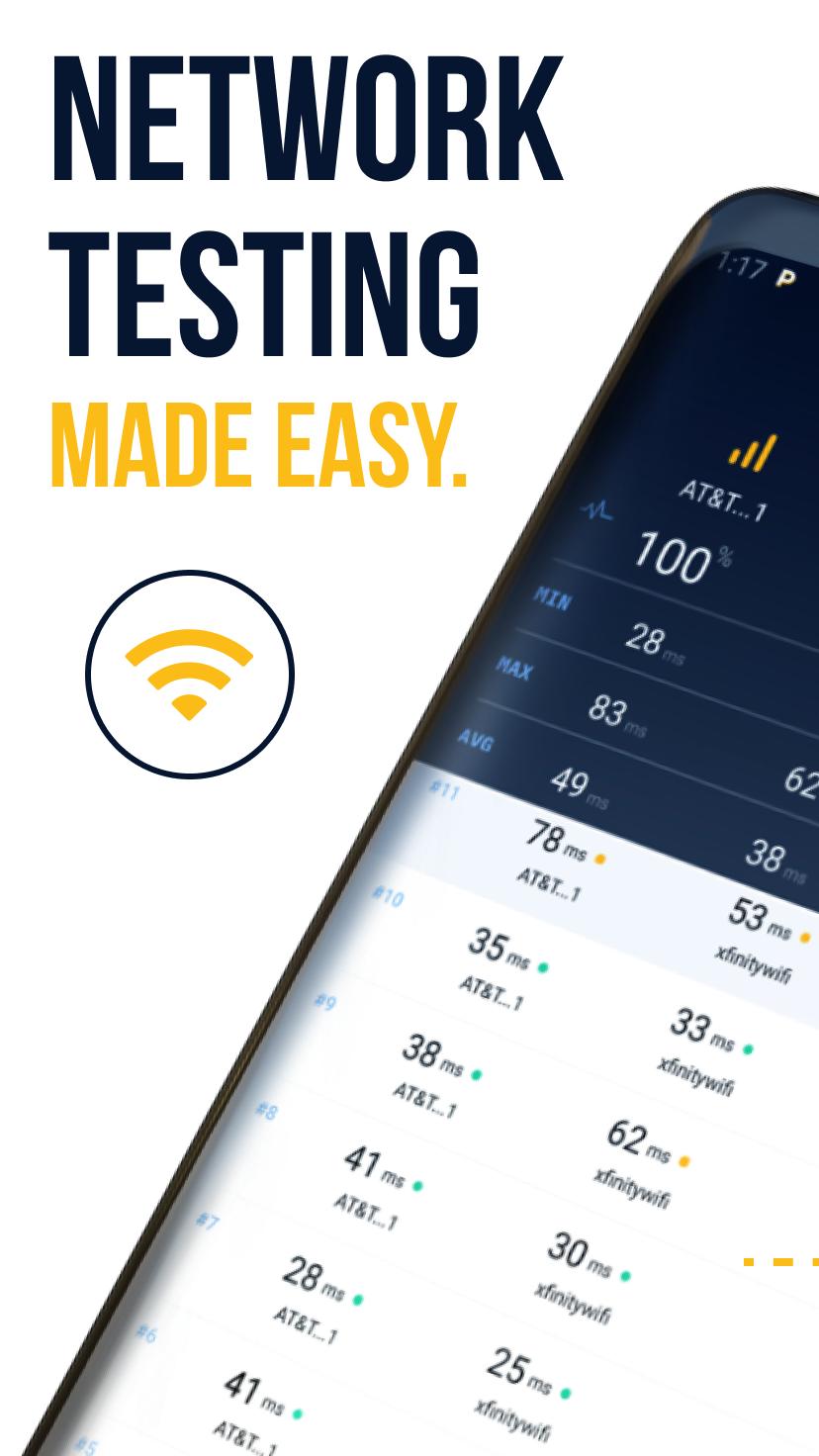
Pingify is a free mobile utility app for testing network coverage, Internet reliability, and VPN dependability. Use it to discover the best locations for streaming, making calls, or browsing the Internet. Also, uncover where and why you get slow Internet so you can avoid dead zones and poor coverage areas.
How it Works
Once you start a test from the app, Pingify sends small data messages called pings across your available Internet connections: Wi-Fi, LTE or any VPN service you might be using. It displays the real-time latency for each connection.
Pingify also logs the location for each ping, so you can clearly see when and where your connections are working--or failing.
What to Do with the Pingify Data
When running a Pingify test, the data will be logged locally on your Android device. You can use it in so many ways!
- Easily compare tests for each adapter’s connection reliability.
- Filter pings by location to determine areas with poor coverage or the locations of dead public Wi-Fi hotspots.
- See where the Internet is the fastest for each of your connections - ideal for live streaming!
- Export your data in .tsv format for further analysis and to share with team members or your ISP support department.
Permission Requests
Optional:
Location: Allows a user to log and view GPS locations to determine where their connections are working or not functioning correctly.
Read/Write Requests
Xem trước

Thẻ
Công cụThông tin
Nhà phát triển
Connectify Inc.
Phiên bản mới nhất
2.1.4.498
Cập nhật mới nhất
2019-08-13
Loại
Công cụ
Có trên
Google Play
Cho xem nhiều hơn
Cách chơi Pingify với GameLoop trên PC
1. Tải xuống GameLoop từ trang web chính thức, sau đó chạy tệp exe để cài đặt GameLoop.
2. Mở GameLoop và tìm kiếm “Pingify”, tìm Pingify trong kết quả tìm kiếm và nhấp vào “Cài đặt”.
3. Thích chơi Pingify trên GameLoop.
Minimum requirements
OS
Windows 8.1 64-bit or Windows 10 64-bit
GPU
GTX 1050
CPU
i3-8300
Memory
8GB RAM
Storage
1GB available space
Recommended requirements
OS
Windows 8.1 64-bit or Windows 10 64-bit
GPU
GTX 1050
CPU
i3-9320
Memory
16GB RAM
Storage
1GB available space