iOS Launcher: Control Center PC
MuVid Apps
Tải xuống iOS Launcher: Control Center trên PC với Trình giả lập GameLoop
iOS Launcher: Control Center trên PC
iOS Launcher: Control Center, đến từ nhà phát triển MuVid Apps, đang chạy trên hệ điều hành Android trong quá khứ.
Giờ đây, bạn có thể chơi iOS Launcher: Control Center trên PC với GameLoop một cách mượt mà.
Tải xuống nó trong thư viện GameLoop hoặc kết quả tìm kiếm. Không còn để ý đến pin hoặc các cuộc gọi bực bội vào sai thời điểm nữa.
Chỉ cần thưởng thức iOS Launcher: Control Center PC trên màn hình lớn miễn phí!
iOS Launcher: Control Center Giới thiệu
Are You Lover of I phone? You wants to convert your android mobile in ios?
You are at the right place. This Android Application is designed for all iphone lover who want experience Apple Phone on Android.. This ios Luncher is makes your phone better than before.
Control Center: you can swipe up to open control center, set wifi, Brightness, Volume, flashlight, etc.
Weather and Suggestion widget: We provide a Weather and Suggestion widget, you can get the weather forecast in recent days.
Smart search: Simple search by swiping down anywhere on the screen.
In Our Application We Provide various Stylish Theme Adaptive to the themes you select, which can bring you smooth interface like iOS 13 like experience. ios Launcher is a fast and lightweight App designed especially for Android phone launchers and tablet launchers.
This Launcher is totally free for all android user. You can fell like your phone is iphone 13.
Features of iOS Launcher:-
- Beautiful Wallpaper to decorate your android screen.
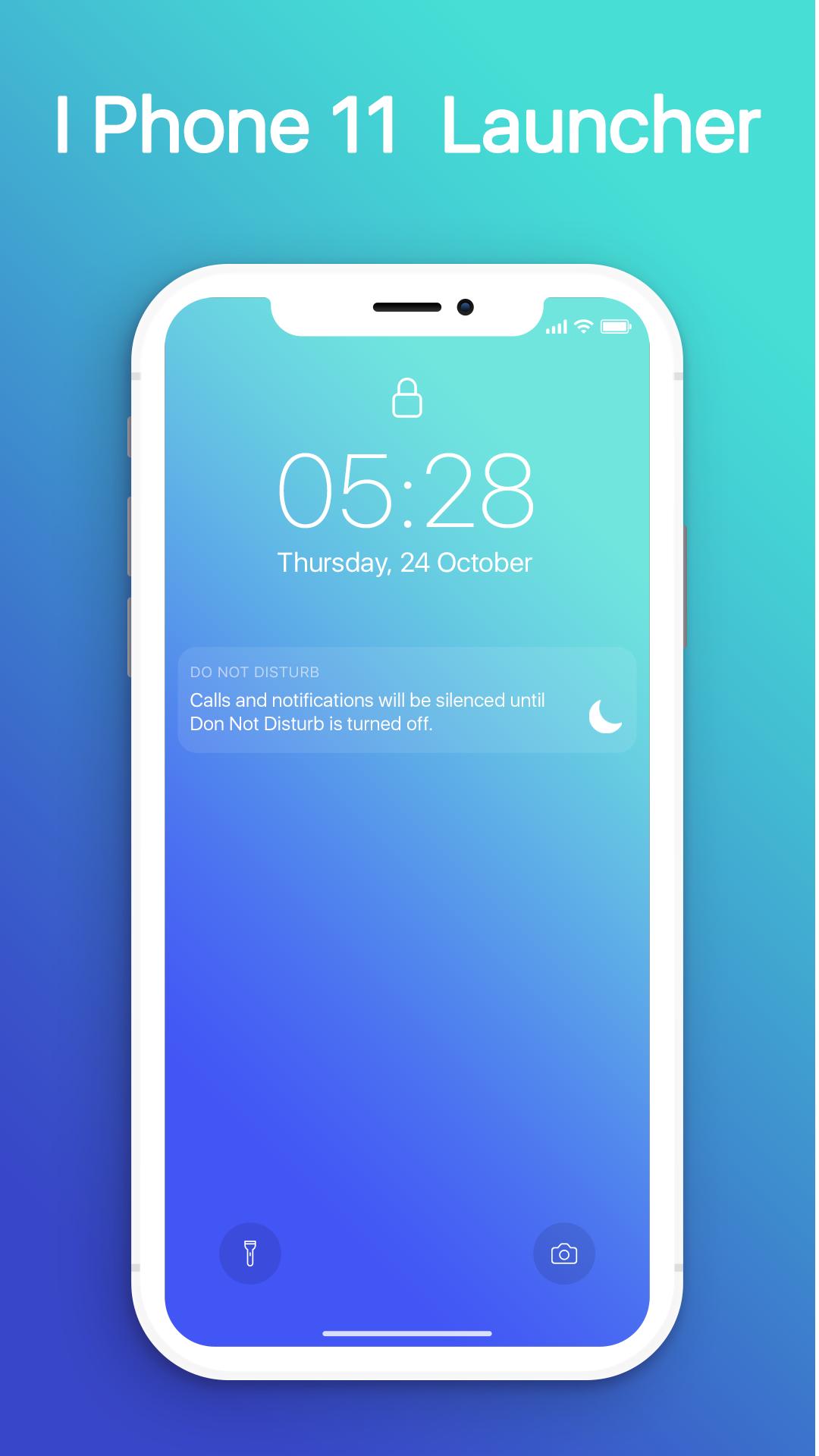
- Swipe down to display notification bar like iPhone 13.
- Control Center like iOS 13.
- Hide application use 3D touch or add in app settings.
- Smart Search: quickly find anything on your device.
- Free to use.
- Stylish Theme, icon pack for iOS 13.
- Notification Center: Show you notification history.
Xem trước
Thông tin
Nhà phát triển
MuVid Apps
Phiên bản mới nhất
1.3
Cập nhật mới nhất
2019-11-16
Loại
Công cụ
Có trên
Google Play
Cho xem nhiều hơn
Cách chơi iOS Launcher: Control Center với GameLoop trên PC
1. Tải xuống GameLoop từ trang web chính thức, sau đó chạy tệp exe để cài đặt GameLoop.
2. Mở GameLoop và tìm kiếm “iOS Launcher: Control Center”, tìm iOS Launcher: Control Center trong kết quả tìm kiếm và nhấp vào “Cài đặt”.
3. Thích chơi iOS Launcher: Control Center trên GameLoop.
Minimum requirements
OS
Windows 8.1 64-bit or Windows 10 64-bit
GPU
GTX 1050
CPU
i3-8300
Memory
8GB RAM
Storage
1GB available space
Recommended requirements
OS
Windows 8.1 64-bit or Windows 10 64-bit
GPU
GTX 1050
CPU
i3-9320
Memory
16GB RAM
Storage
1GB available space