Headshot: GFX Tool and Setting PC
AppCityinfo
Tải xuống Headshot: GFX Tool and Setting trên PC với Trình giả lập GameLoop
Headshot: GFX Tool and Setting trên PC
Headshot: GFX Tool and Setting, đến từ nhà phát triển AppCityinfo, đang chạy trên hệ điều hành Android trong quá khứ.
Giờ đây, bạn có thể chơi Headshot: GFX Tool and Setting trên PC với GameLoop một cách mượt mà.
Tải xuống nó trong thư viện GameLoop hoặc kết quả tìm kiếm. Không còn để ý đến pin hoặc các cuộc gọi bực bội vào sai thời điểm nữa.
Chỉ cần thưởng thức Headshot: GFX Tool and Setting PC trên màn hình lớn miễn phí!
Headshot: GFX Tool and Setting Giới thiệu
This is the Headshot GFX Tool and Sensitivity settings application which used to no lag system in any game. This GFX tool application will helps you for boosting your gaming experience and find out sensitivity for pro player.
This app can change the setting for : GFX best Tool together with Headshot special Tool .
All functions which are Headshot GFX Tool and Sensitivity settings , tool for ff , unlimited diamond for bgmi and GFX gun skin for game having in this application. This GFX tool for free sensitivity app is one of the booster for your game.
In this application we are generate a best sensitivity for gaming and we provide a bunch of Best gaming wallpapers of pro players.
GFX Tool is a free utility launcher for specific games where you can fully customize the game graphics to get beautiful pictures and smooth gameplay. Add your game with these advanced features of the headshot GFX tool and learn how to get free diamonds.
App features
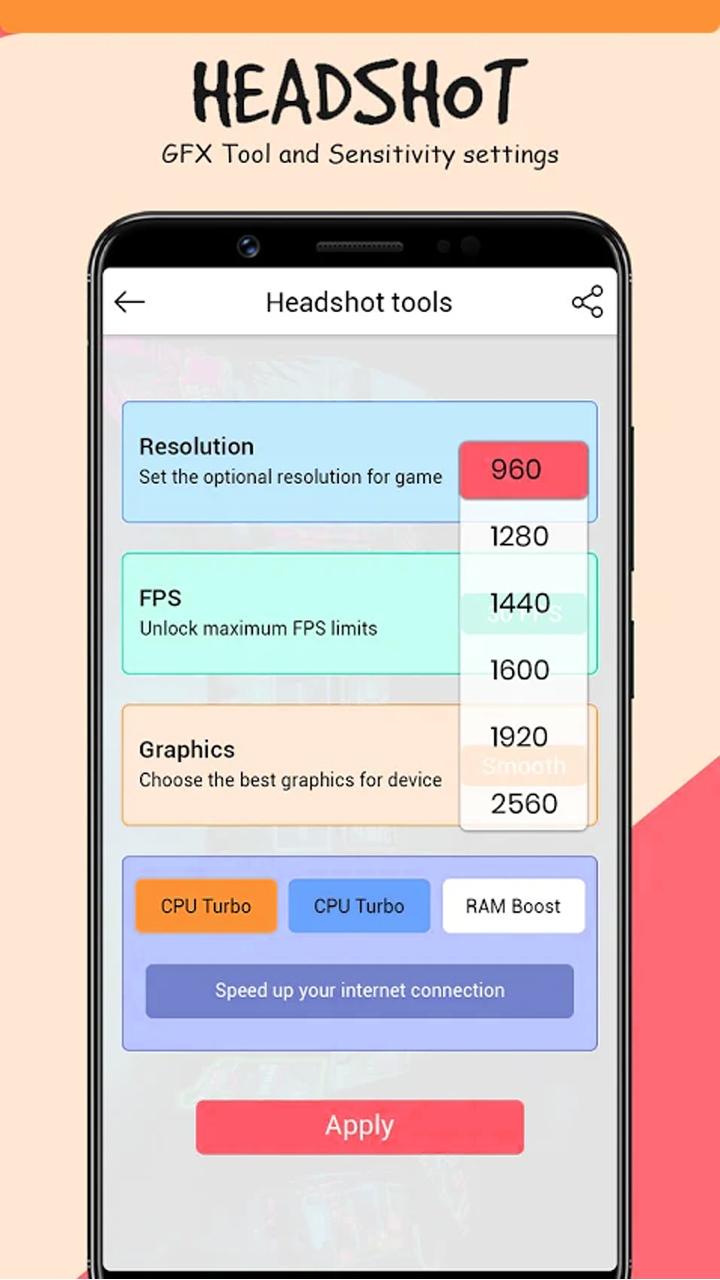
• Change resolution
• Unlock HDR graphics and all FPS levels
• Fully control Anti-aliasing and shadows
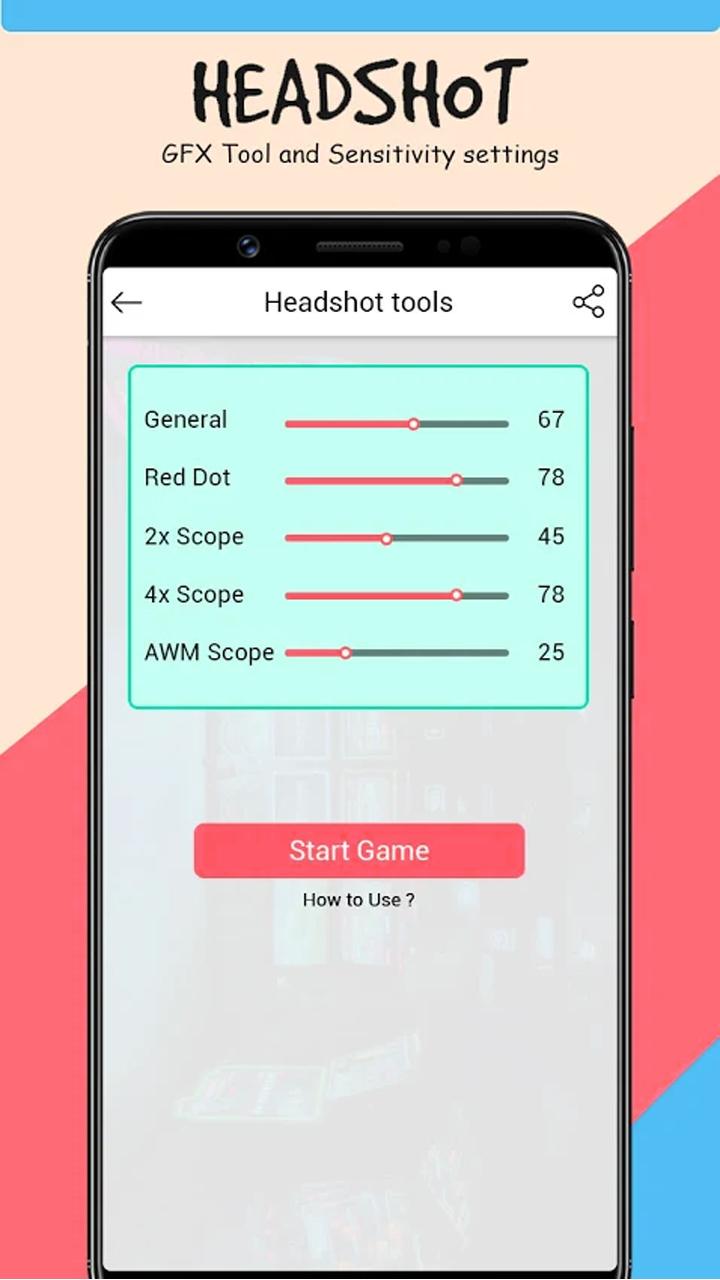
• Auto Headshot tools
• Top gaming wallpaper
All game versions are supported.
How to use GFX Tool
• Close game if it’s currently running before starting GFX Tool
• Choose your version of your game
• Customize the graphics according to your desires and device capabilities.
• Once everything is set, click on Accept and Run Game
-------------------------------------
Disclaimer (Note):
This is not an official app, it provides information about gfx tool sensitivity etc...
All content and copyrights in this application are owned by each copyright holder. The images in this application are collected from respective owners , if we violate copyright let us know and we will immediately delete them.
Xem trước
Thẻ
Công cụThông tin
Nhà phát triển
AppCityinfo
Phiên bản mới nhất
1.7
Cập nhật mới nhất
2022-10-07
Loại
Công cụ
Có trên
Google Play
Cho xem nhiều hơn
Cách chơi Headshot: GFX Tool and Setting với GameLoop trên PC
1. Tải xuống GameLoop từ trang web chính thức, sau đó chạy tệp exe để cài đặt GameLoop.
2. Mở GameLoop và tìm kiếm “Headshot: GFX Tool and Setting”, tìm Headshot: GFX Tool and Setting trong kết quả tìm kiếm và nhấp vào “Cài đặt”.
3. Thích chơi Headshot: GFX Tool and Setting trên GameLoop.
Minimum requirements
OS
Windows 8.1 64-bit or Windows 10 64-bit
GPU
GTX 1050
CPU
i3-8300
Memory
8GB RAM
Storage
1GB available space
Recommended requirements
OS
Windows 8.1 64-bit or Windows 10 64-bit
GPU
GTX 1050
CPU
i3-9320
Memory
16GB RAM
Storage
1GB available space