Screenshot Easy – Quick Capture Screen Free PC
DEV Tool Studio
Tải xuống Screenshot Easy – Quick Capture Screen Free trên PC với Trình giả lập GameLoop
Screenshot Easy – Quick Capture Screen Free trên PC
Screenshot Easy – Quick Capture Screen Free, đến từ nhà phát triển DEV Tool Studio, đang chạy trên hệ điều hành Android trong quá khứ.
Giờ đây, bạn có thể chơi Screenshot Easy – Quick Capture Screen Free trên PC với GameLoop một cách mượt mà.
Tải xuống nó trong thư viện GameLoop hoặc kết quả tìm kiếm. Không còn để ý đến pin hoặc các cuộc gọi bực bội vào sai thời điểm nữa.
Chỉ cần thưởng thức Screenshot Easy – Quick Capture Screen Free PC trên màn hình lớn miễn phí!
Screenshot Easy – Quick Capture Screen Free Giới thiệu
Screen Capture is the easiest and simplest way to capture. It help you take the screenshot easily with one touch on the overlay icon. Let you easily edit and markup your screenshots and quickly share it with your friends!
✍ Screenshot Easy highlight feature:
☞ Easy and user friendly interface
☞ Image cropper (Crop ratio, rotate)
☞ Notification icon click
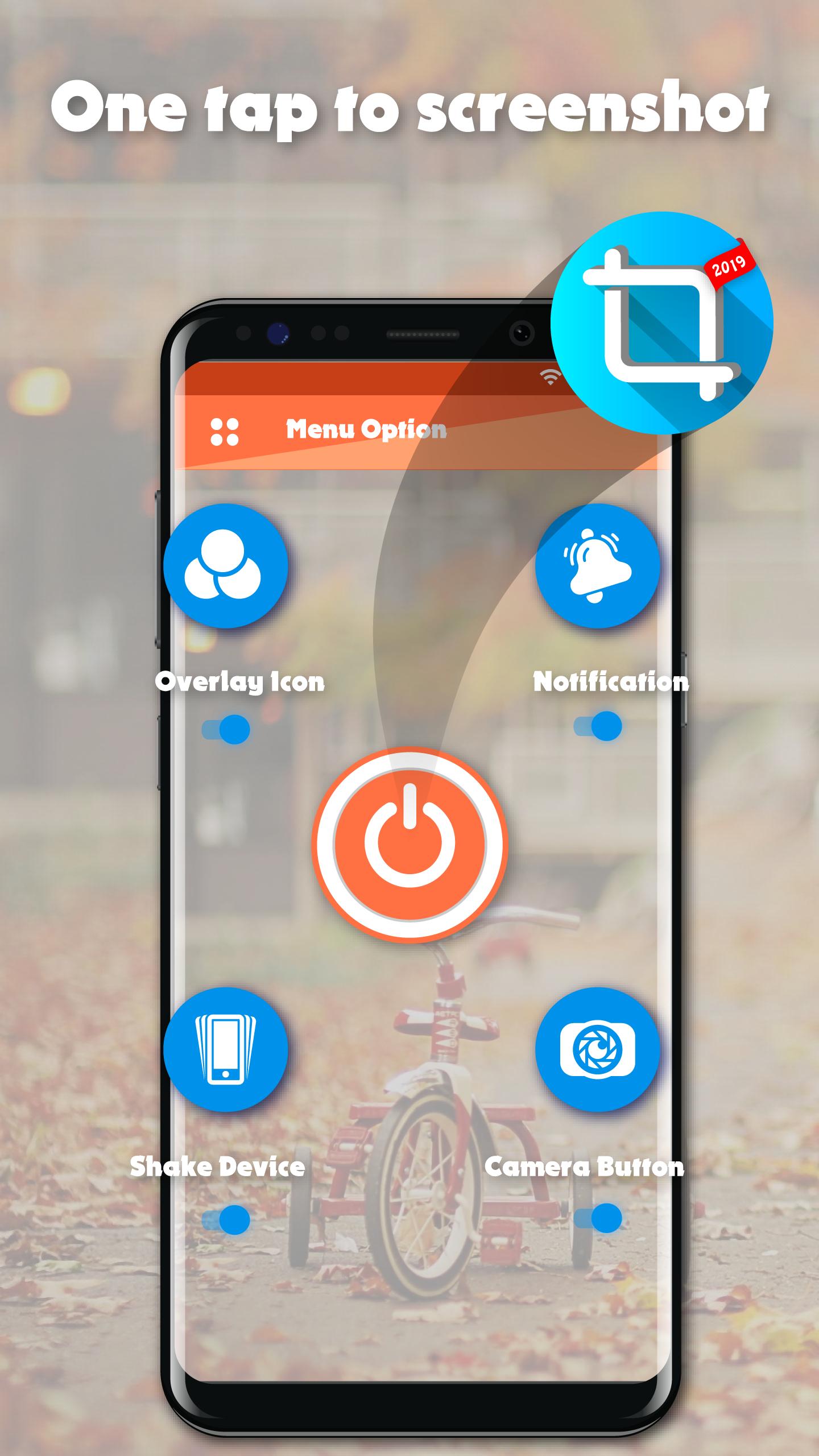
☞ Capture screenshot by one touch (Notification area, overlay icon, shaking).
★Screenshot Easy basic feature:
☞ Capture by touch (Notification area, overlay icon, shaking the device)
☞ Photo viewer
☞ Image cropper (Crop ratio, rotate)
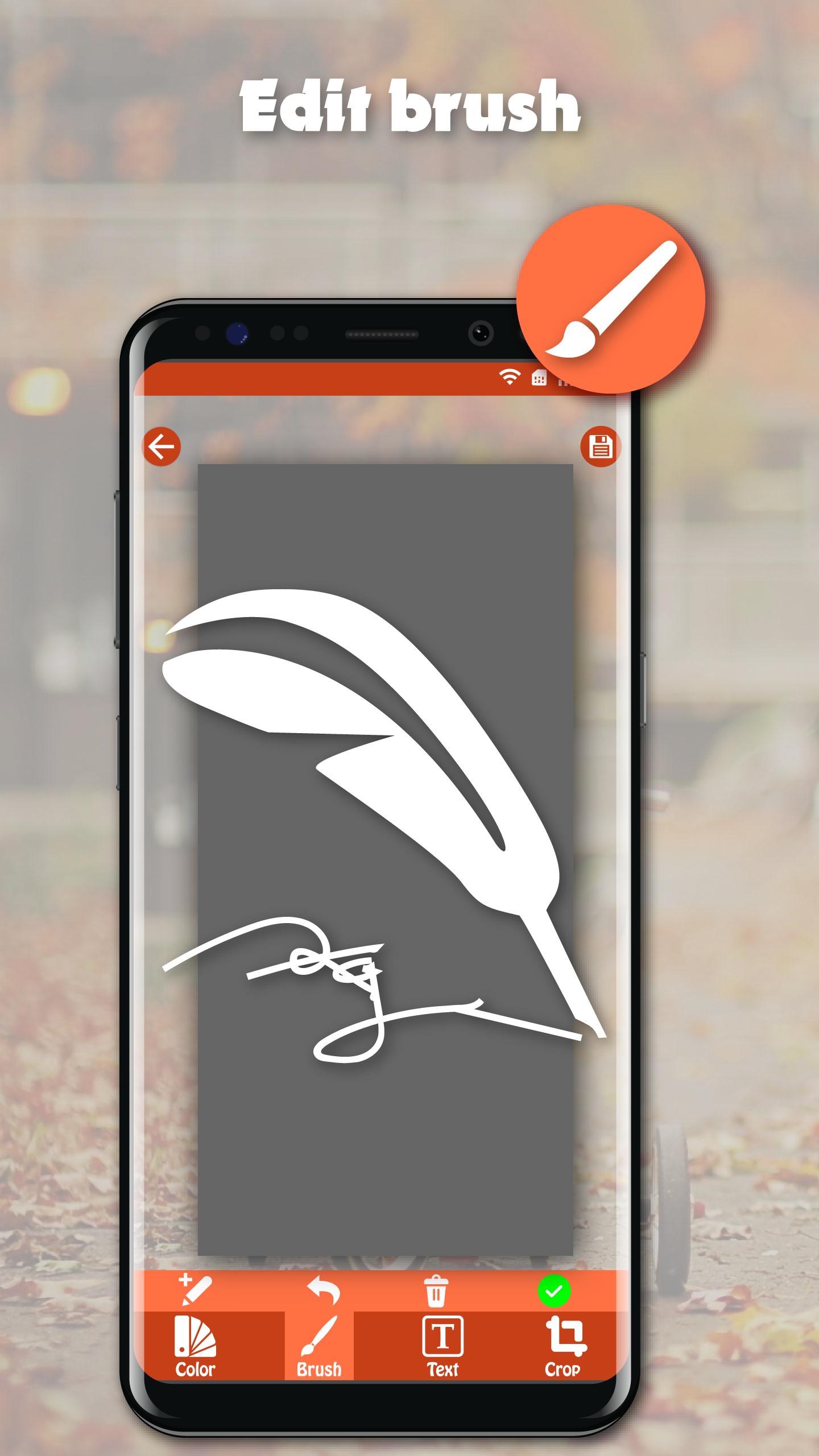
☞ Draw on captured image (Pen, Text, Rectangle, Circle, Stamp, Opacity and so on)
☞ Sharing screenshot images to other installed apps (user controlled)
☞ Persistent notification (optional): This allows the notification to always remain present which cannot be swiped away. It quickens the accessibility of Screenshot touch
★How to take screenshot?
Application provides many easy method to take screenshot without physical button, so you can take screenshot even while physical button is damaged
☞ Floating button: The simple button that is displayed on top of everything, just one-click to take a screenshot
☞ Shaking device: Shaking your device to take a screenshot
☞ Notification: Drag down status bar, then click on notification to take a screenshot.
☞ Camera button: Click on camera button to take a screenshot (if your device have camera button)
★Note: Screenshot Easy – Quick Capture Screen Free is only available for devices running android 5.0 or above.
Xem trước
Thông tin
Nhà phát triển
DEV Tool Studio
Phiên bản mới nhất
1.0
Cập nhật mới nhất
2020-03-16
Loại
Công cụ
Có trên
Google Play
Cho xem nhiều hơn
Cách chơi Screenshot Easy – Quick Capture Screen Free với GameLoop trên PC
1. Tải xuống GameLoop từ trang web chính thức, sau đó chạy tệp exe để cài đặt GameLoop.
2. Mở GameLoop và tìm kiếm “Screenshot Easy – Quick Capture Screen Free”, tìm Screenshot Easy – Quick Capture Screen Free trong kết quả tìm kiếm và nhấp vào “Cài đặt”.
3. Thích chơi Screenshot Easy – Quick Capture Screen Free trên GameLoop.
Minimum requirements
OS
Windows 8.1 64-bit or Windows 10 64-bit
GPU
GTX 1050
CPU
i3-8300
Memory
8GB RAM
Storage
1GB available space
Recommended requirements
OS
Windows 8.1 64-bit or Windows 10 64-bit
GPU
GTX 1050
CPU
i3-9320
Memory
16GB RAM
Storage
1GB available space