Double Tap Screen On and Off Pro PC
4 mb
Tải xuống Double Tap Screen On and Off Pro trên PC với Trình giả lập GameLoop
Double Tap Screen On and Off Pro trên PC
Double Tap Screen On and Off Pro, đến từ nhà phát triển 4 mb, đang chạy trên hệ điều hành Android trong quá khứ.
Giờ đây, bạn có thể chơi Double Tap Screen On and Off Pro trên PC với GameLoop một cách mượt mà.
Tải xuống nó trong thư viện GameLoop hoặc kết quả tìm kiếm. Không còn để ý đến pin hoặc các cuộc gọi bực bội vào sai thời điểm nữa.
Chỉ cần thưởng thức Double Tap Screen On and Off Pro PC trên màn hình lớn miễn phí!
Double Tap Screen On and Off Pro Giới thiệu
Double Tap Screen On and Off Pro:
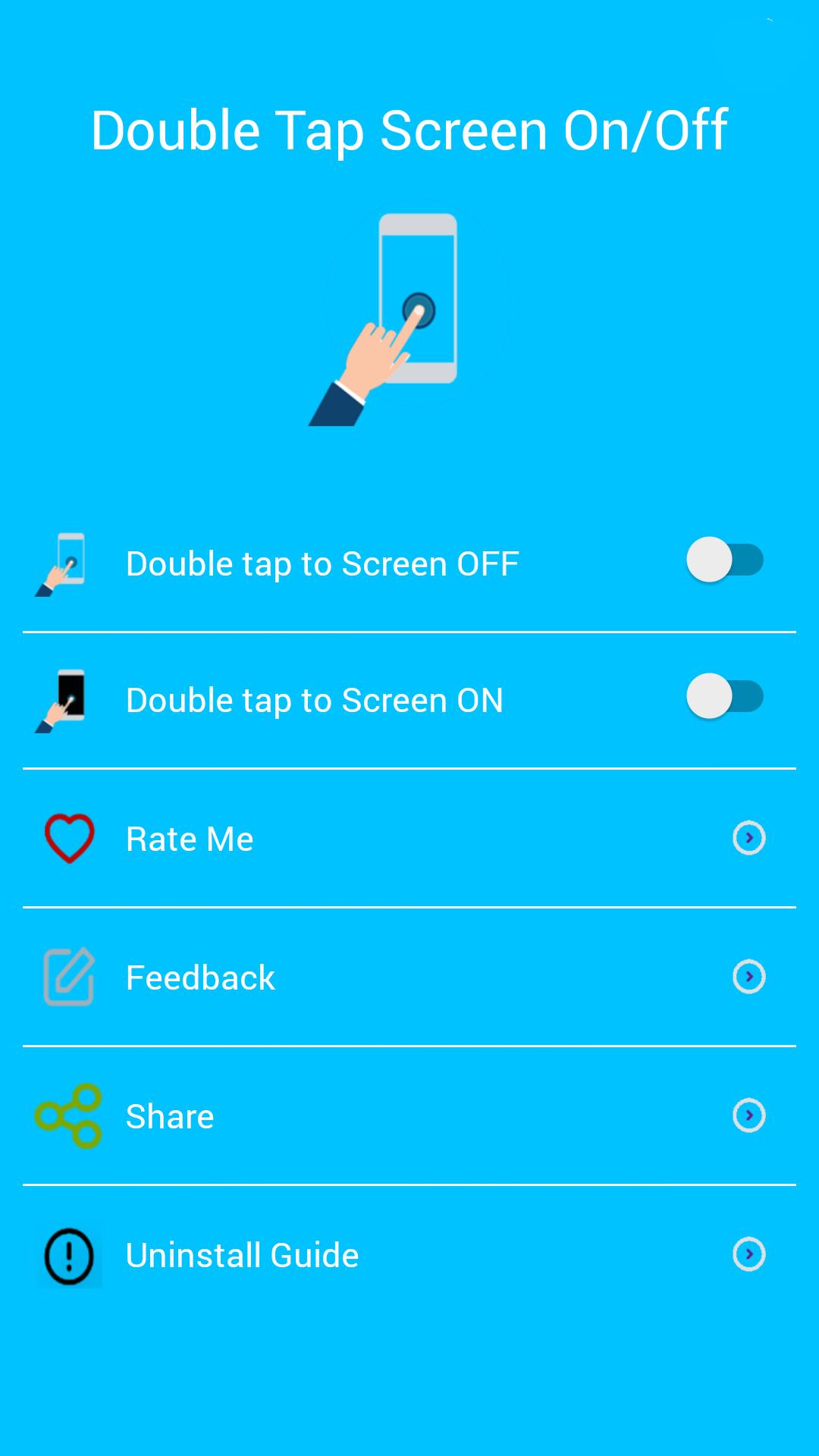
Double Tap Off / ON is an application that helps you protect the power button. Double Tap OFF also allows you to turn off the screen quickly by touching the Home screen twice. Just a touch to lock and turn off the screen.
Sometimes difficult to press the power button, or you want to preserve the physical power button. The Smart Screen On Off app and the feed head float can help minimize the use of the power button anytime and anywhere.
★ Different types of buttons:
- Show on the home screen
- Show in the notification
- Float on other apps!
★ CHARACTERISTICS:
- Double-tap the home screen to turn off the screen.
- Cover the proximity sensor to turn on the screen (if it is not, press Always visible).
- Double-tap the Always On power icon to activate the screen.
- Provide a lock screen shortcut on the home screen.
★ UNINSTALL INSTRUCTIONS DOUBLE TAP APPLICATION:
- Open the Double Tap Off application.
- Select the Uninstall button to uninstall the application.
Note:
This application uses Device Administrator authorization. It is needed and used only to lock the device when using the application. You must enable the administration before you can use it. In addition, you must disable administration before you can uninstall.
FEEDBACK:
If you encounter a problem while using the application, please give us some comments that we will check and update as soon as possible.
Xem trước

Thông tin
Nhà phát triển
4 mb
Phiên bản mới nhất
6.0
Cập nhật mới nhất
2019-10-31
Loại
Công cụ
Có trên
Google Play
Cho xem nhiều hơn
Cách chơi Double Tap Screen On and Off Pro với GameLoop trên PC
1. Tải xuống GameLoop từ trang web chính thức, sau đó chạy tệp exe để cài đặt GameLoop.
2. Mở GameLoop và tìm kiếm “Double Tap Screen On and Off Pro”, tìm Double Tap Screen On and Off Pro trong kết quả tìm kiếm và nhấp vào “Cài đặt”.
3. Thích chơi Double Tap Screen On and Off Pro trên GameLoop.
Minimum requirements
OS
Windows 8.1 64-bit or Windows 10 64-bit
GPU
GTX 1050
CPU
i3-8300
Memory
8GB RAM
Storage
1GB available space
Recommended requirements
OS
Windows 8.1 64-bit or Windows 10 64-bit
GPU
GTX 1050
CPU
i3-9320
Memory
16GB RAM
Storage
1GB available space