
Device Info: System & CPU Info PC
SuriDevs
Tải xuống Device Info: System & CPU Info trên PC với Trình giả lập GameLoop
Device Info: System & CPU Info trên PC
Device Info: System & CPU Info, đến từ nhà phát triển SuriDevs, đang chạy trên hệ điều hành Android trong quá khứ.
Giờ đây, bạn có thể chơi Device Info: System & CPU Info trên PC với GameLoop một cách mượt mà.
Tải xuống nó trong thư viện GameLoop hoặc kết quả tìm kiếm. Không còn để ý đến pin hoặc các cuộc gọi bực bội vào sai thời điểm nữa.
Chỉ cần thưởng thức Device Info: System & CPU Info PC trên màn hình lớn miễn phí!
Device Info: System & CPU Info Giới thiệu
📱 Device Info: System & CPU Info – Detailed Hardware & Software Information for Your Smartphone
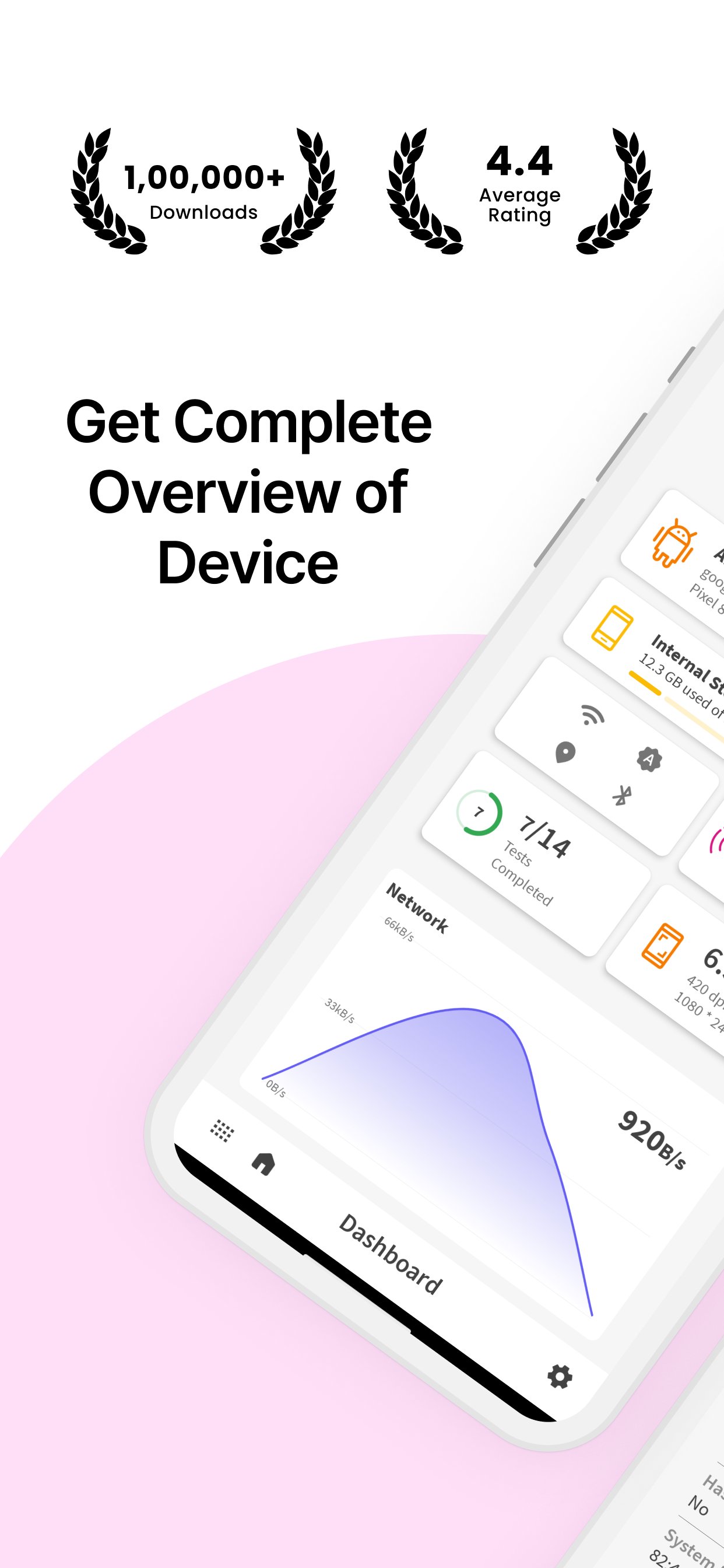
Looking for comprehensive hardware and software details of your smartphone? Device Info: System & CPU Info provides you with all the essential information about your device, including system details, display, sensors, camera, memory usage, processor, battery, and more!
🌟 Why Choose Device Info: System & CPU Info?
✔ #1 App in Its Category – Get all essential details of your device’s software & hardware.
✔ Simple & Powerful – A user-friendly app with a wide range of features.
✔ Dark Mode – Enjoy a comfortable experience in low-light settings with the built-in dark mode.
✔ Device Testing – Perform essential tests like display, vibration, Bluetooth, Wi-Fi, and more.
✔ SIM & Network Info – View SIM details and network information with a speed tracker.
📊 Key Features:
Device Details:
🔹 Manufacturer – Find out your device’s brand, serial number, and more.
🔹 Processor & SoC – Get information about the processor, system on chip, and hardware.
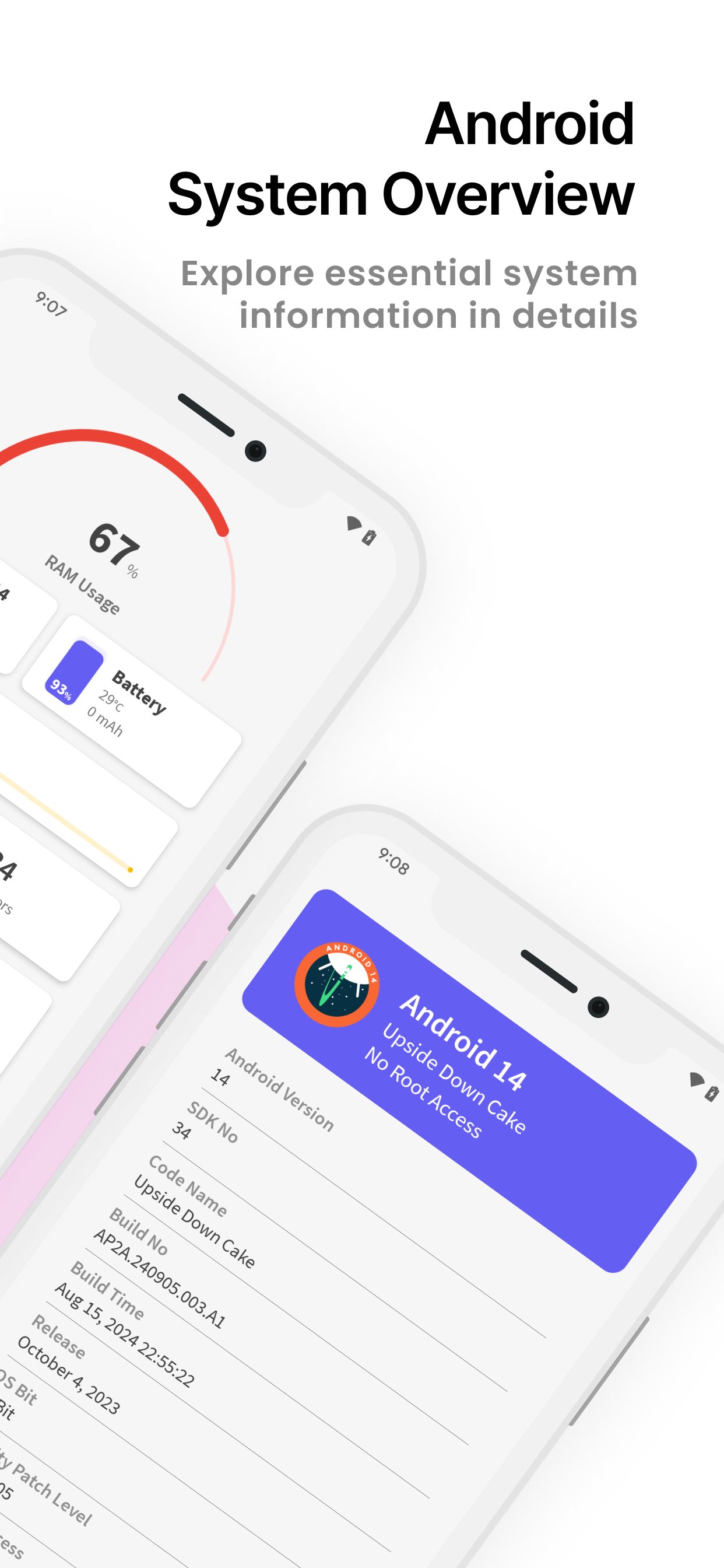
🔹 System Information – Includes build number, version name, SDK number, and more.
CPU Info:
🔹 CPU Utilization – Monitor current CPU usage, number of cores, clock speed, and kernel version.
🔹 Architecture & Features – Check out detailed CPU architecture and supported features.
Memory Usage:
🔹 RAM & Storage – View total and free RAM, internal storage, and external storage.
Display Details:
🔹 Brightness Level & Screen Timeout – Adjust your display settings with ease.
🔹 Screen Resolution & Refresh Rate – View screen width, height, and refresh rate.
Sensor Info:
🔹 Real-Time Graphs – Access a list of available sensors with real-time graphs.
🔹 Sensor Details – Get information on sensors like accelerometer, gyroscope, etc.
Camera Details:
🔹 Rear & Front Camera – Information about camera resolution, focus modes, scene modes, and more.
Battery Information:
🔹 Battery Health & Status – Check battery level, temperature, voltage, and power source.
Network & SIM Details:
🔹 Wi-Fi & Mobile Network – See network type, IP address, signal strength, Wi-Fi frequency, and link speed.
Bluetooth Info:
🔹 Bluetooth Status – View Bluetooth status, name, address, and scan mode.
Device Tests:
🔹 Essential Device Tests – Perform tests like Display, Paint, Multi-Touch, Bluetooth, Wifi, Vibration, Fingerprint, Light Sensor, and more!
🛡️ Required Permissions:
📞 Phone State – Required for displaying device info like serial number and SIM card information.
📸 Camera – Required to show your device’s camera details.
📥 Download Device Info: System & CPU Info Now – Your all-in-one tool for detailed device and system information! Fast, reliable, and completely free.
Xem trước
Thẻ
Công cụThông tin
Nhà phát triển
SuriDevs
Phiên bản mới nhất
3.5.38
Cập nhật mới nhất
2025-11-27
Loại
Công cụ
Có trên
Google Play
Cho xem nhiều hơn
Cách chơi Device Info: System & CPU Info với GameLoop trên PC
1. Tải xuống GameLoop từ trang web chính thức, sau đó chạy tệp exe để cài đặt GameLoop.
2. Mở GameLoop và tìm kiếm “Device Info: System & CPU Info”, tìm Device Info: System & CPU Info trong kết quả tìm kiếm và nhấp vào “Cài đặt”.
3. Thích chơi Device Info: System & CPU Info trên GameLoop.
Minimum requirements
OS
Windows 8.1 64-bit or Windows 10 64-bit
GPU
GTX 1050
CPU
i3-8300
Memory
8GB RAM
Storage
1GB available space
Recommended requirements
OS
Windows 8.1 64-bit or Windows 10 64-bit
GPU
GTX 1050
CPU
i3-9320
Memory
16GB RAM
Storage
1GB available space