
Compass Gujarati (Hokayantra કંપાસ ગુજરાતી) PC
SUNIL H L
Tải xuống Compass Gujarati (Hokayantra કંપાસ ગુજરાતી) trên PC với Trình giả lập GameLoop
Compass Gujarati (Hokayantra કંપાસ ગુજરાતી) trên PC
Compass Gujarati (Hokayantra કંપાસ ગુજરાતી), đến từ nhà phát triển SUNIL H L, đang chạy trên hệ điều hành Android trong quá khứ.
Giờ đây, bạn có thể chơi Compass Gujarati (Hokayantra કંપાસ ગુજરાતી) trên PC với GameLoop một cách mượt mà.
Tải xuống nó trong thư viện GameLoop hoặc kết quả tìm kiếm. Không còn để ý đến pin hoặc các cuộc gọi bực bội vào sai thời điểm nữa.
Chỉ cần thưởng thức Compass Gujarati (Hokayantra કંપાસ ગુજરાતી) PC trên màn hình lớn miễn phí!
Compass Gujarati (Hokayantra કંપાસ ગુજરાતી) Giới thiệu
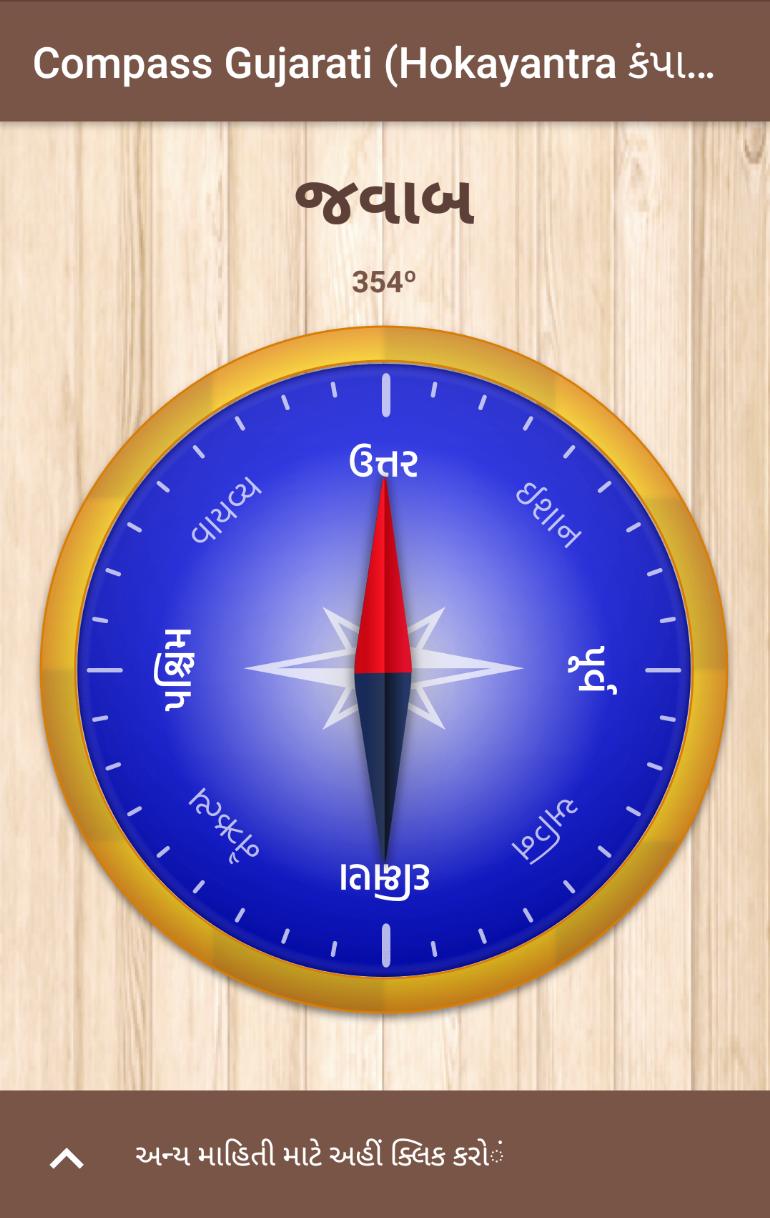
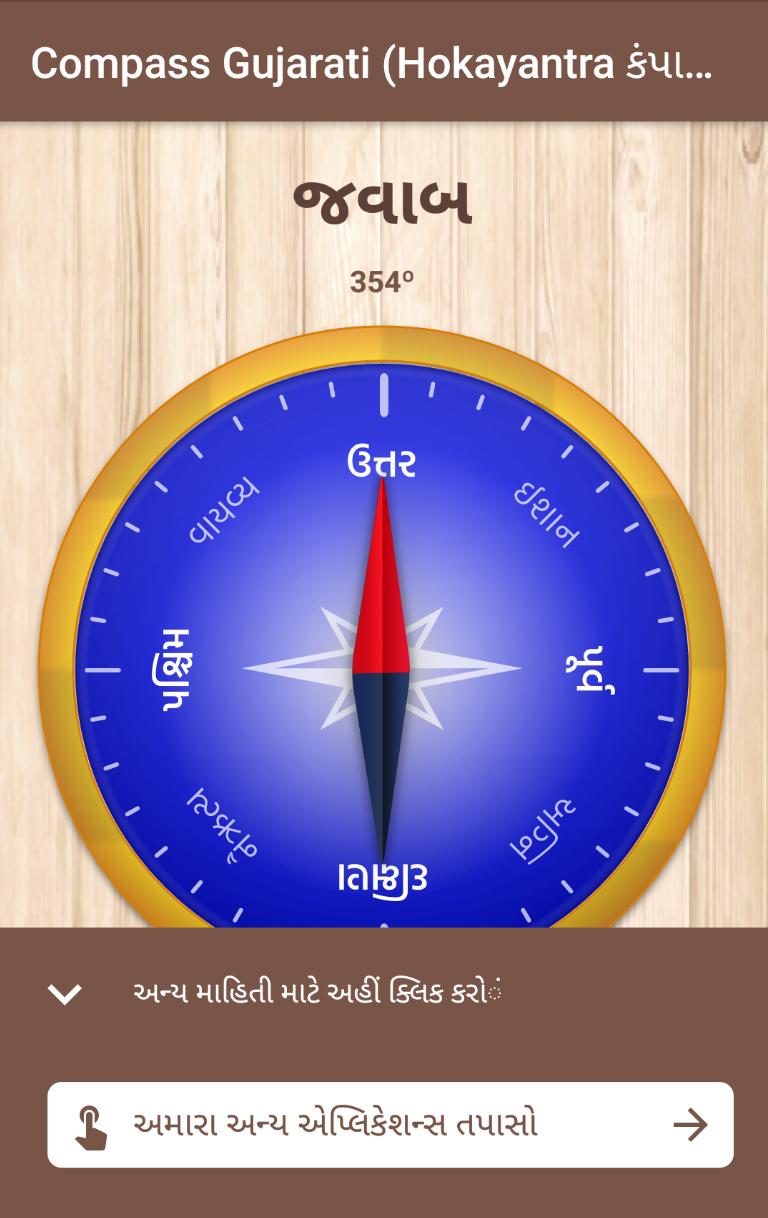
There are many compass apps in the market but all are in English language, but we developed this app for Gujarati Loving people all around the world. This app can be used for getting directions, building construction purpose, vastu, and many more,compass Hindi app can show accurate directions in any place in the world.
RATE THIS APP ⭐️⭐️⭐️⭐️⭐️, it will encourage us to create and develop more Applications.
Features:
1.It is free of cost
2.Rich and simple high resolution graphics
3.Compass Gujarati app shows accurate directions
4.Shows accurate Location
5.Precise direction in Degrees
6.Very less memory consumption
7.Supports for phones and tablets
8.Vastu directions in Gujarati
9.Customizable compass in Gujarati and simple view, you can also customize needle
10.Compass Hindi app not collecting any personal information from your device
11.Useful for vastus
12.360 degree compass
13.Vastu tips via notification
LIST OF 8 DIRECTIONS IN Hindi
north = "ઉત્તર",
south = "દક્ષિણ",
west = "પશ્ચિમ",
east="પૂર્વ",
USAGE GUIDE
◉ To Use This App, Hold Your Android Device Flat For Better and Best Results.
◉ If your device not support magnetic sensor then this app will not show the directions.
◉ Do not use this app near Electric field or High radio frequency It will not show proper directions,but it will show the Accurate Location of the place.
◉ If you Would like to change the Compass design just click on the screen.
◉ If Compass Hindi Is Not Showing Directions Please Calibrate The Device And Use The App,Read The Below Guide For Device Calibration.
Device Calibration Guide:
Please follow the below Steps
▶︎Try to stay away from metal substances near to the phone or Tablet.
▶︎Put the phone on a flat surface with the display pointing up.
▶︎Move the phone slowly for 5 seconds per full rotation is ok.
▶︎Rotate the device Three rounds around the axis pointing upward.
▶︎Rotate the device Three full round the axis pointing away from you.
▶︎Rotate the device Three full rounds around the axis pointing right.
▶︎Hold the phone and Try to draw a shape of number 8 slowly.
Xem trước
Thông tin
Nhà phát triển
SUNIL H L
Phiên bản mới nhất
2.0
Cập nhật mới nhất
2019-02-22
Loại
Công cụ
Có trên
Google Play
Cho xem nhiều hơn
Cách chơi Compass Gujarati (Hokayantra કંપાસ ગુજરાતી) với GameLoop trên PC
1. Tải xuống GameLoop từ trang web chính thức, sau đó chạy tệp exe để cài đặt GameLoop.
2. Mở GameLoop và tìm kiếm “Compass Gujarati (Hokayantra કંપાસ ગુજરાતી)”, tìm Compass Gujarati (Hokayantra કંપાસ ગુજરાતી) trong kết quả tìm kiếm và nhấp vào “Cài đặt”.
3. Thích chơi Compass Gujarati (Hokayantra કંપાસ ગુજરાતી) trên GameLoop.
Minimum requirements
OS
Windows 8.1 64-bit or Windows 10 64-bit
GPU
GTX 1050
CPU
i3-8300
Memory
8GB RAM
Storage
1GB available space
Recommended requirements
OS
Windows 8.1 64-bit or Windows 10 64-bit
GPU
GTX 1050
CPU
i3-9320
Memory
16GB RAM
Storage
1GB available space