
Whats Web PC
ZeroBug00
Tải xuống Whats Web trên PC với Trình giả lập GameLoop
Whats Web trên PC
Whats Web, đến từ nhà phát triển ZeroBug00, đang chạy trên hệ điều hành Android trong quá khứ.
Giờ đây, bạn có thể chơi Whats Web trên PC với GameLoop một cách mượt mà.
Tải xuống nó trong thư viện GameLoop hoặc kết quả tìm kiếm. Không còn để ý đến pin hoặc các cuộc gọi bực bội vào sai thời điểm nữa.
Chỉ cần thưởng thức Whats Web PC trên màn hình lớn miễn phí!
Whats Web Giới thiệu
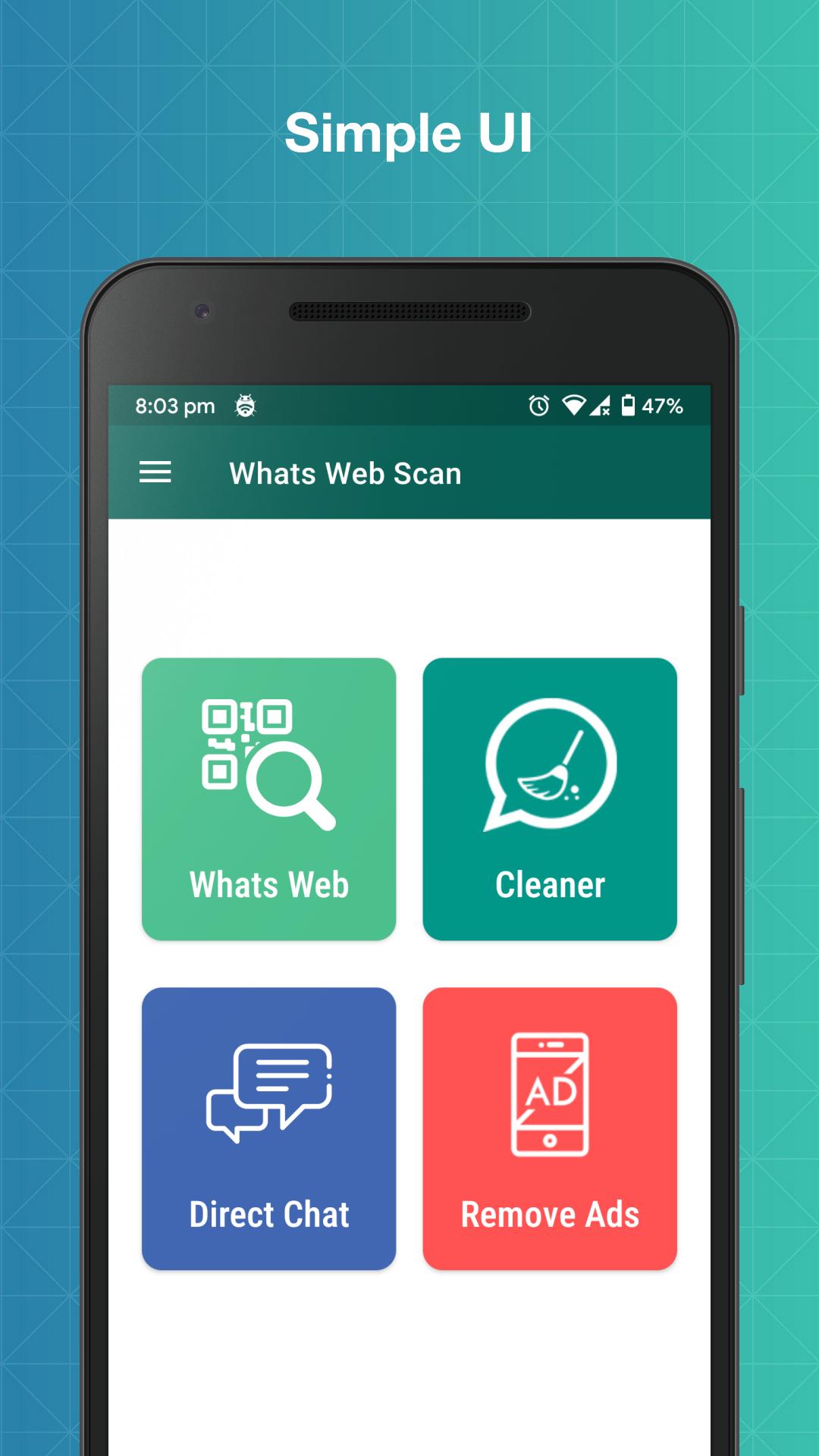
Whats Web for WhatsApp is an app which helps you to use multiple WA accounts on the same device. Using Whats Web for WhatsApp, you can also download statuses and directly message anyone without saving their contact number.
With Whats Web for WhatsApp, you can easily open two WA accounts on the same device or one account in many devices.
Key Features:
No Ads
Enjoy various Whats web for Whatsapp features without ads.
Whats Web for WhatsApp
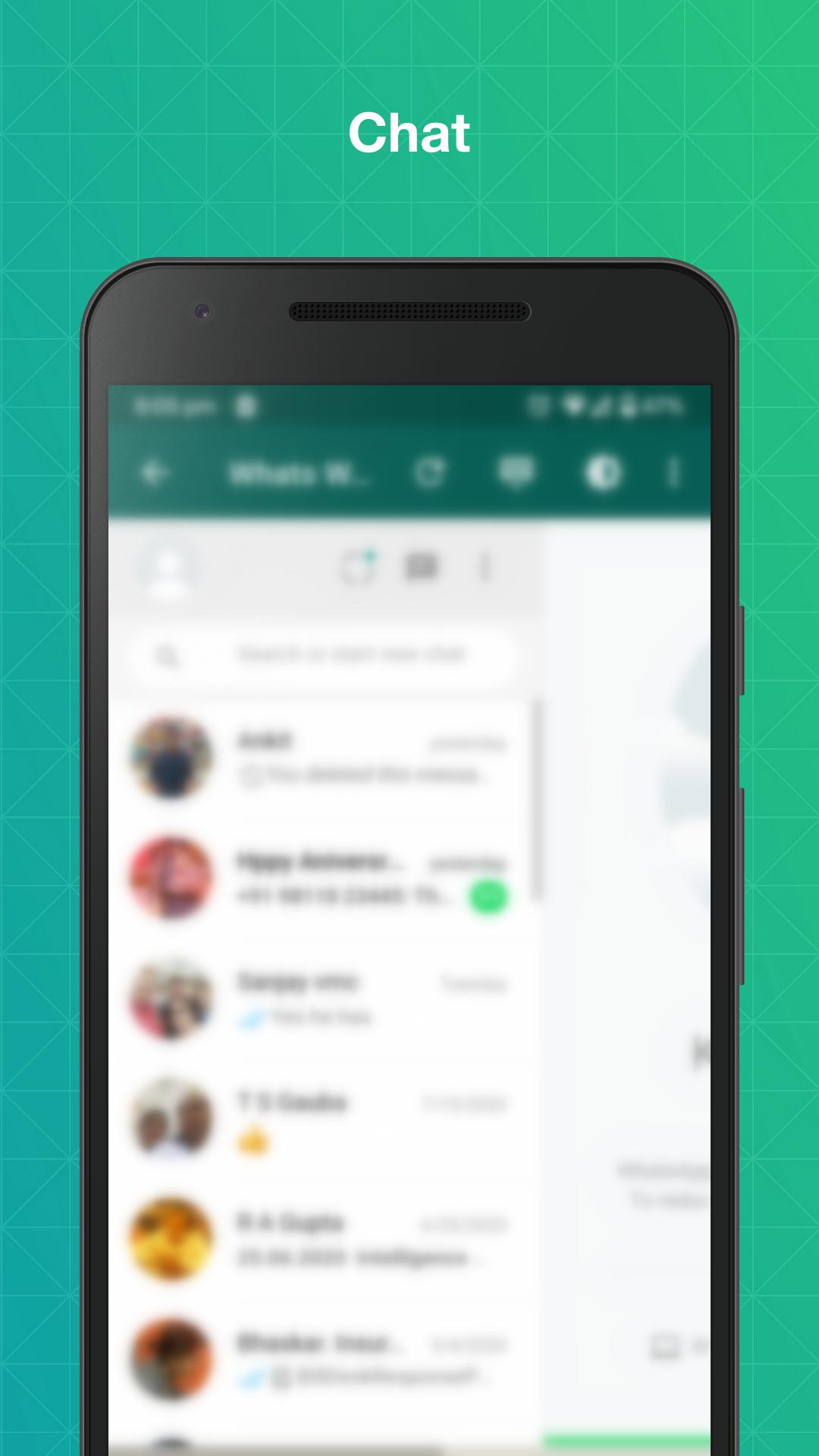
Whats Web for WhatsApp app helps you to operate more than one WA accounts on the same device or same account on multiple devices by easily scanning the WA Web QR code.
Status Saver
Whats Web for WhatsApp app helps save other's WA status and use them at any time.
Direct Chat
Whats Web for WhatsApp app has a feature called Direct Chat that helps you to directly message other people without saving contact.
Dark Mode
Whats Web for WhatsApp app also has a dark mode that helps you in saving your eyes from burning :)
Note: - Whats Web for WhatsApp is created by ZeroBug00, and it is neither an official WhatsApp application nor associated with WhatsApp Inc.
Xem trước
Thẻ
Công cụThông tin
Nhà phát triển
ZeroBug00
Phiên bản mới nhất
1.5.2
Cập nhật mới nhất
2022-08-28
Loại
Công cụ
Có trên
Google Play
Cho xem nhiều hơn
Cách chơi Whats Web với GameLoop trên PC
1. Tải xuống GameLoop từ trang web chính thức, sau đó chạy tệp exe để cài đặt GameLoop.
2. Mở GameLoop và tìm kiếm “Whats Web”, tìm Whats Web trong kết quả tìm kiếm và nhấp vào “Cài đặt”.
3. Thích chơi Whats Web trên GameLoop.
Minimum requirements
OS
Windows 8.1 64-bit or Windows 10 64-bit
GPU
GTX 1050
CPU
i3-8300
Memory
8GB RAM
Storage
1GB available space
Recommended requirements
OS
Windows 8.1 64-bit or Windows 10 64-bit
GPU
GTX 1050
CPU
i3-9320
Memory
16GB RAM
Storage
1GB available space