Transparent Keyboard PC
DanielPolish
Tải xuống Transparent Keyboard trên PC với Trình giả lập GameLoop
Transparent Keyboard trên PC
Transparent Keyboard, đến từ nhà phát triển DanielPolish, đang chạy trên hệ điều hành Android trong quá khứ.
Giờ đây, bạn có thể chơi Transparent Keyboard trên PC với GameLoop một cách mượt mà.
Tải xuống nó trong thư viện GameLoop hoặc kết quả tìm kiếm. Không còn để ý đến pin hoặc các cuộc gọi bực bội vào sai thời điểm nữa.
Chỉ cần thưởng thức Transparent Keyboard PC trên màn hình lớn miễn phí!
Transparent Keyboard Giới thiệu
After installing, please do the tutorial, because this keyboard is so unique, that some things may not be self-explanatory.
Warning!!! This keyboard will NOT open up on a locked screen.
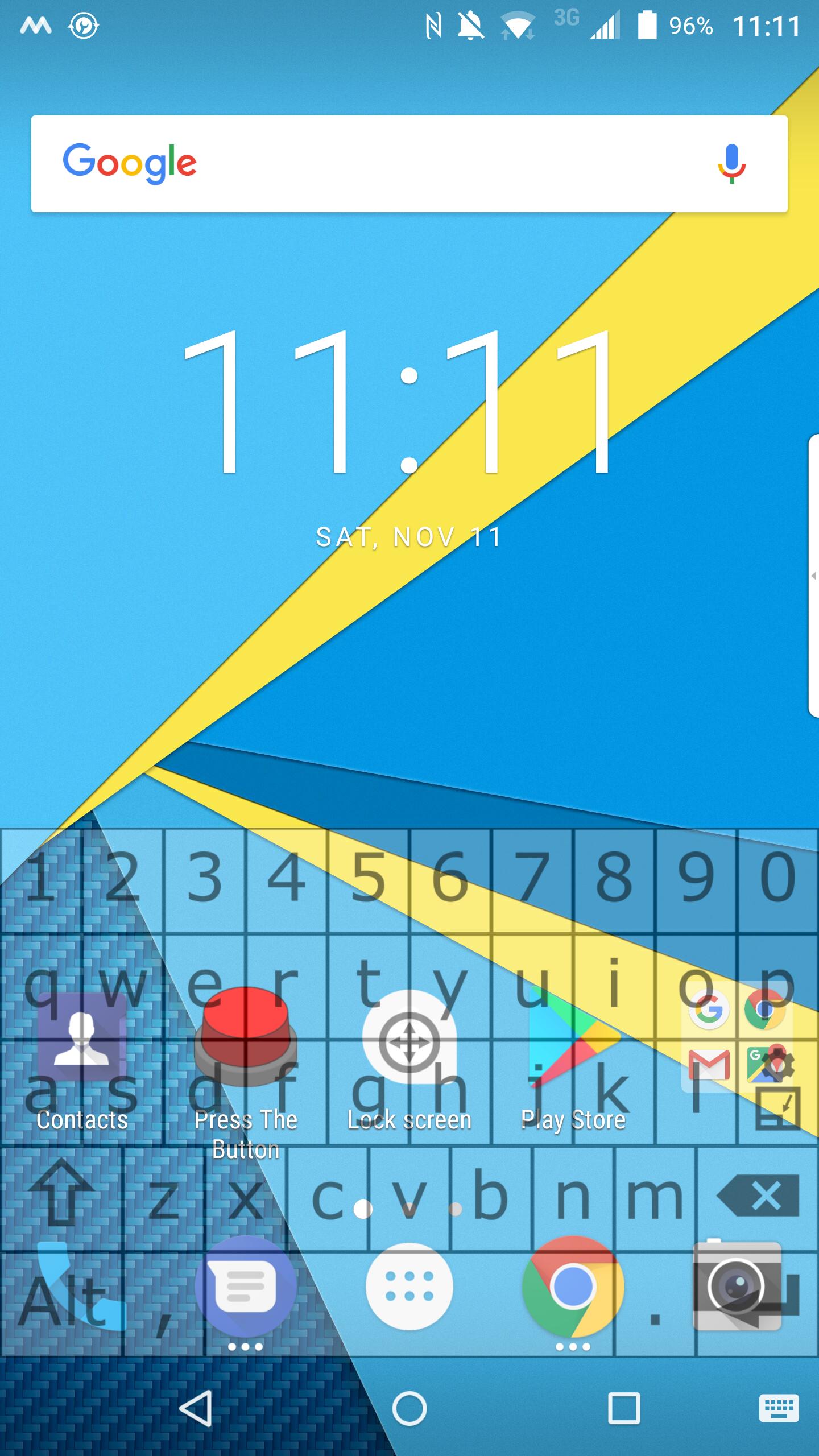
As the name mentions, it's a transparent keyboard. The opacity can be set from the keyboard layout, as well as the height.
In landscape mode it has the layout of a PC keyboard. The keyboard emulates the Cntrl + X/C/V commands. (Note that copying a text with Ctrl + C does not copy the text to the clipboard, but to the keyboard's memory. The same thing with pasting text, but in reverse) This feature can, however mess things up, when it comes to remote controlling a PC. Therefore this can be turned off in the settings. Pressing the "Alt Gr" button reveals the F1 - F12, ESC keys.
The keyboard features a joystick-like button in both landscape and portrait mode. Pulling it in a direction is equivalent to pressing the arrow key pointing in the same direction. If you hold it, it's like holding the arrow key, except that the further you pull it, the more frequently the arrow button is going to be pressed. This can be used to position the cursor, scroll on a webpage, or even navigate on your device.
In landscape mode, you can select text, by tapping a shift key, and then moving your cursor to the left or the right, with that little joystick.
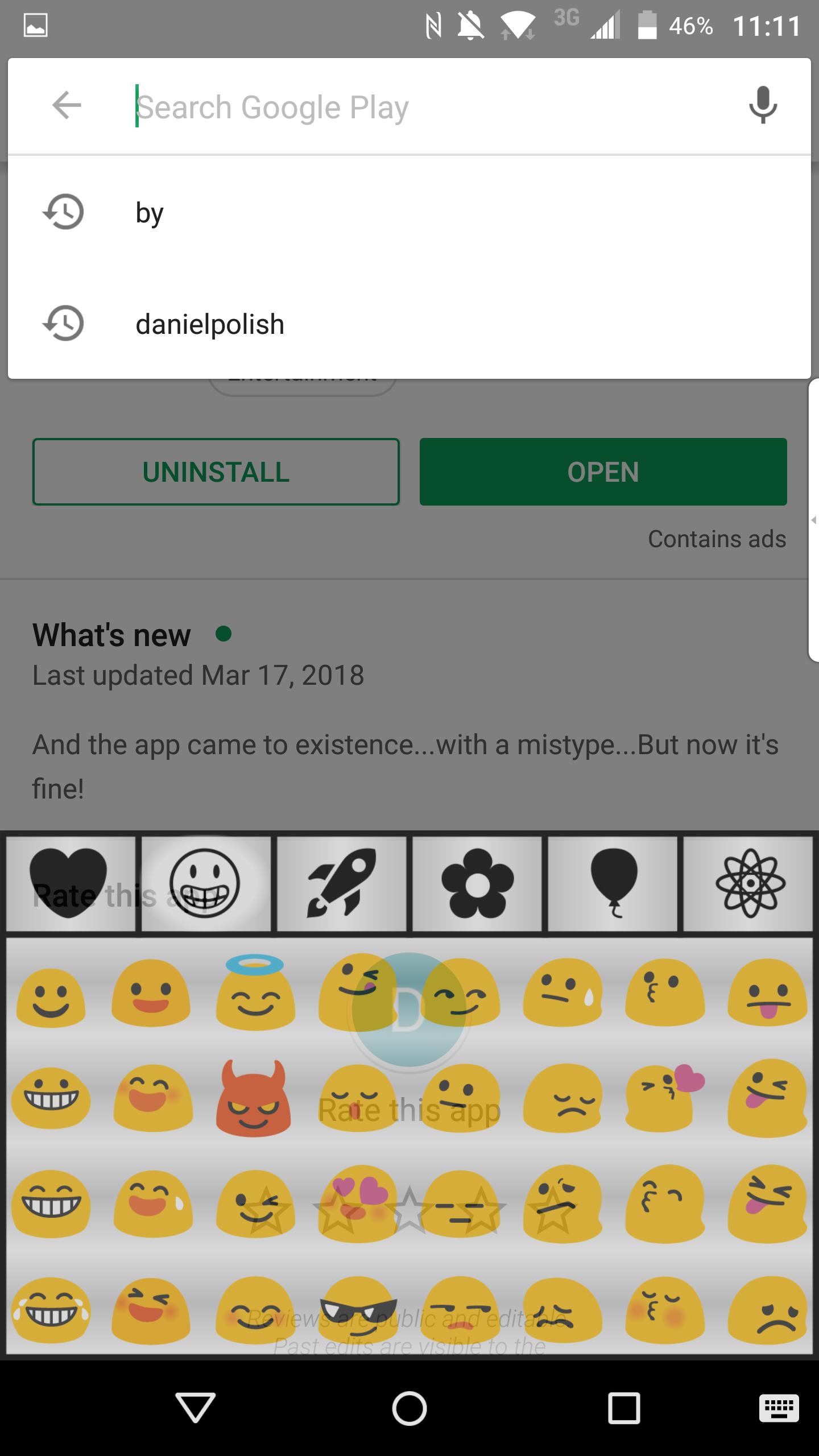
You can access the emojis by swiping your finger up from the spacebar.
In the free version not all emojis are included by default, only emoticons, but you can upgrade for free to unlock all the emojis, by watching ads.
You can manually open and close the keyboard, anytime you want, regardless of the OS, but this feature can also be disabled.
If you are in a messaging app, and the keyboard covers the input field, there is an optional background, which you can enable from the settings window, from the keyboard layout (see the screenshot), and it will push the input field above the keyboard.
It has a Quick Setup, a tutorial and a help section to make it more intuitive.
Currently supported languages:
- english
-- german
- hungarian
Xem trước
Thông tin
Nhà phát triển
DanielPolish
Phiên bản mới nhất
1.6
Cập nhật mới nhất
2019-03-21
Loại
Công cụ
Có trên
Google Play
Cho xem nhiều hơn
Cách chơi Transparent Keyboard với GameLoop trên PC
1. Tải xuống GameLoop từ trang web chính thức, sau đó chạy tệp exe để cài đặt GameLoop.
2. Mở GameLoop và tìm kiếm “Transparent Keyboard”, tìm Transparent Keyboard trong kết quả tìm kiếm và nhấp vào “Cài đặt”.
3. Thích chơi Transparent Keyboard trên GameLoop.
Minimum requirements
OS
Windows 8.1 64-bit or Windows 10 64-bit
GPU
GTX 1050
CPU
i3-8300
Memory
8GB RAM
Storage
1GB available space
Recommended requirements
OS
Windows 8.1 64-bit or Windows 10 64-bit
GPU
GTX 1050
CPU
i3-9320
Memory
16GB RAM
Storage
1GB available space