
Classic Clock with Second Hand PC
QBee520
Tải xuống Classic Clock with Second Hand trên PC với Trình giả lập GameLoop
Classic Clock with Second Hand trên PC
Classic Clock with Second Hand, đến từ nhà phát triển QBee520, đang chạy trên hệ điều hành Android trong quá khứ.
Giờ đây, bạn có thể chơi Classic Clock with Second Hand trên PC với GameLoop một cách mượt mà.
Tải xuống nó trong thư viện GameLoop hoặc kết quả tìm kiếm. Không còn để ý đến pin hoặc các cuộc gọi bực bội vào sai thời điểm nữa.
Chỉ cần thưởng thức Classic Clock with Second Hand PC trên màn hình lớn miễn phí!
Classic Clock with Second Hand Giới thiệu
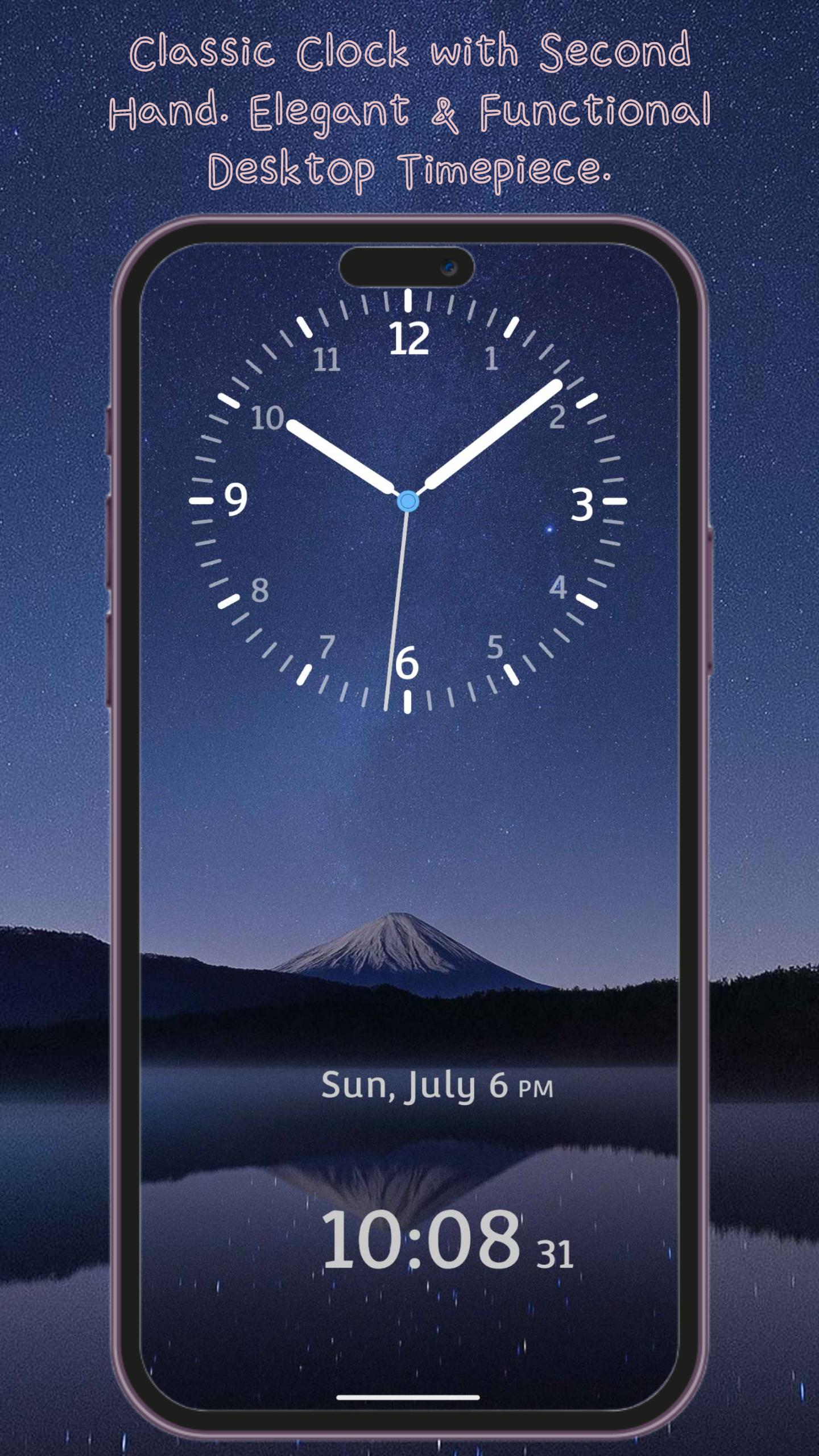
Classic Clock – Elegant & Functional Desktop Timepiece
Bring the charm of a traditional clock to your phone with Classic Clock. With smooth, realistic ticking hands and a timeless design, this app turns your device into a stylish desktop clock. Perfect for your office desk, nightstand, or as a meeting timer — it's more than just a clock; it's a statement of style.
Practical Features, Designed for Daily Use
• Dual Time Display – See both analog and digital clocks at a glance
• Landscape & Portrait Modes – Fully optimized for any screen orientation
• 12/24-Hour Format – Easily switch between formats based on your preference
• Adjustable Hand Styles – Choose from different hour and minute hand designs for a customized look
Make It Yours – Personalization Options
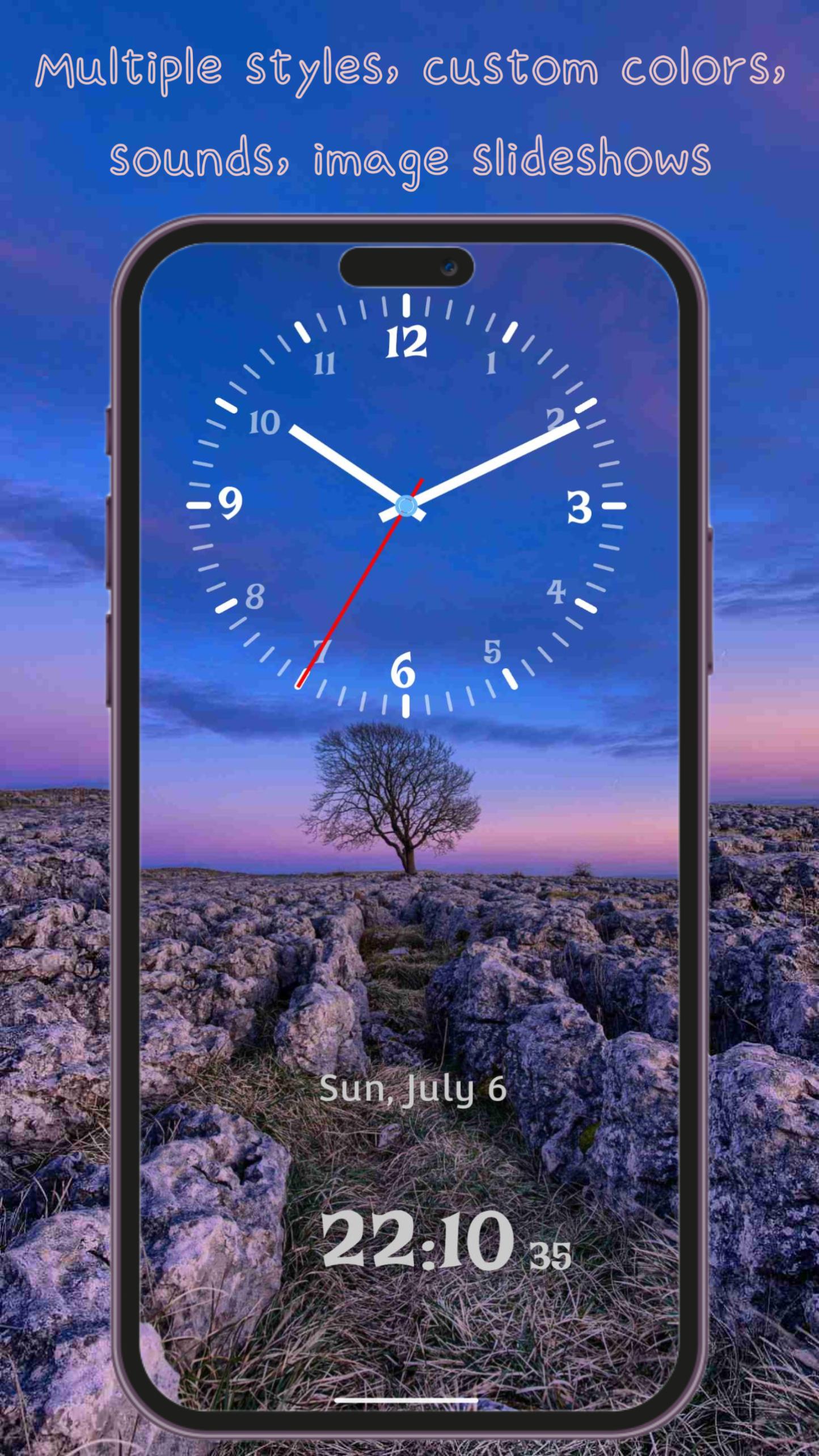
• Multiple Hand Styles – From classic simplicity to modern elegance, pick the design that suits your style
• Custom Clock Fonts – A wide selection of font styles, from traditional to contemporary
• Custom Colors – Independently adjust the color of the clock face, hour hand, minute hand, and second hand
• Dynamic & Static Backgrounds – Choose from beautiful animated scenes, solid colors, or image slideshows
• Clock Shadow Option – Enable realistic shadow effects for added depth and dimension
Immersive Experience
• Background Sounds – Choose from 14 ambient sounds including ticking, nature, birdsong, rain, and more
• Clean & Simple Interface – Easy to use with intuitive controls and no unnecessary clutter
• Home Screen Widget – View the time right from your home screen without opening the app
Classic Clock isn't just a time tool — it’s a beautiful blend of design and function.
Download now and elevate your space with timeless elegance.
Xem trước
Thẻ
Công cụThông tin
Nhà phát triển
QBee520
Phiên bản mới nhất
1.4.2
Cập nhật mới nhất
2025-08-04
Loại
Công cụ
Có trên
Google Play
Cho xem nhiều hơn
Cách chơi Classic Clock with Second Hand với GameLoop trên PC
1. Tải xuống GameLoop từ trang web chính thức, sau đó chạy tệp exe để cài đặt GameLoop.
2. Mở GameLoop và tìm kiếm “Classic Clock with Second Hand”, tìm Classic Clock with Second Hand trong kết quả tìm kiếm và nhấp vào “Cài đặt”.
3. Thích chơi Classic Clock with Second Hand trên GameLoop.
Minimum requirements
OS
Windows 8.1 64-bit or Windows 10 64-bit
GPU
GTX 1050
CPU
i3-8300
Memory
8GB RAM
Storage
1GB available space
Recommended requirements
OS
Windows 8.1 64-bit or Windows 10 64-bit
GPU
GTX 1050
CPU
i3-9320
Memory
16GB RAM
Storage
1GB available space