Amoled Clock On Display - AOD PC
Bhatrani Apps
Tải xuống Amoled Clock On Display - AOD trên PC với Trình giả lập GameLoop
Amoled Clock On Display - AOD trên PC
Amoled Clock On Display - AOD, đến từ nhà phát triển Bhatrani Apps, đang chạy trên hệ điều hành Android trong quá khứ.
Giờ đây, bạn có thể chơi Amoled Clock On Display - AOD trên PC với GameLoop một cách mượt mà.
Tải xuống nó trong thư viện GameLoop hoặc kết quả tìm kiếm. Không còn để ý đến pin hoặc các cuộc gọi bực bội vào sai thời điểm nữa.
Chỉ cần thưởng thức Amoled Clock On Display - AOD PC trên màn hình lớn miễn phí!
Amoled Clock On Display - AOD Giới thiệu
To show digital clock always on display we use AMOLED feature of smart phone. This super amoled feature is called ambient display or active display. Always on display (AOD) keep a limited portion of the screen on during sleep mode.
Super amoled lock screen clock widget does not drain battery because, always on display clock on screen just turns on those pixels LED required to show text, image or graphics while other pixels turned off.
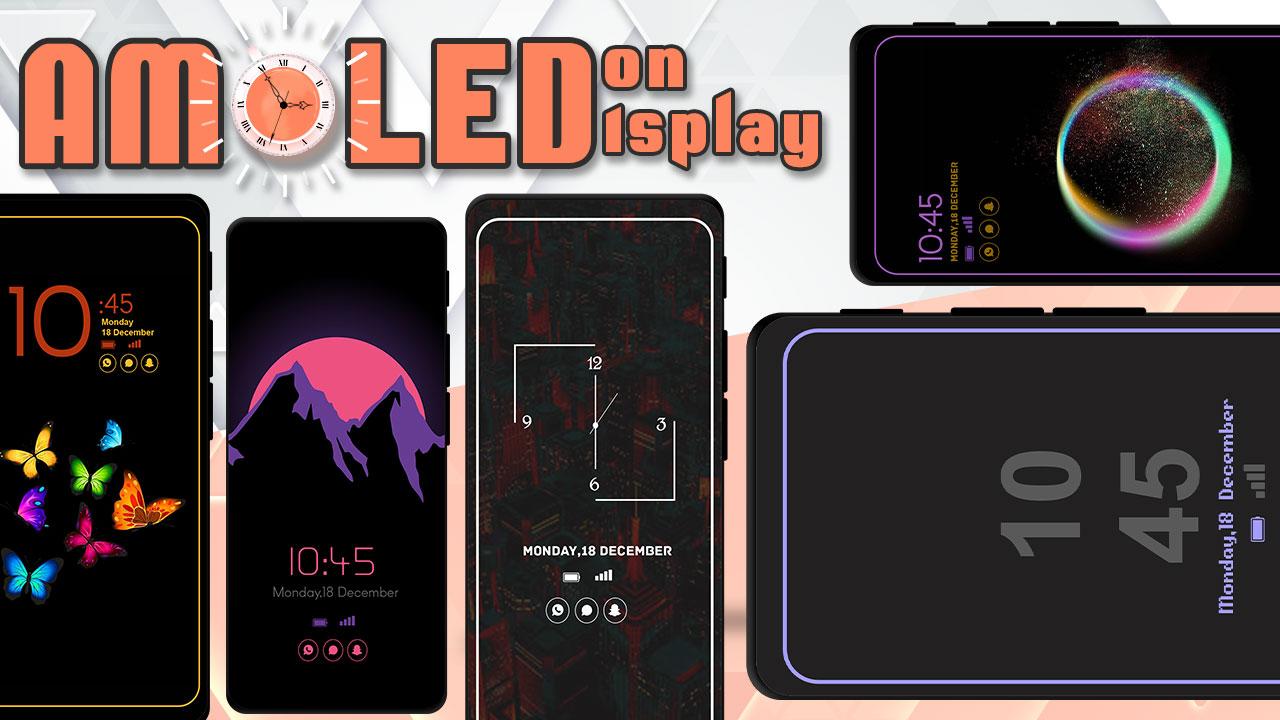
It will display the Amoled Clock on your mobile screens with the Digital clock AMOLED Display, Analog clock AMOLED Display, Calendar clock, Emoji clock, Picture Display clock, Funny clock, with notifications, and Time at your screen without having to touch the phone.
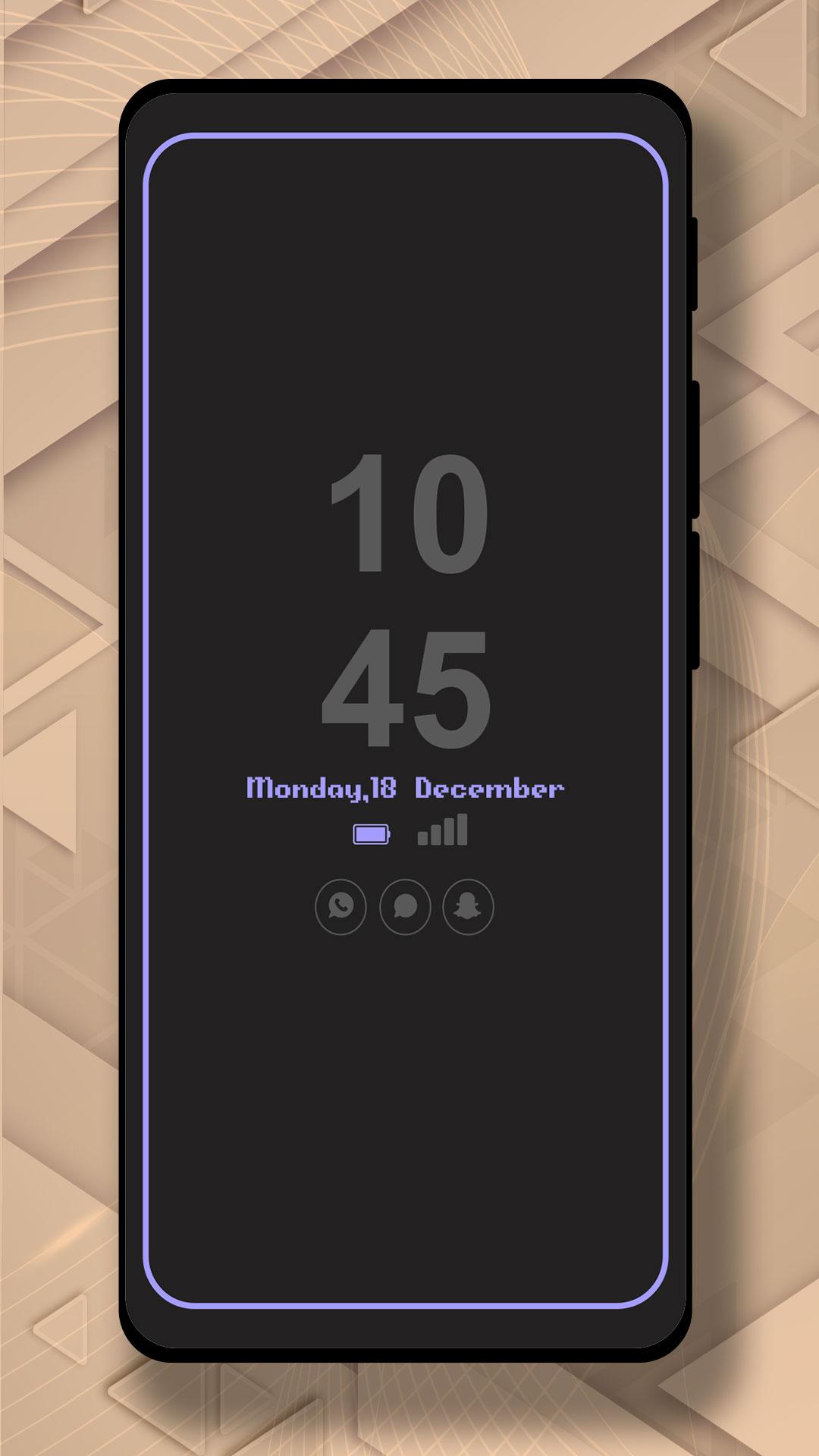
Now, screen time or digital clock is right in front of your eyes. The app provides you information about the date, time, notifications, and more. You won't even have to touch your phone screen to get all of the information as mentioned above. The Always on Display app is developed to show basic information on the black screen.
Settings:-
* Collection of Awesome digital clock and analog clocks
* Amazing UI/UX design and very easy to use
* Show battery level and less battery consumption
* Highly in-demand of these days Always On Display Screen
* Enable/Disable showing notifications
* Stunning Black Backgrounds
* Change clock style there a vast variety of styles of clocks like Analog and Digital Formates
* Social Media Notifications
* Always on Display - AOD
* Variety of AMOLED Clock styles always on display
* Can be used as a night clock
Xem trước
Thẻ
Công cụThông tin
Nhà phát triển
Bhatrani Apps
Phiên bản mới nhất
5.0.0
Cập nhật mới nhất
2022-08-20
Loại
Công cụ
Có trên
Google Play
Cho xem nhiều hơn
Cách chơi Amoled Clock On Display - AOD với GameLoop trên PC
1. Tải xuống GameLoop từ trang web chính thức, sau đó chạy tệp exe để cài đặt GameLoop.
2. Mở GameLoop và tìm kiếm “Amoled Clock On Display - AOD”, tìm Amoled Clock On Display - AOD trong kết quả tìm kiếm và nhấp vào “Cài đặt”.
3. Thích chơi Amoled Clock On Display - AOD trên GameLoop.
Minimum requirements
OS
Windows 8.1 64-bit or Windows 10 64-bit
GPU
GTX 1050
CPU
i3-8300
Memory
8GB RAM
Storage
1GB available space
Recommended requirements
OS
Windows 8.1 64-bit or Windows 10 64-bit
GPU
GTX 1050
CPU
i3-9320
Memory
16GB RAM
Storage
1GB available space