Stickers for Signal PC
Galaxy AppStudio
Tải xuống Stickers for Signal trên PC với Trình giả lập GameLoop
Stickers for Signal trên PC
Stickers for Signal, đến từ nhà phát triển Galaxy AppStudio, đang chạy trên hệ điều hành Android trong quá khứ.
Giờ đây, bạn có thể chơi Stickers for Signal trên PC với GameLoop một cách mượt mà.
Tải xuống nó trong thư viện GameLoop hoặc kết quả tìm kiếm. Không còn để ý đến pin hoặc các cuộc gọi bực bội vào sai thời điểm nữa.
Chỉ cần thưởng thức Stickers for Signal PC trên màn hình lớn miễn phí!
Stickers for Signal Giới thiệu
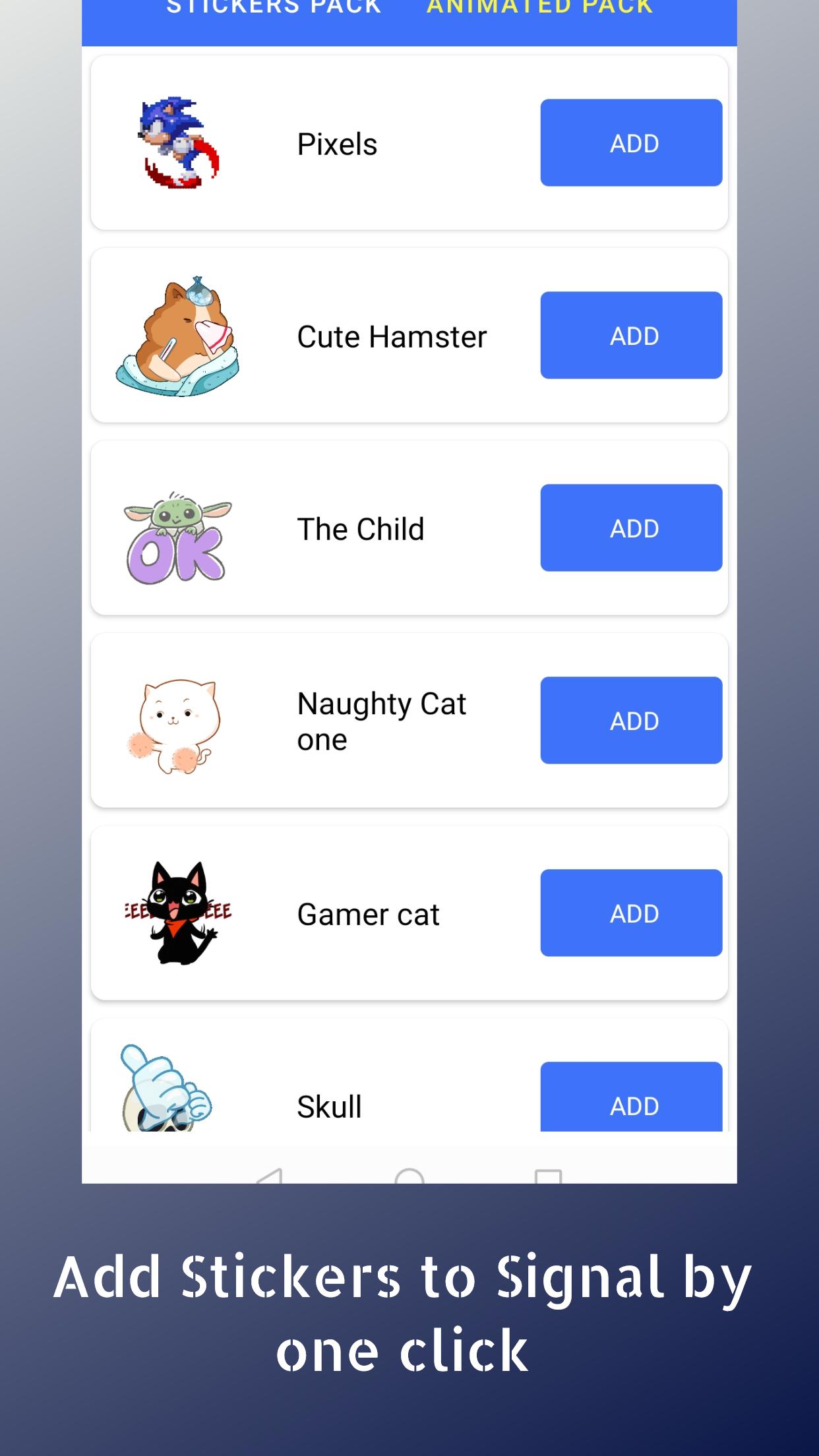
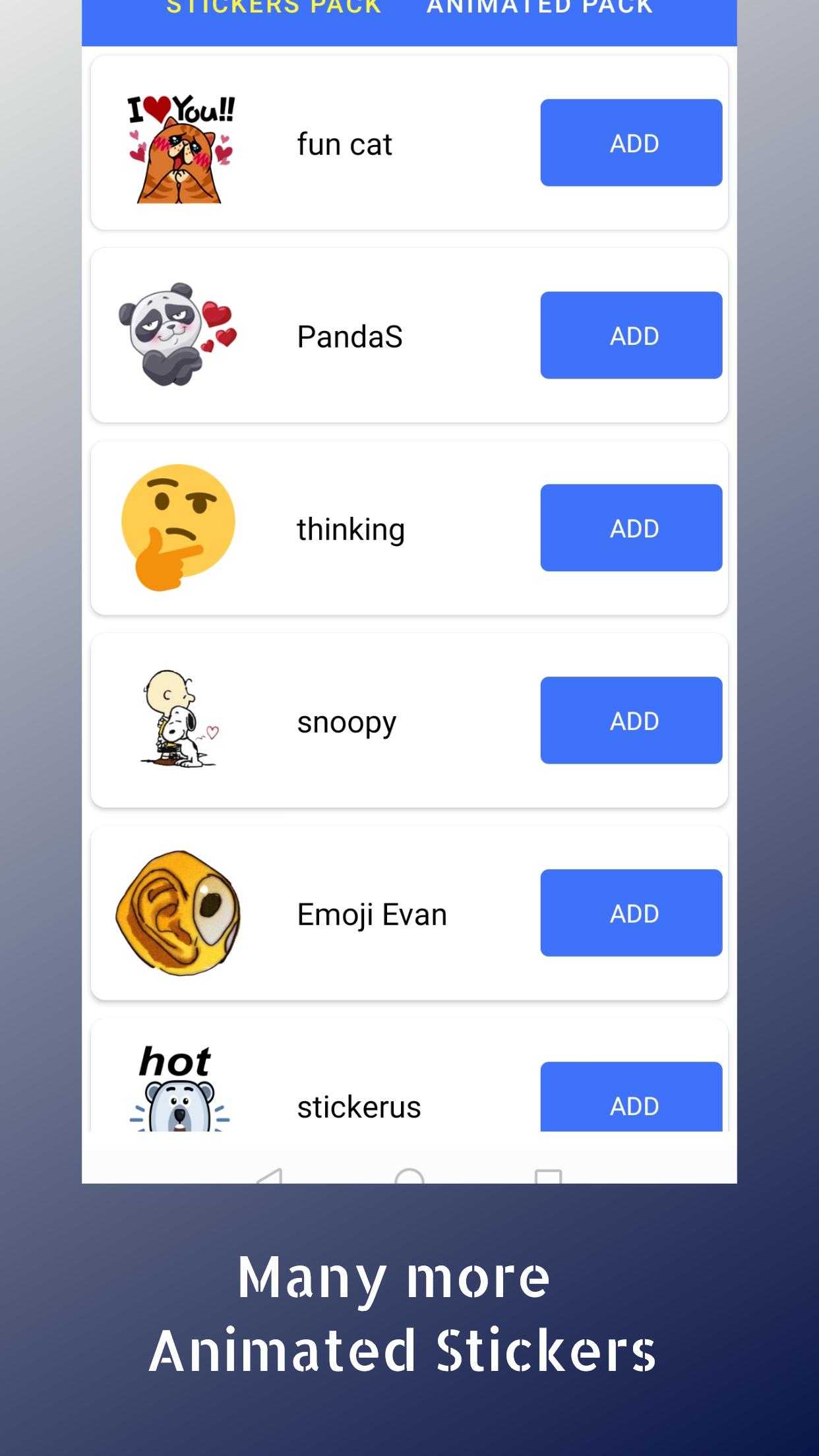
Sticker Store for Signal hosts the best collection of Signal stickers. just one app and get all stickers for Signal Chat
How to use this app:
- Install and open app
- Tap on 'any stickers pack'
- Tap on 'ADD STICKERS'
- Open Signal app and go to a chat screen
- Tap on the Emoji button
- You will see a new sticker icon at bottom
- Tap on it, and you can now use this sticker pack.
New stickers for Signal are added frequently .Download stickers for Signal easily from this app Sticker Store.
Not working properly? Please update your Signal version from Play Store. On some phones, stickers might disappear after you add them. To fix this, please disable battery optimization for this app from battery settings.
Disclaimer: This application is not associated with Signal Inc. in any way and is developed and maintained by a third party.
Thank you for trying out this app Start downloading free Signal stickers every day.
Xem trước
Thẻ
Xã hộiThông tin
Nhà phát triển
Galaxy AppStudio
Phiên bản mới nhất
1.2
Cập nhật mới nhất
2021-04-29
Loại
Xã hội
Có trên
Google Play
Cho xem nhiều hơn
Cách chơi Stickers for Signal với GameLoop trên PC
1. Tải xuống GameLoop từ trang web chính thức, sau đó chạy tệp exe để cài đặt GameLoop.
2. Mở GameLoop và tìm kiếm “Stickers for Signal”, tìm Stickers for Signal trong kết quả tìm kiếm và nhấp vào “Cài đặt”.
3. Thích chơi Stickers for Signal trên GameLoop.
Minimum requirements
OS
Windows 8.1 64-bit or Windows 10 64-bit
GPU
GTX 1050
CPU
i3-8300
Memory
8GB RAM
Storage
1GB available space
Recommended requirements
OS
Windows 8.1 64-bit or Windows 10 64-bit
GPU
GTX 1050
CPU
i3-9320
Memory
16GB RAM
Storage
1GB available space