
Proton Pass: Password Manager PC
Proton AG
Tải xuống Proton Pass: Password Manager trên PC với Trình giả lập GameLoop
Proton Pass: Password Manager trên PC
Proton Pass: Password Manager, đến từ nhà phát triển Proton AG, đang chạy trên hệ điều hành Android trong quá khứ.
Giờ đây, bạn có thể chơi Proton Pass: Password Manager trên PC với GameLoop một cách mượt mà.
Tải xuống nó trong thư viện GameLoop hoặc kết quả tìm kiếm. Không còn để ý đến pin hoặc các cuộc gọi bực bội vào sai thời điểm nữa.
Chỉ cần thưởng thức Proton Pass: Password Manager PC trên màn hình lớn miễn phí!
Proton Pass: Password Manager Giới thiệu
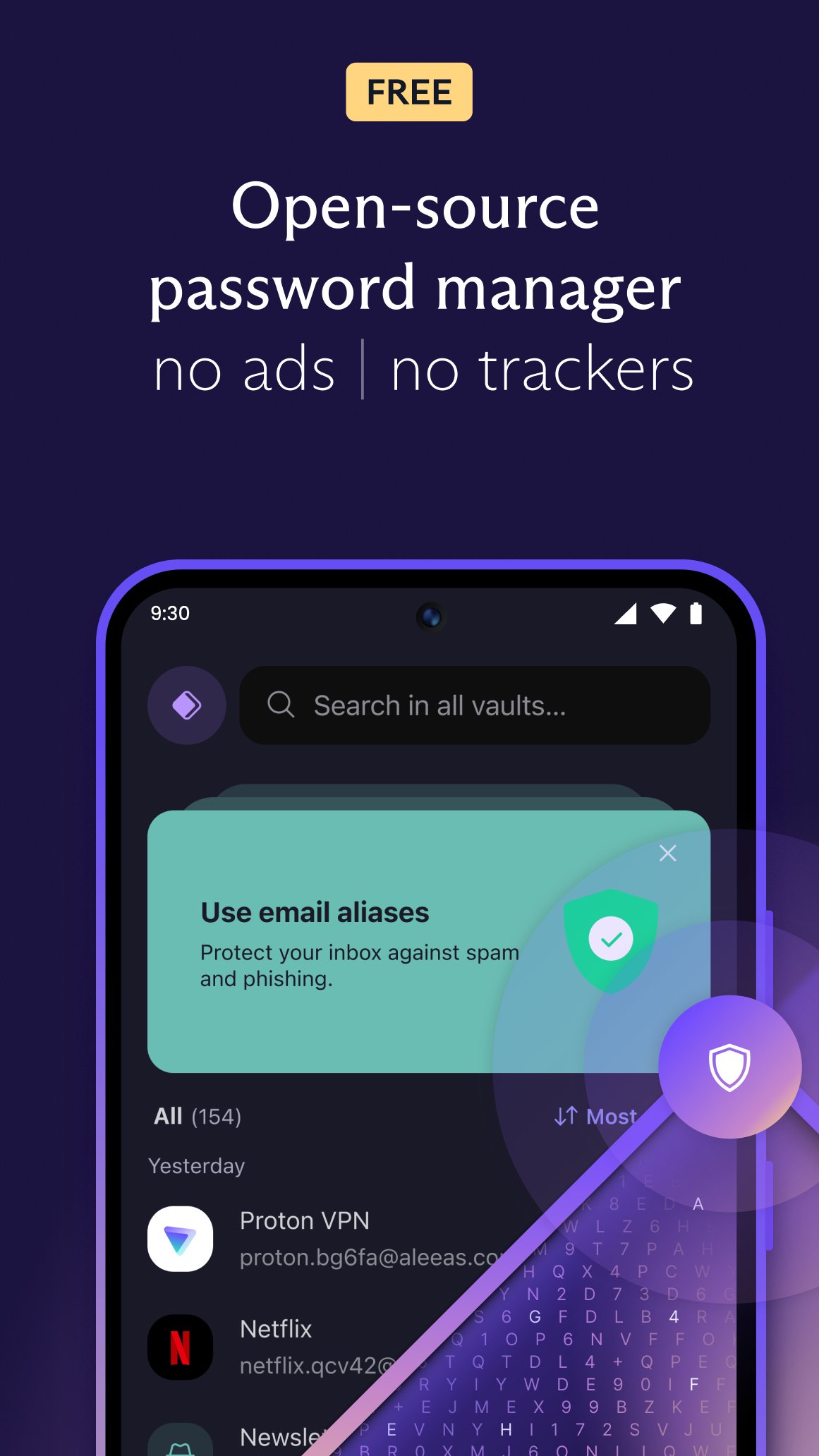
Proton Pass là trình quản lý mật khẩu được mã hóa và bảo mật, được xây dựng bởi các nhà khoa học đứng sau Proton Mail - dịch vụ email được mã hóa lớn nhất thế giới. Là một trình quản lý mật khẩu miễn phí được bảo vệ bởi luật bảo mật của Thụy Sĩ và hoàn toàn là mã nguồn mở, Proton Pass giữ mọi thông tin đăng nhập, thông tin xác thực và ghi chú được khóa bằng mã hóa đầu cuối mà chỉ bạn mới có thể mở khóa.
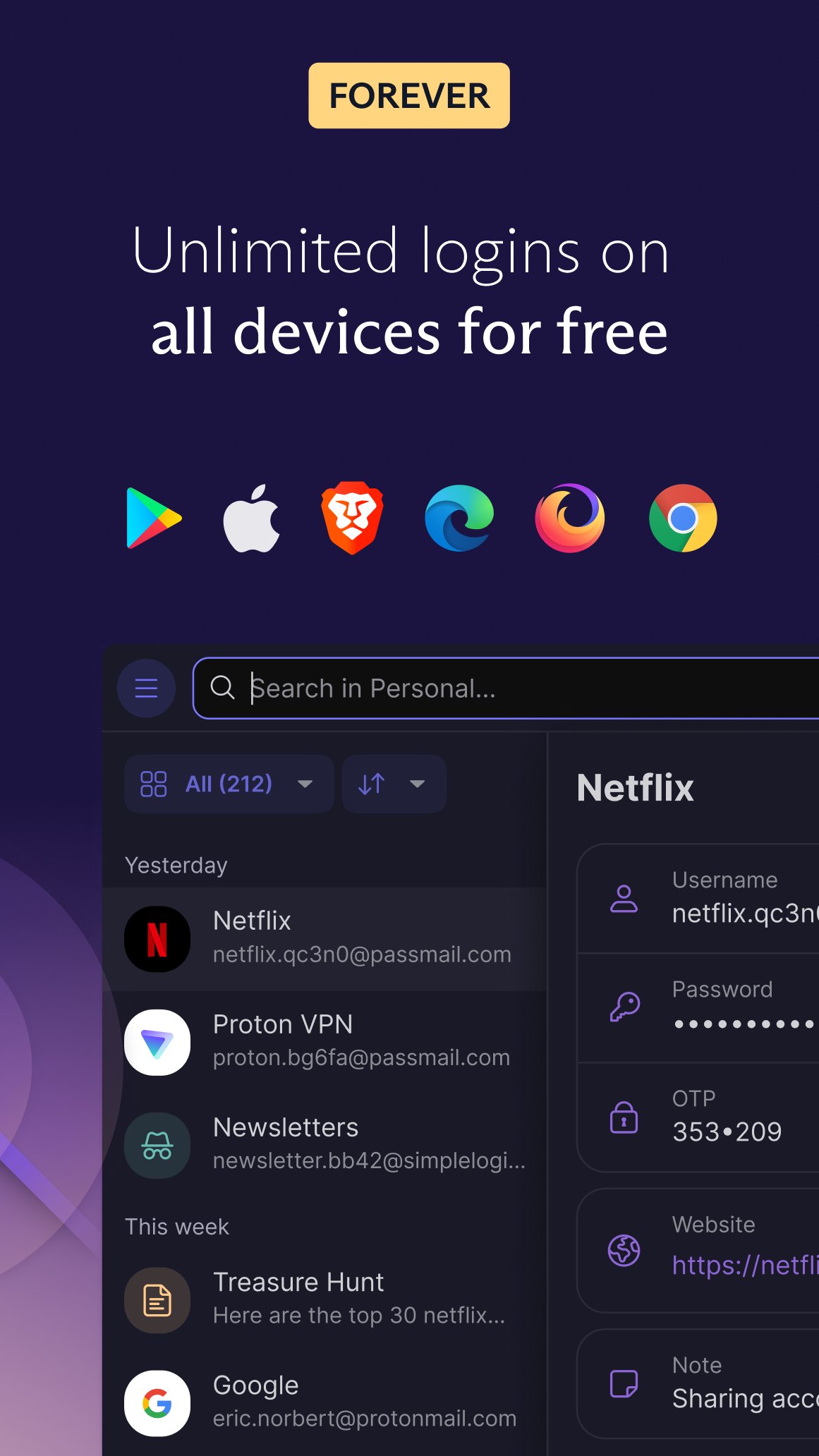
Proton Pass là một trình quản lý thông tin xác thực hoàn chỉnh, mã hóa mọi thứ trong kho mật khẩu của bạn: tạo và lưu trữ mật khẩu, tự động điền thông tin đăng nhập, tạo mã xác thực hai yếu tố (2FA), tạo bí danh email, bảo mật ghi chú của bạn, và hơn thế nữa. Sử dụng nó như trình quản lý thông tin đăng nhập và trình sắp xếp mật khẩu của bạn trên không giới hạn thiết bị, không quảng cáo và không thu thập dữ liệu, miễn phí mãi mãi.
Bảo vệ nhiều hơn một kho mật khẩu
Tham gia cùng hơn 100 triệu người trong hệ sinh thái bảo mật đáng tin cậy của Proton cùng với Proton Mail, Proton Drive và Proton Calendar.
ZDNET:“Trình quản lý mật khẩu miễn phí tốt nhất cho quyền riêng tư. Proton Pass là một trình quản lý mật khẩu được thiết kế tốt và có tính bảo mật cao với một số tính năng độc đáo.”
• Bí danh ẩn email — bảo vệ địa chỉ email thật của bạn khỏi bị tiết lộ hoặc rò rỉ
• Kho mật khẩu được mã hóa đầu cuối — tất cả siêu dữ liệu đăng nhập được bảo vệ (bao gồm tên người dùng, địa chỉ trang web, v.v.), không chỉ mật khẩu của bạn
• Mã nguồn mở và được kiểm toán độc lập — không quảng cáo, không thu thập dữ liệu
LƯU TRỮ VÀ ĐỒNG BỘ HÓA THÔNG TIN ĐĂNG NHẬP KHÔNG GIỚI HẠN
Lưu và tự động đồng bộ hóa thông tin đăng nhập của bạn trên không giới hạn thiết bị. Bạn có thể tạo, lưu trữ và sắp xếp mật khẩu từ bất cứ đâu với tiện ích mở rộng trình duyệt và ứng dụng của chúng tôi dành cho Android và iPhone/iPad.
TỰ ĐỘNG ĐIỀN MẬT KHẨU NGAY LẬP TỨC
Proton Pass tự động điền cho phép bạn đăng nhập chỉ với một lần chạm — không cần sao chép và dán nữa. Dễ dàng và an toàn điền vào bất kỳ biểu mẫu đăng nhập nào, trên bất kỳ trang web nào.
TẠO MẬT KHẨU AN TOÀN
Trình tạo mật khẩu tích hợp tạo ra các mật khẩu mạnh, độc đáo, ngẫu nhiên dựa trên các yêu cầu bảo mật của mỗi trang web. Ngừng sử dụng lại các mật khẩu yếu và để trình quản lý mật khẩu của bạn xử lý phần khó khăn.
XÁC THỰC HAI YẾU TỐ TÍCH HỢP
Lưu trữ và tự động điền mã xác thực hai yếu tố trực tiếp từ trình quản lý mật khẩu an toàn của bạn. Giúp xác thực hai yếu tố nhanh chóng, tiện lợi và được mã hóa hoàn toàn.
ẨN BÍ DANH EMAIL
Tạo bí danh email để bảo vệ địa chỉ email thật của bạn khỏi thư rác, trình theo dõi và rò rỉ dữ liệu. Giữ kín danh tính của bạn mà không mất bất kỳ tin nhắn nào.
GHI CHÚ AN TOÀN ĐƯỢC MÃ HÓA
Lưu ghi chú riêng tư trong kho mật khẩu của bạn và truy cập chúng một cách an toàn trên tất cả các thiết bị của bạn.
MỞ KHÓA SINH TRẮC HỌC
Bạn có thể thêm một lớp bảo vệ bổ sung cho trình quản lý mật khẩu của mình bằng cách sử dụng dấu vân tay hoặc khuôn mặt để mở khóa ứng dụng.
TRUY CẬP NGOẠI TUYẾN
Kho mật khẩu của bạn có sẵn ở bất cứ đâu — ngay cả khi không có kết nối internet.
TỔ CHỨC VÀ CHIA SẺ MẬT KHẨU DỄ DÀNG
Chia sẻ mật khẩu, thông tin đăng nhập và ghi chú với những người đáng tin cậy bằng cách sử dụng kho được mã hóa hoàn toàn.
NHẬP TỪ BẤT KỲ TRÌNH QUẢN LÝ MẬT KHẨU NÀO
Chuyển sang Proton Pass chỉ trong vài phút. Nhập trực tiếp từ Bitwarden, 1Password, Dashlane, LastPass, NordPass, Keeper, Google Password Manager và nhiều ứng dụng khác.
KHÓA BẢO MẬT NÂNG CAO
Thêm khóa bảo mật TOTP hoặc U2F/FIDO2 để tăng cường lớp bảo vệ kho mật khẩu ngoài mật khẩu chính của bạn.
Tại sao Proton Pass lại miễn phí mãi mãi?
Chúng tôi cung cấp Pass miễn phí vì mọi người đều xứng đáng được bảo mật và riêng tư trực tuyến. Điều này có thể thực hiện được nhờ cộng đồng người dùng trả phí của chúng tôi. Nếu bạn muốn hỗ trợ công việc của chúng tôi và có quyền truy cập vào các tính năng cao cấp, hãy cân nhắc nâng cấp gói của bạn.
Để biết thêm thông tin, hãy truy cập: https://proton.me/pass
Tìm hiểu thêm về Proton: https://proton.me
Xem trước
Thẻ
Hiệu suất làm việcCờ bảngThông tin
Nhà phát triển
Proton AG
Phiên bản mới nhất
1.40.2
Cập nhật mới nhất
2026-07-09
Loại
Hiệu suất làm việc
Có trên
Google Play
Cho xem nhiều hơn
Cách chơi Proton Pass: Password Manager với GameLoop trên PC
1. Tải xuống GameLoop từ trang web chính thức, sau đó chạy tệp exe để cài đặt GameLoop.
2. Mở GameLoop và tìm kiếm “Proton Pass: Password Manager”, tìm Proton Pass: Password Manager trong kết quả tìm kiếm và nhấp vào “Cài đặt”.
3. Thích chơi Proton Pass: Password Manager trên GameLoop.
Minimum requirements
OS
Windows 8.1 64-bit or Windows 10 64-bit
GPU
GTX 1050
CPU
i3-8300
Memory
8GB RAM
Storage
1GB available space
Recommended requirements
OS
Windows 8.1 64-bit or Windows 10 64-bit
GPU
GTX 1050
CPU
i3-9320
Memory
16GB RAM
Storage
1GB available space