
pCloud: Cloud Storage PC
pCloud LTD
Tải xuống pCloud: Cloud Storage trên PC với Trình giả lập GameLoop
pCloud: Cloud Storage trên PC
pCloud: Cloud Storage, đến từ nhà phát triển pCloud LTD, đang chạy trên hệ điều hành Android trong quá khứ.
Giờ đây, bạn có thể chơi pCloud: Cloud Storage trên PC với GameLoop một cách mượt mà.
Tải xuống nó trong thư viện GameLoop hoặc kết quả tìm kiếm. Không còn để ý đến pin hoặc các cuộc gọi bực bội vào sai thời điểm nữa.
Chỉ cần thưởng thức pCloud: Cloud Storage PC trên màn hình lớn miễn phí!
pCloud: Cloud Storage Giới thiệu
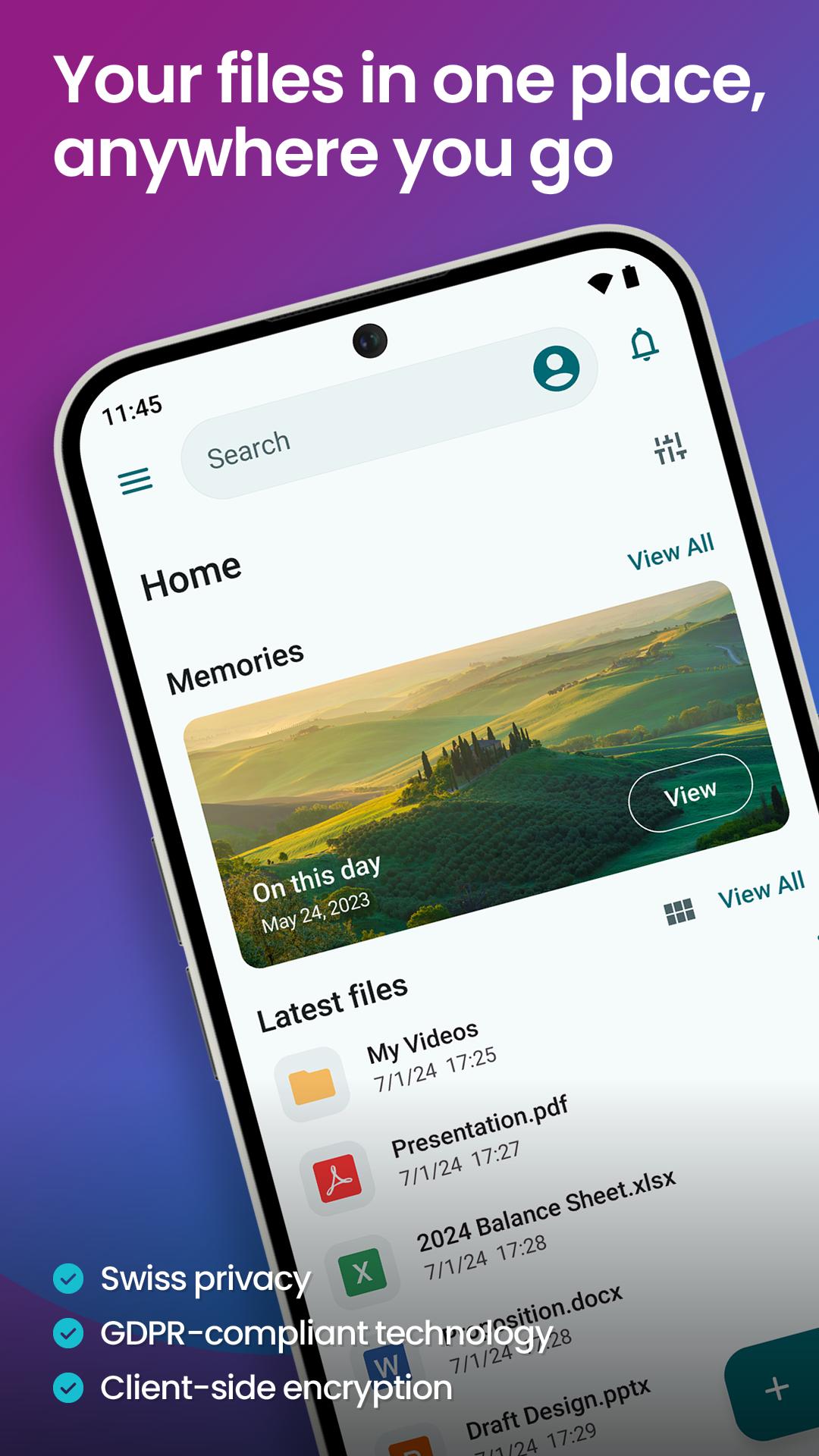
pCloud is the secure place to store, preview and share files, anywhere you go. Start with up to 10 GB free storage.
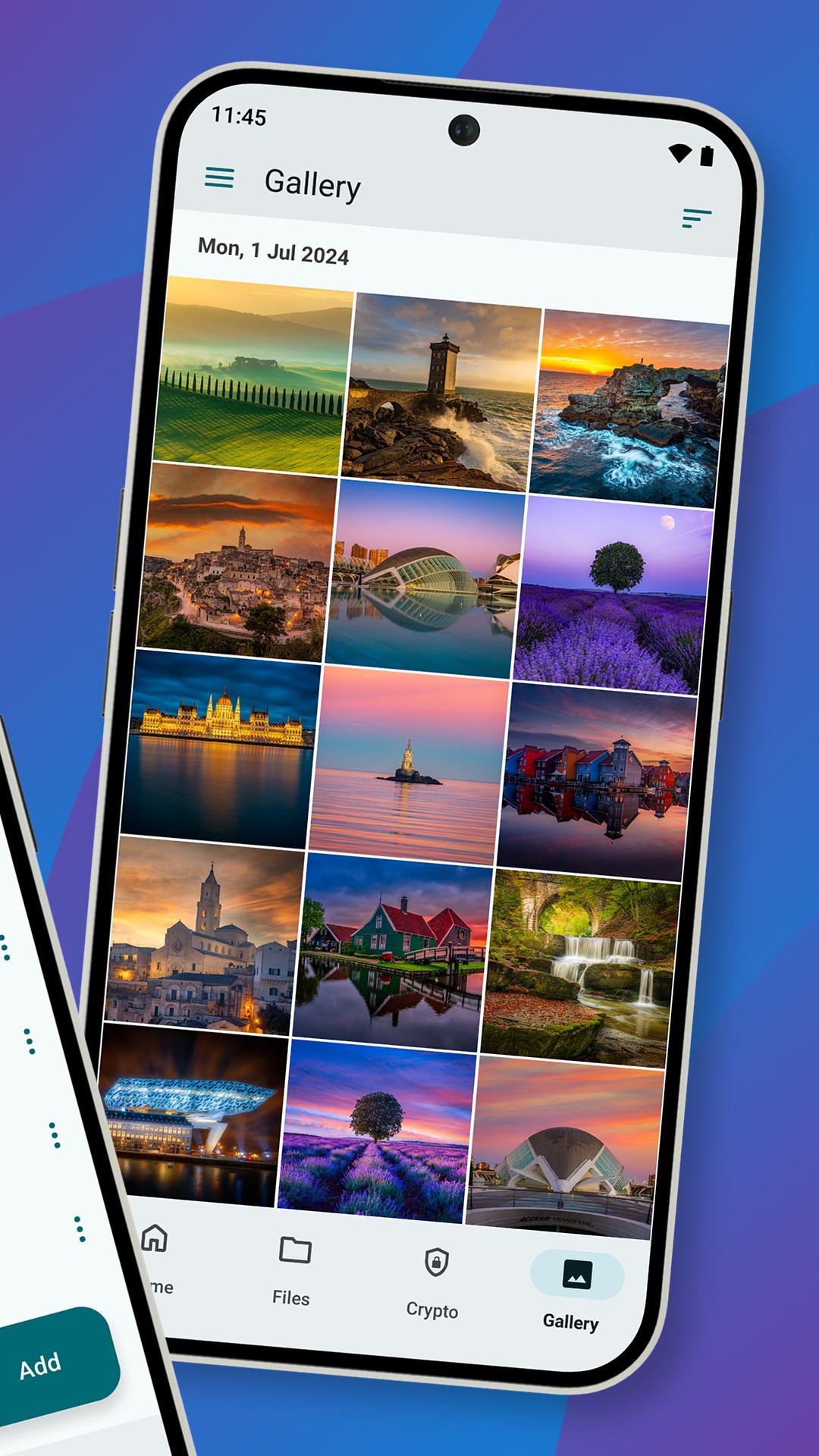
You'll be able to backup photos and videos from your device, play your personal playlists, or preview work-related documents. You'll also be able to share large files with anyone and control access with password protection and expiration dates. From your vacation photos to videos and work documents, pCloud brings all your files together.
• Start with up to 10 GB free. Extend the space on your phone with up to 2 TB
• Choose where to store your files - in the United States or the European Union.
• Scan invoices, reports or receipts with an easy-to-use document scanner.
• Backup photos and videos from your phone with the option Automatic Upload.
• Access and preview files across all your devices.
• Share large files with added security (password protection, expiration date).
• Play your personal music collection with the built-in audio player.
• Get offline access to important files, when you're on the go.
• Encrypt private files with client-side encryption, using pCloud Encryption.
Use pCloud Encryption as the vault for your passwords, financial reports or other sensitive documents. The files you upload to the Crypto folder will be protected with client-side encryption. This means that they will be encrypted before they get uploaded to pCloud. With pCloud's zero-knowledge privacy policy we, as a service provider, will not know what kind of data you store in the Crypto folder.
pCloud is also available for iOS, desktop (Windows, macOS and Linux) and from my.pCloud.com.
Xem trước
Thẻ
Hiệu suất làm việcThông tin
Nhà phát triển
pCloud LTD
Phiên bản mới nhất
4.14.0
Cập nhật mới nhất
2025-10-01
Loại
Hiệu suất làm việc
Có trên
Google Play
Cho xem nhiều hơn
Cách chơi pCloud: Cloud Storage với GameLoop trên PC
1. Tải xuống GameLoop từ trang web chính thức, sau đó chạy tệp exe để cài đặt GameLoop.
2. Mở GameLoop và tìm kiếm “pCloud: Cloud Storage”, tìm pCloud: Cloud Storage trong kết quả tìm kiếm và nhấp vào “Cài đặt”.
3. Thích chơi pCloud: Cloud Storage trên GameLoop.
Minimum requirements
OS
Windows 8.1 64-bit or Windows 10 64-bit
GPU
GTX 1050
CPU
i3-8300
Memory
8GB RAM
Storage
1GB available space
Recommended requirements
OS
Windows 8.1 64-bit or Windows 10 64-bit
GPU
GTX 1050
CPU
i3-9320
Memory
16GB RAM
Storage
1GB available space