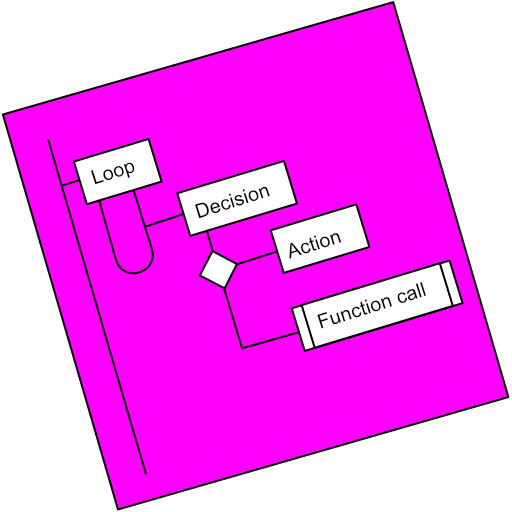
Flowchart Studio PC
Bianca's House
Tải xuống Flowchart Studio trên PC với Trình giả lập GameLoop
Flowchart Studio trên PC
Flowchart Studio, đến từ nhà phát triển Bianca's House, đang chạy trên hệ điều hành Android trong quá khứ.
Giờ đây, bạn có thể chơi Flowchart Studio trên PC với GameLoop một cách mượt mà.
Tải xuống nó trong thư viện GameLoop hoặc kết quả tìm kiếm. Không còn để ý đến pin hoặc các cuộc gọi bực bội vào sai thời điểm nữa.
Chỉ cần thưởng thức Flowchart Studio PC trên màn hình lớn miễn phí!
Flowchart Studio Giới thiệu
Designed for anyone wanting to design a process, or a complex algorithm, such as planning the "edge cases" of a UI.
The Flowchart is reborn with the new simple Standard Notation.
Add and Move steps with drag n drop. For those users who prefer not to drag their fingers across their tablet's screen, the user-interface also works equally well with Point-n-Tap.
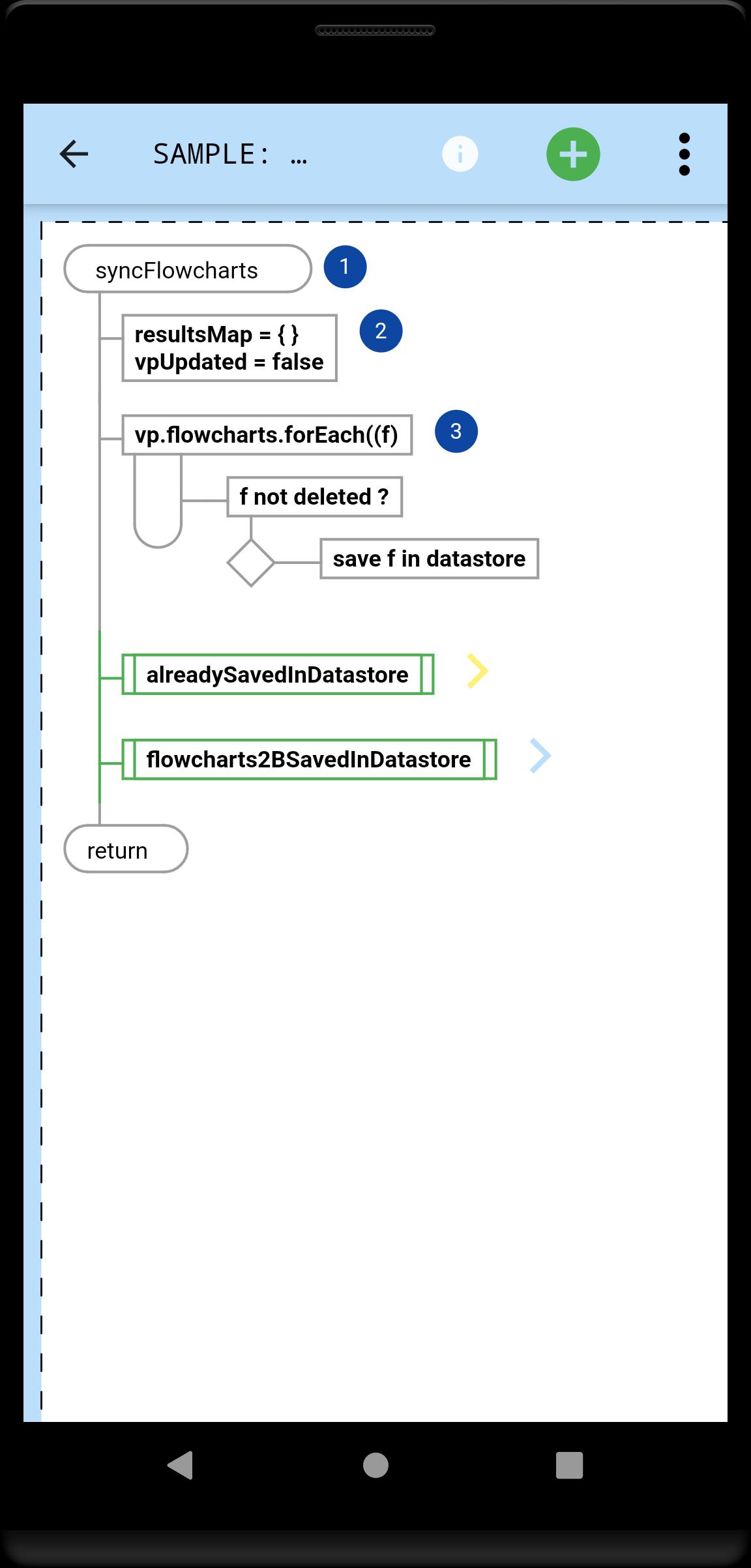
You tell the app which steps, and their order: it draws the perfect flowchart.
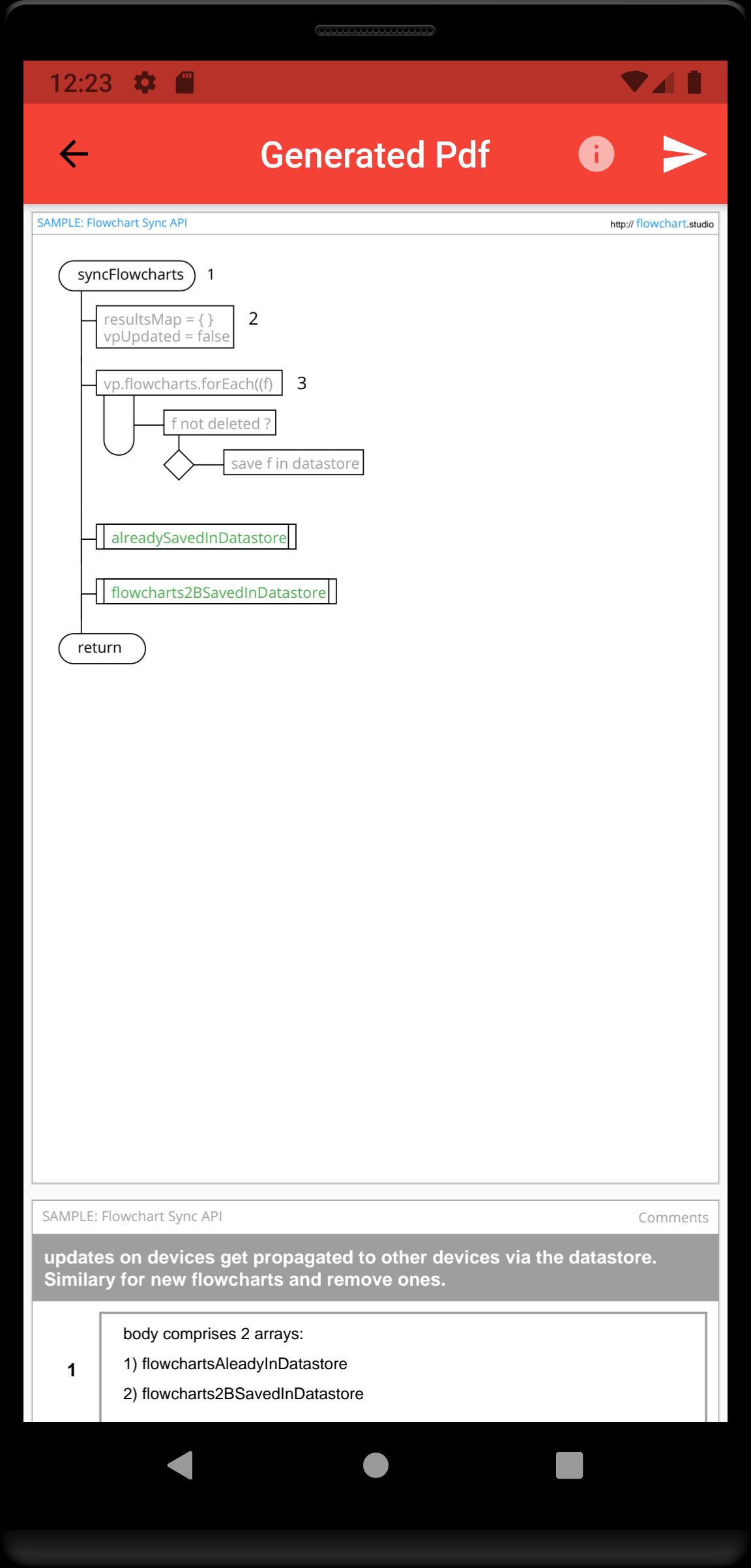
A Flowchart is a tree of Steps. Coders will instantly be familiar with any flowchart, because they now flow just like their code.
A Step is either a Loop, a Decision or an Action (or Async Action for coders).
Flowcharts can be linked (Function Call steps).
Every step can be annotated with Text and an Image.
Your step annotations get collated and added to your generated Pdfs.
Your flowcharts are saved on your device, and can be sync'd to our Cloud, allowing you to access them from all your devices.
Xem trước
Thẻ
Hiệu suất làm việcThông tin
Nhà phát triển
Bianca's House
Phiên bản mới nhất
1.0.0
Cập nhật mới nhất
2022-01-23
Loại
Hiệu suất làm việc
Có trên
Google Play
Cho xem nhiều hơn
Cách chơi Flowchart Studio với GameLoop trên PC
1. Tải xuống GameLoop từ trang web chính thức, sau đó chạy tệp exe để cài đặt GameLoop.
2. Mở GameLoop và tìm kiếm “Flowchart Studio”, tìm Flowchart Studio trong kết quả tìm kiếm và nhấp vào “Cài đặt”.
3. Thích chơi Flowchart Studio trên GameLoop.
Minimum requirements
OS
Windows 8.1 64-bit or Windows 10 64-bit
GPU
GTX 1050
CPU
i3-8300
Memory
8GB RAM
Storage
1GB available space
Recommended requirements
OS
Windows 8.1 64-bit or Windows 10 64-bit
GPU
GTX 1050
CPU
i3-9320
Memory
16GB RAM
Storage
1GB available space